
AI tool
Kai
Kai is an AI executive assistant that triages your inbox, drafts replies, schedules meetings, and turns recorded conversations into summaries and action items. It works across email, calendar, and tasks for solopreneurs, freelancers, and startup f...
About Kai
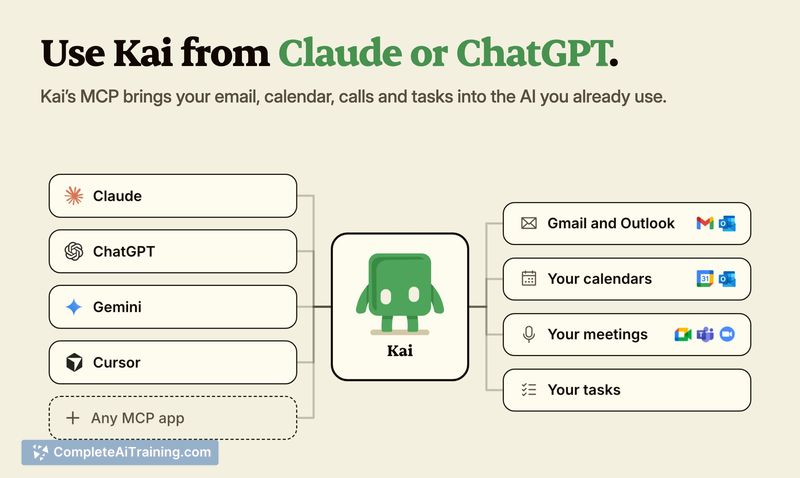
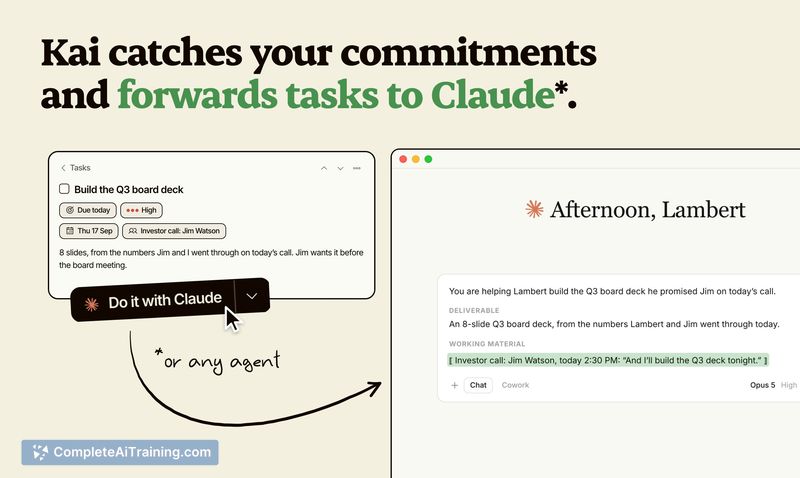
Kai is an AI executive assistant built for solopreneurs, freelancers, and startup founders. It connects to email, calendar, and task workflows to triage inboxes, draft replies, schedule meetings, and transcribe calls. The tool runs background workflows and can hand tasks to Claude or ChatGPT with the context of the originating meeting or email.
Review
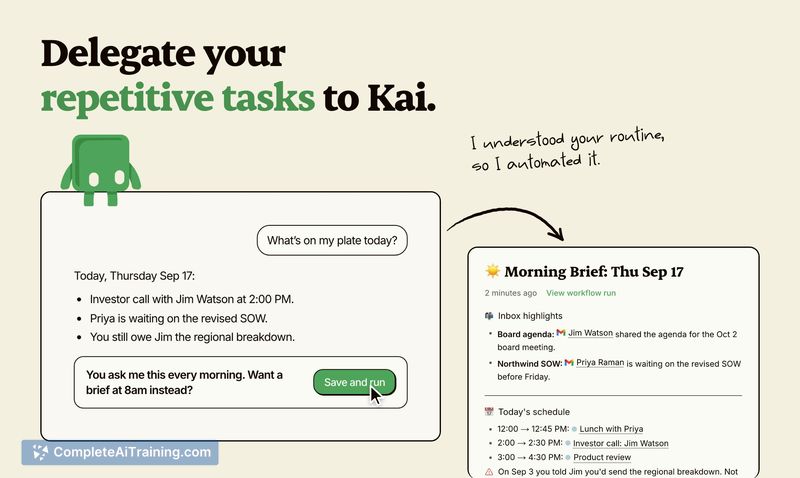
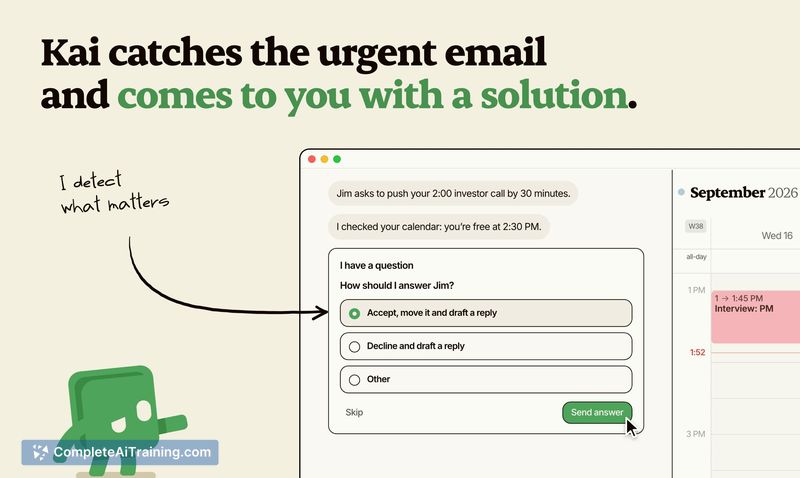

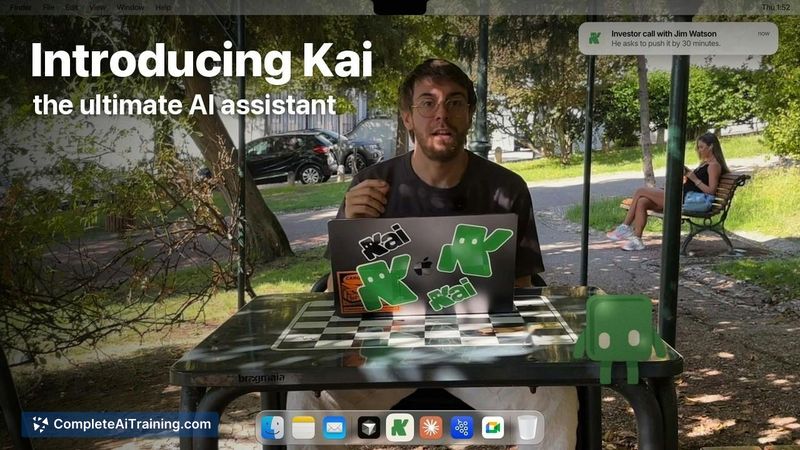
Kai positions itself as an assistant that works across the communication channels where context already lives-your calendar, inbox, and meetings-rather than waiting for you to open a chat window. The interface combines a conversational agent with structured UI elements like one-tap confirmations, which means you don't always need to type to get things done. It's available on Web, desktop (Mac), and mobile (iPhone and Android), with a free trial that gives new users a set of credits to test the service.
Key Features
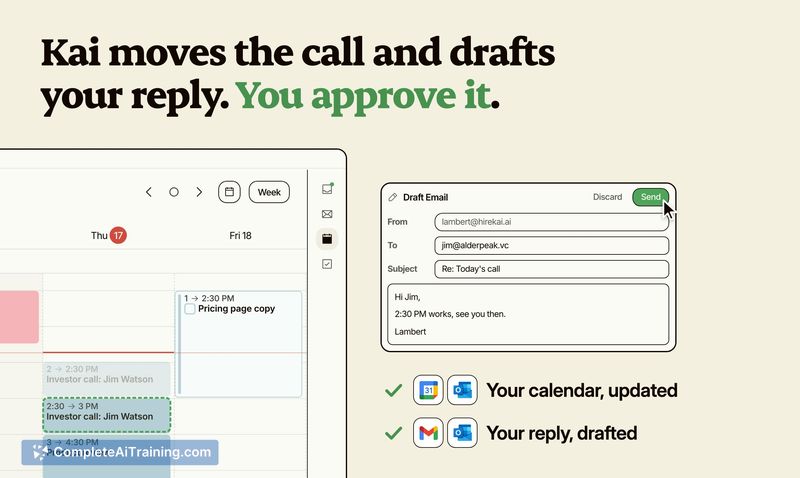
- Inbox triage and reply drafting: Kai surfaces emails that need attention, drafts responses, and waits for you to review and press Send before anything goes out.
- Calendar-aware scheduling: The assistant checks your real availability across connected Google and Outlook calendars and can propose meeting moves or new time slots based on conflicts it detects.
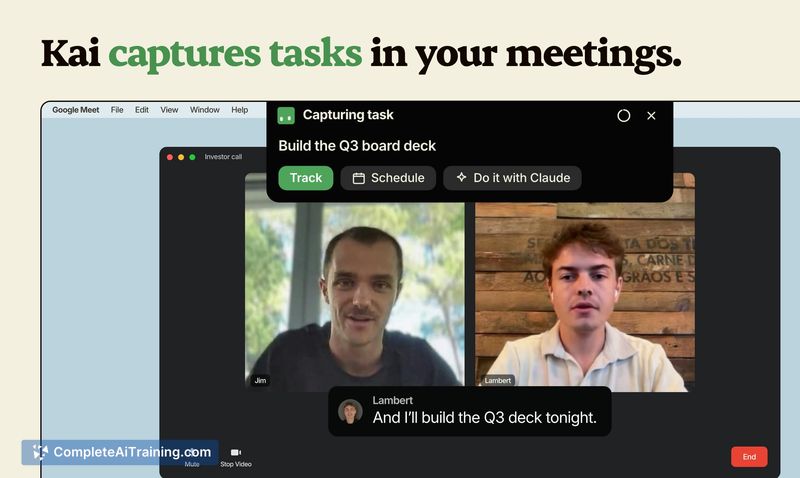
- Meeting recording, transcription, and summarization: Kai captures what was said on a call and turns it into summaries and action items, which appear on your task list.
- Task handoff with context: Action items from meetings or emails can be passed to Claude or ChatGPT along with the context of where they originated, so the external model has the background it needs.
- Routines: Users can set up triggers based on events or tasks-for example, automatically creating a follow-up task a set number of days after a client meeting.
Pricing and Value
Kai is free to start, with trial credits provided upon sign-up. Product Hunt users who signed up during the launch window received double the standard trial credits. The reference content does not define long-term pricing tiers, subscription costs, or what happens after trial credits are exhausted, so the ongoing pricing model remains unclear at this stage.
Pros
- Works across both Google and Outlook accounts, with support for multiple accounts of each type-one beta tester connected 11 accounts.
- Nothing is sent automatically; Kai drafts messages and scheduling changes, but you approve and send everything.
- Available on four platforms at launch: Web, Mac, iPhone, and Android.
- Combines a conversational agent with structured UI elements, so you can tap a button instead of typing when that's faster.
- Routines allow automated task creation triggered by calendar events, reducing manual follow-up work.
Cons
- Not well suited for users who need a native Windows app-note-taking and transcription in Microsoft Teams currently lack a direct workaround on Windows.
- The iPhone app is still in beta, so mobile users on iOS may encounter unfinished functionality.
- Long-term pricing is not yet defined, making it difficult to evaluate cost against alternatives for ongoing use.
Kai fits best with solopreneurs and founders who spend significant time switching between email, calendar, and meetings and want those three channels to feed into a single assistant. It's also practical for people juggling personal and professional accounts who need one place to check everything without building their own integrations. Teams that rely heavily on Microsoft Teams on Windows, or anyone who needs clear pricing before committing, should test carefully against their actual workflows before depending on it.



