About Keiki
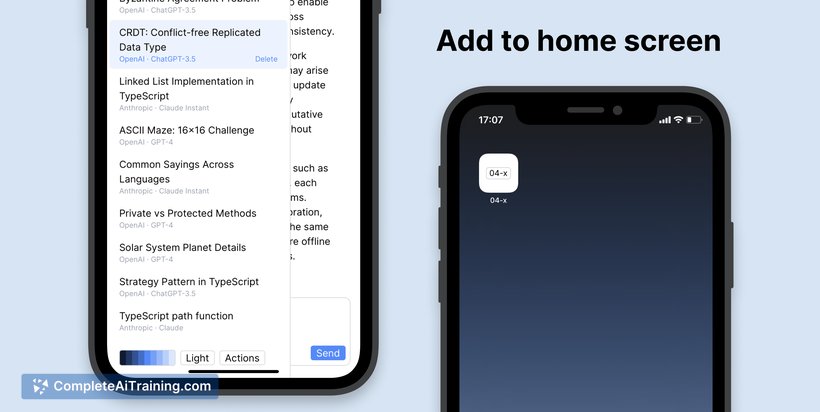
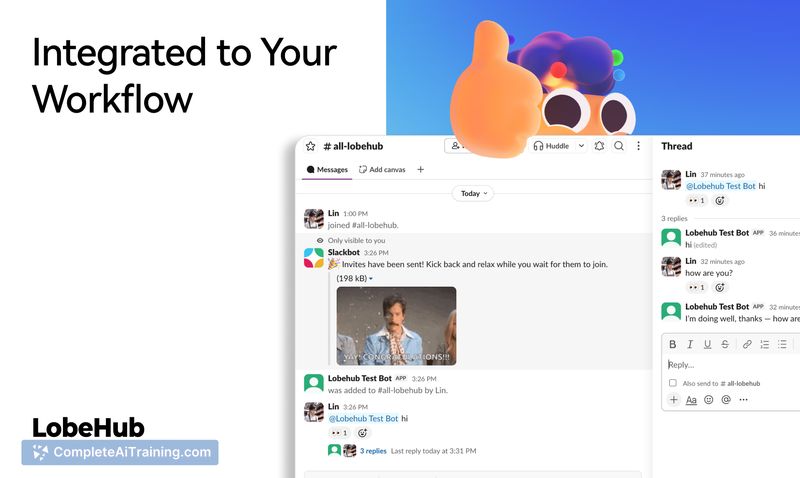
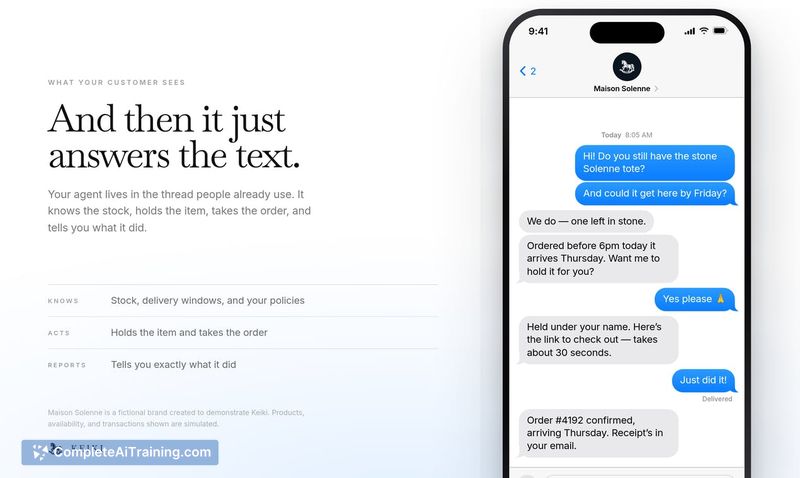
Keiki is a platform for building one customer-facing AI agent and launching it across multiple messaging channels, including SMS, iMessage, WhatsApp, Slack, Telegram, and email. The agent can be configured with knowledge, memory, voice, tools, and boundaries so it can answer questions, use business systems, complete work, and hand off to a human when needed. Keiki runs the shared infrastructure behind every channel and provides a single place to inspect conversations, approve sensitive actions, and improve the agent over time.
Review
Keiki launched this week on Product Hunt, built by the team behind Orchid. The platform emerged from a year of work on Orchid, during which the makers realized they had built two things: the assistant itself and the underlying platform required to make it work. Keiki is that platform, now available to other teams.
Key Features
- Define one agent with knowledge, memory, voice, tools, and boundaries, then deploy it across iMessage, SMS, WhatsApp, Slack, Telegram, and email without rebuilding it per channel.
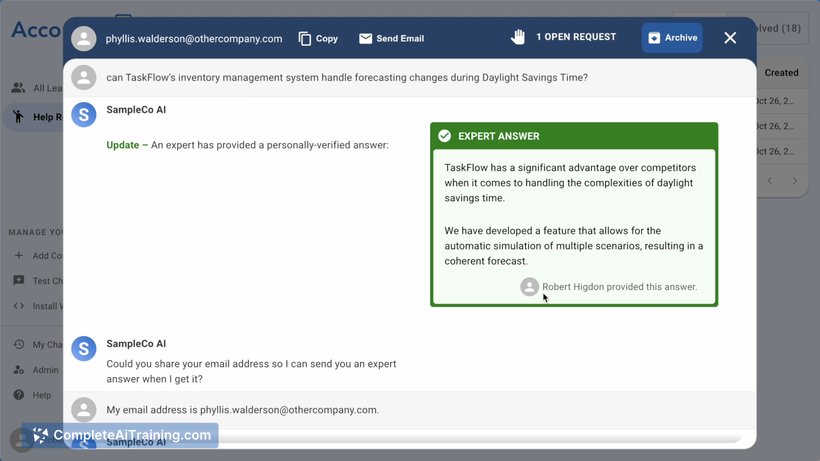
- Agents can search connected knowledge, browse the web, call business tools, complete workflows, request approval before sensitive actions, and hand conversations to a person.
- Every conversation and agent run is inspectable, with a single interface for reviewing interactions and improving the agent over time.
- Build agents visually or define the same agent in code. Keiki can run the agent for you, or teams can run it on their own infrastructure.
- Runs on OpenRouter Model Fusion, which runs many models side by side and fuses the best answer.
Pricing and Value
Keiki lists a free option on its Product Hunt page. Specific pricing tiers or usage-based costs are not yet defined in the available reference content. The platform integrates with Stripe for usage pricing management, but no concrete pricing details beyond the free option have been published.
Pros
- Single agent definition carries across six channels, so teams don't maintain separate bots per platform.
- Approval workflows let agents request permission before executing sensitive actions.
- Visual and code-based building paths accommodate different team skill sets.
- Self-hosting is possible for teams that need to run the agent on their own infrastructure.
- Conversation inspection and agent run logs give teams a way to audit what the agent did and why.
Cons
- Pricing beyond the free option is not yet defined, which makes budgeting difficult for teams evaluating the platform.
- The product launched this week, so there is limited public track record or third-party feedback to assess reliability at scale.
- Teams looking for a simple chatbot with no tool execution or approval workflows may find the platform's scope larger than what they need.
Keiki fits teams that want a single customer-facing agent deployed across several messaging channels and need controls like approval gates, conversation inspection, and human handoff. It's also relevant for developers who want to define agents in code and either run them on Keiki's infrastructure or their own. Teams that only need a basic Q&A bot on one channel, or that require clear pricing before committing, may want to evaluate other options or wait for pricing details to be published.
Open 'Keiki' Website
Your membership also unlocks: