AI tool
Kim Personal Health Assistant
Kim Personal Health Assistant turns sleep, workouts, heart rate, HRV and recovery data into simple conversations and personal experiments, so you can ask why you're tired, if supplements help, or how habits affect you.
About Kim Personal Health Assistant
Kim Personal Health Assistant is an intelligence layer for Apple Health that turns biometric data into simple conversations and personal experiments. It connects sleep, workouts, heart rate, HRV, activity, and recovery with user-entered context like mood, food, supplements, and habits to help surface patterns.
Review
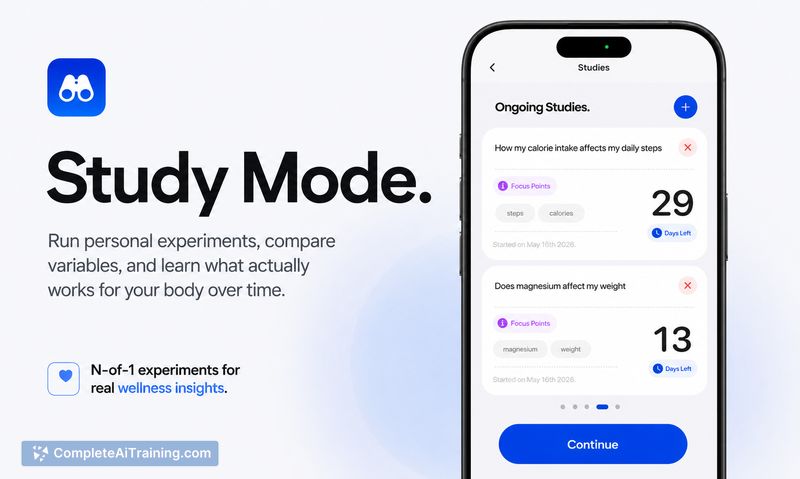
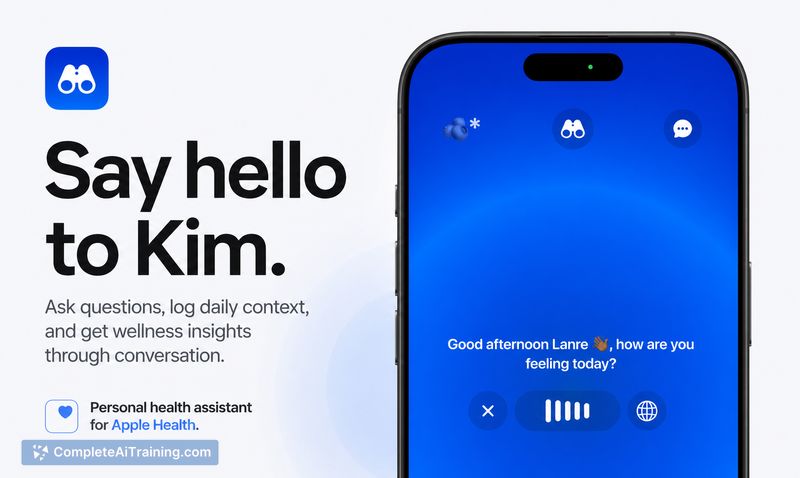
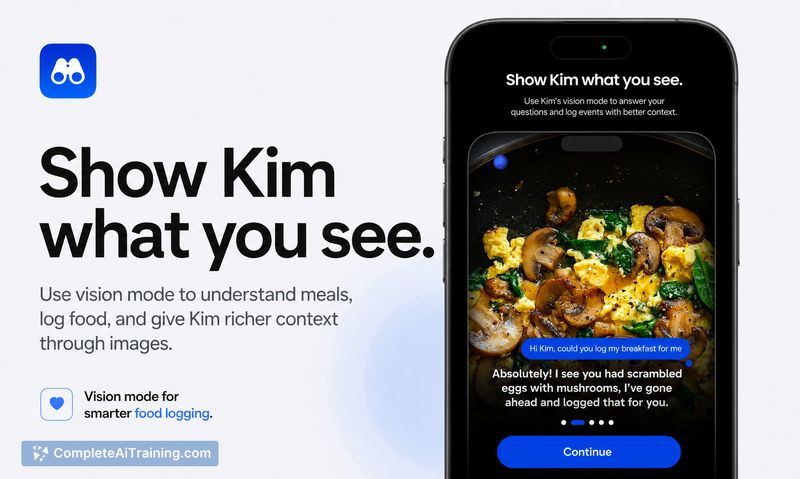
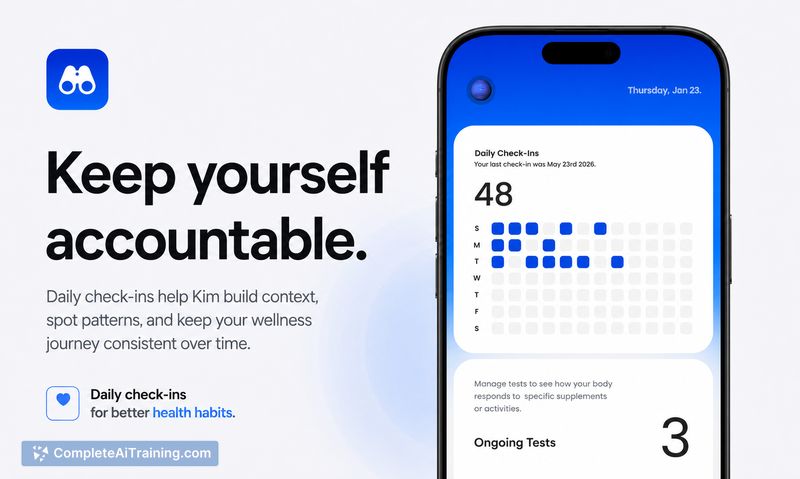
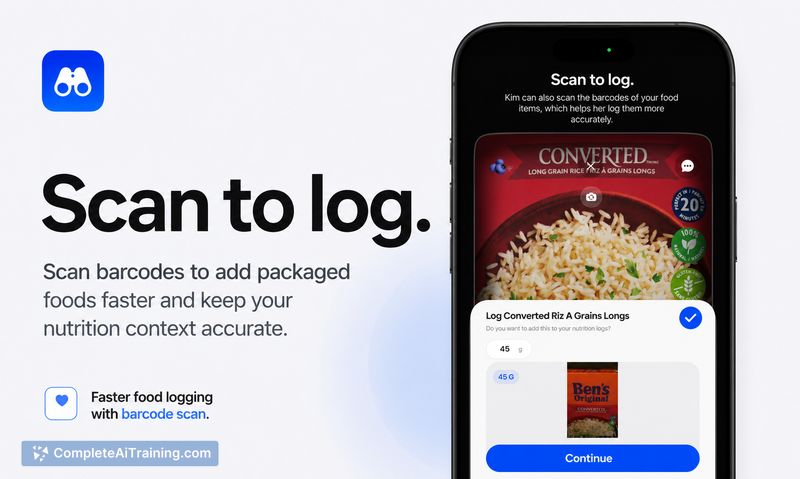
Kim aims to reduce dashboard noise by translating passive health metrics into plain-language explanations and testable experiments. The app becomes more personalized as you add more data and supports a conversational interface for asking questions such as why you feel tired or whether a supplement is affecting sleep.
Key Features
- Direct integration with Apple Health to pull sleep, workouts, heart rate, HRV, activity, and recovery data.
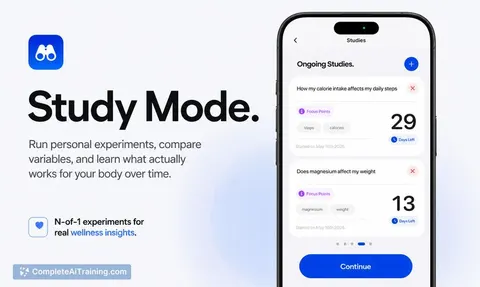
- Conversational insights that explain trends and suggest simple personal experiments to test effects.
- Context logging for mood, energy, food, supplements, and habits to add subjective information to sensor data.
- Pattern detection that highlights correlations across biometric and logged data as more information is provided.
Pricing and Value
Kim is available for free and can be downloaded from the App Store. Its main value proposition is turning disparate Apple Health signals into actionable, easy-to-read feedback and small experiments, which is useful for people who collect a lot of wearable data but want clearer, context-aware explanations without digging through multiple dashboards.
Pros
- Smooth Apple Health integration makes setup straightforward for iPhone users with wearables.
- Combines objective sensor data with subjective logs (mood, food, supplements) for richer context.
- Conversational interface makes insights approachable and actionable through experiments.
- Free to start, lowering the barrier to try it alongside existing health apps.
Cons
- Currently limited to Apple Health / iOS users; no cross-platform support described.
- File or screenshot uploads (e.g., medical papers) are not supported yet, limiting some data sources.
- Early UI issues have been reported (for example, scroll behavior in expanded reading cards).
Kim is best suited for iPhone users who already collect wearable data and want clearer, context-aware explanations without sifting through raw dashboards. It's a good fit for people interested in experimenting with lifestyle changes based on their own data, but it should not be used as a substitute for professional medical advice.
Alternatives to Kim Personal Health Assistant
Other tools that do the same main job. Our AI compared Kim Personal Health Assistant with similar tools and kept the ones you could use instead.