AI tool
Kiwi
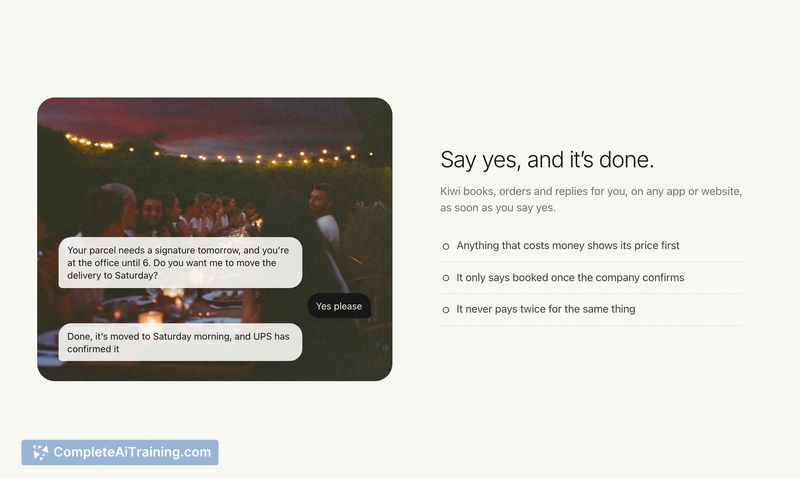
Kiwi is an assistant that texts you proactively when tasks need handling, then books flights, taxis, or reschedules deliveries after you reply. It is for people who want to reduce screen time while staying on top of their daily plans.
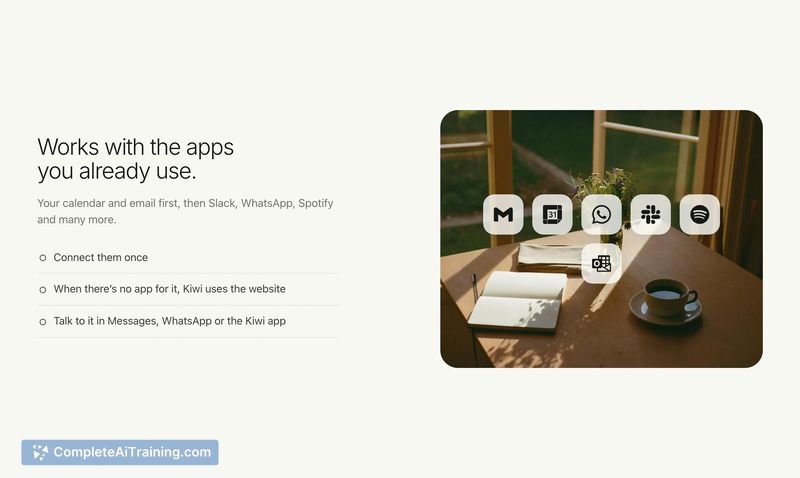
About Kiwi
Kiwi is a proactive AI assistant that communicates through iMessage or WhatsApp. Rather than waiting for a user prompt, it monitors calendar events, trips, bills, and contacts to send timely text messages when action is needed. The tool can then complete tasks on apps and websites when the user replies "yes."
Review
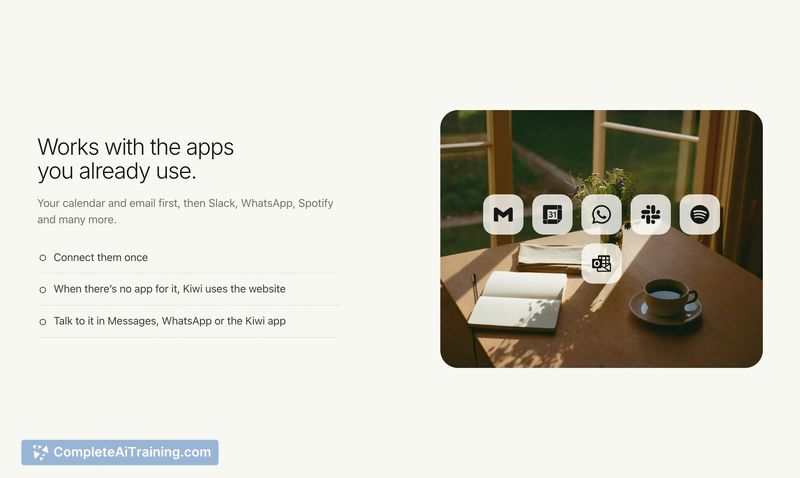
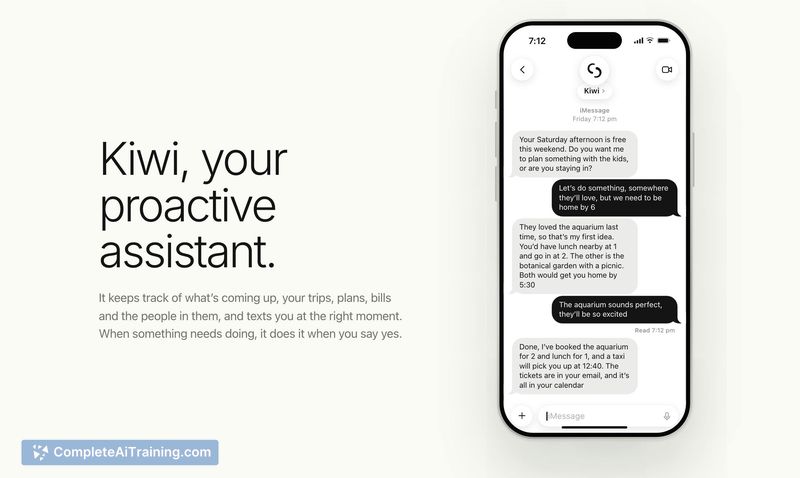
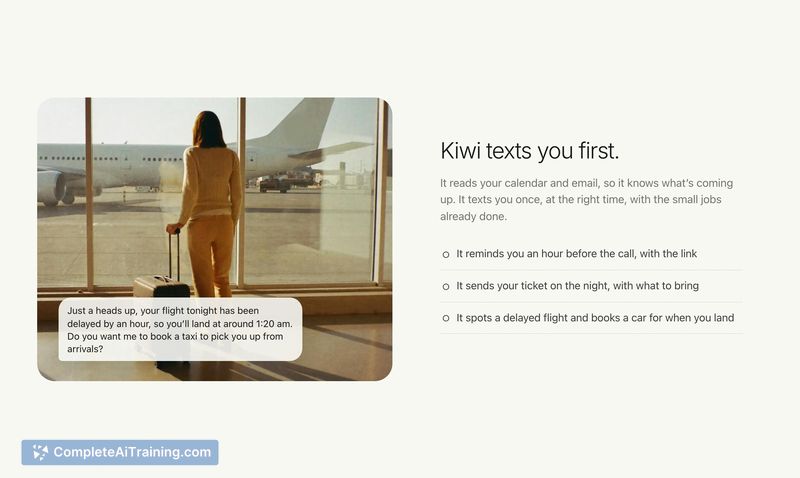
Kiwi takes a different approach from most AI assistants by initiating contact instead of waiting for a command. It's currently in a free pilot phase, which means the service is still being tested and refined. The assistant handles tasks like rescheduling deliveries, booking airport transfers after flight delays, and planning weekend activities-all through a messaging interface.
Key Features
- Proactive text notifications for flight delays, parcel deliveries, and calendar gaps, sent via iMessage or WhatsApp without the user opening an app
- Task execution across apps and websites triggered by a simple "yes" reply, including booking taxis, rescheduling deliveries, and making reservations
- Daily morning brief summarizing upcoming events and surfacing actionable items before the day starts
- Learning capability that adapts suggestions over time based on user preferences and past responses
- Quiet hours and preference controls set by texting the assistant directly, such as "don't send me anything before 10 on weekends" or "stop suggesting restaurants"
Pricing and Value
Kiwi is free during its current pilot phase. The maker has not announced pricing for the full release. The assistant always displays the price of a booking before confirming it, and according to the product page, it never stores or transmits credit card numbers or exposes passwords to AI systems.
Pros
- Reduces screen time by handling logistics through text replies instead of requiring users to navigate multiple apps
- Integrates with both personal and work calendars and email, providing meeting briefs and flagging emails that need responses
- Distinguishes between urgent notifications (flight delays) and optional suggestions (weekend plans), sending only what's relevant
- Remembers user preferences through natural language instructions without disabling other alert categories
- Confirms bookings only after the service provider issues a confirmation, not prematurely
Cons
- Some websites present CAPTCHA challenges that the assistant cannot bypass, which the maker acknowledges as a current limitation
- Enterprise email integration is inconsistent-some company IT settings block connection or require administrator approval
- The tool is not well suited for users who prefer to maintain full manual control over booking decisions and don't want an assistant initiating transactions on their behalf
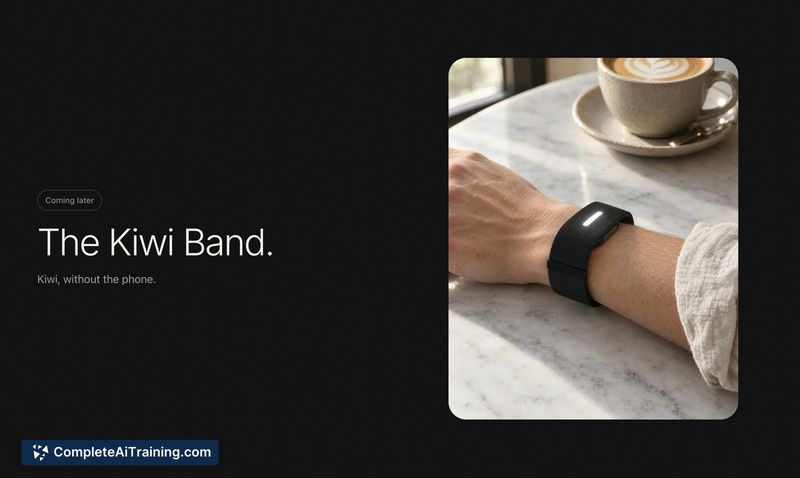
A planned hardware component called the Kiwi Band-a screenless wristband that buzzes for alerts and accepts tap or voice responses-was mentioned on the product page but is not yet available. Smart home device integration is also not currently supported, though the maker has expressed interest in user feedback on that front. Kiwi fits best for busy professionals and parents who want to offload routine logistics like rescheduling deliveries or booking ground transport, and who are comfortable with an assistant that learns their preferences and acts on them through a messaging thread.