About Kodo
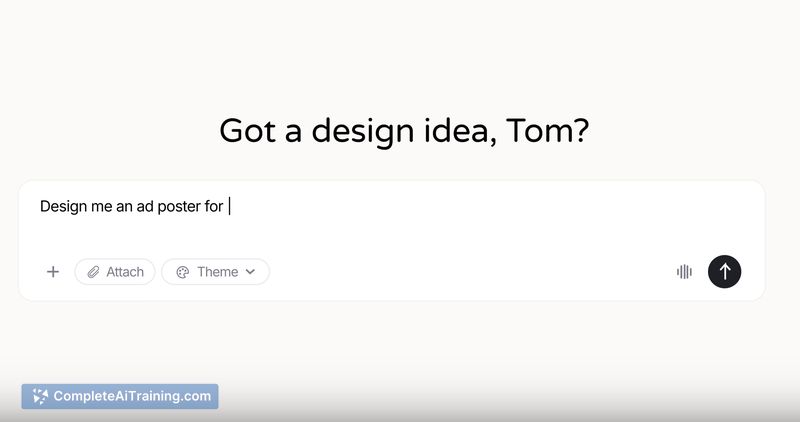
Kodo is an AI design tool that generates fully editable posters, slides, menus, and social graphics from a simple text prompt. Instead of returning flat images, it produces structured, layered designs so text, colors, layout and spacing can be edited directly and exported quickly.
Review
Kodo's main appeal is that it creates editable design files rather than static images, which can save substantial time for people who need ready-to-edit assets. The interface feels familiar and includes features like a brand kit and the ability to draw a region on the canvas and instruct the AI where to make changes, making iteration straightforward during the early launch phase.
Key Features
- Generates structured, layered designs (editable text, colors, spacing, and layout).
- Region-based editing: draw on the canvas to direct targeted changes.
- Brand kit support that can be toggled on so generated assets follow brand rules.
- Quick generate → refine → export workflow with immediate autosave of edits.
- No locked templates-outputs are meant to be modified and re-exported.
Pricing and Value
Kodo is available with a free plan at launch, which lowers the barrier to trying the core features. For users who need team collaboration, extended exports, or advanced brand controls, paid tiers are likely to appear as the product matures; the core value lies in producing editable, reusable design files much faster than building them from scratch.
Pros
- Creates editable, layered files rather than flat images, which fits real design workflows.
- Brand kit and region-targeted edits help maintain consistency and speed up iterations.
- Simple prompt-to-export flow reduces the number of manual tweaks after generation.
- Autosave of edits as coordinates helps keep layouts stable when content changes.
Cons
- Early-stage product: some layouts or element designs can feel generic and may need manual refinement.
- Feature set and integrations are still growing; teams with deep existing toolchains may find gaps.
- Occasional UI placement choices could be improved based on user feedback (for example, element panels).
Overall, Kodo is a good fit for designers, product teams, marketers, and small businesses that need editable marketing assets fast and want to avoid reworking static exports. It makes the most sense for projects where quick iteration and brand consistency matter more than highly custom, pixel-level image editing.
Open 'Kodo' Website
Your membership also unlocks: