AI tool
Kokonut UI
Kokonut UI is a free, MIT-licensed library of over 100 React components built for coding agents. Developers connect it through MCP in Claude Code, Cursor, VS Code, or Codex to let their AI agent find, install, and edit components directly in a rep...
About Kokonut UI
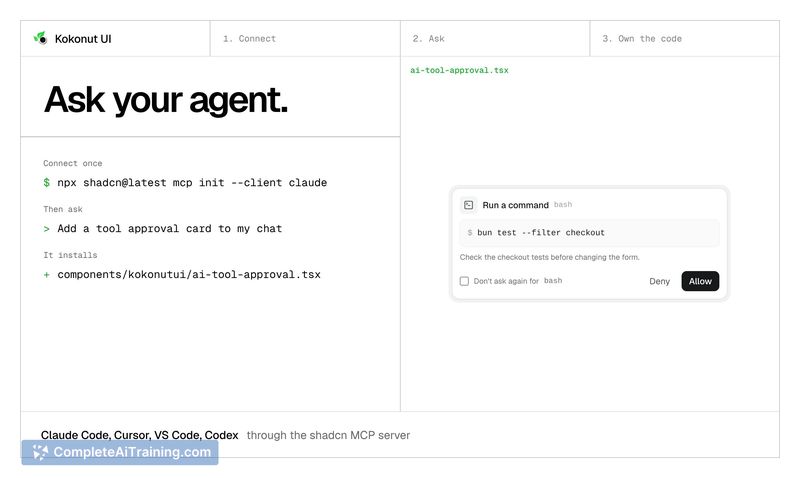
Kokonut UI is a free, MIT-licensed library of 100+ React components built specifically for coding agents. It connects through the Model Context Protocol (MCP) in tools like Claude Code, Cursor, VS Code, or Codex, allowing an agent to search, install, and edit components directly in a project's repository. The library includes AI chat parts such as tool calls, diff review, and inline citations, alongside app flows and a media category.
Review
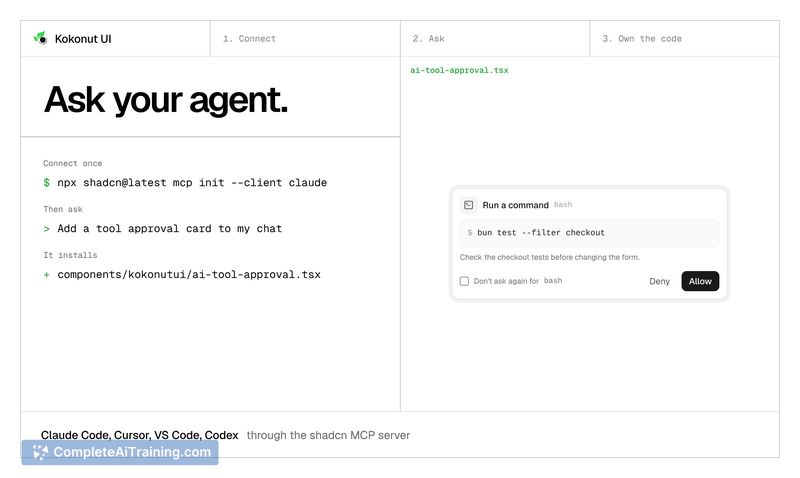
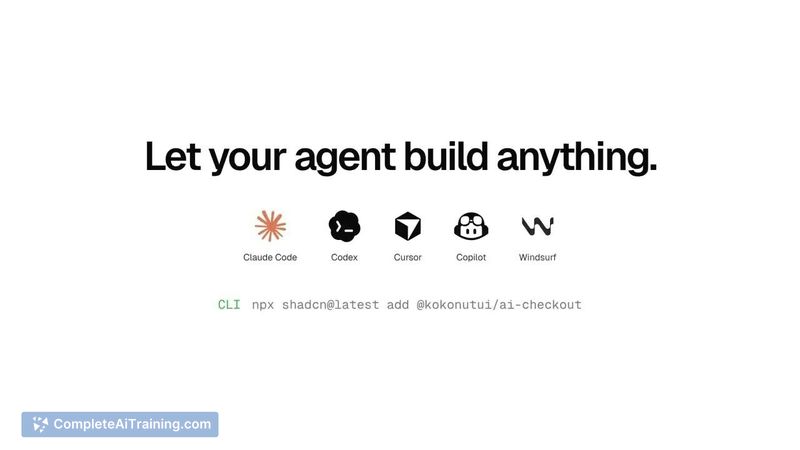
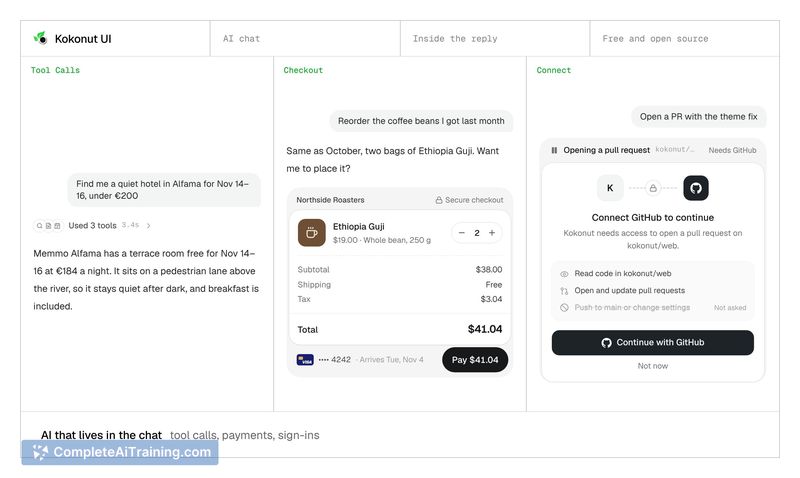
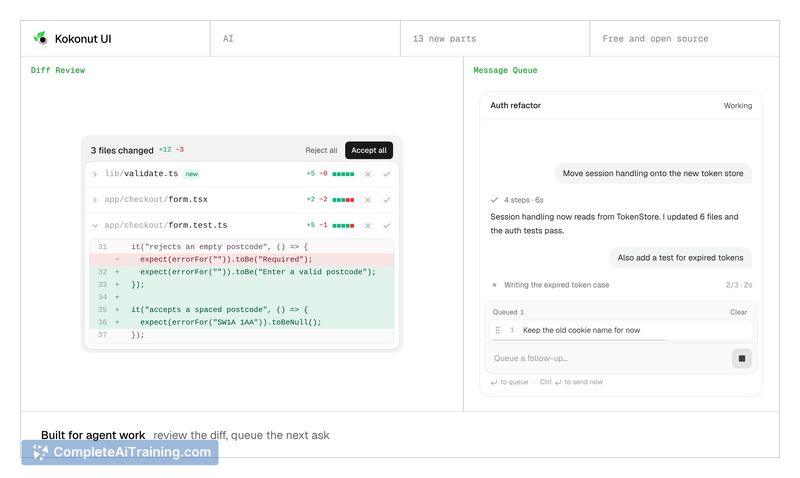
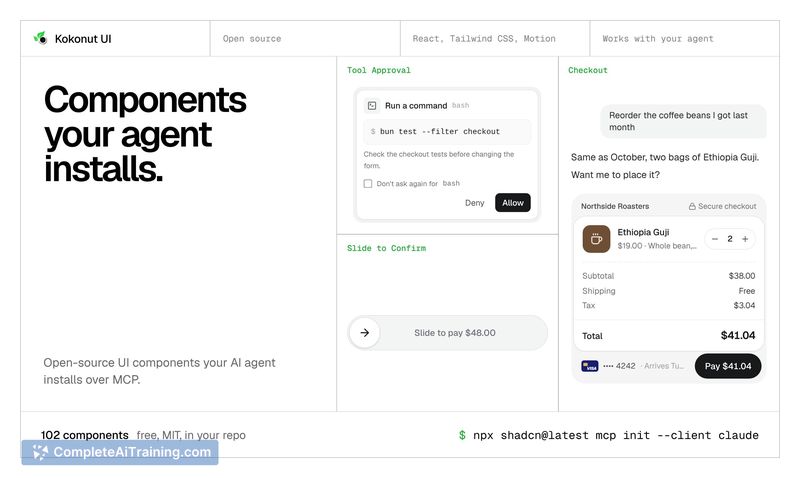
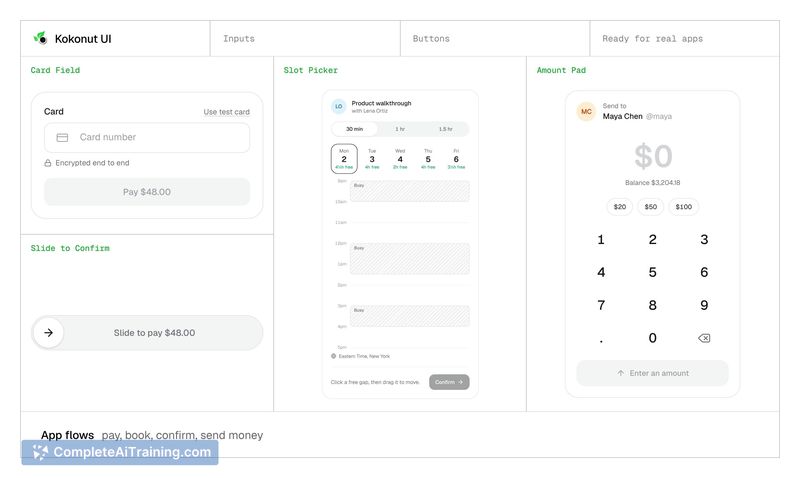
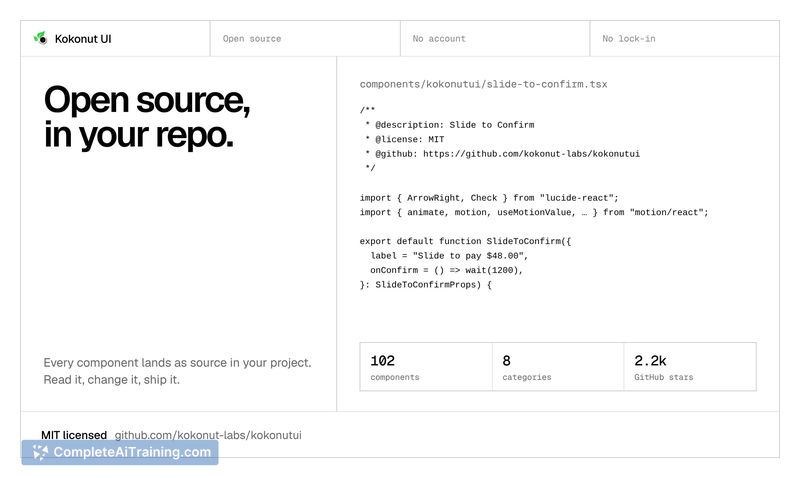
Kokonut UI takes a different approach from traditional npm packages by functioning as a registry where each component installs as source code via a single shadcn command. The library's structure and documentation are built with agent-driven workflows in mind. Every docs page also exists as Markdown, and a rules file directs the agent to check Kokonut UI before building a component from scratch.
Key Features
- 100+ React components installable over MCP through Claude Code, Cursor, VS Code, or Codex
- AI chat parts that handle tool calls (folding into one line), tool approval, diff review, inline citations, a context meter, and a checkout inside a reply
- App flow components like slide to confirm, seat map, and card field, plus a dedicated Media category
- Documentation served as Markdown for agents, with a rules file that tells the agent to consult the library before writing custom components
- MIT license with no account or lock-in; all code lands directly in the user's repository
Pricing and Value
Kokonut UI is free and MIT-licensed. There is no paid tier, account requirement, or lock-in mechanism. The tool's site runs on Vercel through the Vercel OSS Program, and the project is maintained by a solo maker.
Pros
- Components install as editable source files, not a black-box package, giving full control over the code
- Agent-native design means the library is searchable and installable without leaving the coding environment
- MIT licensing removes legal friction for commercial and personal projects
- Markdown docs and a rules file reduce the chance of an agent building duplicate components from scratch
- The AI chat parts address UI patterns that developers often hand-roll in agent applications
Cons
- The library is tied to React and the shadcn/ui ecosystem; developers using other frameworks won't find direct compatibility
- With a single maintainer, long-term support and update frequency depend on one person's availability
- Teams that don't use AI coding agents in their workflow won't benefit from the MCP integration and agent-specific documentation format
Kokonut UI fits projects where a React-based agent workflow is already in place and the team wants to avoid hand-coding common AI chat interfaces. It's less relevant for developers who aren't using MCP-compatible tools or who work outside the React ecosystem. The library's focus on agent-installable source code makes it a practical choice for those who want components they can inspect and modify directly in their repo.