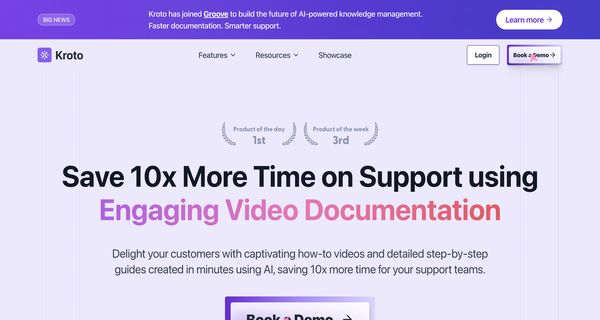
About: Kroto
Kroto is an innovative tool designed to transform the way organizations create instructional content by automating the conversion of recorded processes into engaging how-to videos and comprehensive step-by-step guides. With its powerful AI-driven capabilities, Kroto streamlines the creation of visual training materials, making it ideal for customer education, team collaboration, process documentation, and onboarding new employees. Users can effortlessly record any process, and the platform will intelligently generate polished video tutorials and detailed guides, allowing teams to communicate complex tasks clearly and effectively.
Key features include easy recording options, automatic editing, and the generation of both video and textual content, which enhances comprehension and retention. Kroto stands out by eliminating the need for advanced video editing skills, dramatically reducing the time and resources required to produce high-quality instructional materials. This makes it an invaluable asset for organizations looking to improve training efficiency and foster a more knowledgeable workforce.
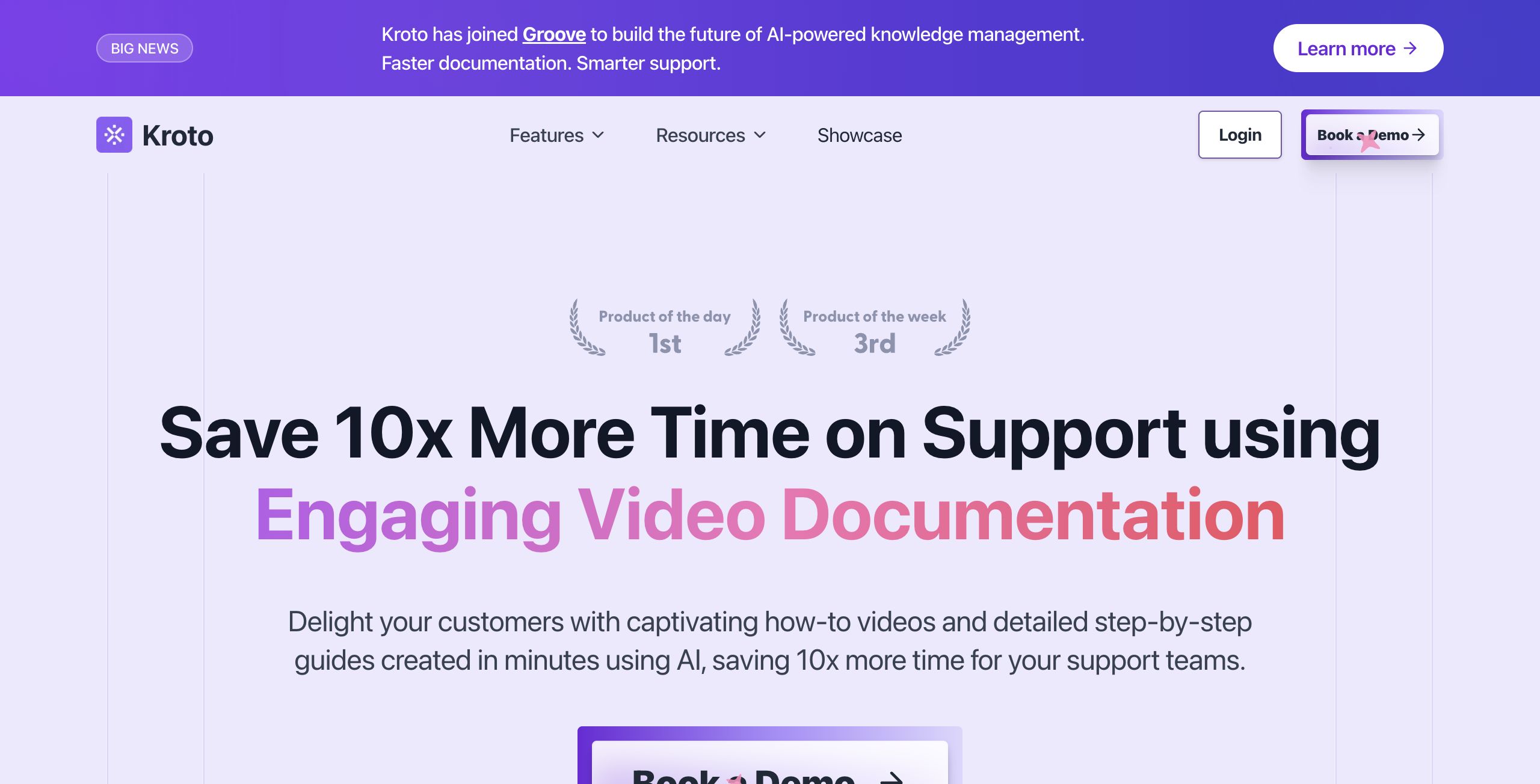
Review: Kroto
Introduction
Kroto is an innovative AI-powered tool designed to automate the creation of how-to videos and step-by-step guides. It is primarily tailored for teams looking to enhance customer training, facilitate team collaboration, streamline process documentation, and simplify the onboarding of new hires. In a landscape where clear and concise instructional content is crucial, Kroto stands out by converting screen recordings into high-quality visual and written guides, without the need for advanced video editing skills.
Key Features
Kroto offers a comprehensive suite of functionalities that make it a powerful asset for organizations aiming to improve their support and training content. The core features include:
- AI Video Creation: Automatically generates professional-quality videos complete with AI-powered voiceovers, zoom effects, and captions. This functionality significantly reduces the time and effort traditionally required for video editing.
- Step-by-Step Guides: Transforms screen recordings into detailed, interactive documentation which can be used for training or process walkthroughs.
- Smart Auto-editing: Utilizes AI to manage transitions, highlights, and content organization, ensuring that the final output is polished and easy to follow.
- No Code Knowledge Base: Allows businesses to quickly launch a self-service knowledge base without any coding, featuring custom domain hosting and embedded integration into existing platforms.
- Analytics & Insights: Provides data-driven metrics on user engagement, content performance, and feedback. These insights help in making informed decisions to continuously improve documentation quality.
Pros and Cons
- Pros:
- Saves significant time by automating the video and documentation creation process.
- User-friendly interface that does not require advanced technical or editing skills.
- Integrates multiple functionalities, from video creation to content analytics, all under one platform.
- Enhances team collaboration and consistency in producing support and training materials.
- Cons:
- Reliance on AI automation may limit customization for users who require more granular control over video edits.
- The effectiveness of the final output is dependent on the quality of the initial recordings.
Final Verdict
Kroto is a highly recommended solution for organizations and teams that need to rapidly produce engaging and informative instructional content. Its automated approach significantly cuts down the time traditionally spent on content creation, making it ideal for customer support teams, training departments, and companies looking to centralize their knowledge management. While it may not suit those who require intricate manual editing, its ease-of-use and time-saving capabilities make it an excellent choice for most businesses focused on efficiency and improved communication.
Open 'Kroto' Website
Your membership also unlocks: