AI tool
Local
Local is an AI tool that runs models directly on your device, eliminating the need for cloud servers. It automatically configures itself for your hardware and recommends models that your system can run. It is designed for people who want private, ...
About Local
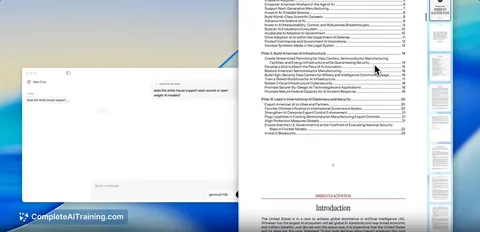
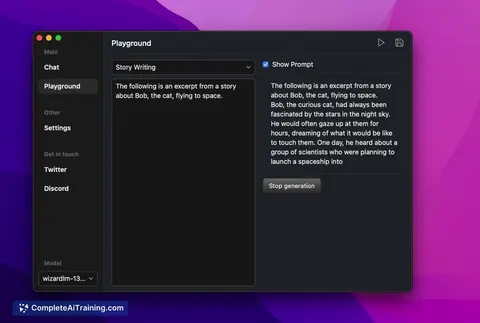
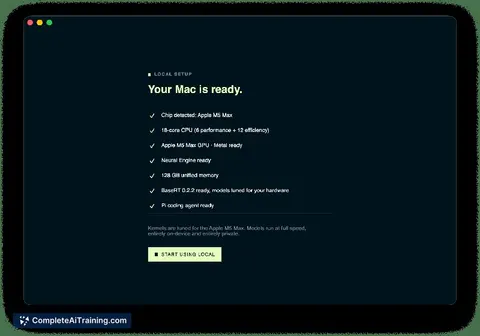
Local is a macOS application that runs AI models directly on your own machine, without cloud processing or online accounts. The app tunes itself to your hardware and recommends models that fit your system's capabilities. It was launched this week by a team associated with Base Compute.
Review
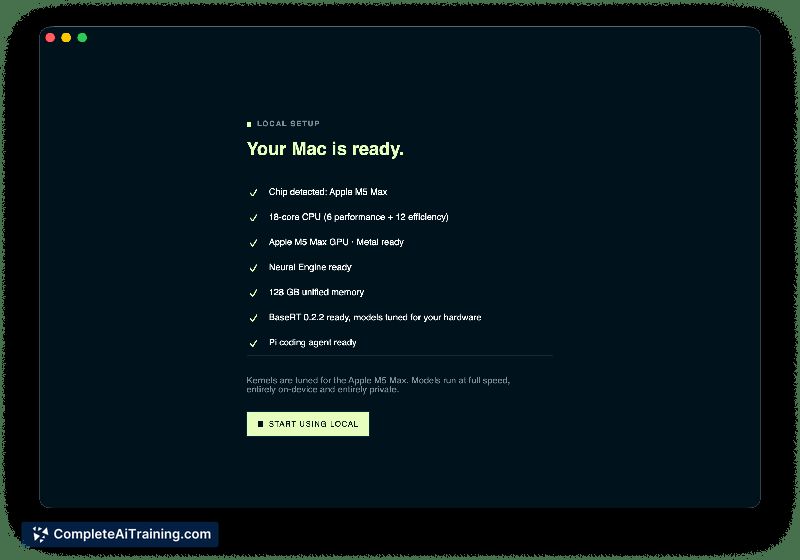
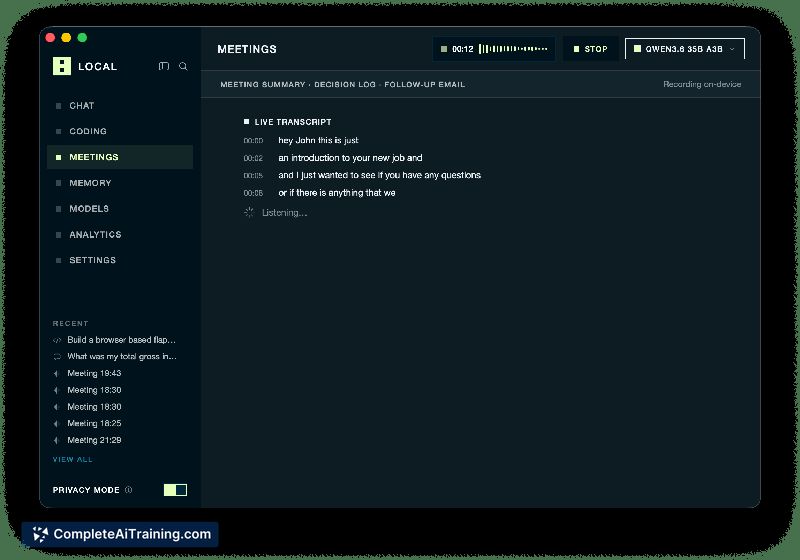
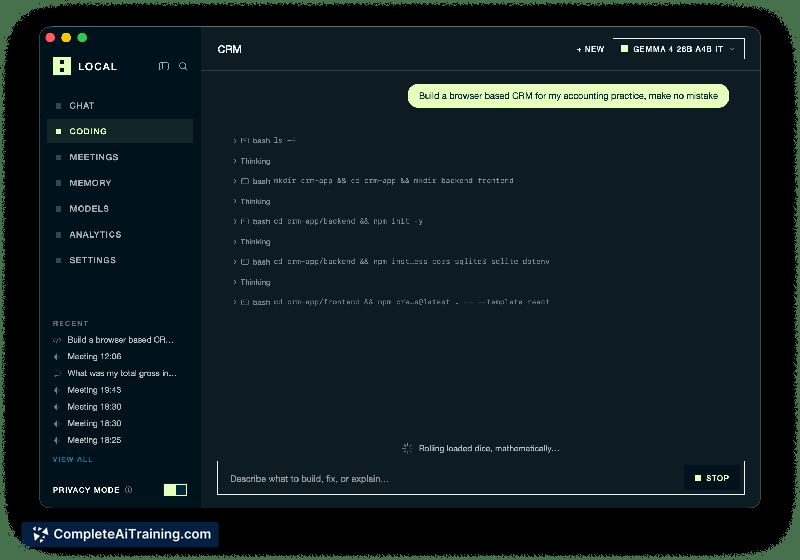
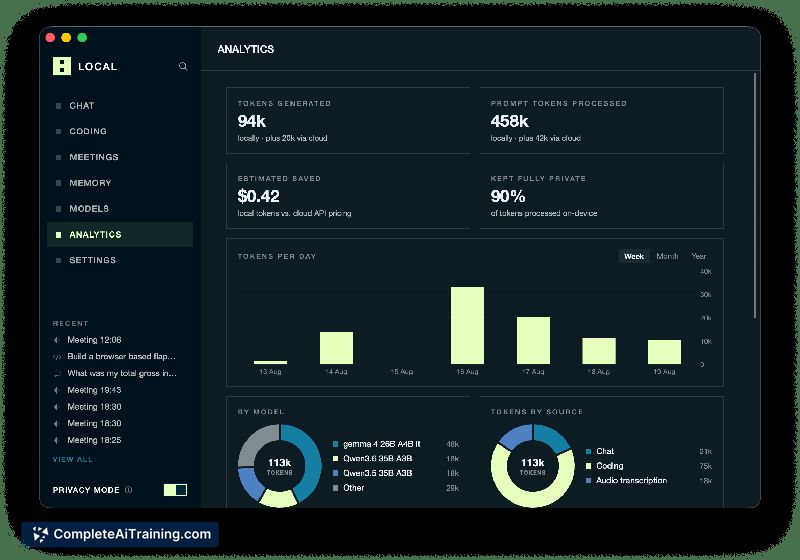

Local targets a specific pain point: local AI setup has historically required manual configuration of models and inference engines. The app claims to remove that friction entirely by auto-tuning to your hardware. Whether it delivers on that promise at scale remains to be seen, given the product's very recent launch and limited public review count.
Key Features
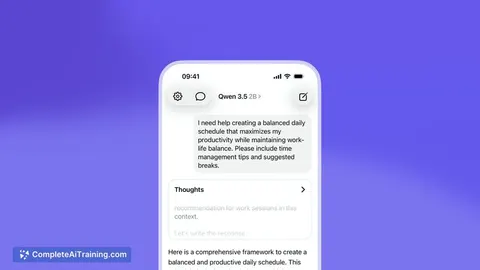
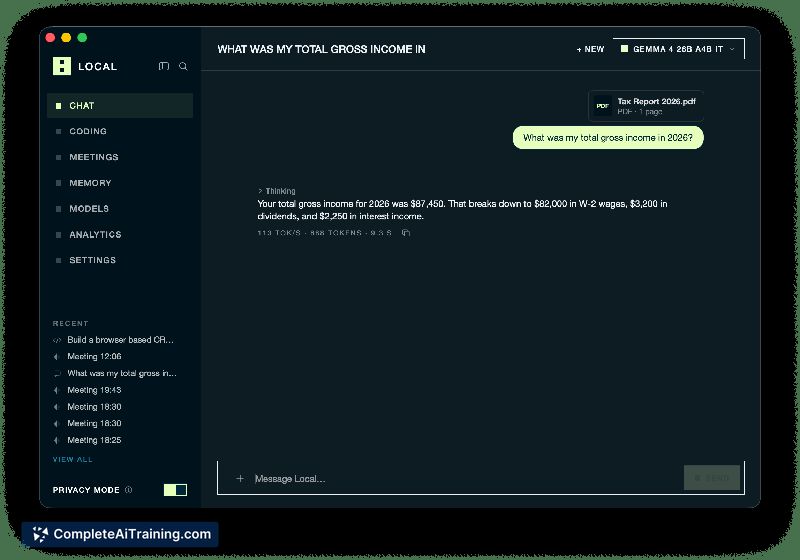
- On-device inference for chat, coding agents, and meeting notes, with data staying on the machine
- Hardware auto-tuning that optimizes the inference engine for your specific Mac, with claimed speedups up to 5.4x on the same hardware
- Model recommendation system that suggests which models your hardware can actually run
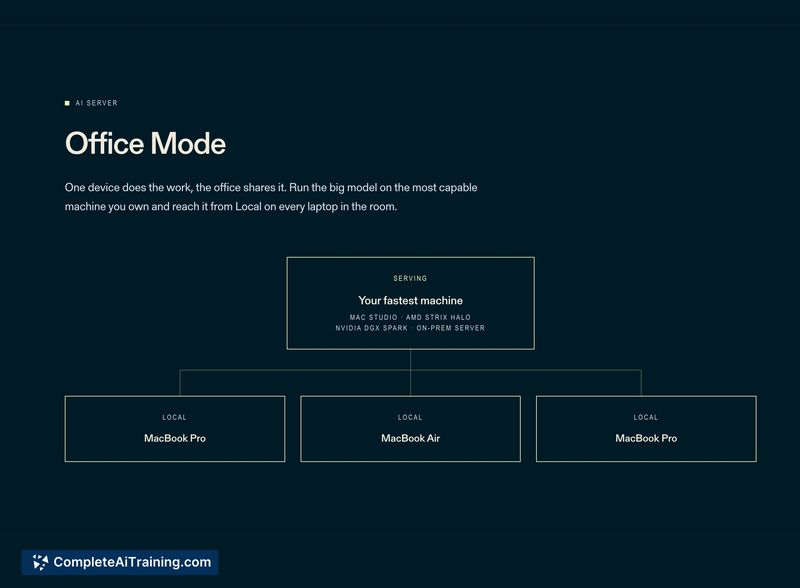
- "Office Mode" allows running AI on the fastest machine in an office while other laptops connect to it over the network
- No accounts required and no cost for the application itself
Pricing and Value
The application is listed as free. The launch page states "No cloud. No accounts. No cost." There is no information about paid tiers, subscription models, or enterprise pricing, so the current pricing structure is simply free with no defined future pricing.
Pros
- Zero-configuration setup is the core design goal; the app claims to handle hardware detection and model selection automatically
- Runs entirely on-device, which addresses privacy concerns associated with cloud AI services
- Office Mode extends local inference beyond a single machine, letting teams share one powerful computer's AI capacity
- Free pricing removes cost barriers for experimentation
Cons
- Only one public review exists at launch, so real-world performance claims like the 5.4x speedup lack independent verification
- Compatibility with Intel-based Macs is unclear; the maker's response to an Intel MacBook Air question does not confirm support for non-Apple Silicon hardware
- Not well suited for users who need cloud-based AI features like remote access from non-Mac devices or web browsers, since the app is macOS-only
Local is best suited for Mac users who want private, on-device AI without configuring models or managing inference engines manually. Teams with one powerful office Mac and several laptops could find Office Mode useful for sharing AI capacity. Users on non-Apple hardware or those needing cross-platform access should look elsewhere until compatibility details are clarified.
Jobs Local suits
We checked Local against 500+ jobs; these get the most out of it.
Alternatives to Local
Other tools that do the same main job. Our AI compared Local with similar tools and kept the ones you could use instead.