
Learning path
Learning AI as a Prompt Engineer
This path helps prompt engineers use AI to draft, test, and document prompts with less busywork. You will set up your tools, connect your AI, and practice prompts for real work.

Your path
Everything in the Prompt Engineer AI kit, in the order that makes sense. Members tick off each step and see their progress.
Set up your AI
We guide you through each click.
Let skills do your everyday tasks
Connect your apps and pick your AI apps
Hand whole tasks to AI agents
Build your own tools
Keep growing
Everything for prompt engineers
All the courses, certifications, AI tools, MCP servers and apps for prompt engineers, most relevant first. Open any list to see more.
Take the prompt courses
A short framework course to learn how to ask, then 9 lessons with ready-to-use prompts for prompt engineers.
Start with this framework: how to talk to AI
As a prompt engineer, few-shot prompting lets you show the model labeled support tickets so it classifies new ones consistently.
Then your prompt course for prompt engineers- 1Prompt Drafting Basics3 prompts
- 2Refining Prompt Wording3 prompts
- 3Generating Prompt Variations3 prompts
- 4Testing Prompt Responses3 prompts
- 5Edge Cases And Robustness3 prompts
- 6Evaluating Output Quality3 prompts
- 7Documenting Prompt Guidelines2 prompts
- 8Optimizing Output Consistency2 prompts
- 9Collaborating With Developers2 prompts
Watch the video courses or add them to your Favorites for later
110 video courses our AI picked for prompt engineers, most useful first. Save the ones you want to watch later with the heart.
Favorites are saved to your account: sign in or get your AI kit first.
Show all 110 video courses
Get certified, or add certifications to your Favorites
Every course ends in an exam and a certificate you can add to LinkedIn. Save the certifications you are aiming for with the heart.
Favorites are saved to your account: sign in or get your AI kit first.
More certifications for prompt engineersShow all 24 certifications
Try the AI tools for prompt engineers
24 AI tools our AI matched to the work of prompt engineers, best fit first. Each review shows what it does, its alternatives and the jobs it suits.
Favorites are saved to your account: sign in or get your AI kit first.
Show all 24 AI tools
Connect your AI to the apps prompt engineers use
MCP servers let ChatGPT, Claude or Copilot look things up and get work done in other apps, like your email, calendar or bookkeeping software. These 12 fit the work of prompt engineers best, well-known apps first.

Langfuse Prompts MCP server
by langfuseLets your AI look up and fill in your Langfuse prompts right inside the chat.

Promethic MCP server
by soulware-studioYour AI can save, version and improve your prompts, and switch models and settings for each one.
Developer toolsNo install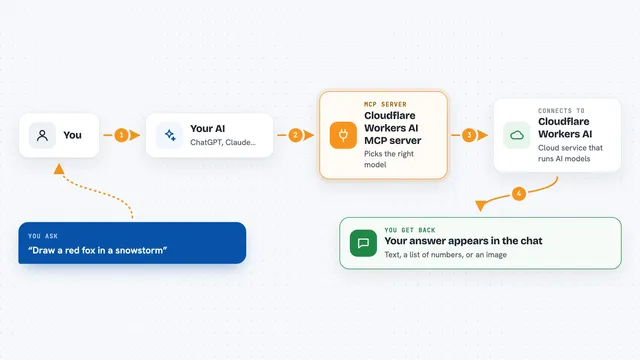
Cloudflare Workers AI MCP server
by puspoadityaLets your AI run chat, text embeddings and image generation through Cloudflare's AI service.

OpenAI MCP server
by mzxraiAsk Claude to send a question to OpenAI models like gpt-4o or o1 and bring the answer back.

AgentBase MCP server
by AgentBase1Let your AI search and fetch ready-made instruction files from the AgentBase registry.

System Prompts MCP server
by JamesANZLets your AI look up and use the system prompts behind tools like Cursor, Devin, and Claude.
Show all 12 MCP servers

Opik MCP server
by comet-mlAsk your AI about your Opik traces, scores and prompts, and let it log results for you.
Developer toolsAnalytics Official
Outsource MCP server
by gwbischofLet your AI ask other AI models to write text or make images for you.

Claude Prompts MCP server
by minipuftSave your best prompts once and reuse them, with checks and step-by-step chains your AI follows.

AIStorageDepot MCP server
by AIStorageDepotLet your AI search your shared team library of prompts, rules, skills and docs, and use them as slash commands.

Gemini Bridge MCP server
by jaspertvdmLets your AI assistant ask Google's Gemini models questions and get answers back in the same chat.

MCP Prompt Engine
by vasayxtxTurn your own reusable prompt templates into ready-made prompts your AI can pick up and use.
Developer toolsNo installBuild your own AI apps for prompt engineers
Apps you build yourself with your own AI, no coding needed and no monthly fee. Our AI picked the 12 that fit the work of prompt engineers.
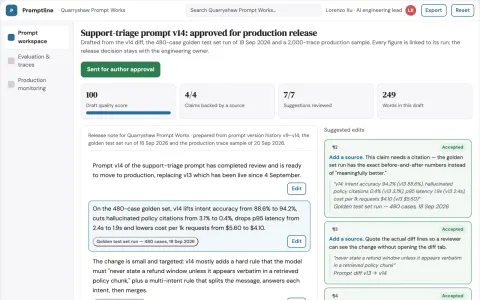
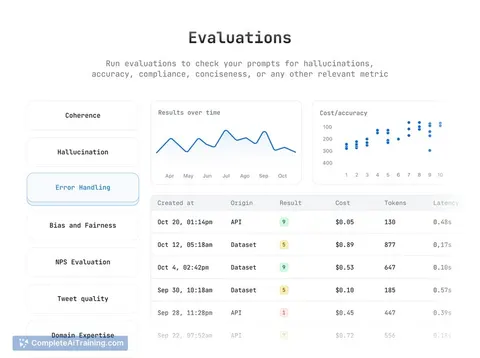
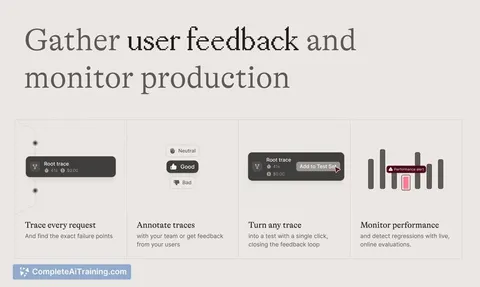
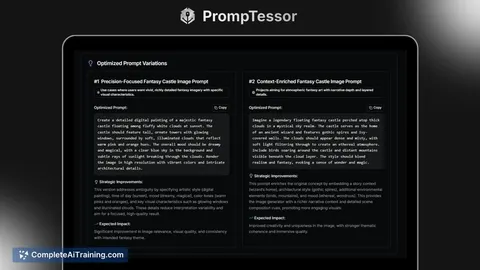
Prompt lifecycle and LLM evaluation workbench
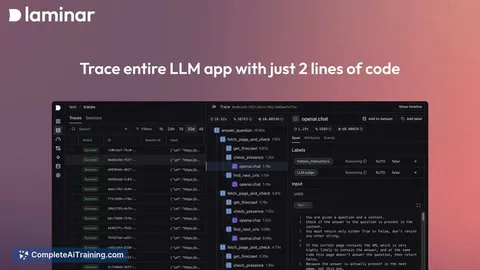
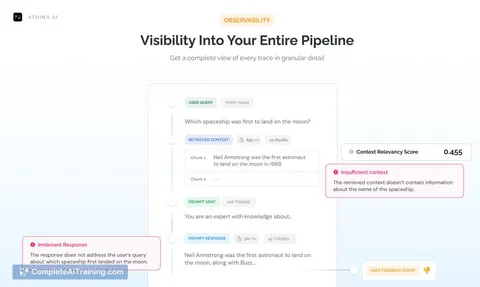
Reduce prompt release risk while keeping evaluation evidence and production traces in one owned workspace.
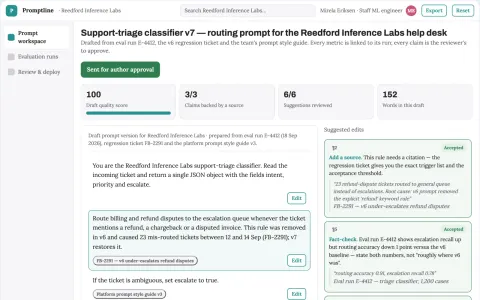
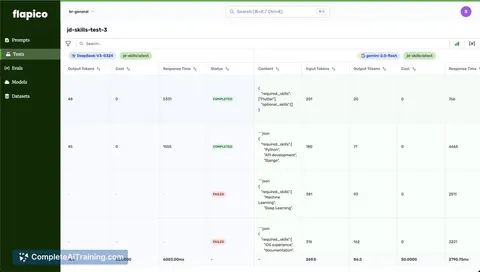
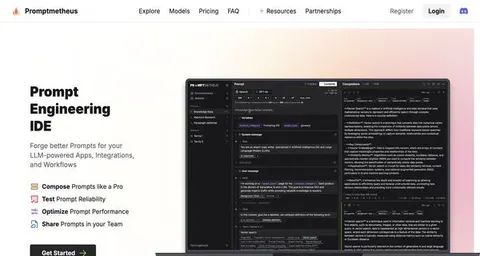
Prompt lifecycle testing and deployment workbench
Reduce prompt regression risk and manual comparison work while keeping one owned record of every prompt version and test result.
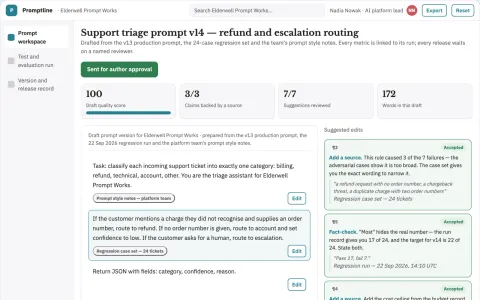
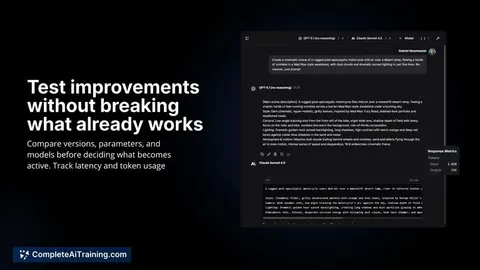
Prompt lifecycle workbench for AI teams
Reduce prompt revision cycles while keeping a reviewable record of what changed and why.
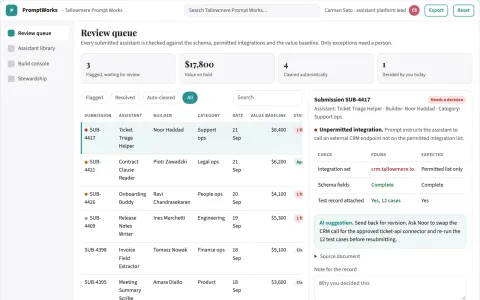
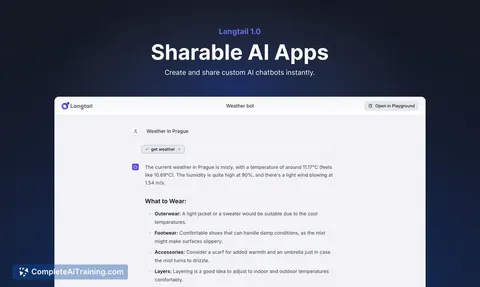
Custom AI assistant directory and build console
Reduce the number of rented tools while keeping one searchable, owned library of custom assistants.
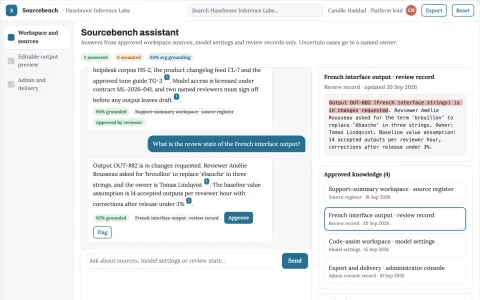
Source-linked language model workbench
Reduce tool sprawl and review effort while keeping prompts, context and data under the buyer's control.
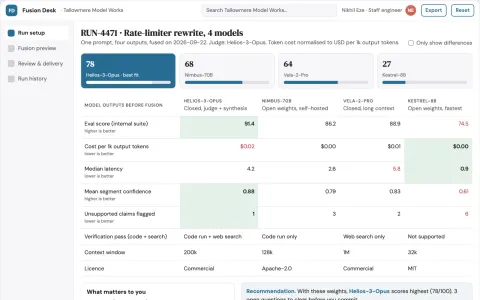
Multi-model answer fusion and review workspace
Reduce manual reconciliation while keeping a reviewable record of how the final answer was formed.
Show all 12 apps
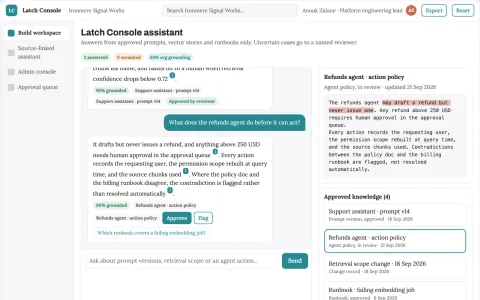
Source-linked AI application build and operations console
Reduce tool sprawl and traceability gaps while keeping the team's own workflow.
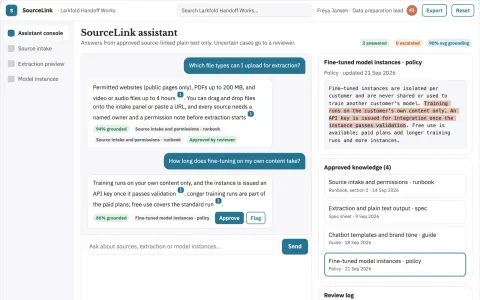
Source-linked data preparation and assistant console
Reduce tool sprawl and manual data preparation while keeping source content under the buyer's control.
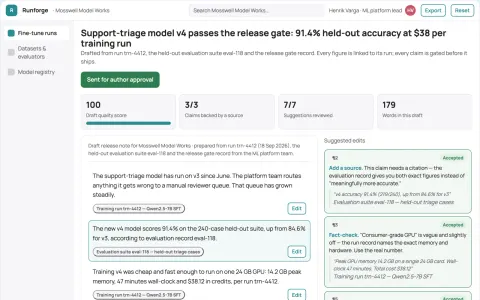
Managed custom model fine-tuning and deployment workspace
Reduce the engineering effort to reach a deployed, evaluated custom model.
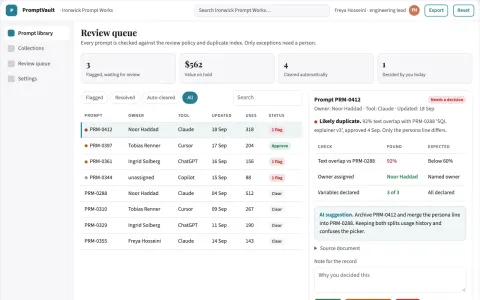
Searchable prompt library and reuse console
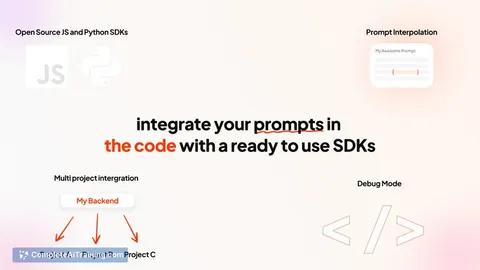
Reduce prompt hunting and retyping while keeping one reviewed source of truth.
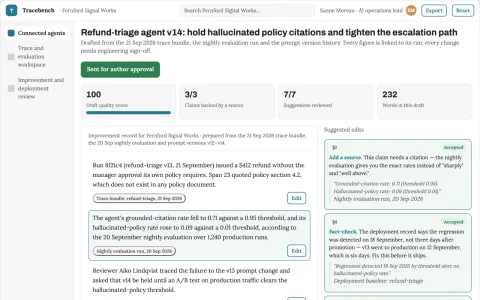
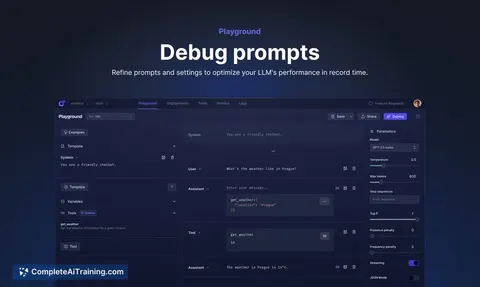
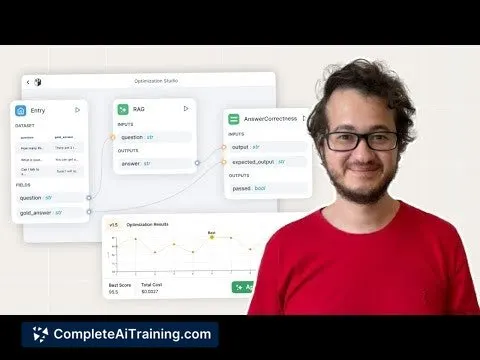
AI model and agent performance operations workbench
Reduce the time from detected AI failure to reviewed, deployed improvement.
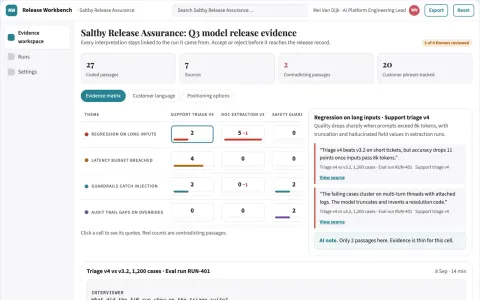
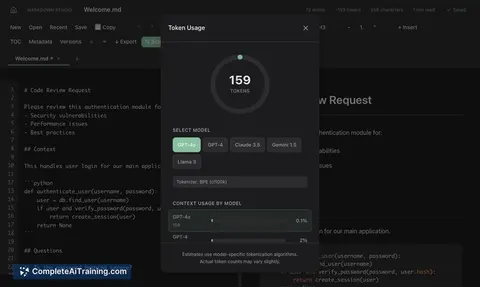
AI model test and monitoring workbench
Reduce release risk while keeping a defensible test record.









































































































About this learning path
6 topicsAI skills for prompt engineers, step by step
Prompt engineers already spend their days shaping instructions and checking how models reply. This path shows where AI can help with that work while you keep your judgment in charge.
You will start with setup questions, connect the AI tools you use, practice the prompt course below, and watch short video lessons chosen for prompt engineers. Certifications from those video courses are included so you can show what you learned.
Why AI matters now
AI models are part of everyday product work. Teams need people who can write clear prompts, test them, and explain what works. Prompt engineers who use AI well can handle more variations and spot problems sooner.
What the path includes
You begin with a few setup questions about your tools and the work you do. Then you connect your AI assistant to a safe workspace and learn the skills that fit prompt engineering inside that tool.
The path also includes this prompt course, video courses chosen for prompt engineers, and the certifications that come with those courses.
How it saves time
Drafting prompts, making variations, and writing notes can fill a day. The path teaches you to reuse templates, compare outputs quickly, and keep a record of what changed. That leaves more time for talking with developers and users about what the model should do.
How it protects career
As AI takes on more first drafts, prompt engineers need to show taste, safety, and clear thinking. This path helps you document your decisions, test edge cases, and explain results to both technical and non-technical teammates. Those habits make your work easier to trust and harder to replace.
How to start
Answer the setup questions and connect one AI tool you already use. Then take the prompt course in order, trying each lesson on a real prompt from your week. When you finish a video course, save the certification with your notes and examples.
Frequently asked questions
Do I need to be technical?
No. The path uses plain language and starts with the tools you already have. If you can write instructions for a coworker, you can learn these prompts.Which AI tools will I use?
You can use ChatGPT, Claude, Gemini, or another assistant your team allows. The lessons focus on the habits of good prompting, not one specific product.How long does the path take?
You can move through it in short sessions over a few weeks. You can pause and return whenever your workday allows.Will this replace my prompt engineering skills?
No. It helps you draft, test, and document faster while you keep final judgment. Your understanding of users and product goals still matters most.