AI tool
Ollama Desktop App
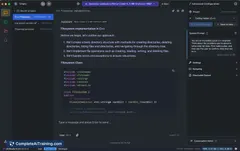
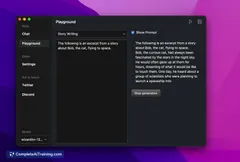
Ollama Desktop App lets you run open-source AI models locally on macOS and Windows. Chat with LLMs, analyze images, and process files through a simple, private interface without relying on cloud services.
About Ollama Desktop App
Ollama Desktop App is a user-friendly application for macOS and Windows that enables users to run open-source large language models (LLMs) locally on their devices. It supports multimodal AI capabilities, allowing interactions through text, images, and files within a private and straightforward interface.
Review
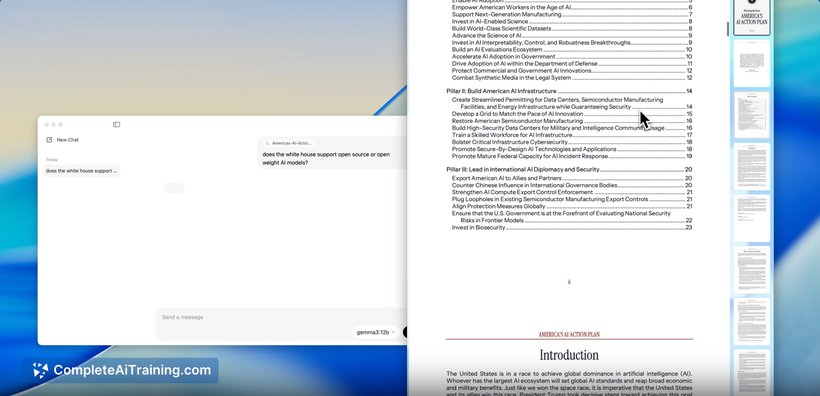
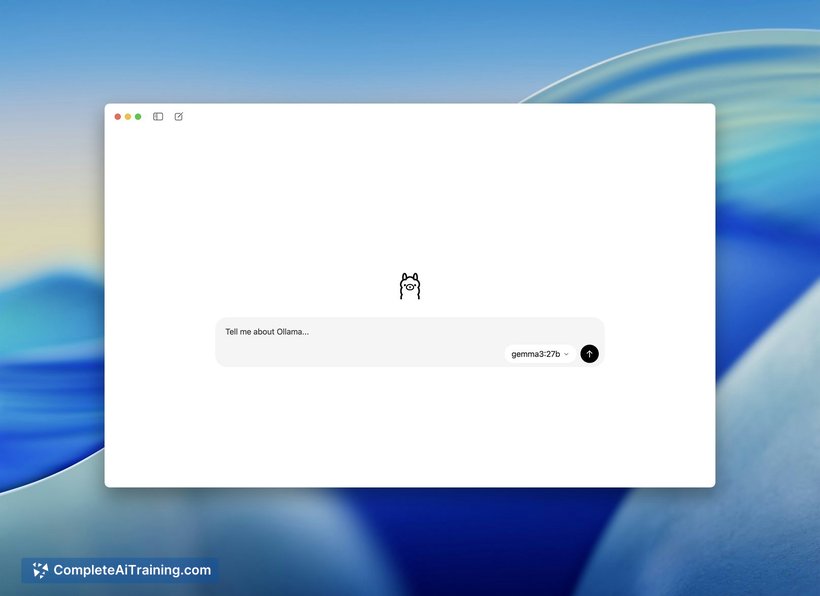
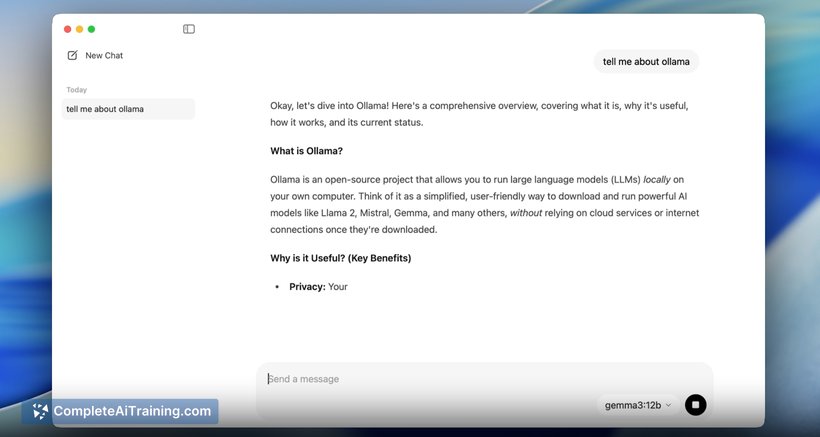
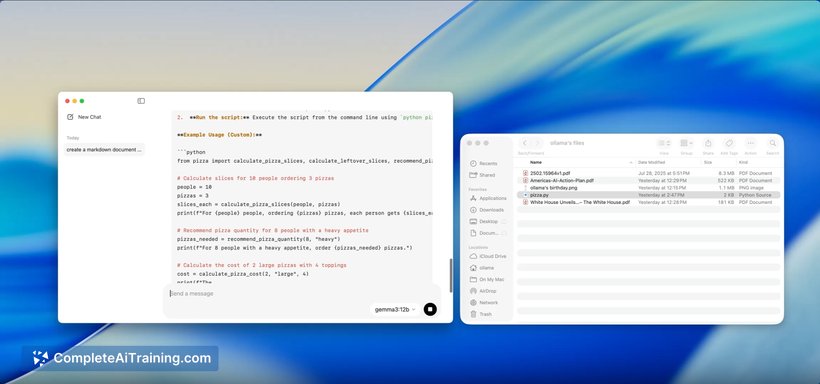
The Ollama Desktop App simplifies access to advanced AI models by removing the need for command-line expertise, making it accessible to a wider range of users. It focuses on privacy and data security while offering reliable and efficient performance for local AI processing. This approach provides a seamless experience for chatting with LLMs and utilizing multimodal models.
Key Features
- Support for running leading open-source vision and language models locally, including Llama 4 and Gemma 3.
- Multimodal interaction capabilities, enabling users to work with text, images, and files directly within the app.
- A simple, intuitive desktop interface available on both macOS and Windows platforms.
- Enhanced memory management and improved accuracy for local AI model execution.
- Strong emphasis on privacy and data security, with all processing done on the user's device.
Pricing and Value
The Ollama Desktop App is offered for free, providing an accessible entry point for individuals interested in experimenting with local AI models without additional costs. This free pricing model, combined with the ability to run advanced models offline, delivers considerable value for users prioritizing privacy and offline functionality. It is particularly beneficial for developers, researchers, and AI enthusiasts who want to explore AI capabilities without relying on cloud services.
Pros
- Easy-to-use interface that lowers barriers for users unfamiliar with command-line tools.
- Runs powerful AI models locally, ensuring privacy and offline availability.
- Supports multimodal inputs including images and files, broadening use cases.
- Cross-platform support for both macOS and Windows.
- Regular updates enhance reliability, accuracy, and memory management.
Cons
- Lacks advanced agentic features or task automation, which some users may seek.
- Limited official guidance on best use cases for different models within the app.
- Currently focuses on local model execution, which may be resource-intensive on less powerful machines.
Overall, the Ollama Desktop App is well suited for users who want a straightforward way to interact with advanced AI models locally, especially those who value privacy and offline usage. It is ideal for developers, hobbyists, and anyone looking to experiment with multimodal AI without the complexity of cloud setups or command-line tools.
Jobs Ollama Desktop App suits
We checked Ollama Desktop App against 500+ jobs; these get the most out of it.
Alternatives to Ollama Desktop App
Other tools that do the same main job. Our AI compared Ollama Desktop App with similar tools and kept the ones you could use instead.