
About: MagicFlow
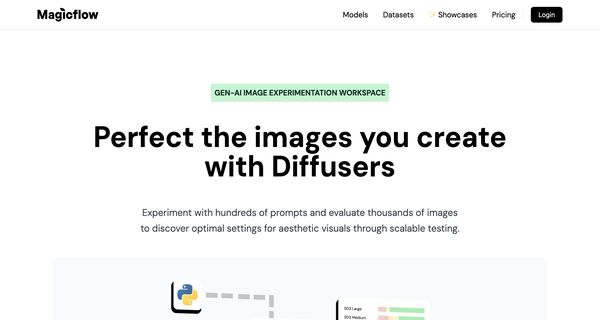
Magicflow is an innovative AI-driven platform designed for the comprehensive generation and evaluation of images at scale. Catering to professionals in creative industries, it allows users to seamlessly produce bulk images using advanced models such as DALL-E and Stable Diffusion. This capability facilitates extensive prompt testing, helping users uncover the most visually appealing outcomes.
Key features include advanced analytics for thousands of generated images, enabling teams to assess, rate, and engage in discussions about results collaboratively. The platform's metadata preservation ensures organized project management, enhancing the workflow efficiency.
Magicflow stands out by automating quality assurance processes and fostering teamwork, making it an invaluable resource for those focused on AI-generated visuals. With its streamlined approach, users can maximize creativity while minimizing the time spent on manual evaluations, ultimately enhancing productivity and artistic exploration in their projects.
Review: MagicFlow
Introduction
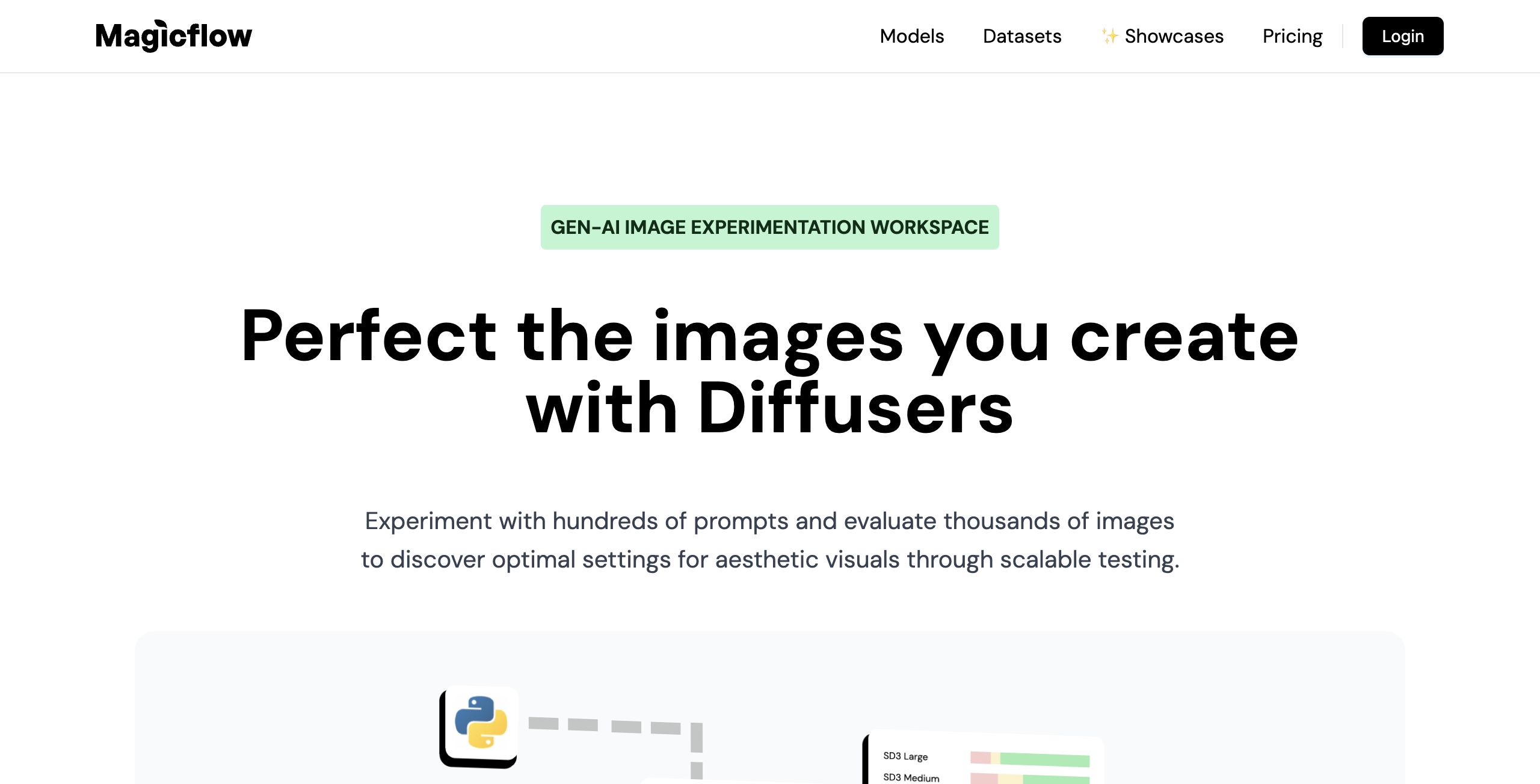
Magicflow is an AI-driven image experimentation workspace designed to help professionals and teams perfect their AI-generated visual content at scale. The platform caters to users who rely on models such as DALL-E, Stable Diffusion, and others to generate images in bulk. Given the rapid growth in generative AI and the demands placed on creative teams, Magicflow is being reviewed here as a powerful tool that streamlines image generation, evaluation, and collaborative decision-making.
Key Features
- Bulk Image Generation: Magicflow enables users to generate thousands of images at once using a wide range of models including DALL-E, Stable Diffusion, and more. This bulk processing capability is ideal for testing numerous prompts and discovering optimal aesthetic settings.
- Advanced Evaluation Tools: The platform offers robust visualization tools such as XYZ grids and other advanced visualizations, allowing teams to analyze and rate images efficiently. The advanced rating system ensures thorough quality assessment.
- Seamless Collaboration: With features for team-based evaluation and discussion, Magicflow allows users to rate, share, and provide feedback on images internally and externally. This collaborative approach streamlines project organization and decision-making.
- Integration and Customization: Magicflow supports integrations with popular GUIs and inference platforms like ComfyUI, A1111, and Replicate. It also offers support for custom Python code, thus providing flexibility to adapt the tool to a range of workflows.
- Automated Workflow Enhancements: The inclusion of automated quality assurance and continuous integration (CI) processes helps to outsource ratings and labeling, further optimizing the evaluation process.
Pros and Cons
- Pros:
- High scalability for image generation and evaluation.
- Robust visualization and advanced rating system.
- Effective collaboration features designed for teams.
- Wide range of integrations and support for custom code allowing for adaptable workflows.
- Automated quality assurance streamlines project management.
- Cons:
- The extensive functionalities and integration options may result in a learning curve for new users not familiar with advanced image generation tools.
- User experience may be overwhelming for casual or non-professional users due to its enterprise-level feature set.
Final Verdict
Overall, Magicflow is a compelling solution for teams and professionals who generate AI images on a daily basis and require an efficient, scalable, and collaborative workflow. Its ability to integrate with various models and support complex evaluation processes makes it ideal for those in the creative and digital content industries. However, potential users should be prepared for a robust tool that might come with a steeper learning curve for beginners. If you have a demanding workflow that benefits from automation and detailed image analysis, Magicflow is definitely worth exploring.
Open 'MagicFlow' Website
Your membership also unlocks:






















