AI tool
Maritime
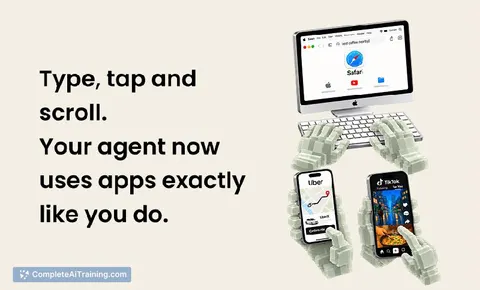
Maritime provides AI agents with persistent cloud computers, including Linux and Windows desktops and Android devices. It lets agents run code, use browsers, and operate applications without APIs while allowing human takeover. This is for develope...
About Maritime
Maritime supplies cloud computers purpose-built for AI agents. Developers can host agents, customize their runtime environments, and let them execute code, browse the web, or operate applications without managing the underlying infrastructure. The platform supports persistent workspaces, disposable sandboxes, Linux and Windows desktops, and Android phones through a single API and billing system.
Review
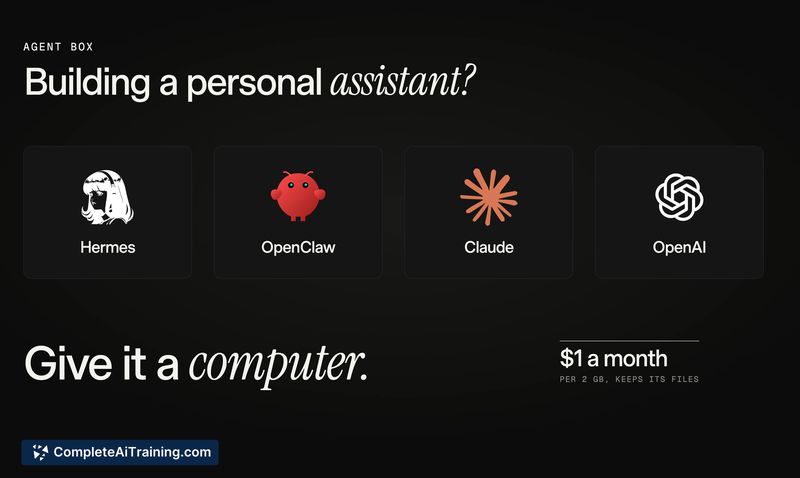
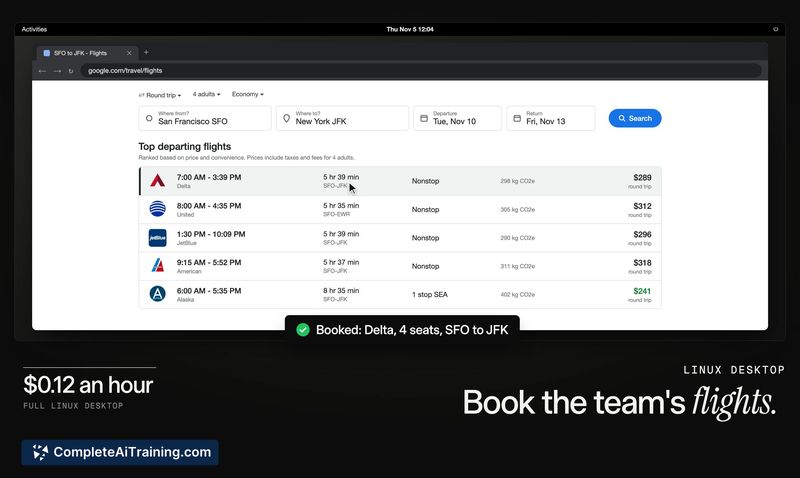
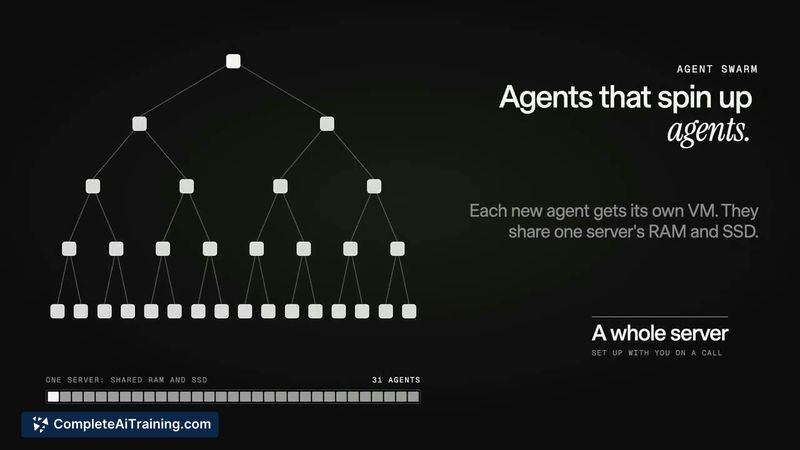

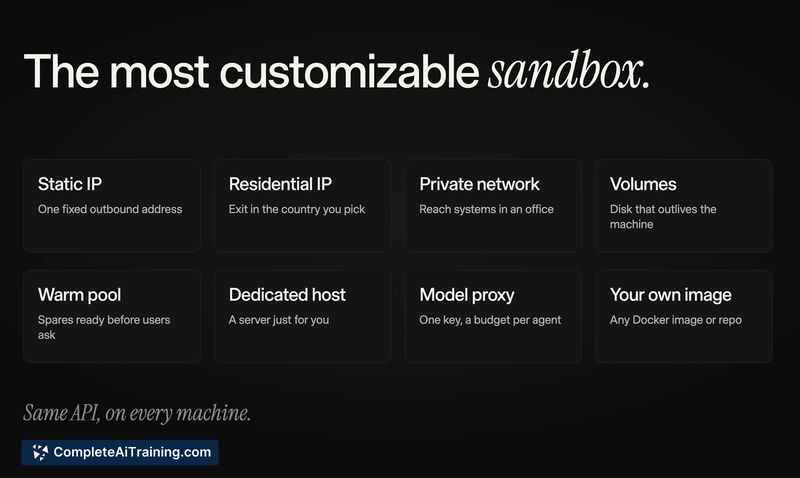
Maritime addresses a concrete operational gap: AI agents often need different machine types for different tasks, and stitching those together manually adds friction. The service consolidates several compute profiles behind one API, which can simplify the workflow for teams running varied agent workloads. It's a developer tool first, not a managed AI service, so you bring your own agent logic and Maritime handles the computers.
Key Features
- Multiple machine types from one API: Spin up persistent workspaces, throwaway sandboxes, Linux desktops, Windows desktops with license included, and Android phones-all using the same interface and billing account.
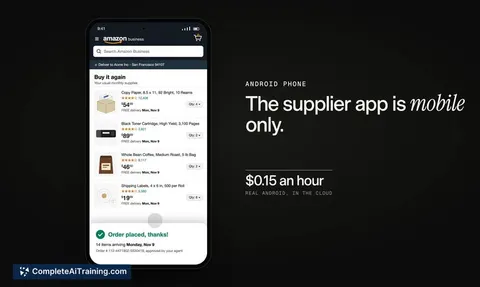
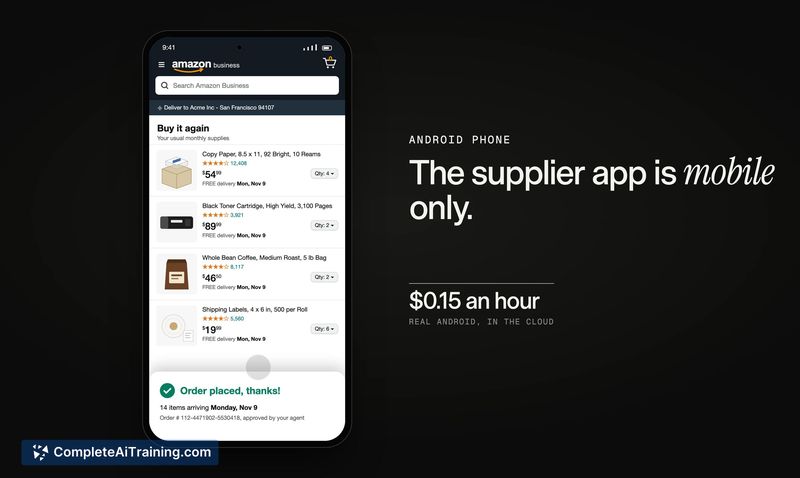
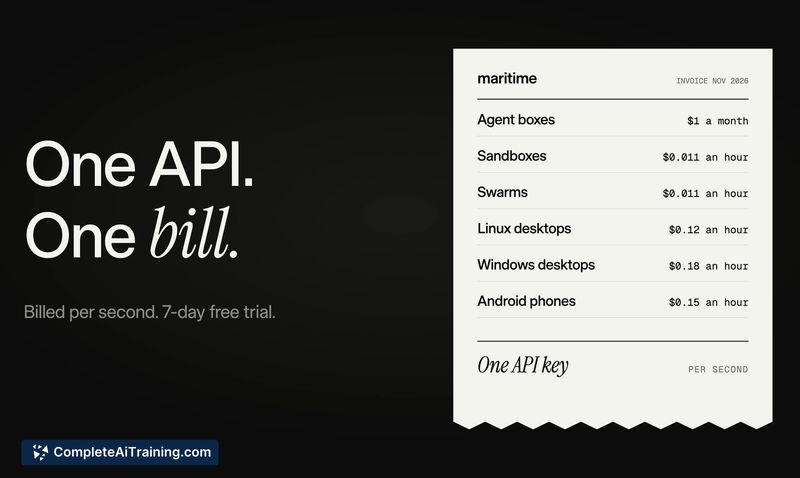
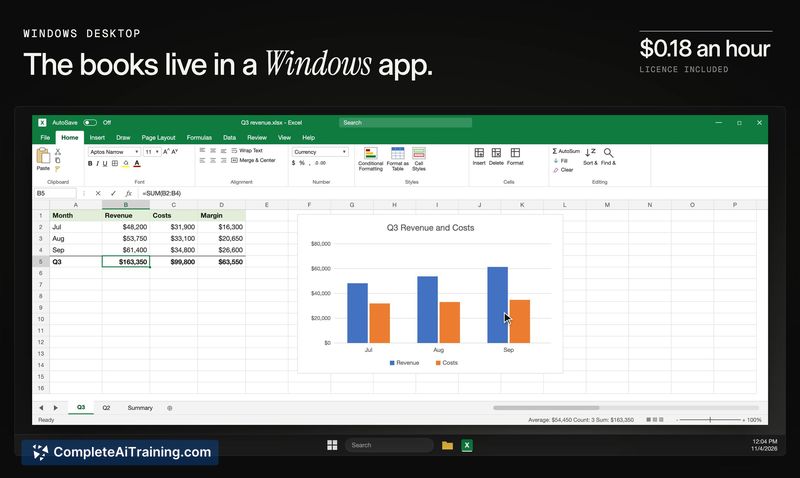
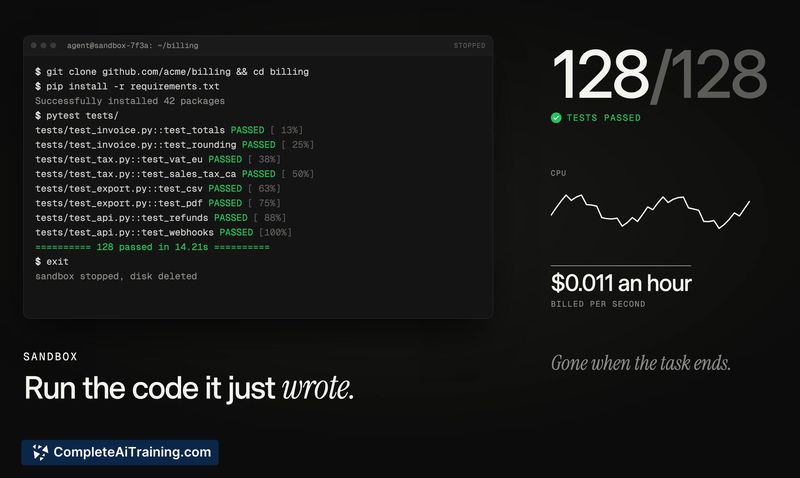
- Per-second billing: Charges accrue by the second while a machine is running, with sandboxes starting at $0.011/hour for 1 vCPU and 2 GB of memory. Linux desktops cost $0.12/hour, Windows desktops $0.18/hour, and Android phones $0.15/hour.
- Human takeover capability: A person can step into an agent's session when needed. How the agent resumes afterward and learns what changed during the takeover hasn't been detailed in the current documentation.
- Environment customization: You configure the software and tools an agent needs on each machine. This applies across sandboxes, desktops, and phones, though Android instances run virtualized and don't include pre-installed apps-web apps work instead.
- 7-day free trial: New users get up to $20 of usage credit during the trial window.
Pricing and Value
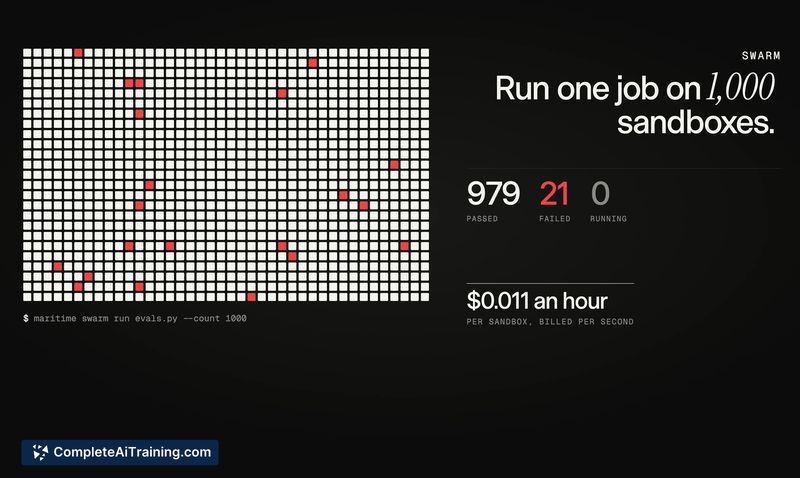
Pricing is pay-as-you-go with per-second granularity. Sandboxes start at $0.011/hour (1 vCPU, 2 GB RAM). Linux desktops are $0.12/hour, Windows desktops are $0.18/hour (license included), and Android phones are $0.15/hour. A 7-day trial with up to $20 in usage is available. The company hasn't published reserved-instance pricing, committed-use discounts, or cost-capping mechanisms. For workloads with hundreds of parallel machines, startup latency and whether the first minute of each run gets billed remain open questions based on user discussions on the launch thread.
Pros
- Consolidates sandboxes, persistent workspaces, desktops, and phones under one API and one bill-fewer integrations to maintain.
- Per-second billing aligns costs with actual agent runtime instead of rounded-up hourly blocks.
- Windows license is included in the desktop price, removing a separate procurement step.
- Human takeover provides a fallback for scenarios where an agent gets stuck in a UI-heavy application.
- Free trial gives a concrete credit amount ($20) rather than a vague time-limited evaluation.
Cons
- Pricing predictability is limited for variable workloads-no built-in spend caps or reservation options are documented yet.
- Android instances are virtualized without app stores, so agents interact through web apps only; native mobile app testing isn't supported out of the box.
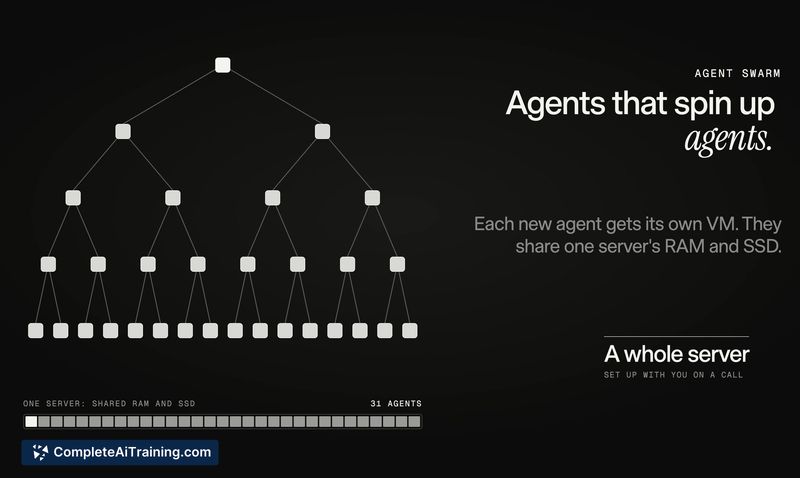
- Not well suited for teams that need fully managed agent orchestration-Maritime provides the computers but doesn't handle agent logic, scheduling, or state management.
Maritime fits teams that already have agent code and want to stop provisioning and tearing down different machine types by hand. It's most practical for developers running code-generation sandboxes, browser-based automation, or eval suites that need clean, parallel environments on demand. If your main bottleneck is agent orchestration rather than infrastructure, the tool won't solve that piece. For those who just need the computers and want a single API to reach for, Maritime puts the basics in place with a straightforward pricing model.