AI tool
QualityLayer
QualityLayer adds a structured plan-and-review workflow to coding agents like Claude Code or Cursor. It lets developers approve a design before implementation and verifies the result with a fresh agent.
About QualityLayer
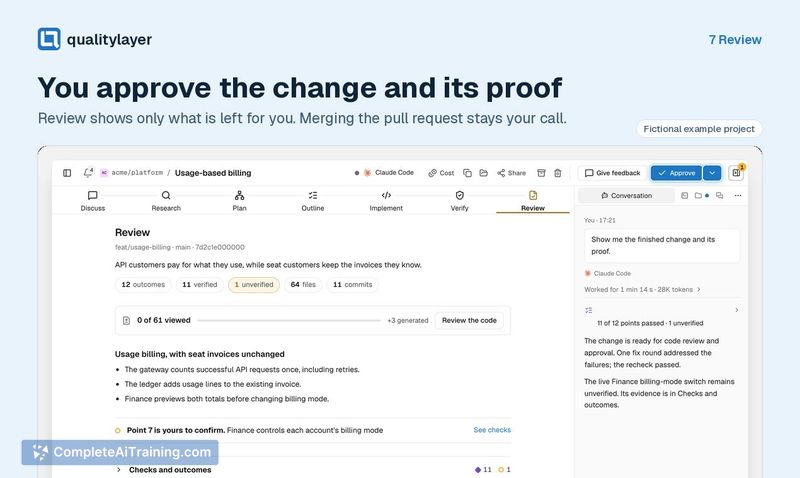
QualityLayer is a desktop tool that wraps your existing coding agent subscriptions (Claude Code, Codex, Cursor, and four others) inside a structured seven-step workflow. It runs on macOS, Windows, and Linux, and uses separate agents for implementation and review - a fresh agent that didn't write the code checks the result against the approved plan. The source code is available on GitHub.
Review
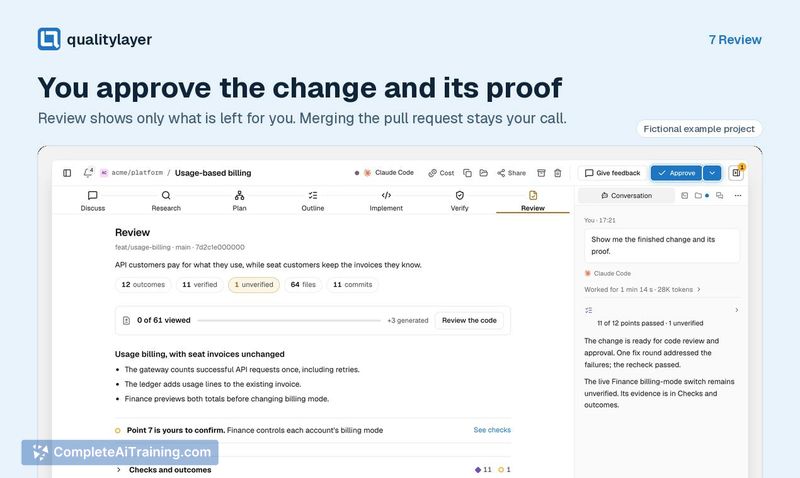
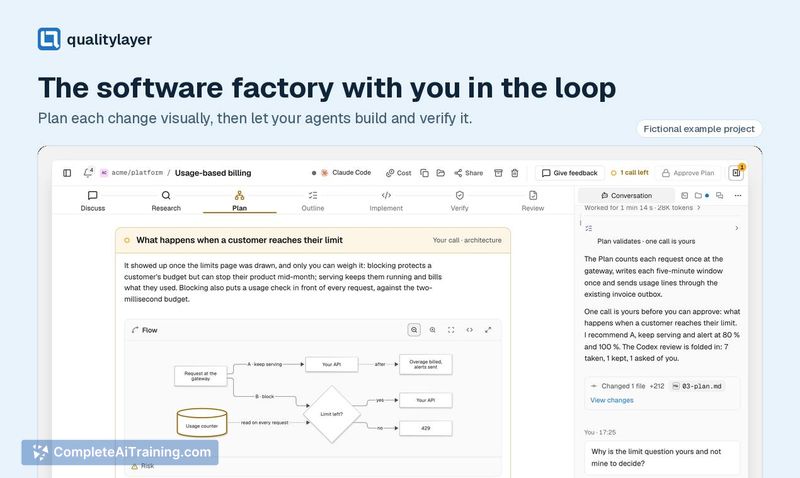
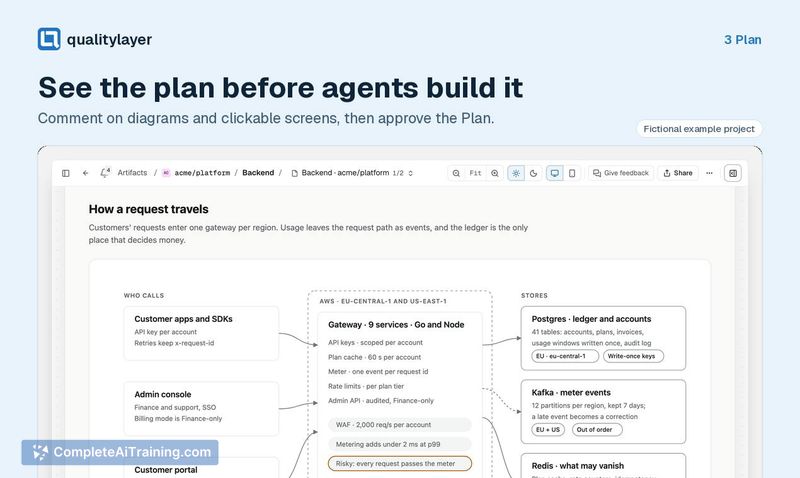
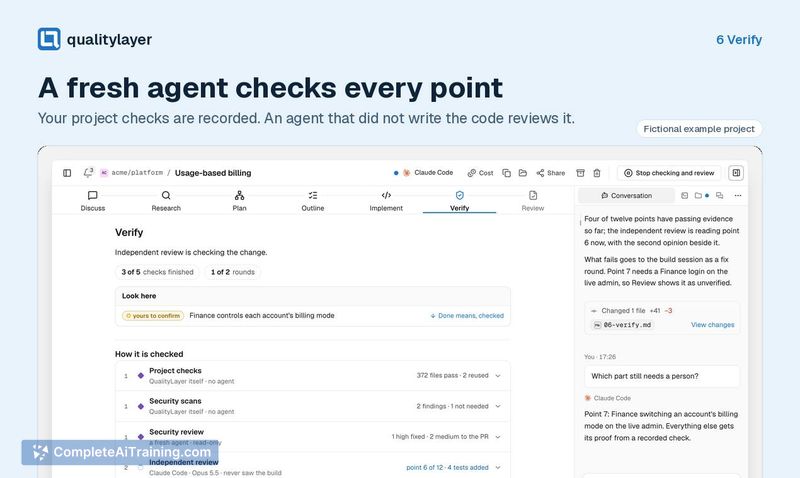
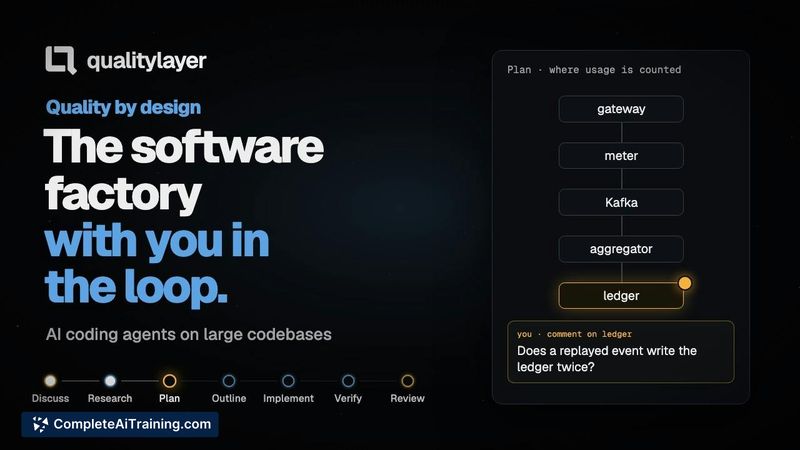
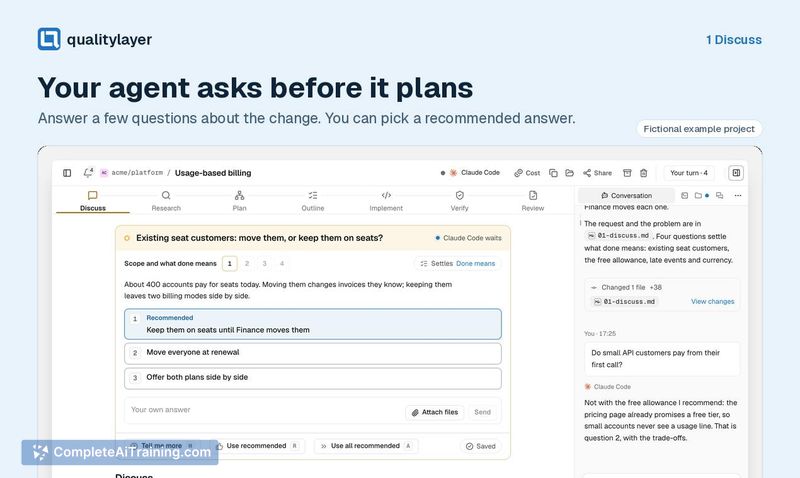
QualityLayer doesn't replace your coding agent. It adds a process layer on top of the agent you already pay for, enforcing a sequence of steps that mirrors how an experienced engineer might work. The tool is new - launched this week - and comes from a maker who used various agents daily with professional clients for 18 months before building it.
Key Features
- Seven-step workflow: Discuss, Research, Plan, Outline, Implement, Verify, and Review. You comment on diagrams and clickable screens during planning and approve the plan before the agent writes any code.
- Test-first implementation in small slices, with the agent building incrementally rather than generating everything at once.
- Separate verification step where a fresh agent that did not write the code checks the output against the agreed-upon plan.
- Works with Claude Code, Codex, Cursor, Grok, Antigravity, Pi, or OpenCode using your own subscription - no additional per-use fees for the agents themselves.
- Flexible step usage: you can skip the full seven-step sequence for small changes. A QL Chat mode handles freeform work, and you can mix planning in one tool with implementation in another.
Pricing and Value
QualityLayer itself is free to use. You need your own subscription to at least one of the supported coding agents, which you pay for separately. The tool doesn't add any licensing costs on top of that. Whether a paid tier appears later is not yet defined.
Pros
- Enforces a plan-first workflow, which can reduce rework by making design decisions visible and commentable before code gets written.
- Uses a different agent for review than for implementation, avoiding the common problem of an agent passing its own work.
- Runs locally on your machine across all major operating systems - no cloud dependency for the workflow orchestration.
- Stays out of your way for trivial changes; you can drop into a lightweight chat or skip steps entirely.
- Works with subscriptions you likely already have, so there's no lock-in to a new agent ecosystem.
Cons
- The full seven-step process feels heavy for tiny fixes. The maker confirmed you can skip steps, but the default path may slow down quick edits.
- Not well suited for developers who prefer a fast, unstructured chat-based flow and don't want the overhead of formal plan approval.
- As a newly launched tool, it lacks a track record and community extensions - the GitHub repo is public, but the ecosystem around it is still thin.
QualityLayer fits developers who already use coding agents for non-trivial features and want more structure without switching tools. It makes the most sense when you're building something where the "why" behind a change matters enough to document and verify - and where a second pair of agent eyes might catch things the first one missed. For quick, one-line fixes, the lighter QL Chat mode or skipping steps keeps the overhead low, but the tool's main draw is the full gated workflow.