
AI tool
Marv
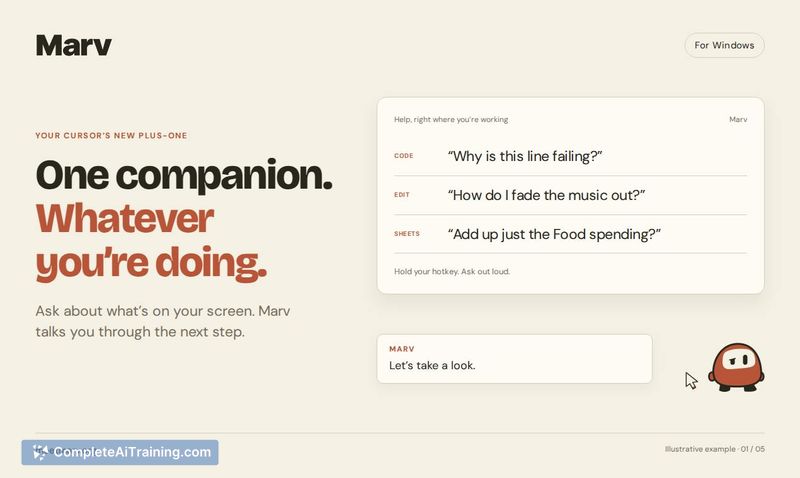
Marv is an on-screen assistant for Windows that appears beside your cursor. Hold a hotkey to ask about visible app controls, and it answers out loud while circling, pointing, or drawing on the screen. It is for anyone who needs help finding featur...
About Marv
Marv is an AI cursor companion for Windows that overlays visual guidance directly onto your screen. Hold a hotkey, ask about anything you're looking at, and Marv answers out loud while drawing arrows, circling buttons, and writing notes to walk you through it. It's built by Cameron McHardy and uses Claude by Anthropic for screen understanding and ElevenLabs for voice output.
Review
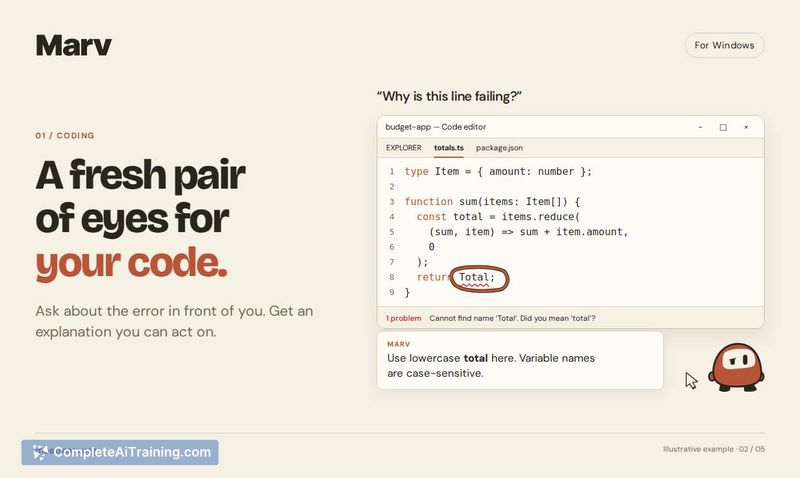
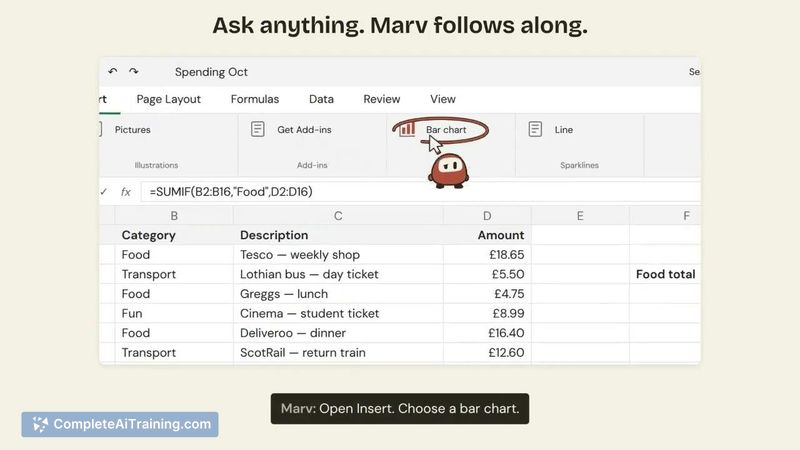
Marv tackles a specific frustration: knowing what you want to do in an app but not being able to locate the right control. Instead of reading forum threads or deciphering text-based AI instructions, you get spoken answers and on-screen annotations that point directly at UI elements. The tool is currently in early access with a waitlist at meetmarv.org, and the maker is actively gathering feedback from signups.
Key Features
- Hotkey-activated screen queries that let you ask about anything visible on your display without leaving your current app
- On-screen annotations including arrows, button circles, and written notes drawn directly onto your interface
- Spoken answers via ElevenLabs voice synthesis so you can keep your eyes on the task while Marv talks you through it
- Per-screen overlay behavior that keeps annotations tied to the app or page you asked about, and doesn't carry them over when you switch windows
- Multi-monitor support with annotations staying where you left them when you return to an app
Pricing and Value
Pricing details have not yet been defined. The tool is currently collecting early-access signups, and no paid tiers or subscription models have been announced. The launch page lists "Free Options" as a tag, but specifics on what remains free versus paid are not available at this stage.
Pros
- Visual annotations remove the ambiguity of text-only AI help by pointing at exact UI elements
- Voice output means you don't have to switch focus between the instructions and the problem you're solving
- Annotations are scoped to individual apps, so switching windows won't clutter unrelated screens
- The maker has acknowledged a key risk-confident-looking annotations when the AI is uncertain-and is considering ways to surface that uncertainty
Cons
- Windows-only at launch, with no macOS or Linux versions mentioned on the current roadmap
- Not yet publicly available; the tool is in a pre-release waitlist phase with no stated release date
- Not well suited for users who need help with tasks that span multiple apps simultaneously, since annotations are tied to individual windows
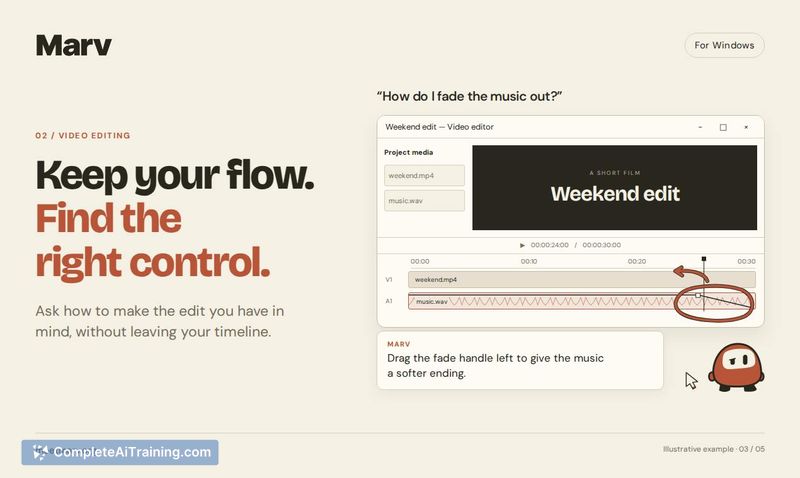
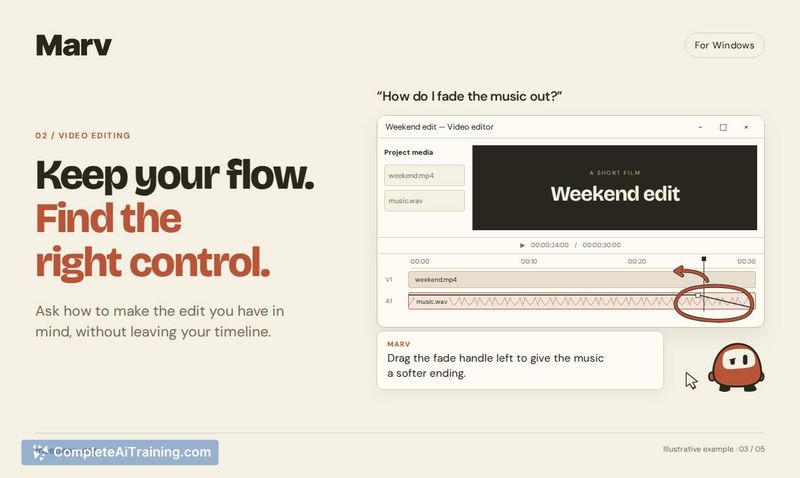
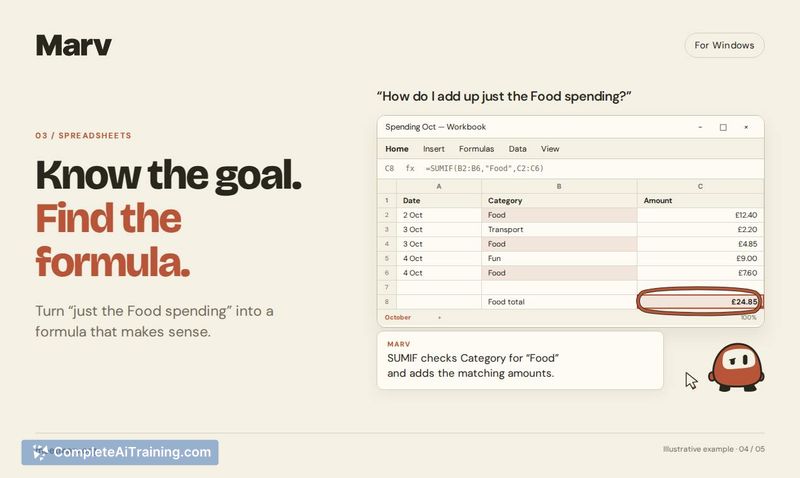
Marv appears most useful for people who frequently work in unfamiliar software-video editors hunting for a specific export setting, spreadsheet users puzzling over formula inputs, or anyone who's tired of reading three forum threads to find one button. The per-window annotation model and voice guidance make it a fit for focused, single-app troubleshooting sessions. If the waitlist period results in a stable release and the uncertainty-communication feature ships, it could fill a gap that text-only AI assistants leave open.



