AI tool
MCP 2000
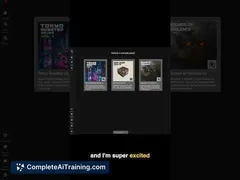
MCP 2000 is a browser tool that generates audio samples from text prompts for beatmakers. It provides a 4x4 pad layout for chopping, pitching, and sequencing sounds without downloading software.
About MCP 2000
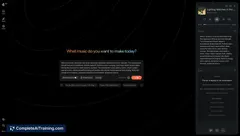
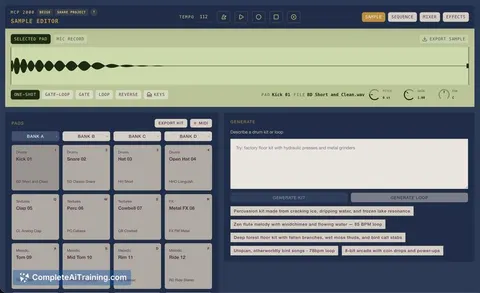
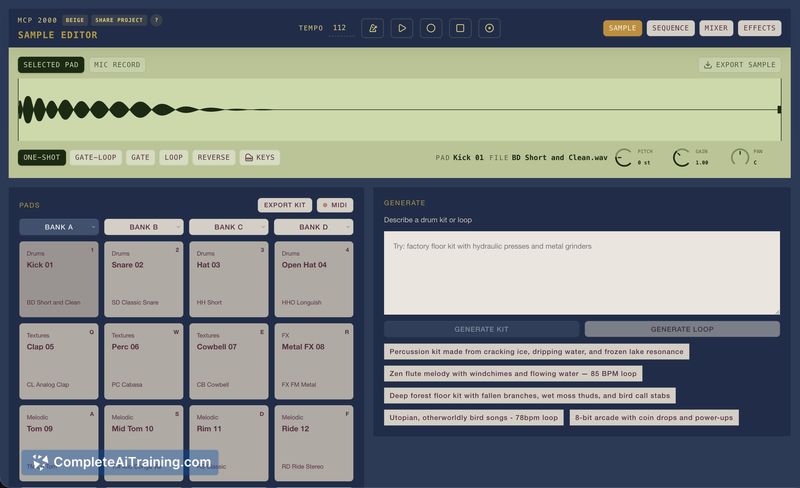
MCP 2000 is an AI drum machine that runs entirely in a web browser. You type a description-for example, "dusty boom bap kit with crunchy snares"-and the tool generates matching samples, placing them onto a 4x4 MPC-style pad grid. No sample packs, plugins, or installations are needed; beat-making can start seconds after the page loads.
Review
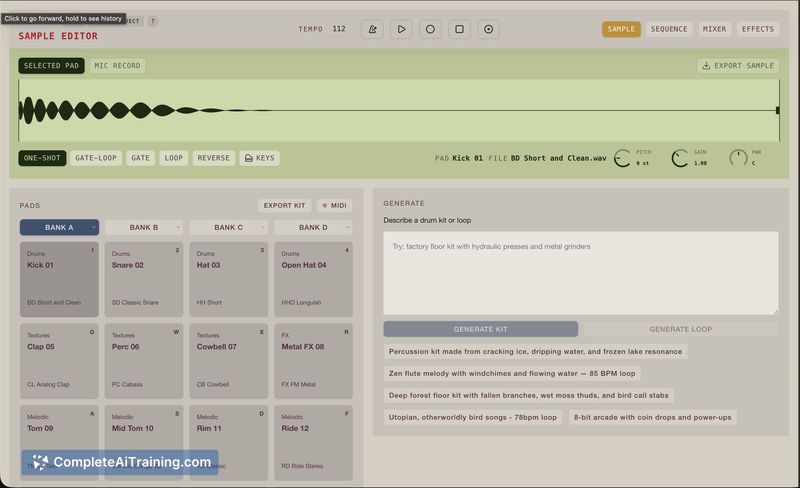
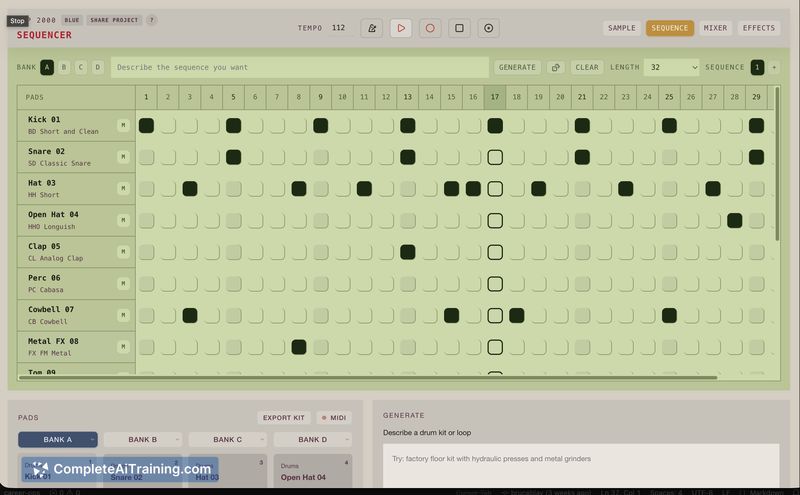
MCP 2000 addresses a common friction point in beat production: the time spent hunting for the right sound. Instead of browsing libraries, you prompt for what you want and immediately get playable hits on virtual pads. The interface is minimal, focused on getting from typed idea to finger-drumming with as few steps as possible.
Key Features
- Text-to-sample generation: type a description of the kit or loop you need, and the system synthesizes corresponding audio using ElevenLabs.
- 4x4 pad grid: the classic MPC layout supports finger-drumming via mouse or keyboard, with basic chopping and pitching controls per pad.
- Built-in sequencer: pattern generation is assisted by Claude, letting you string hits together without external MIDI tools.
- Effects processing: apply reverb, delay, and other treatments directly on the generated sounds.
- Zero install, no account: everything loads in a browser tab, and the tool is free to use right now.
Pricing and Value
At launch, MCP 2000 is entirely free. There are no subscription tiers, in-app purchases, or paywalls mentioned by the maker. For producers tired of sample-library overhead, the immediate access to custom-generated sounds at no cost can reduce the time between an idea and a working beat.
Pros
- Instant sound generation from plain-language descriptions replaces lengthy crate-digging sessions.
- The 16-pad grid mirrors physical MPC and Maschine hardware, so finger-drumming feels familiar to many.
- No downloads or accounts required-you can start building a beat within roughly ten seconds of opening the page.
- Core editing functions like chopping, pitch-shifting, and sequencing are available without additional plugins.
- The tool is completely free at this stage, with no feature gates tied to payment.
Cons
- The pad grid is fixed at 4x4; users who need a larger layout or more flexible mapping will find it constraining.
- Because audio generation depends on external APIs (ElevenLabs) and an internet connection, latency and output quality can vary with network and service conditions.
- It is not well suited for producers who require offline operation, deep DAW integration, or meticulous sample library management.
MCP 2000 works best for beatmakers and hobbyists who want to quickly prototype rhythmic ideas or jam without digging through folders of samples. It may also appeal to those in search of unusual one-shot textures that typed descriptions can produce. Professionals working in tightly integrated DAW setups or needing reliable offline access will likely find the current browser-only, API-reliant model too limited for full production workflows.
Jobs MCP 2000 suits
We checked MCP 2000 against 500+ jobs; these get the most out of it.
Alternatives to MCP 2000
Other tools that do the same main job. Our AI compared MCP 2000 with similar tools and kept the ones you could use instead.