AI tool
Mermaid Flow
Mermaid Flow lets you build agentic workflows as visual diagrams and run them to automate tasks like issue triage or PR reviews. It connects tools like GitHub, Slack, and Notion, saves every step, and is for teams that want repeatable processes wi...
About Mermaid Flow
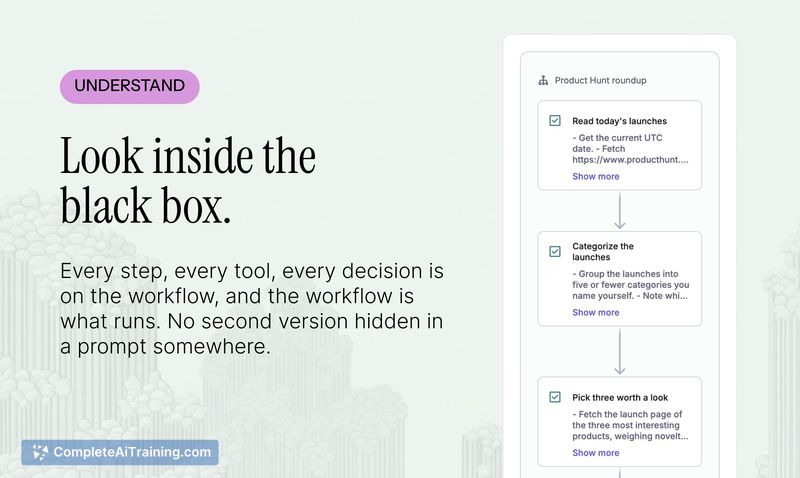
Mermaid Flow is a visual builder for agentic workflows from the team behind Mermaid.js, the open-source diagramming standard. You construct a workflow as a Mermaid diagram, where each step is an agent carrying out an instruction with its own tools and context. The diagram itself is what runs, and the tool connects to Github, Slack, Notion, and other services to execute recurring AI work like issue triage, weekly recaps, and PR reviews.
Review
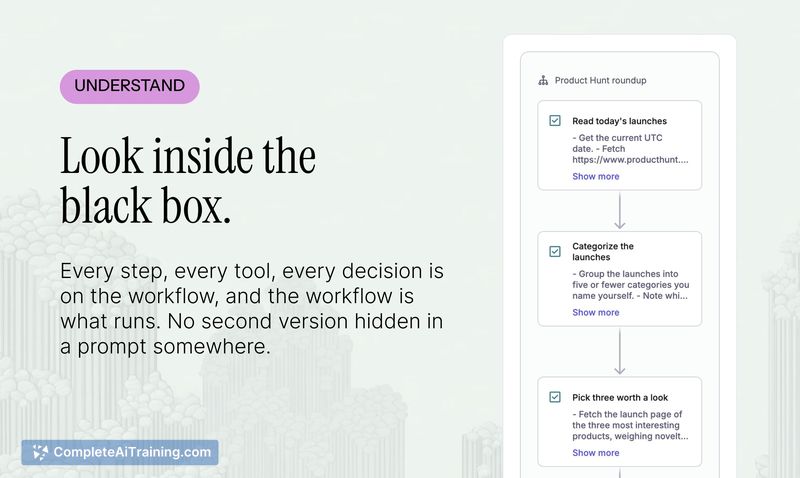
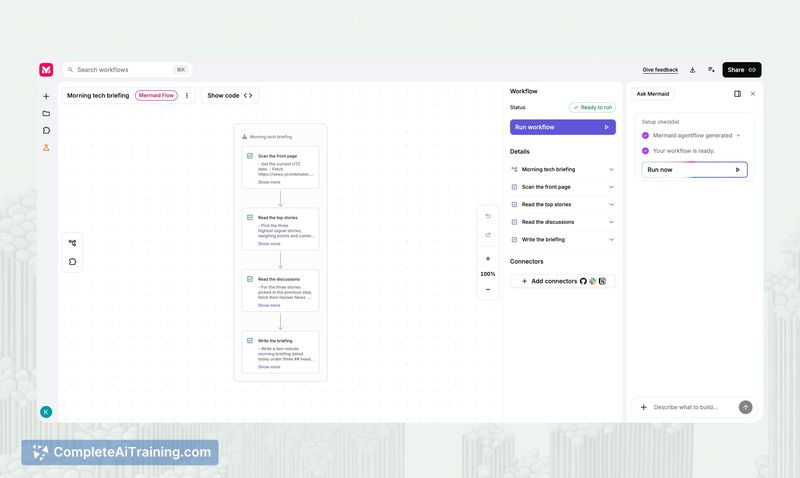
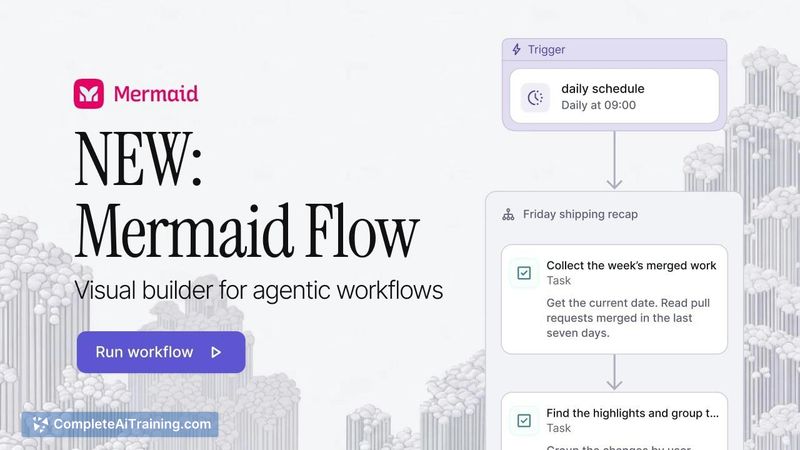
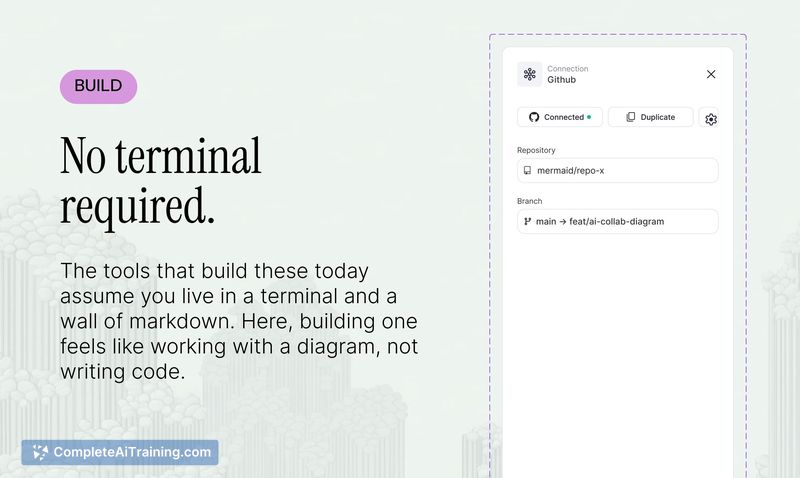
Mermaid Flow takes a specific approach to agentic automation: the workflow is a diagram, the diagram is text, and that text is what executes. This means the workflow lives as a Mermaid file that can be versioned, reviewed in a PR, or handed to an LLM. The tool targets teams that already run AI-powered recurring tasks and want a single shared artifact instead of prompt snippets floating between chat windows.
Key Features
- Workflows as diagrams. Each step in the workflow is an agent. You describe what the step should do in a couple of sentences, assign it the tools it needs, and the diagram becomes the runnable artifact.
- One-click tool connections. Connect Github, Slack, Notion, and other services without setting up a separate project or integration layer.
- Step-by-step run history. Every run saves the output of each step, so you can inspect where a result came from and your team can follow along.
- Scheduled and manual runs. Workflows can be triggered on demand or placed on a schedule. Webhook-based triggers (e.g., on PR merge) are in active development.
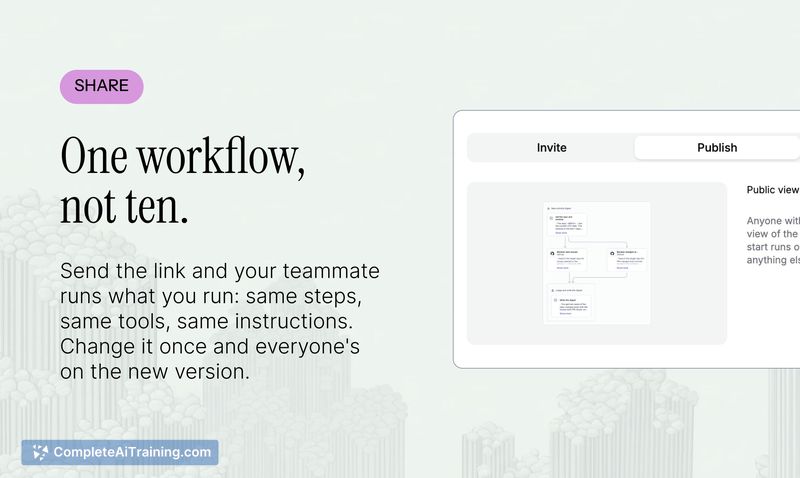
- Shared, readable workflows. Because the workflow is a Mermaid diagram stored as text, anyone on the team can read it and run it without deciphering scripts.
Pricing and Value
Mermaid Flow is free to start. The launch page lists a free option and a 25% discount for launch-week sign-ups, but the reference content does not detail pricing tiers, usage limits, or what the paid plans include. The long-term pricing structure is not yet defined in the available material.
Pros
- Workflows are plain-text Mermaid diagrams, so they version naturally with code and can be read, generated, or modified by LLMs.
- Tool connections require minimal setup-one click to link services like Github and Slack without configuring a project.
- Every run preserves step-level output, making it straightforward to trace where an agent's output went wrong.
- Teams share a single workflow copy, which reduces output drift compared to individuals pasting and tweaking prompts in separate chat windows.
- Fits into existing Mermaid workflows; if a team already uses Mermaid for diagrams, the syntax and mental model carry over.
Cons
- No human-in-the-loop checkpoints yet. A run goes from start to finish without pausing for approval, though the team says this is on the short list of features to add.
- Triggered runs via webhooks are not yet available. The team is building inbound webhook support now, but there is no firm release date.
- Mermaid Flow is not well suited for teams that need deterministic, field-mapped automation with a large connector library. If AI is just one node among many in a rigid pipeline, a tool like n8n may be a more appropriate fit.
Mermaid Flow makes the most sense for teams that already run recurring AI tasks-triaging issues, drafting release notes, generating weekly recaps-and want those workflows to live in a single, inspectable place. It's also a natural extension for teams that already think in Mermaid and want the diagram to do more than document. Teams looking for trigger-based automation or approval gates will hit the current boundaries of the product, though those capabilities are on the roadmap.