AI tool
Microsoft Copilot
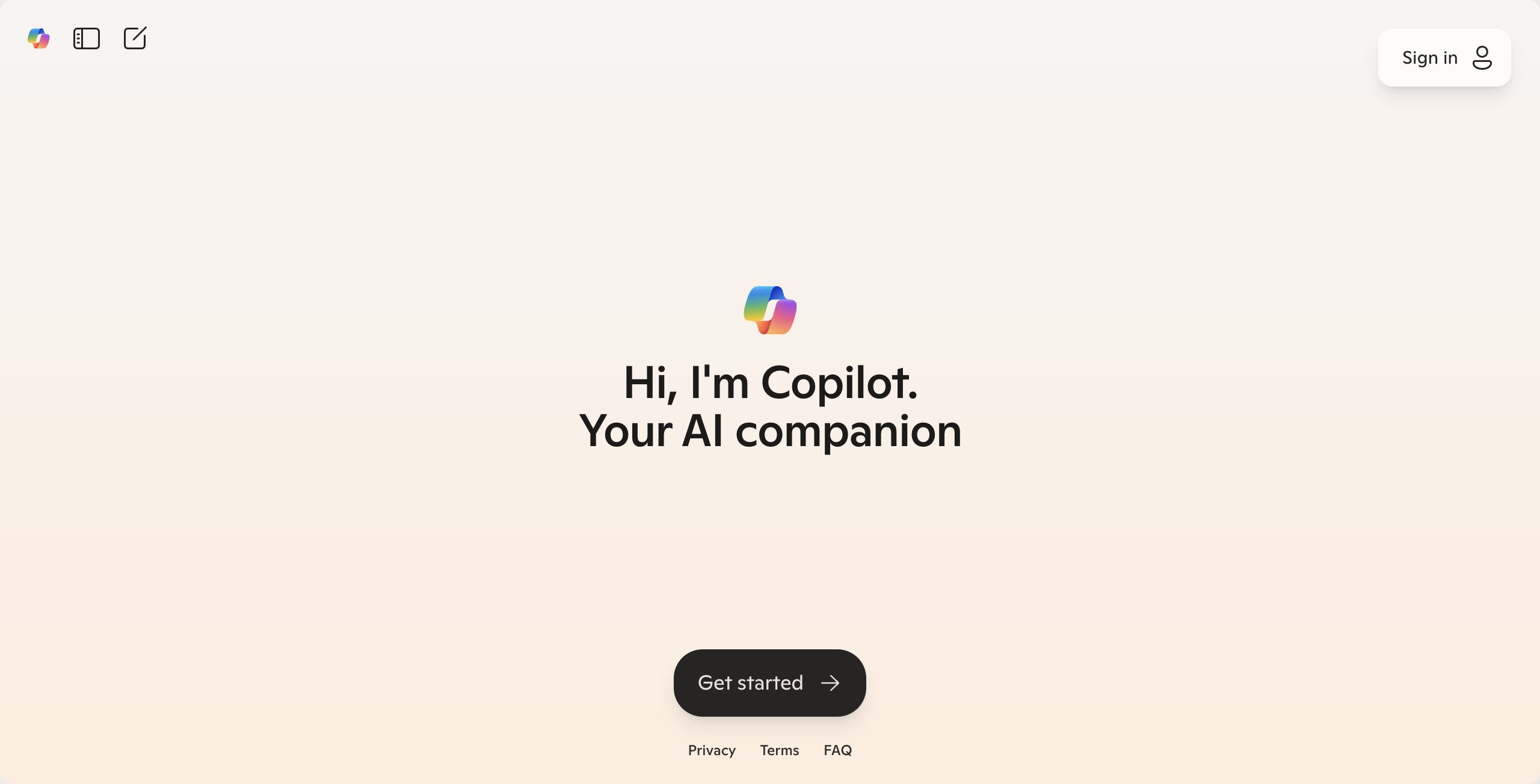
Experience tailored web browsing with Microsoft Copilot, accessible on Edge and Chrome for Windows and Mac. Sign in with Microsoft or Entra ID to unlock personalized recommendations, shortcuts, and tips, enhancing your online navigation effortlessly.

About: Microsoft Copilot
Microsoft Copilot is an innovative tool designed to enhance your web browsing experience by delivering tailored recommendations and efficient navigation options. Available on Microsoft Edge and Chrome browsers for both Windows and Mac OS, Copilot simplifies web exploration by requiring users to log in with their Microsoft or Entra ID accounts.
This tool offers a suite of features, including personalized suggestions based on user preferences and browsing history, as well as practical shortcuts and tips to streamline web activities. With Copilot, users can quickly discover relevant content, saving time and effort while browsing.
The primary applications of Microsoft Copilot range from enhancing productivity for professionals seeking to manage their workflow more effectively, to providing casual users with a more engaging and customized browsing experience. What sets Copilot apart is its ability to adapt to individual user behaviors, ensuring that recommendations are not only relevant but also timely, creating a unique advantage for each user. By integrating seamlessly into popular browsers, it provides a powerful tool for anyone looking to optimize their online presence.
Review: Microsoft Copilot
Introduction
Microsoft Copilot is an AI-powered tool designed to personalize recommendations and enhance web browsing experiences. Developed for users who frequently navigate the internet, it streamlines the process of discovering relevant content and tools through personalized shortcuts, tips, and guidance. This review examines Copilot's features and its potential impact on everyday browsing, particularly for those looking for a more intuitive and efficient online environment.
Key Features
Microsoft Copilot offers several core functionalities aimed at improving user experience:
- Personalized Recommendations: Delivers tailored suggestions based on user preferences and browsing habits.
- Enhanced Browsing Experience: Provides shortcuts and tips to navigate the web more quickly and efficiently.
- Cross-Platform Support: Available on both Windows and Mac OS, and compatible with popular web browsers such as Microsoft Edge and Chrome.
- Integrated Sign-In: Requires users to sign in with their Microsoft or Entra ID account, ensuring a seamless, secure, and personalized experience.
Pros and Cons
- Pros:
- Offers a highly personalized browsing experience with tailored recommendations.
- Improves browsing efficiency through useful shortcuts and actionable tips.
- Supports multiple platforms and popular browsers, enhancing accessibility.
- Integrates smoothly with Microsoft and Entra accounts for authenticated use.
- Cons:
- Requires users to have a Microsoft or Entra ID account, which might be a hurdle for some.
- The tool is integrated within specific browsers, potentially limiting its usability for users of other browsers.
Final Verdict
Microsoft Copilot is best suited for users looking to enhance their web browsing with personalized tools and recommendations. Those who regularly use Microsoft Edge or Chrome and already have, or are willing to create, a Microsoft or Entra ID account will likely find it especially valuable. While its integration with specific browsers and reliance on sign-in credentials might pose a challenge for some, overall, Copilot delivers a more efficient, user-centered browsing experience. Users seeking a streamlined, intuitive approach to navigating the web will benefit the most from this AI-powered companion.
Jobs Microsoft Copilot suits
Useful in almost any job. We checked Microsoft Copilot against 500+ jobs; these get the most out of it.
Alternatives to Microsoft Copilot
Other tools that do the same main job. Our AI compared Microsoft Copilot with similar tools and kept the ones you could use instead.