AI tool
Edge Copilot Mode
Edge Copilot Mode integrates AI directly into Microsoft Edge, streamlining tasks like research, writing, and browsing with intelligent suggestions and automation to boost productivity without switching apps.
About Edge Copilot Mode
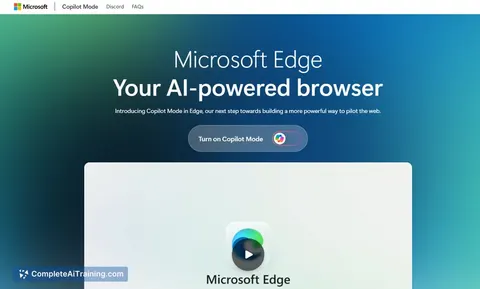
Edge Copilot Mode is an AI-powered feature integrated into the Edge browser that aims to assist users while browsing the web. It provides interactive support and suggestions to streamline web activities within the browser environment.
Review
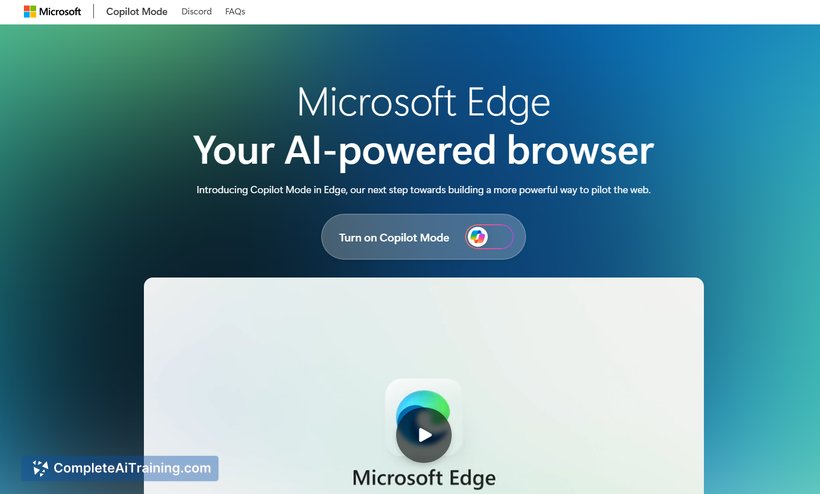
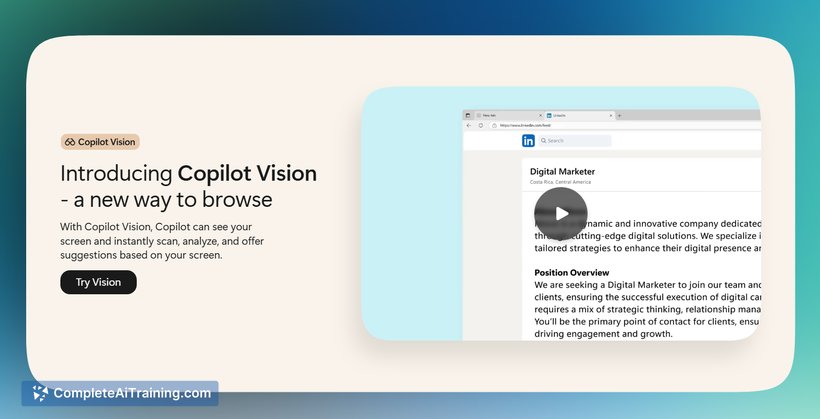
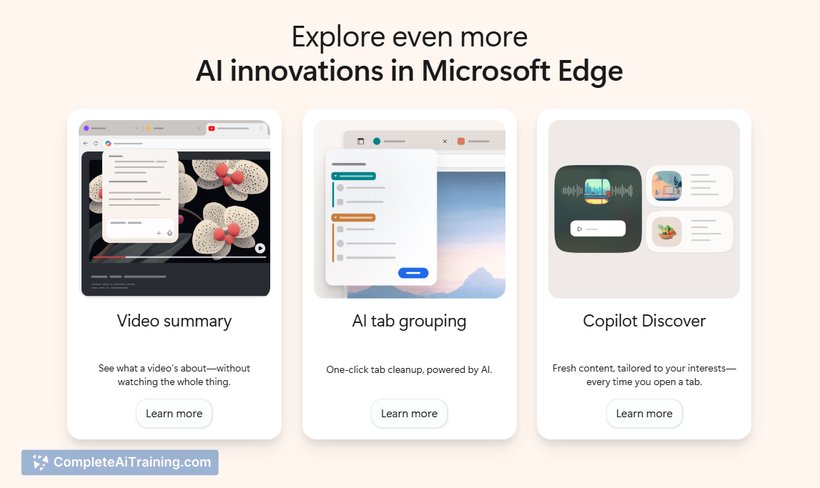
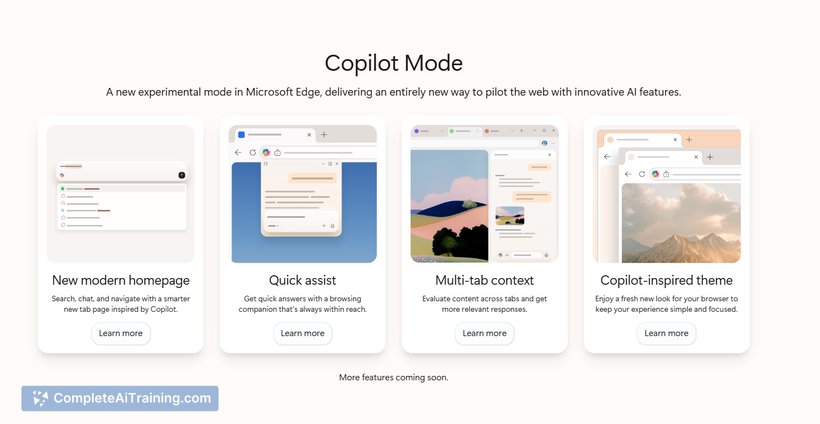
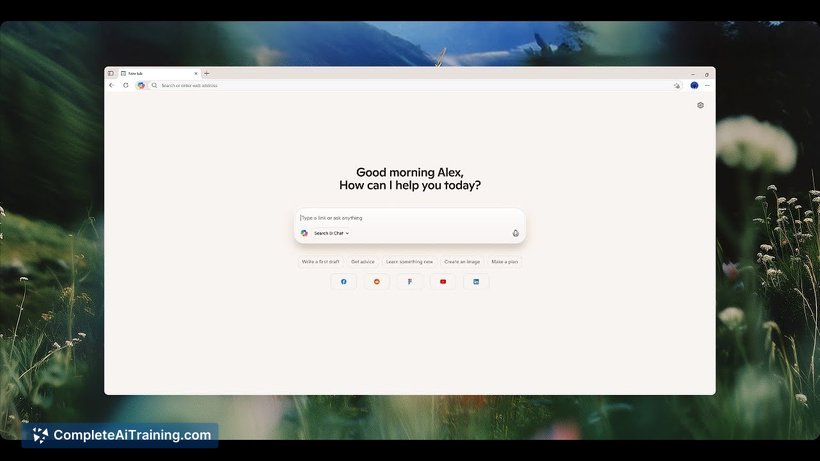
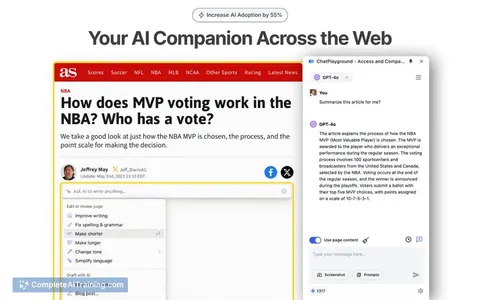
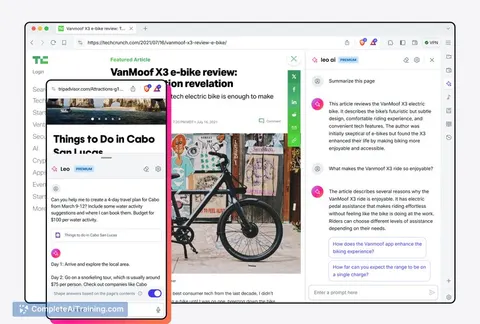
Edge Copilot Mode introduces AI assistance directly into the browsing experience, allowing users to receive contextual help without leaving their current webpage. This integration seeks to enhance productivity by offering relevant information and actions in real time.
Key Features
- AI-driven contextual assistance embedded in the browser.
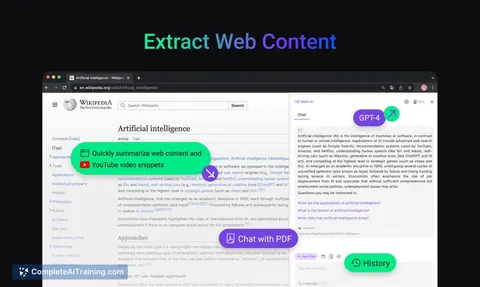
- Support for a wide range of web tasks including research, content summarization, and quick actions.
- Seamless integration without needing to switch between apps or tabs.
- Accessible directly within Edge with no additional setup required.
Pricing and Value
Edge Copilot Mode is available as a complimentary feature within the Edge browser, meaning users can access its AI functionalities at no additional cost. This approach adds value by enhancing the browsing experience without introducing subscription fees or in-app purchases.
Pros
- Convenient AI assistance embedded directly in the browser interface.
- No extra cost for users who already use Edge.
- Supports multitasking by providing help without interrupting browsing flow.
- Simple to use with minimal setup or configuration needed.
Cons
- Currently limited to the Edge browser, which may restrict users on other platforms.
- Feature set is still evolving and may not cover all advanced AI use cases.
- Some users may find the AI suggestions occasionally generic or less precise.
Overall, Edge Copilot Mode is well-suited for everyday web users who want quick AI assistance integrated into their browsing without extra hassle or expense. It fits best for individuals looking to enhance productivity during research, content consumption, and online tasks within the Edge ecosystem.
Jobs Edge Copilot Mode suits
Useful in almost any job. We checked Edge Copilot Mode against 500+ jobs; these get the most out of it.
Alternatives to Edge Copilot Mode
Other tools that do the same main job. Our AI compared Edge Copilot Mode with similar tools and kept the ones you could use instead.