AI tool
Mise
Mise plans full meals by scheduling every dish backward from your desired serving time. It generates a single prep list, cooking order, and combined shopping list for home cooks. Free to use with no login required.
About Mise
Mise is a meal planning tool from Robot Recipes that coordinates multiple dishes to finish at the same time. It builds a backwards schedule from your chosen meal time, producing a single start time, a merged shopping list, and step-by-step instructions with reminders. The tool is free to use and doesn't require a login.
Review
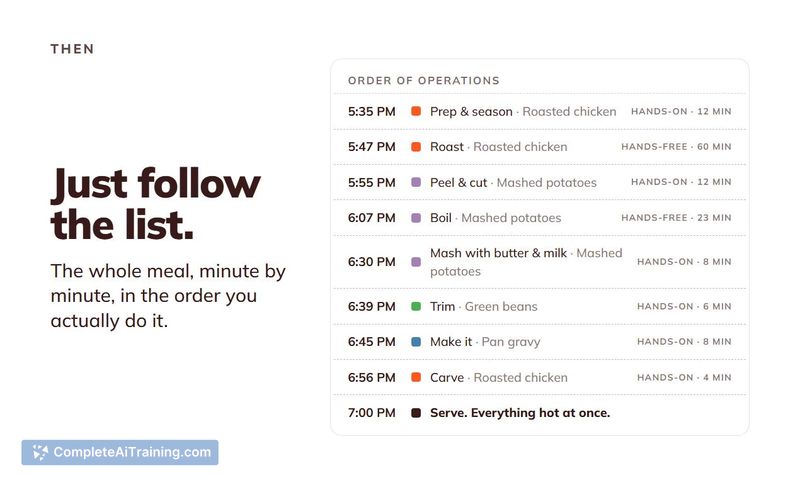
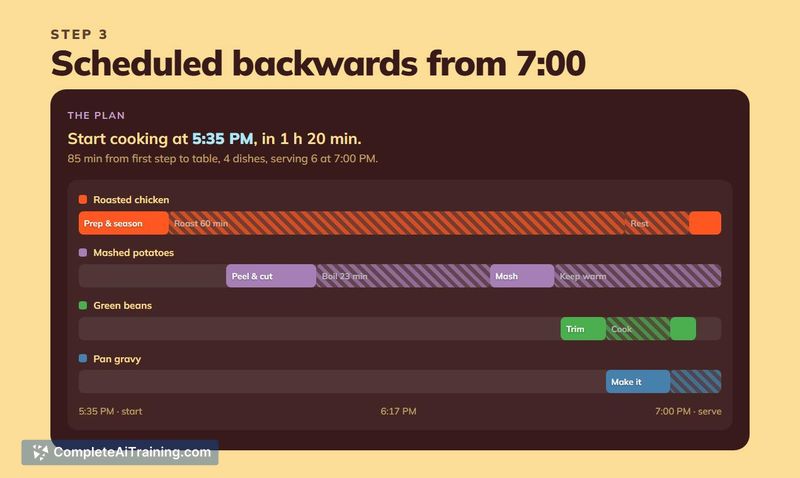
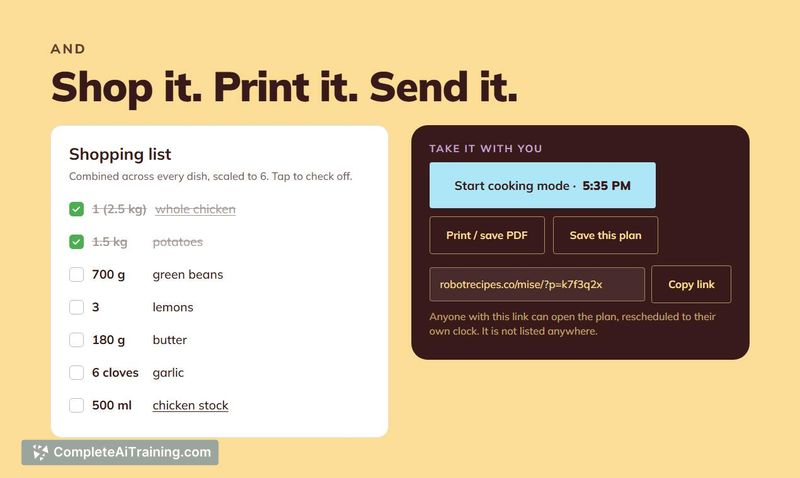
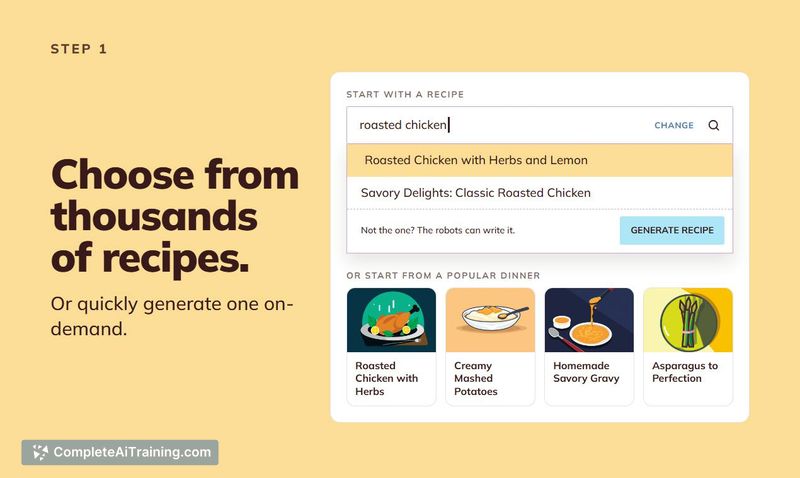

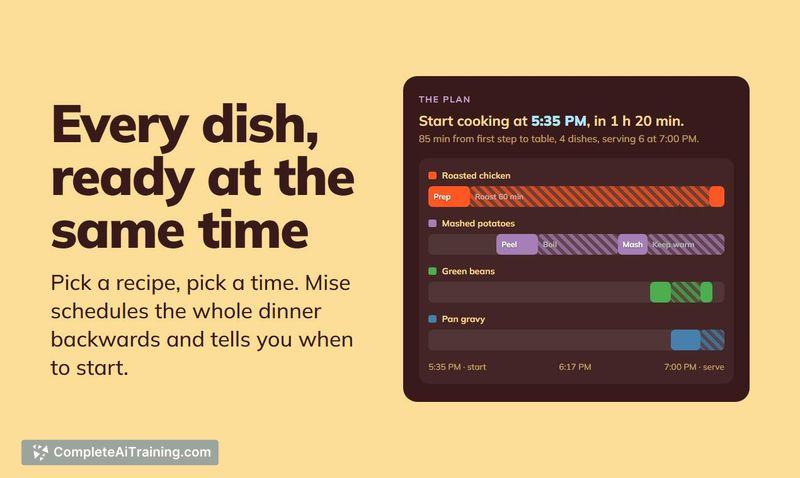
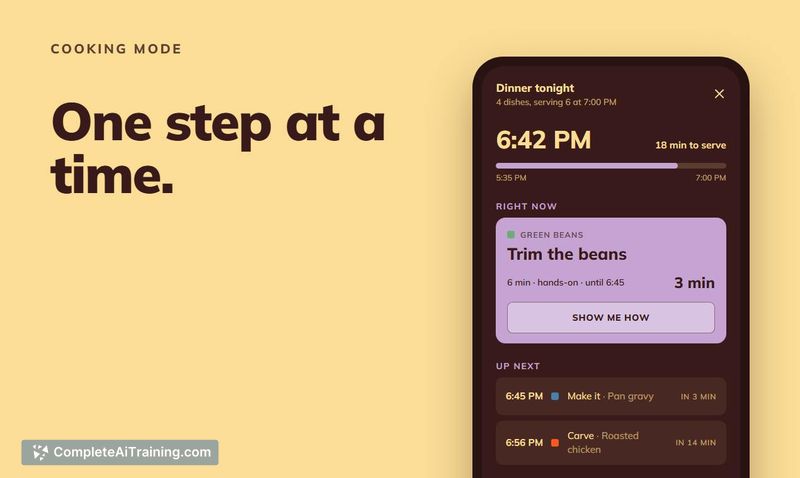
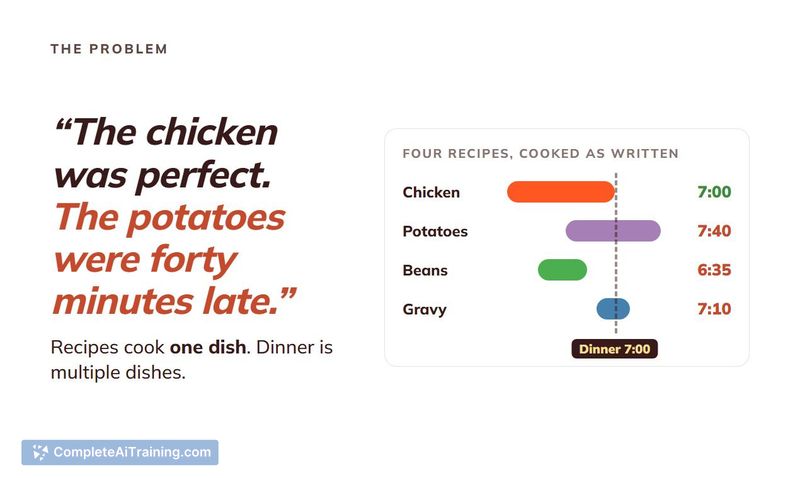
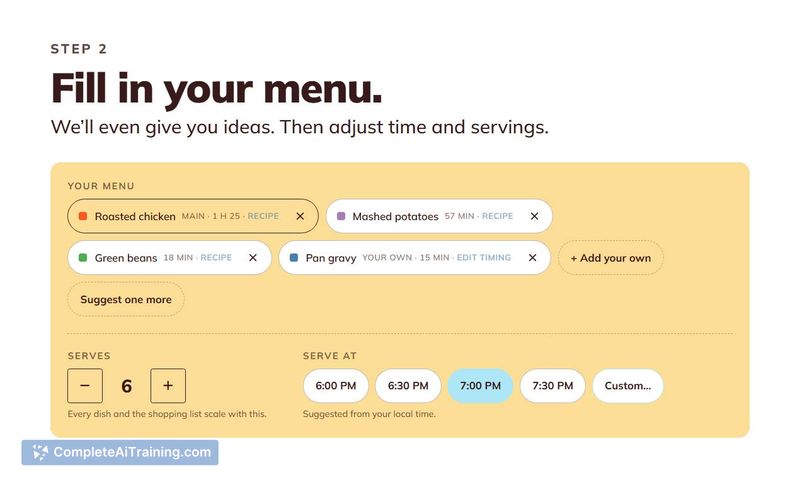
Mise tackles a specific kitchen problem: getting several dishes ready simultaneously without juggling mental math or paper notes. The tool generates a unified timeline for your entire meal, which means you follow one list instead of cross-referencing multiple recipes. It's built on Robot Recipes' existing library of thousands of AI-generated recipes, and you can also generate new ones on-demand.
Key Features
- Backwards scheduling engine - Mise calculates start times for each dish by working backwards from when you want to eat, creating a single running order for the whole meal.
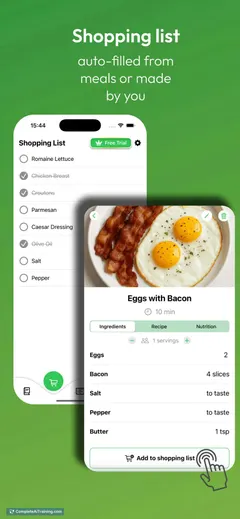
- Merged shopping list - Ingredients from all selected dishes combine into one list, so you don't need to consolidate items manually across recipes.
- Cooking mode with prep list - A consolidated step-by-step guide includes ingredients, instructions, and reminders, organized by timing rather than by dish.
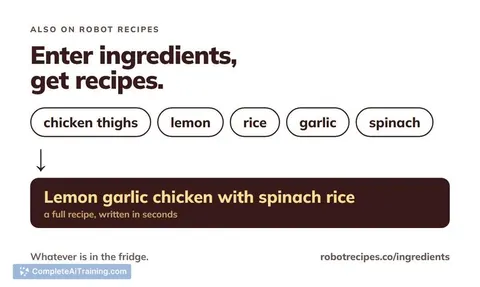
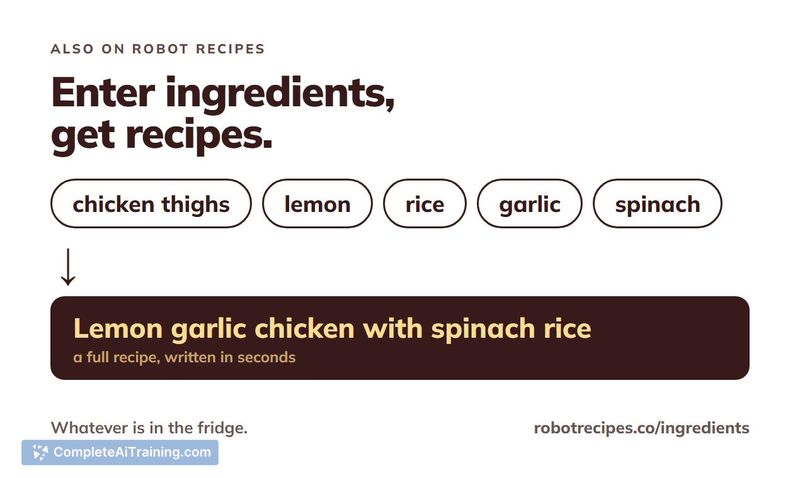
- On-demand recipe generation - Beyond the existing recipe library, you can generate new recipes live if you need something different.
- No account required - The tool works immediately without signup or login.
Pricing and Value
Mise is free. The maker hasn't announced any paid tiers, subscriptions, or limits. Whether this remains free long-term isn't stated on the product page.
Pros
- Eliminates the manual work of coordinating cook times across multiple dishes.
- Single shopping list prevents duplicate ingredient entries from separate recipes.
- Works without an account, so you can start planning a meal in seconds.
- Combines a large fixed recipe library with the option to generate new ones.
- Prep list merges instructions from all dishes into one chronological sequence.
Cons
- The maker notes the scheduling isn't always 100% accurate, so you may still need to adjust timing manually.
- Recipe sources aren't attributed - if you prefer knowing whether a recipe comes from a tested source, this won't tell you.
- Mise isn't suited for users who want to filter recipes by specific ingredient combinations; that capability isn't available yet.
Mise fits home cooks who regularly prepare meals with two or more dishes and want a single plan to follow rather than managing separate recipe timers. It's less useful for single-dish meals where timing coordination isn't a challenge, or for cooks who want granular control over recipe sourcing and ingredient-based search. The free, no-login approach makes it easy to test whether the scheduling logic matches how you actually cook.
Alternatives to Mise
Other tools that do the same main job. Our AI compared Mise with similar tools and kept the ones you could use instead.