AI tool
MosMos
MosMos is a personal finance tracker that analyzes spending habits and forecasts upcoming bills using GPT-6 Astra. It is built for individuals who want to manage their budget without building manual spreadsheets.
About MosMos
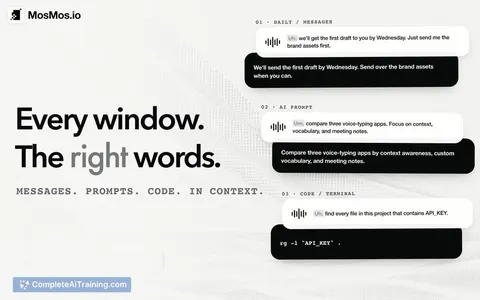
MosMos is a voice writing tool that converts spoken input into text across macOS applications. It handles both solo dictation and multi-speaker meeting recordings, producing polished text, speaker-separated transcripts, summaries, and action items. The tool includes a personal glossary for specialized terms and a web search function called Ask MosMos.
Review
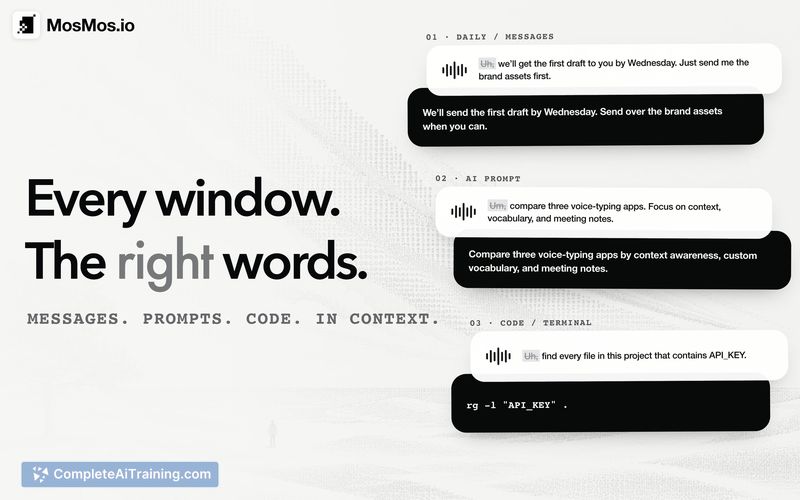

MosMos launched this week as a native macOS voice workspace aimed at product managers, developers, and operators. The tool tries to bridge the gap between thinking and typing - you press the Fn key anywhere to speak, and it writes in a style that adapts to whatever app you're using. It's early-stage software, and the makers are actively collecting feedback on voice input speed, writing quality, and meeting processing.
Key Features
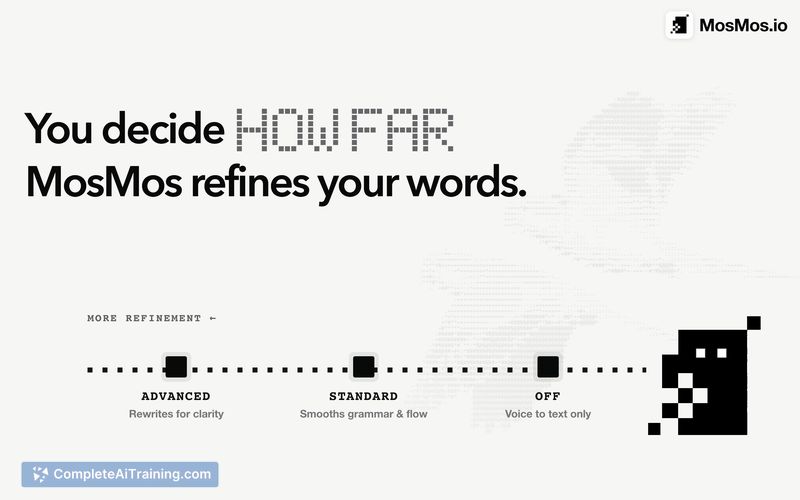
- Voice typing with adjustable polish levels, from verbatim transcription to fully restructured text
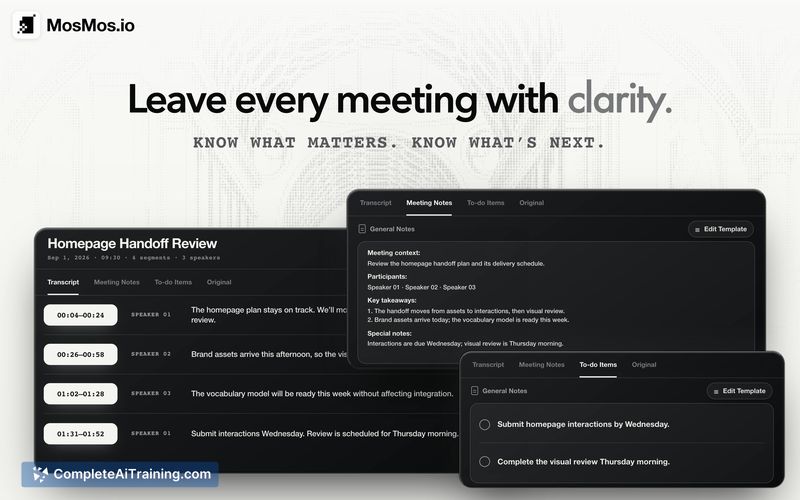
- Multi-speaker meeting recording that produces speaker-separated transcripts with timestamps, summaries, decisions, and action items
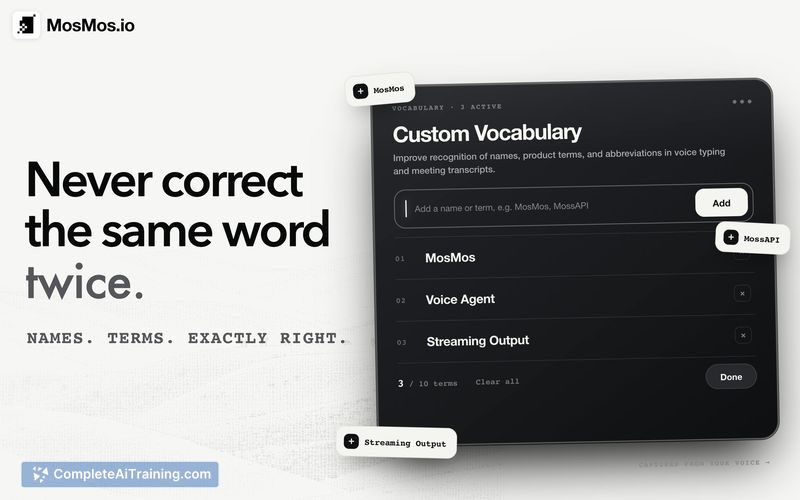
- Personal glossary that retains specialized terms after a single addition
- Ask MosMos for web searches with reviewable sources
- Local on-device speech recognition option for regular dictation (meeting features use cloud processing)
Pricing and Value
Pricing details were not specified in the launch materials. The listing mentions free options exist, but the exact tiers, limits, or future pricing structure haven't been defined publicly yet.
Pros
- Works system-wide on macOS with a single Fn key shortcut, no need to switch windows
- Lets users control how much AI polishing gets applied to their dictated text
- Stores custom vocabulary so technical terms and names don't need repeated correction
- Separates meeting speakers and generates structured follow-up items automatically
- Local ASR keeps standard dictation audio on-device for privacy-conscious users
Cons
- Currently macOS-only; Windows support is on the roadmap with no fixed release date
- Overlapping speech in meetings can cause missed words or incorrect speaker labels
- Not well suited for users who need broad language support - only Chinese and English speech-to-text work today, with more languages planned for future updates
MosMos fits professionals who spend a lot of time in meetings and want to turn spoken discussions into structured notes without manual cleanup. Developers juggling multiple coding agents might also find the voice-to-text shortcuts useful for giving instructions across windows. Anyone working primarily on Windows or in languages beyond English and Chinese should wait for the promised platform and language expansions.
Alternatives to MosMos
Other tools that do the same main job. Our AI compared MosMos with similar tools and kept the ones you could use instead.