AI tool
ngram 2.0
ngram 2.0 turns ideas, documents, and recordings into narrated videos. It analyzes uploaded footage to identify key moments and build product walkthroughs. The tool is for teams that need to create explainer videos or add an AI avatar presenter an...
About ngram 2.0
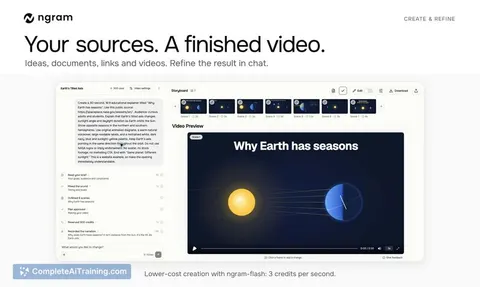
ngram 2.0 is a video agent built for product and marketing teams. It converts release notes, specs, screenshots, documents, URLs, and product recordings into narrated videos for launches, demos, onboarding, support, sales, and social media. The tool plans the message, writes the script, builds the storyboard, creates visual variants, and produces on-brand videos without requiring separate scripting, recording, and editing rounds.
Review
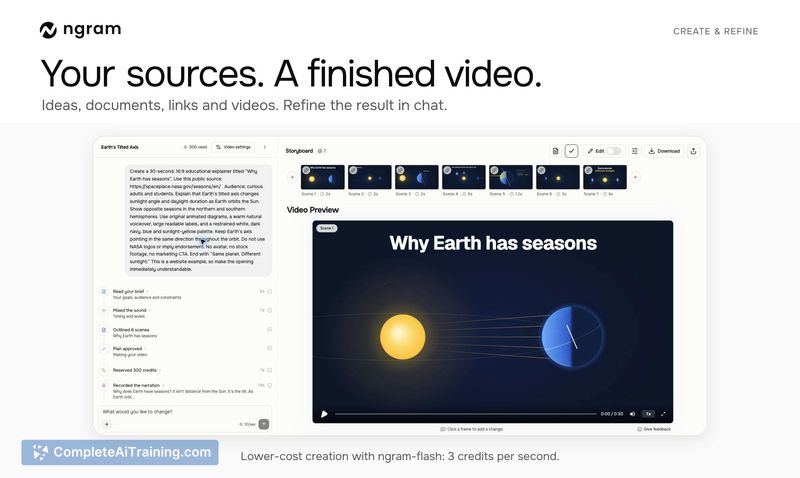
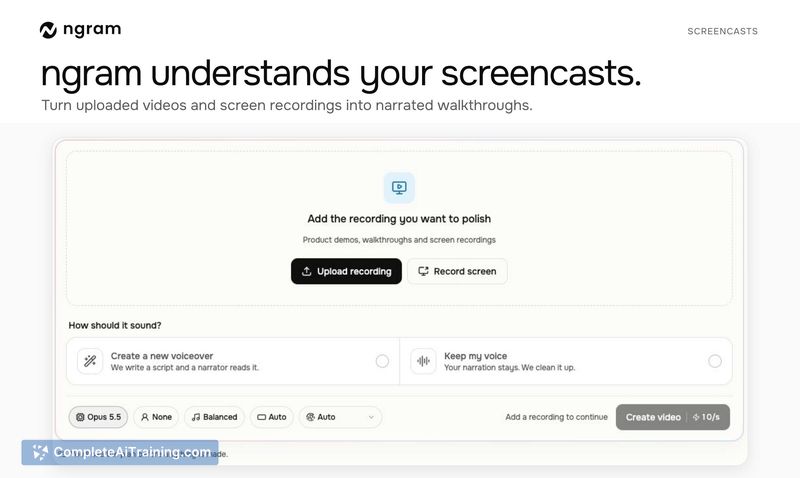
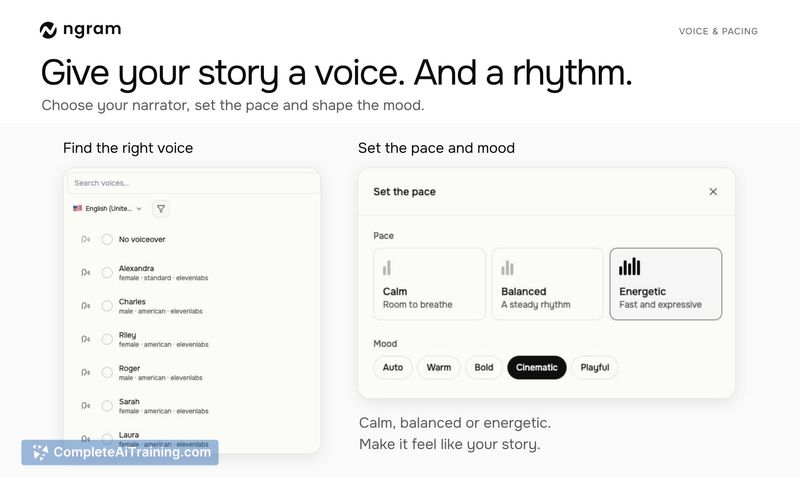
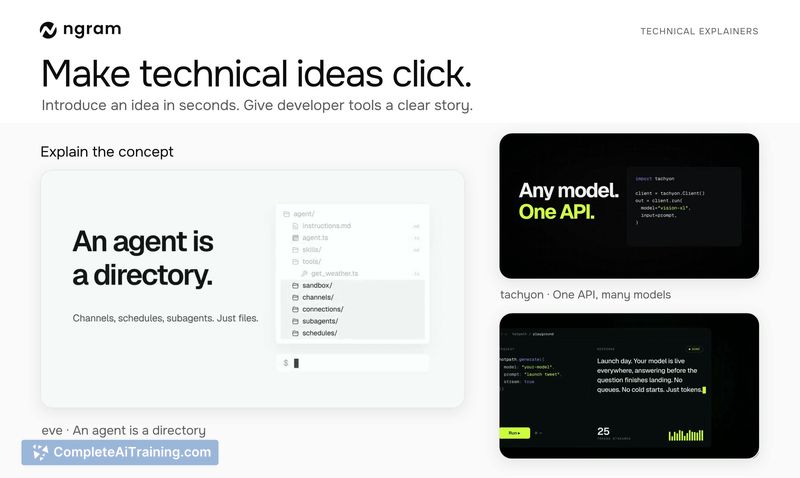
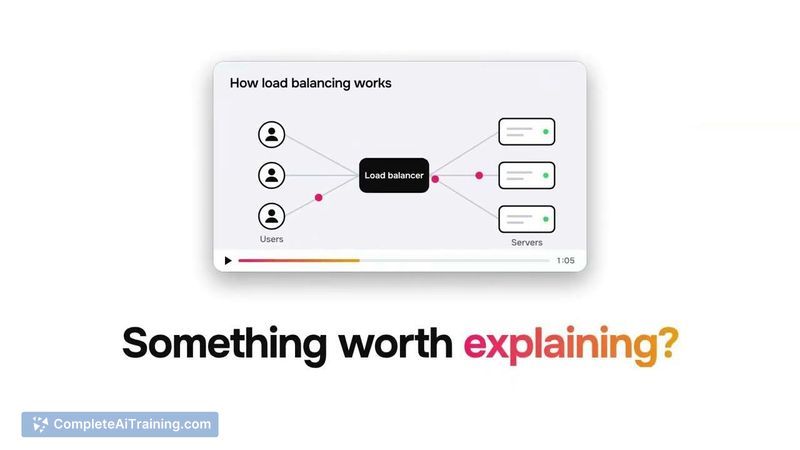
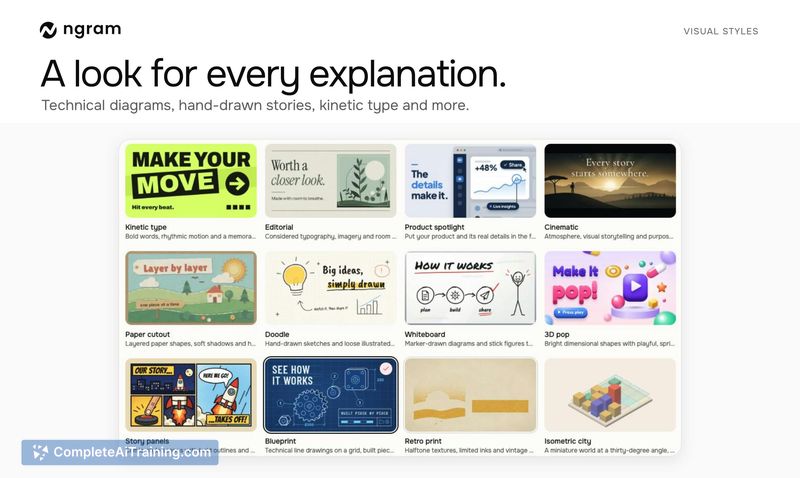
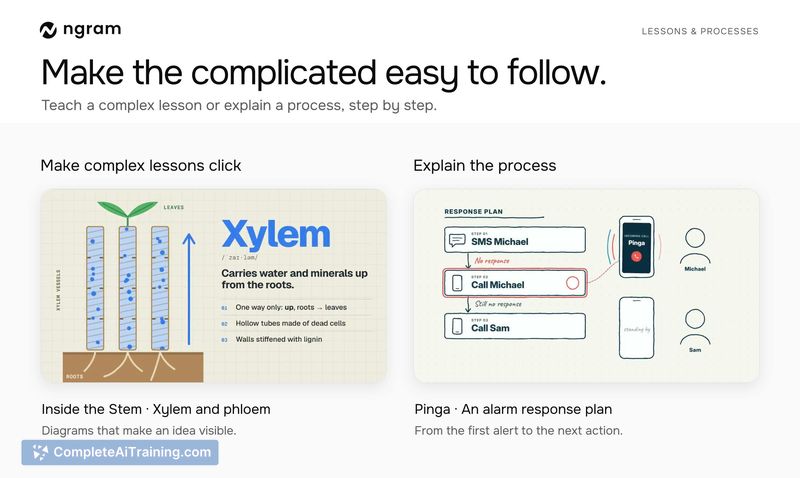
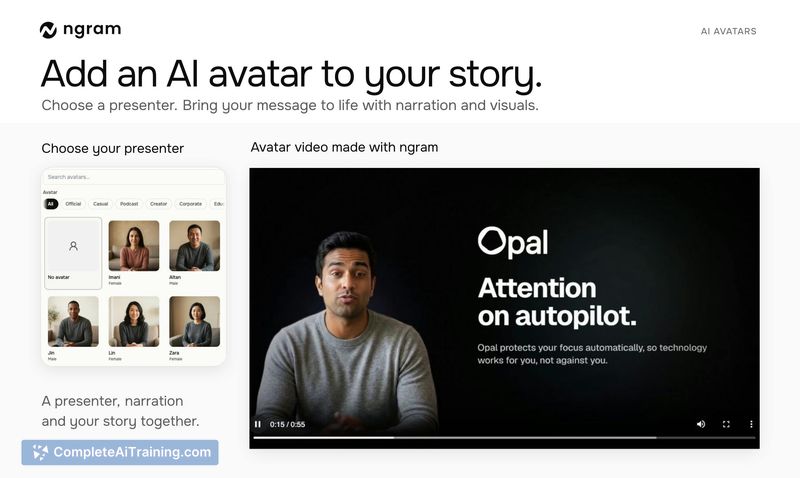
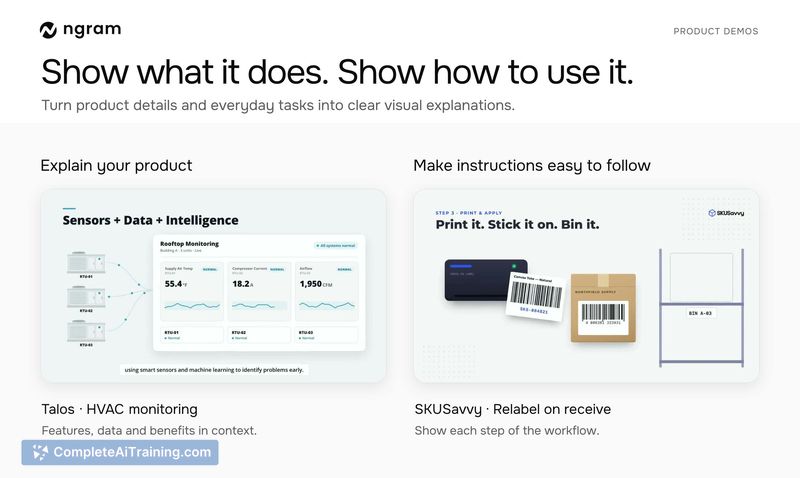
ngram 2.0 consolidates three video creation approaches - animated explainers, screen-recording walkthroughs, and AI avatar presenters - into a single workflow. A user uploads source material, defines the audience and depth of detail, and the agent generates a script, narration, and animated scenes. The output can then be refined through a chat interface.
Key Features
- Multi-format source input: ngram accepts release notes, specs, screenshots, docs, URLs, and uploaded screen recordings to build video content.
- AI avatar presenter: Users can optionally add an AI avatar to narrate the video. Avatars are not required; narrated screencasts and animated explainers work without them.
- Chat-based refinement: After the initial video is generated, users can request corrections and adjustments through a chat interface rather than re-editing manually.
- Depth control: The user chooses an overview level for main ideas or a deeper setting that includes examples and details, which guides the final video length.
- Twitter/X thread conversion: Tagging @askngram on a text-heavy thread on X or Twitter turns that thread into an explainer video.
Pricing and Value
ngram 2.0 operates on existing plans and credits. Users with an existing ngram account can access the new features without a separate subscription. The launch page notes free options are available, but specific pricing tiers or credit costs are not detailed in the current release materials.
Pros
- Combines animated explainers, screencasts, and AI avatars in one tool rather than requiring separate applications.
- Accepts a wide range of source formats, including screen recordings and URLs, which reduces manual script-writing time.
- Publicly shareable video pages support updating or versioning the video without changing the link, making QR-code-based distribution feasible.
- Chat-based editing lets users iterate on the generated video without leaving the interface.
- Optional avatar usage means teams can skip AI presenters if their audience responds poorly to synthetic faces.
Cons
- Videos do not automatically stay in sync when the underlying product UI changes; users must provide an updated recording and regenerate the video.
- QR-code generation is not built into the video sharing page - users need a separate QR-code generator to create codes from the shareable link.
- This tool is not well suited for teams that need live, auto-updating video documentation tied directly to product changes without manual re-uploading.
ngram 2.0 fits teams that regularly produce product update videos, training materials, or customer-facing explainers from existing documentation and recordings. It's also usable for individuals who want to turn research papers or slide decks into narrated summaries. Teams that require real-time synchronization between product UI changes and video content won't find that capability here yet, though a GitHub integration for PR-based explainer videos is on the roadmap for internal team use.