AI tool
Nixmac
Nixmac is a shell script that manages Nix system configurations for non-technical users. It allows people without computer expertise to maintain their devices without asking a tech-savvy friend for help.
About Nixmac
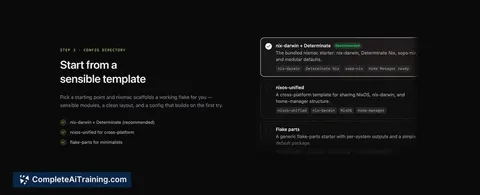
Nixmac is a free, open-source tool that converts plain English descriptions into nix-darwin configurations for macOS. It writes the Nix code, runs a build to check validity, and applies the change after you review a diff. The result is a reproducible, version-controlled system state managed through a simple interface.
Review
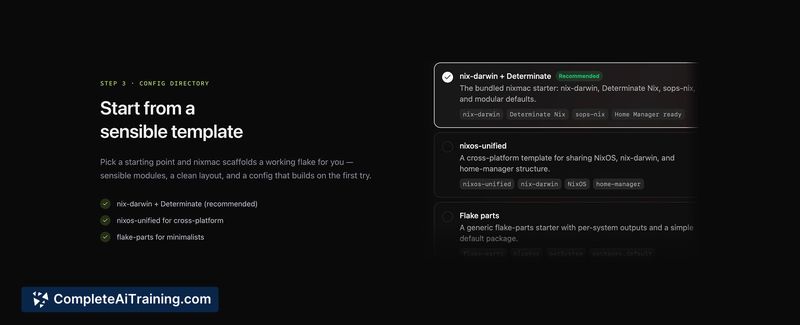
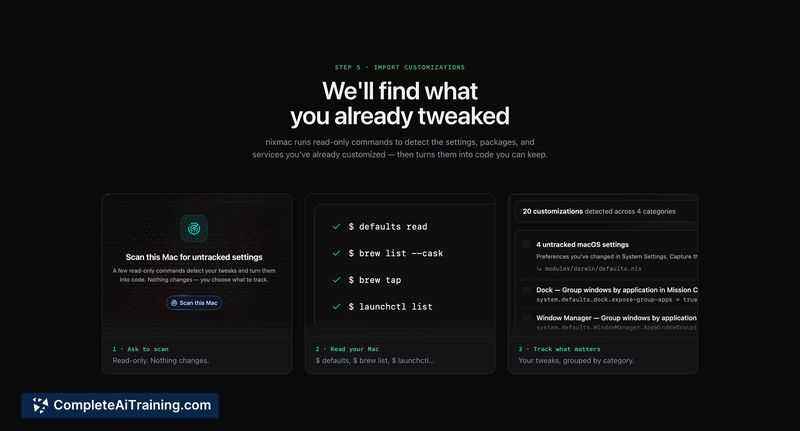
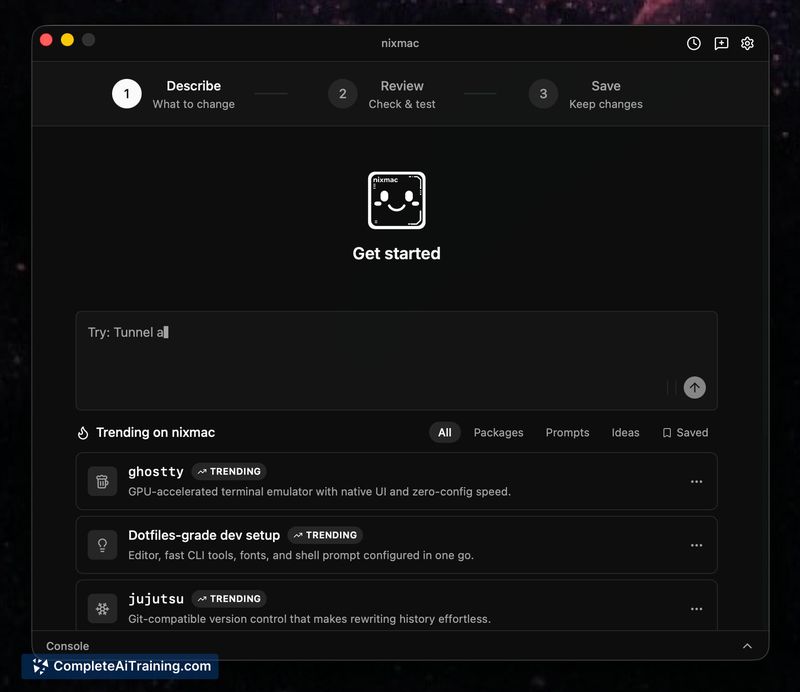
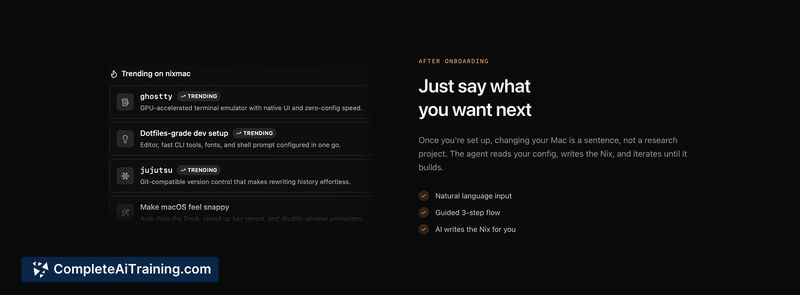
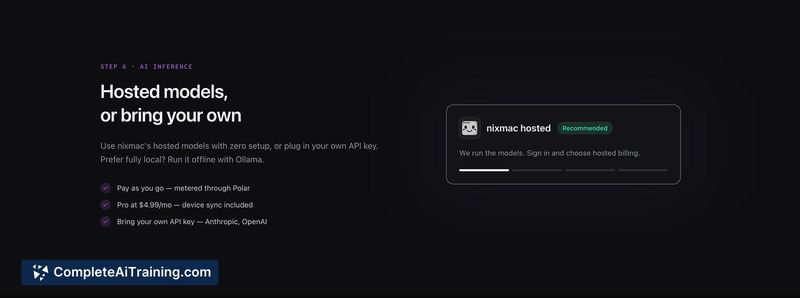
Nixmac launched recently as a way to make Nix on macOS more approachable. The tool focuses on generating and applying nix-darwin configurations from natural language prompts, with built-in safety checks and rollback options. It targets users who want the reproducibility of Nix without learning the configuration syntax upfront.
Key Features
- Plain English to Nix conversion - describe what you want, and Nixmac generates the corresponding nix-darwin code.
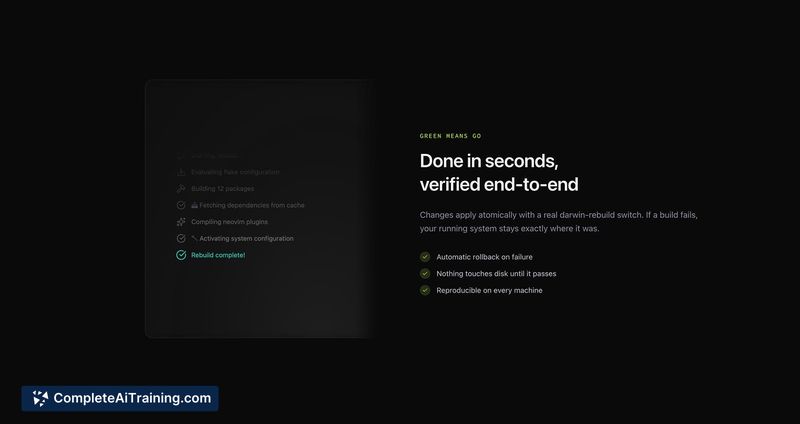
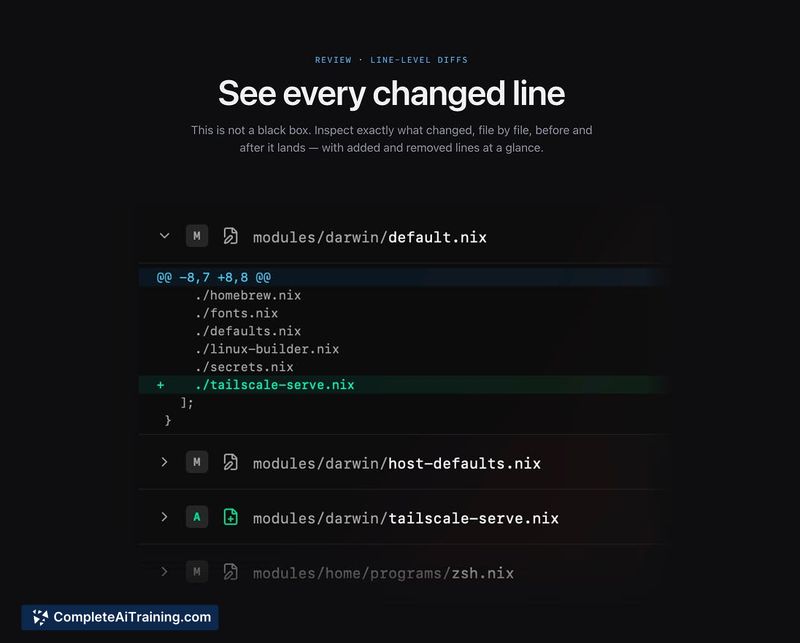
- Pre-apply diff review - before any change is applied, the tool displays a full diff and runs a
nix buildto confirm the configuration compiles. - Rollback via nix-darwin generations - the UI includes a rollback function that reverts to a previous generation, and all changes are tracked in Git.
- Multi-machine support - a single repository can hold multiple configurations with shared base settings and per-host overrides, making it portable across different Macs.
Pricing and Value
Nixmac is free and open source. No paid tiers or subscription models have been announced at launch.
Pros
- Lowers the barrier to using nix-darwin by removing the need to write Nix code manually.
- Shows a diff and verifies the build before applying, reducing the chance of breaking the system.
- Rollback and full Git history let users undo changes without deep Nix knowledge.
- Generated configurations are largely portable, with per-host overrides supported within one repository.
- Open-source codebase allows inspection and community contributions.
Cons
- Nixmac is not well suited for users who frequently install applications outside of Homebrew or the nixpkgs ecosystem; the tool may attempt to fetch and run .dmg files via generated scripts, which can be unreliable.
- Secrets management (e.g., SSH keys, API tokens) is not yet integrated - support for tools like sops-nix appears on the roadmap but is not available now.
- While the tool checks that a configuration builds successfully at generation time, it does not directly assist with debugging rebuild failures that occur days or weeks later when Nix evaluation traces become complex.
Nixmac fits users who want a reproducible Mac setup without learning Nix syntax, particularly those managing multiple machines with shared configs. It is less helpful for workflows that depend heavily on software not packaged in nixpkgs or Homebrew, or for teams that need built-in secrets handling today.