AI tool
OpenPilot
OpenPilot is an open-source desktop agent that reads files and runs commands in a chosen folder based on your task descriptions. It is for developers who want a local, model-agnostic coding assistant with approval controls for sensitive actions.
About OpenPilot
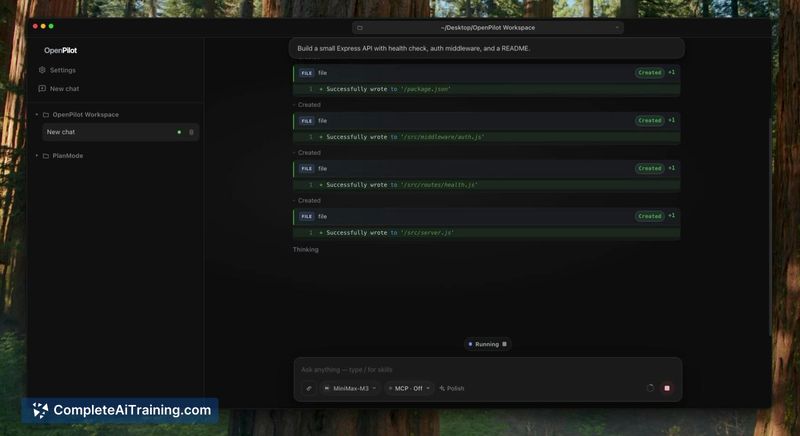
OpenPilot is a free, MIT-licensed desktop AI agent that works with any OpenAI-compatible model. You connect a model from OpenAI, OpenRouter, Ollama, or LM Studio, select a working folder, and the agent reads files, edits them, and runs commands within that folder. Sensitive actions require user approval before they execute.
Review
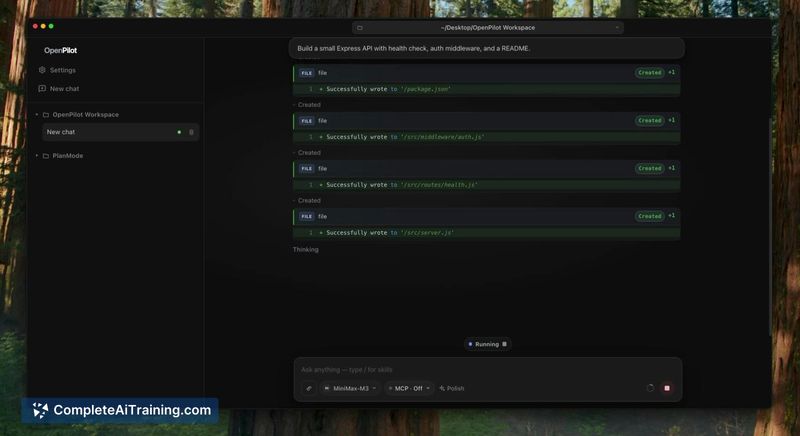
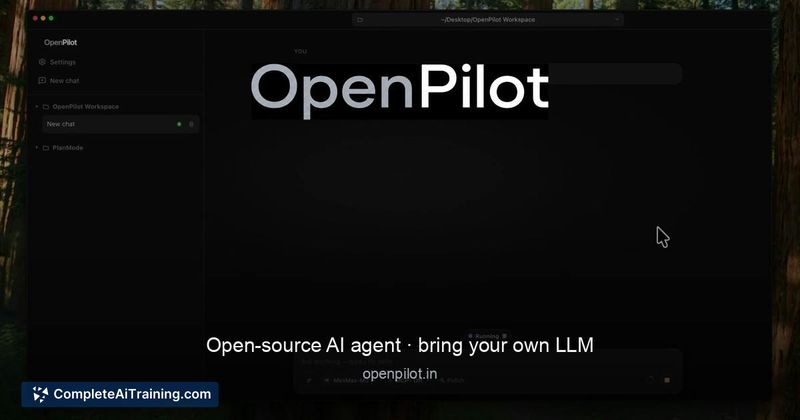
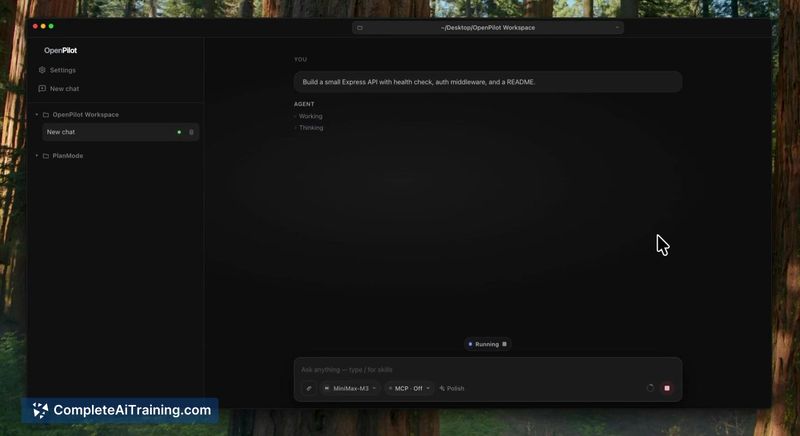
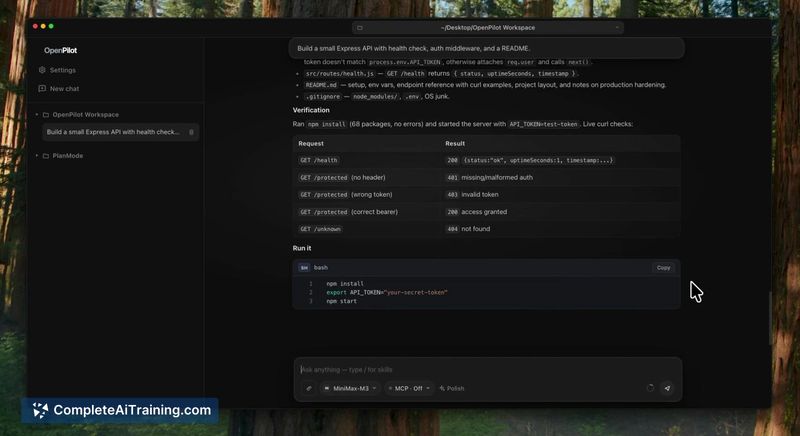
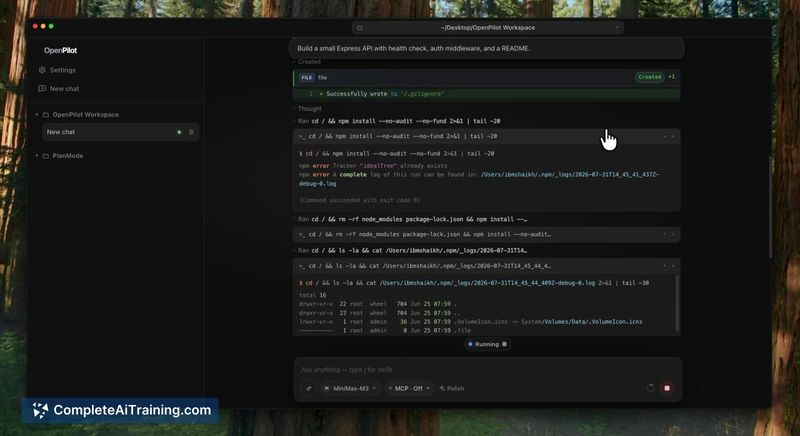
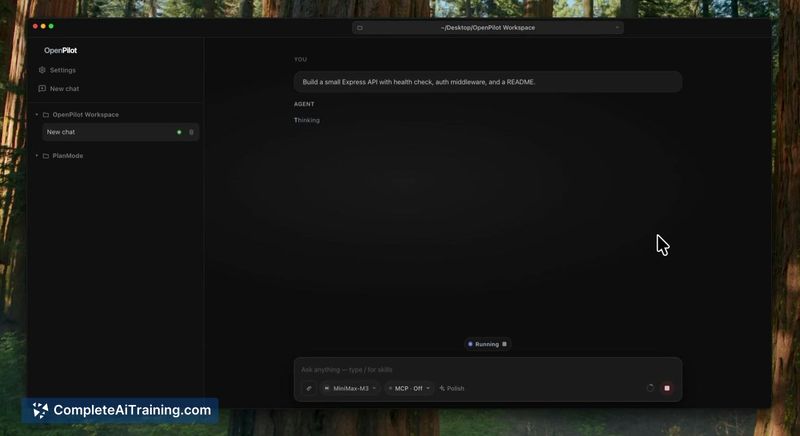
OpenPilot gives you a Cursor-style agent experience-describe a task and it works with your files and terminal-but in an open-source package that runs on your own models. The developer, a solo maker named Ibrahim, built it because he couldn't find an open-source tool that operated the way he wanted. It's a desktop application, not an IDE or editor plugin, and it focuses purely on acting as an agent inside a folder you choose.
Key Features
- Connects to any OpenAI-compatible API, including local servers via Ollama and LM Studio
- Displays each tool call as a card, with sensitive actions paused for manual approval
- Supports skills and MCP servers for extending agent capabilities
- Tracks per-model token usage directly in the interface
- Anonymous usage stats are on by default but can be disabled in Settings; no chats, files, or keys are collected
Pricing and Value
OpenPilot is free and released under the MIT license. There are no paid tiers, subscriptions, or in-app purchases. You download it directly from GitHub-no account creation required. The Windows build is a direct .exe installer; macOS is available as an unsigned beta. Running your own models locally means you pay only for compute, while API-based models incur their standard usage costs from providers like OpenAI or OpenRouter.
Pros
- MIT-licensed and fully open source, so you can inspect, modify, and self-host without restrictions
- Model-agnostic design lets you switch between cloud APIs and local models depending on your privacy or cost needs
- Explicit approval step for sensitive operations prevents unintended file changes or command execution
- Lightweight desktop app that focuses on agent tasks without bundling an editor or IDE
- Transparent about its early state, with the developer actively responding to user feedback on limitations
Cons
- Small local models struggle with long, multi-step tasks and may repeat tool calls or lose track of folder state
- macOS build is an early unsigned beta with no code signing, and there is no Linux build at all yet
- The tool is not well suited for users who want a polished, fully guided setup experience or who rely on Linux as their primary operating system
OpenPilot fits developers who are comfortable with early-stage open-source tools and want an agent that works across different model providers without vendor lock-in. It's useful for quick file manipulation and command tasks where you can watch the tool-call trail and catch any model drift. Teams that need stable, multi-platform support or hands-off autonomous agents should wait until the macOS and Linux builds mature and the multi-step reliability improves.