AI tool
Otty
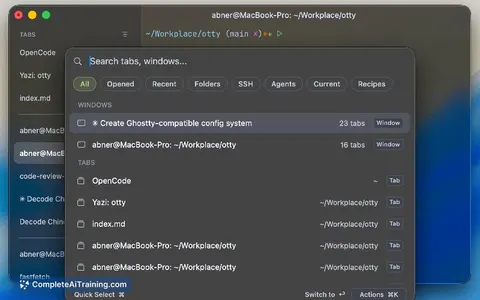
Otty is a terminal for developers using code agents, offering a clean interface with vertical tabs, smooth scrolling, session recovery, and clickable links, without agent-control clutter. It preserves sessions with tools like Claude Code and tmux ...
About Otty
Otty is a native macOS terminal emulator built for working with code agents like Claude Code or Codex. It uses GPU acceleration to keep rendering smooth when multiple agent processes run in split panes. The terminal does not include its own AI assistant-it's tuned to stay minimal and fast while you bring your own agent.
Review
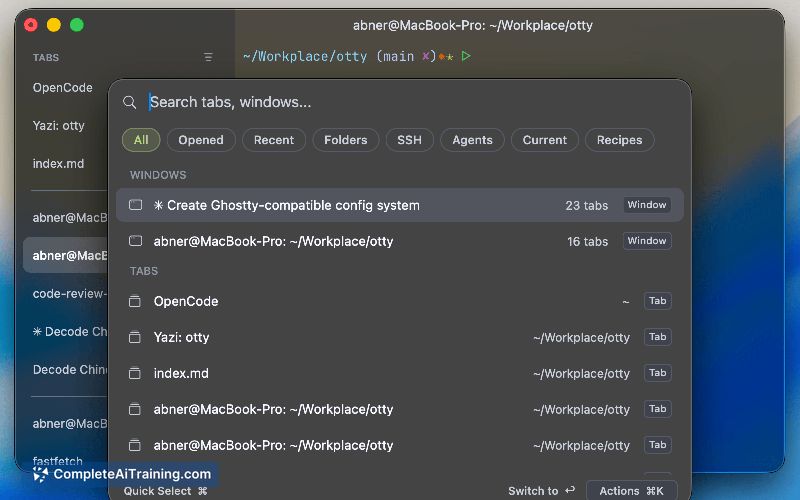
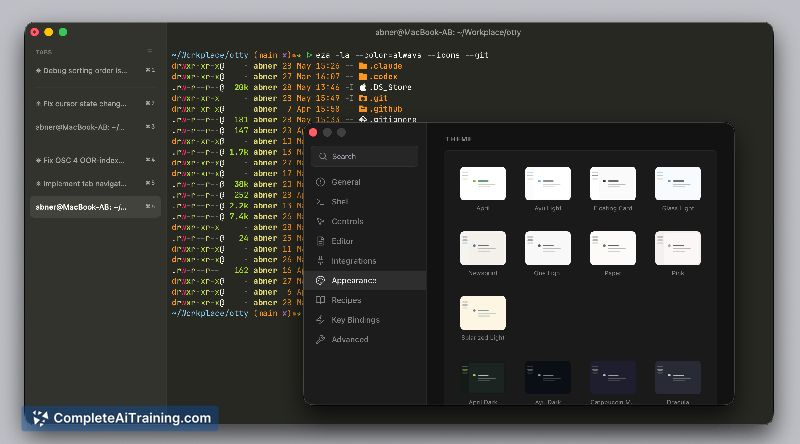
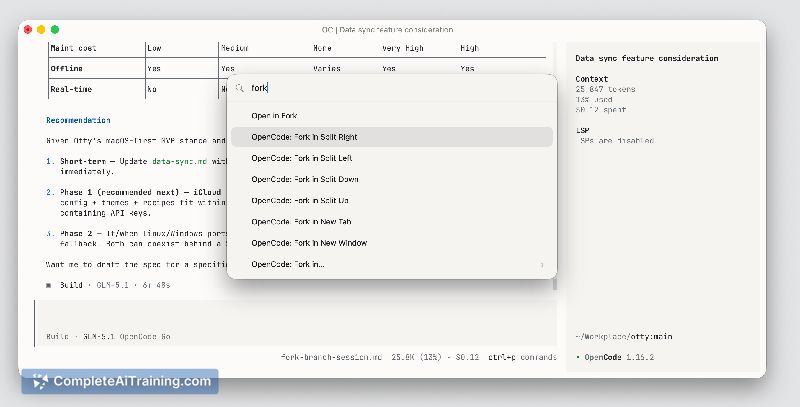
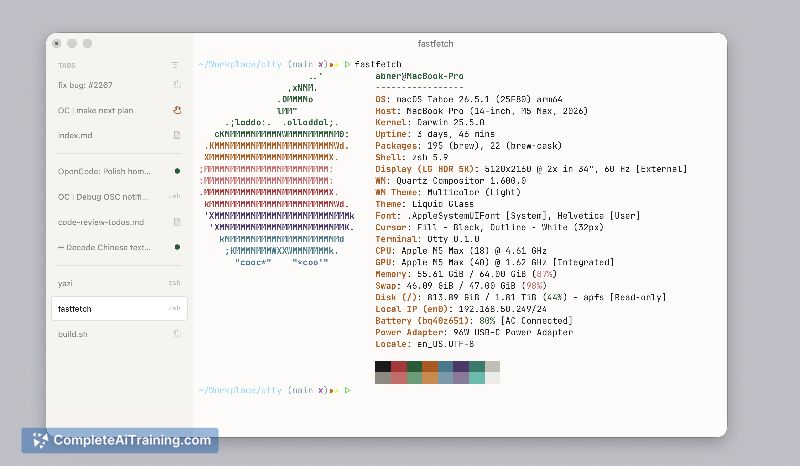
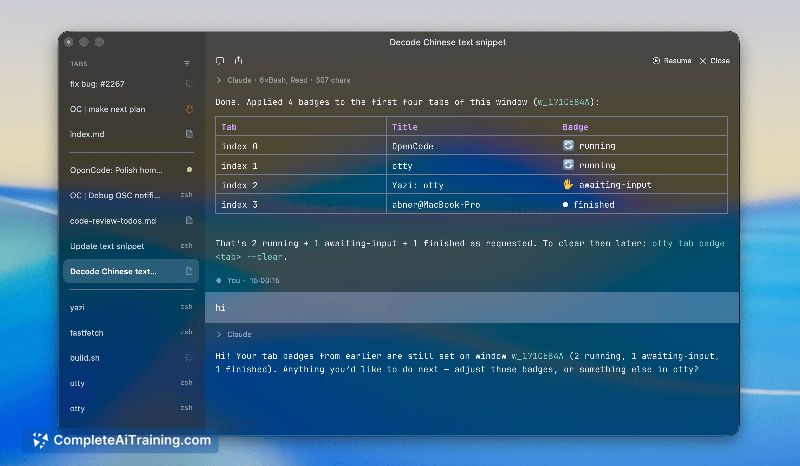
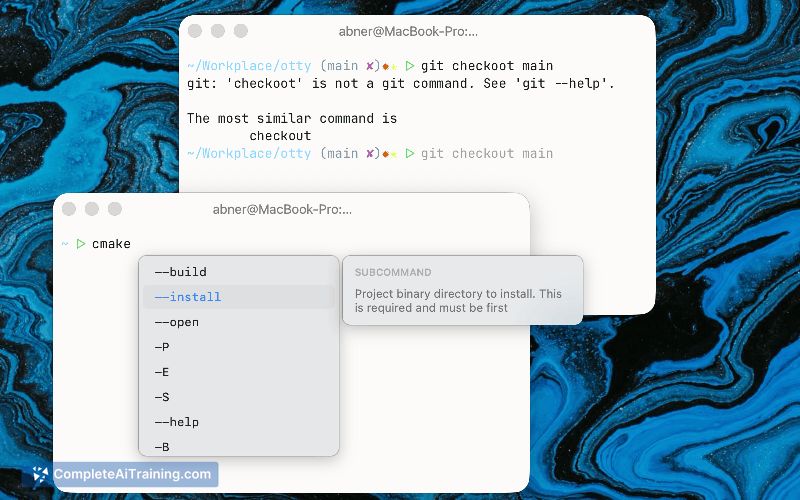
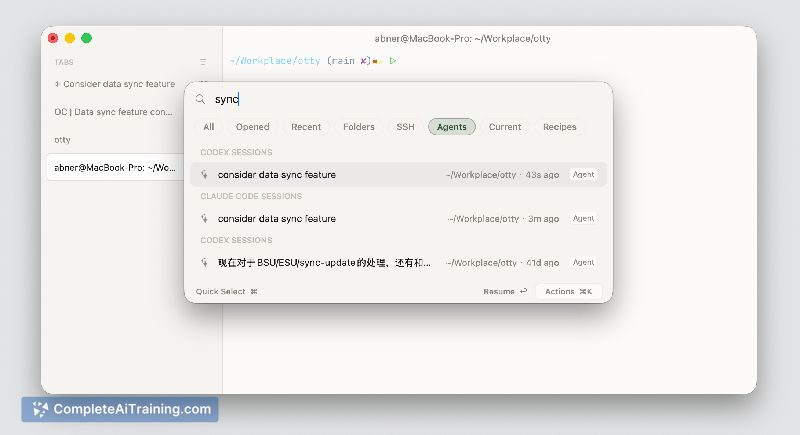
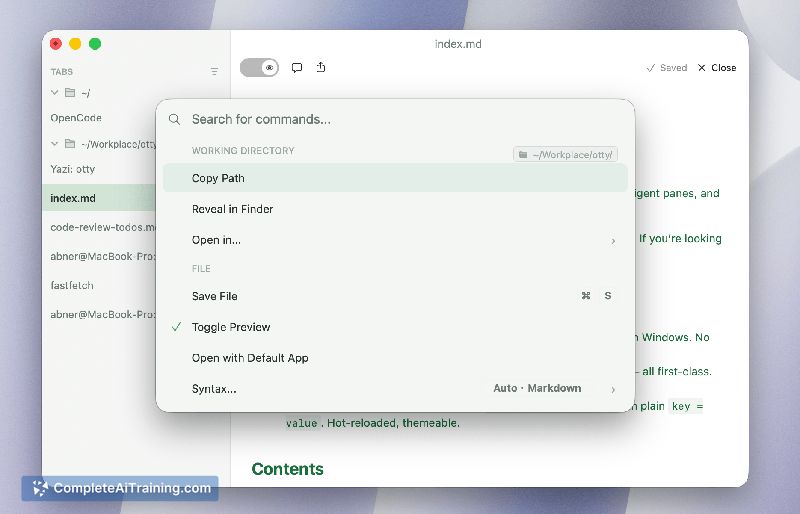
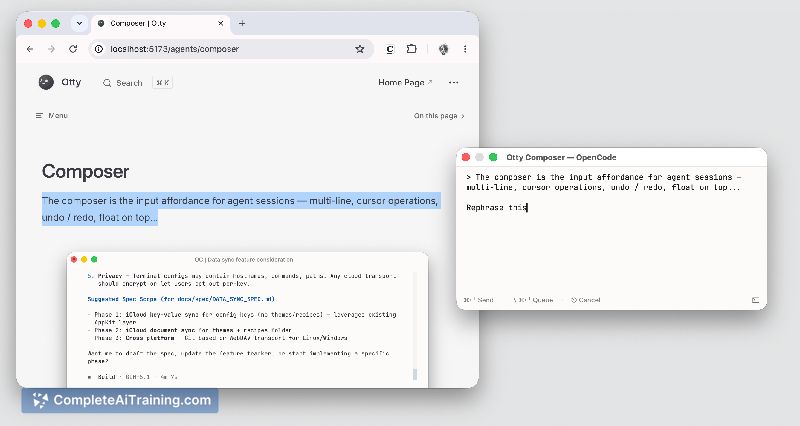
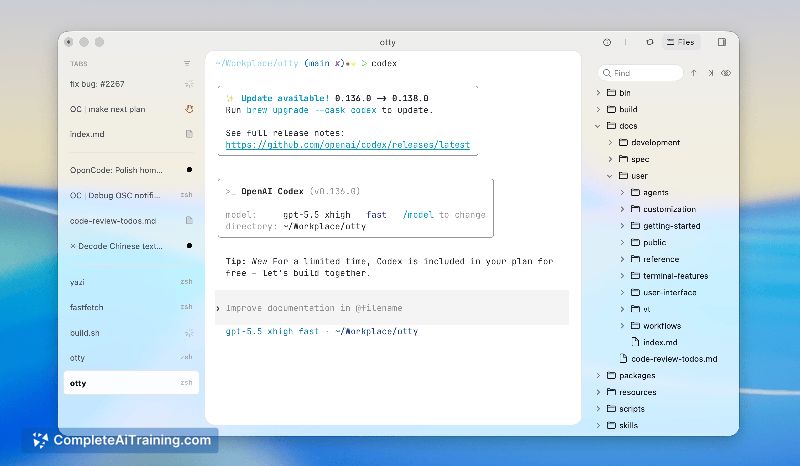
Otty launched as a free tool for Mac users who spend large parts of their day in the terminal running code agents. The developer built it after finding that existing "AI terminals" added panels and buttons that made the terminal feel heavier. This review looks at what Otty ships today and where it might not fit.
Key Features
- GPU-accelerated rendering via Metal-pushing rasterization to the GPU so the CPU stays available for agent work
- Session recovery that restores Claude Code, tmux, and other processes, including scrollback, layout, and running commands (configurable per documentation)
- Vertical tabs with split panes; panes can be rearranged by dragging and dropping
- Clickable links and file paths, plus an open-quickly command palette
- No built-in AI sidebar, inline suggestions, or output interception-the terminal focuses on hosting the agents you already run
Pricing and Value
Otty is available for free at launch. The pricing model for the future is not yet defined.
Pros
- Scroll and caret movement stay fluid even with several agent processes streaming output side by side
- The BYOC (Bring Your Own Code agent) approach means no API key setup inside the terminal itself
- Session recovery covers long-running contexts that are easy to lose in other terminals
- Split panes and vertical tabs let you organize multiple sessions without extra UI clutter
- Native Metal rendering avoids the escape-code and unicode misrenderings common in config-heavy terminal emulators
Cons
- Only runs on macOS-users on Windows or Linux will need to look elsewhere
- Lacks built-in AI features; those who want inline code suggestions or a chat sidebar inside their terminal won't find them here
- Unicode support still has edge cases-the developer acknowledges some emoji or unusual characters may not render correctly yet
Otty suits Mac users who already rely on standalone code agents and want a terminal that doesn't get in the way. It's less relevant if you need a terminal with integrated AI assistance or work across multiple operating systems. If session recovery and GPU-smooth splits sound useful and you're comfortable bringing your own agent, Otty is worth a try.
Jobs Otty suits
We checked Otty against 500+ jobs; these get the most out of it.
Alternatives to Otty
Other tools that do the same main job. Our AI compared Otty with similar tools and kept the ones you could use instead.