AI tool
PaneFlow
PaneFlow enables AI agents like Claude and Cursor to build animated slideshows for users creating branded presentations. The tool exports results to code, video, or PDF as editable projects.
About PaneFlow
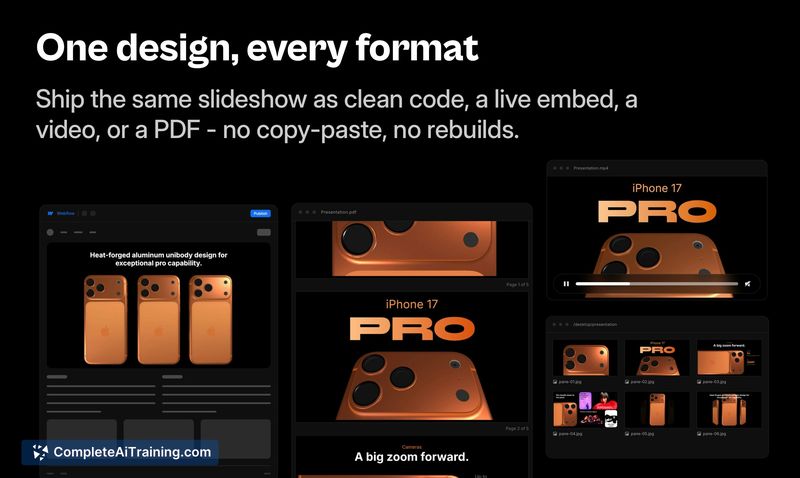
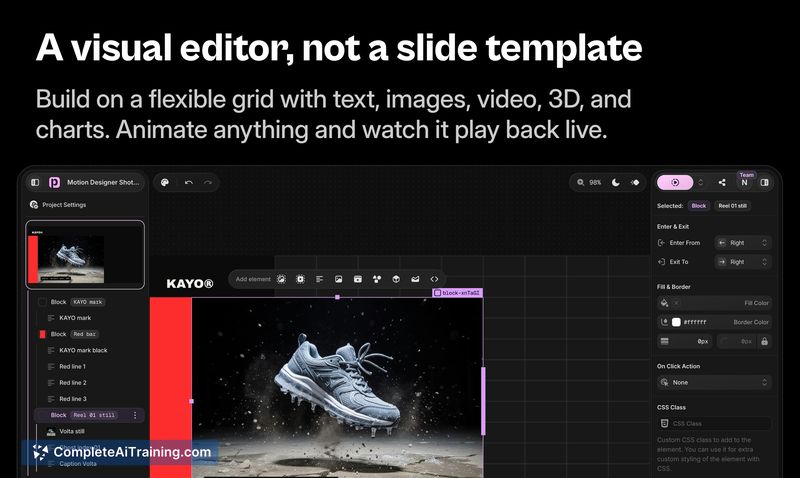
PaneFlow is a visual tool for building animated slideshows, presentations, and website sections. The v2 release ships an MCP server, so AI agents like Claude and Cursor can generate real, editable projects from a prompt. Each slideshow exports to frontend code, video, or PDF.
Review
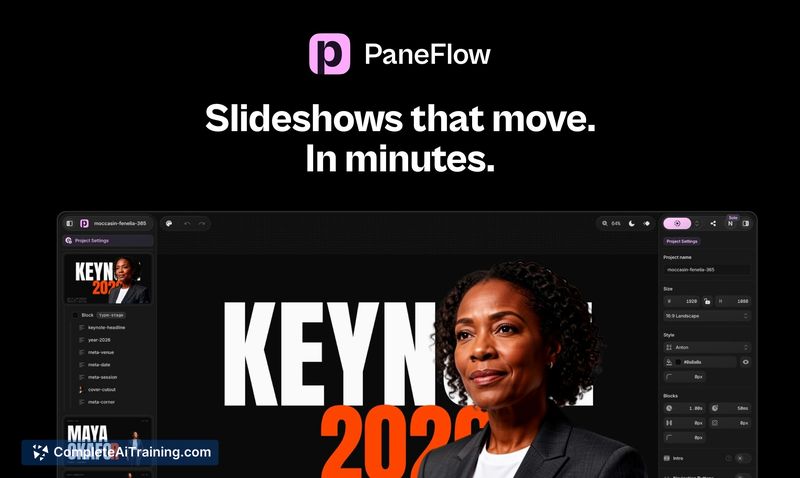
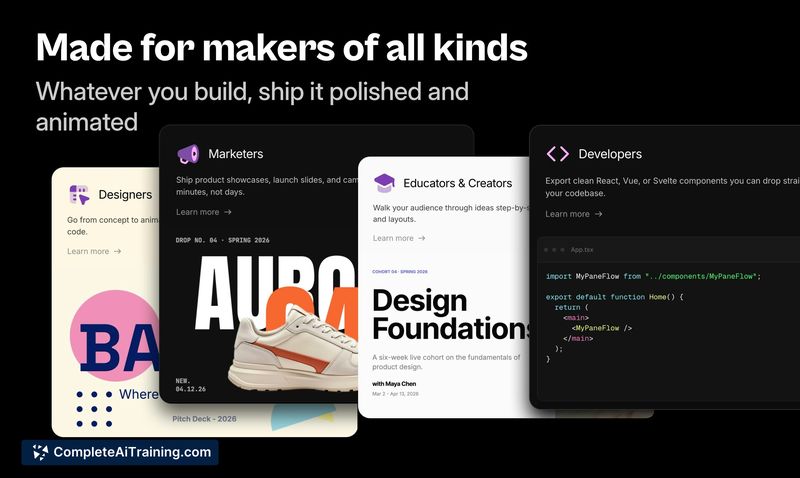
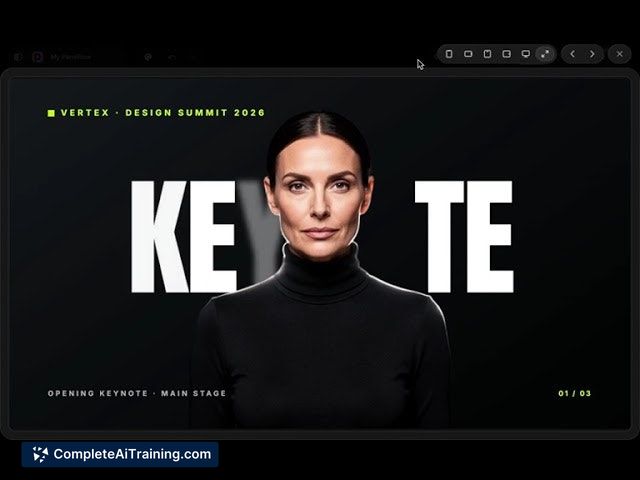
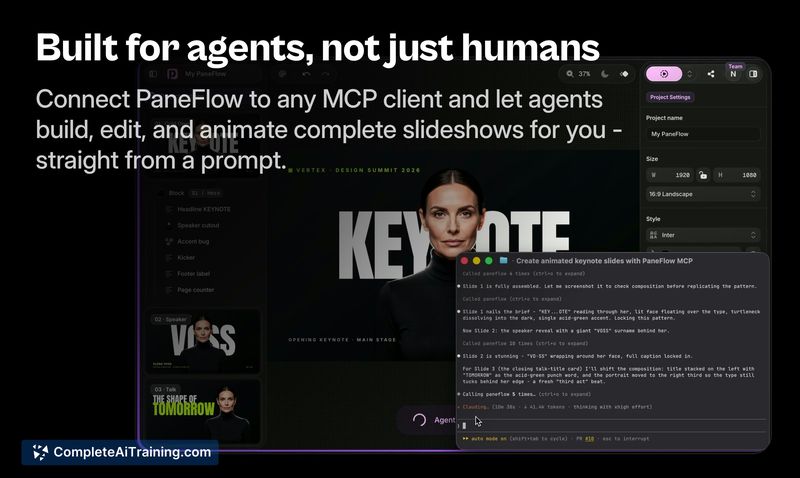
Version 2 shifts PaneFlow from a standalone editor to a setup where AI agents handle the heavy lifting of slide creation. The MCP server integration means you describe the deck, the agent lays out every slide, styles text and images, and adds motion-then hands you back a fully editable project. This review focuses on what the update actually ships and where it fits.
Key Features
- MCP server integration - AI agents such as Claude, Cursor, and Codex build and edit slideshows from natural language prompts. The agent can screenshot each slide and self-correct before delivery.
- Real, editable projects - every slide remains a fully editable, brand-styled artifact. No lock-in; the output is yours to modify or export.
- Multi-format export - export finished slideshows as HTML, React, Vue, Svelte, video, or PDF.
- Pixel-based editor - a rebuilt editor that works in plain pixels, similar to design tools like Figma, for manual adjustments.
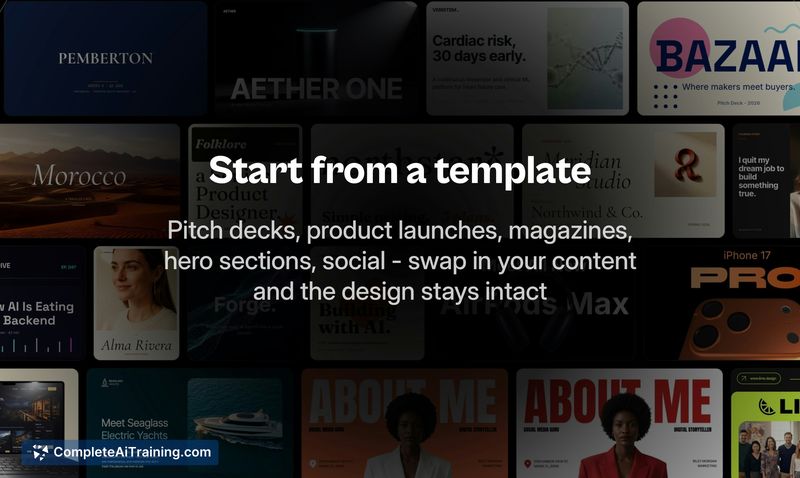
- 50 new templates and 4K60 video rendering - a fresh set of templates, some interactive, and a video renderer that outputs 4K at 60 fps.
Pricing and Value
PaneFlow requires payment. At launch, the tool is discounted 50% through July 20, with one-time lifetime licenses starting at $48. Standard pricing after the launch period has not been disclosed. The long-term cost structure remains undefined.
Pros
- AI agents handle layout, styling, and motion, which cuts down manual slide-building time.
- Output is real, editable HTML/CSS code, not a flat image, and belongs to the user.
- Exports to multiple frontend frameworks and video, making the tool usable for web and video production.
- Pixel-based editor gives fine-grained control over design, mirroring familiar design tools.
- No lock-in; projects are standard code that can be taken elsewhere.
Cons
- MCP server workflow depends on external AI agents (Claude, Cursor, etc.), which are separate products with their own costs and access requirements.
- Standard pricing after the launch discount is not yet announced, so long-term cost comparisons are not possible.
- Not well suited for users who don't use AI coding assistants, since the central generation feature relies on them.
PaneFlow fits teams or developers who want to generate branded, animated presentations from AI prompts and export them as code. It works best for those already comfortable with AI agents and seeking a way to produce editable, exportable slideshows. If you need quick static slides without animation or code export, the tool's focus likely won't match your workflow.
Jobs PaneFlow suits
We checked PaneFlow against 500+ jobs; these get the most out of it.
Alternatives to PaneFlow
Other tools that do the same main job. Our AI compared PaneFlow with similar tools and kept the ones you could use instead.