AI tool
Parrot
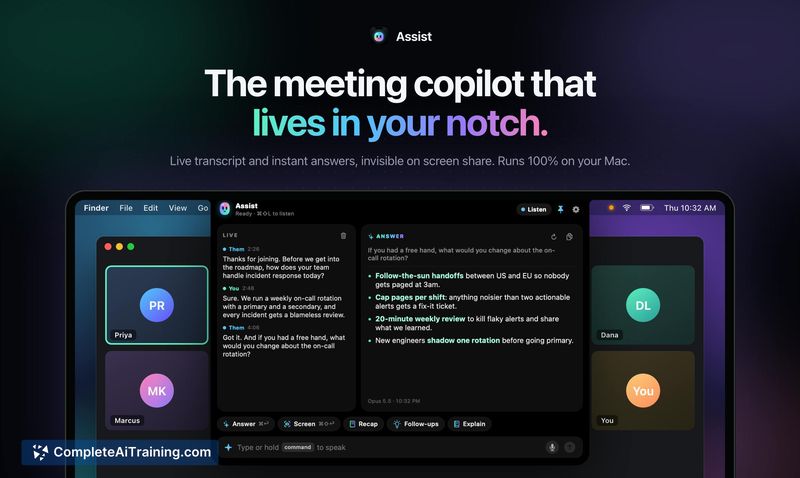
Parrot records your Mac's audio locally during calls, then transcribes and identifies speakers without a meeting bot. It provides a live assistant that surfaces relevant answers during conversations and generates post-call reports. It is for busin...
About Parrot
Parrot is a free, open-source meeting recorder for Mac that transcribes calls on-device without a bot joining. It captures system audio and microphone input, then uses AI models-either locally or via cloud services-to surface answers from your own documents while a call is still in progress. After the call, it generates a report of promises made and questions missed, and lets you chat with your meeting history.
Review
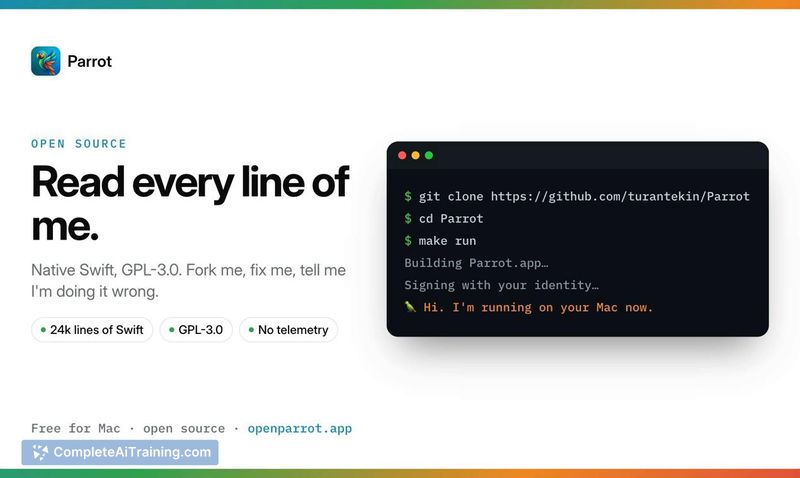
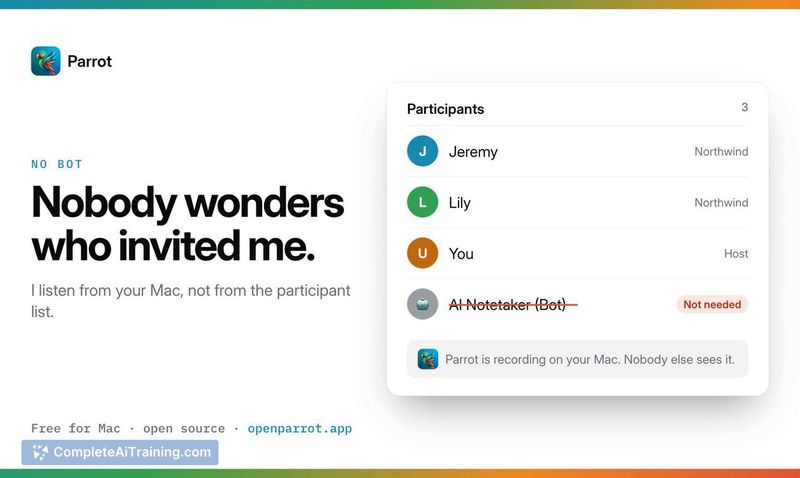
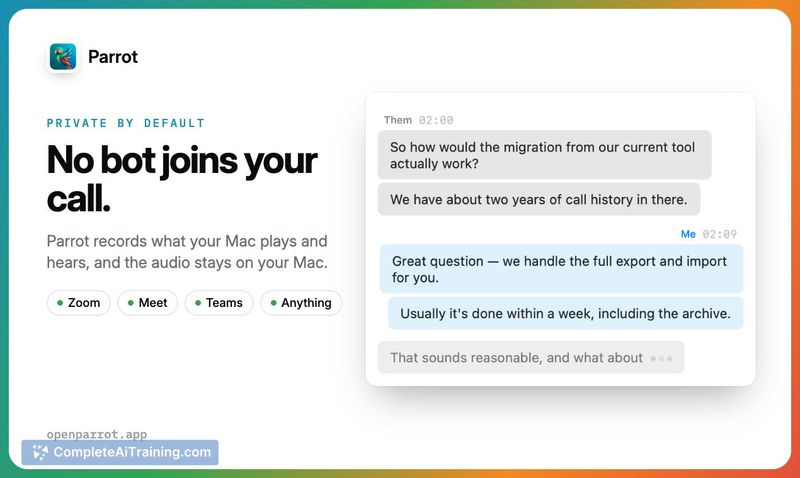
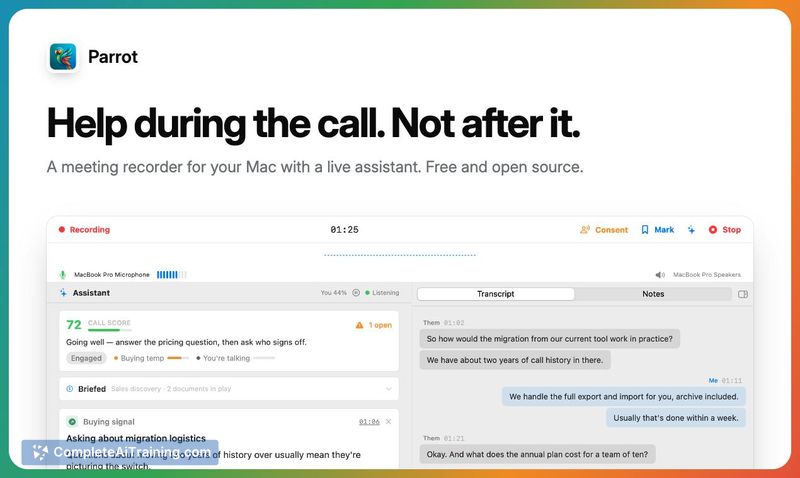
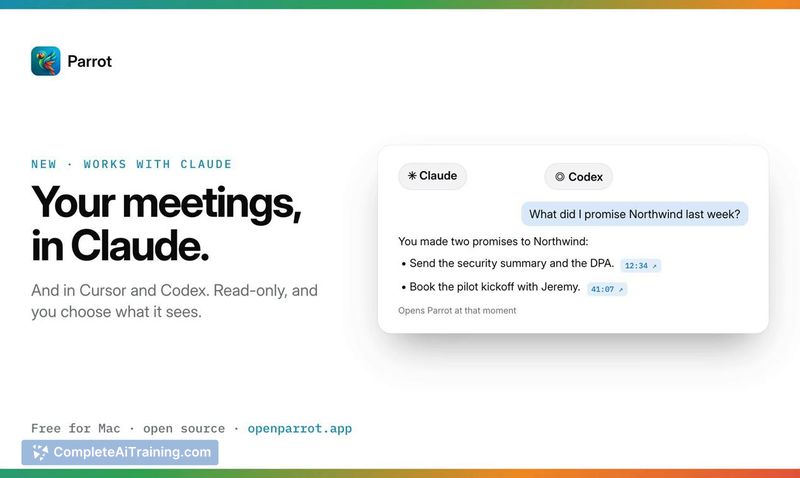
Parrot takes a different approach from most meeting assistants: it records what your Mac hears instead of sending a bot into the call. That means it works with Zoom, Meet, Teams, Slack huddles, WhatsApp, and even iPhone calls routed through a Mac. The tool was built by a solo maker working nights with Claude as a coding partner, and the full Swift codebase is available on GitHub under GPL-3.0.
Key Features
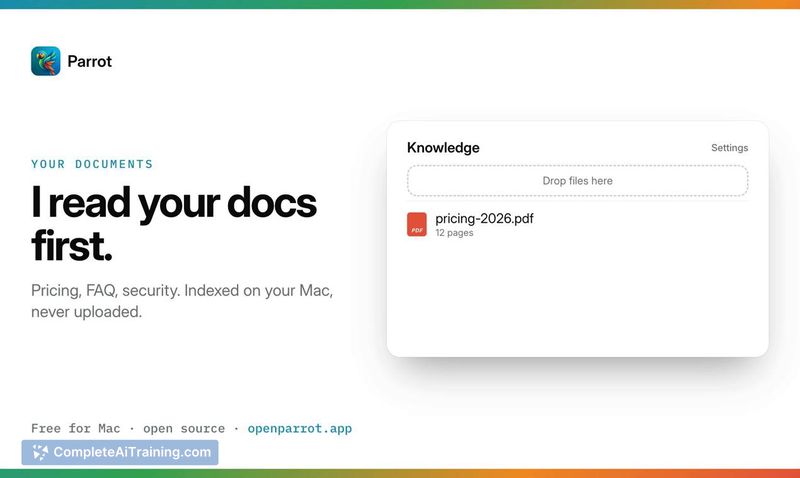
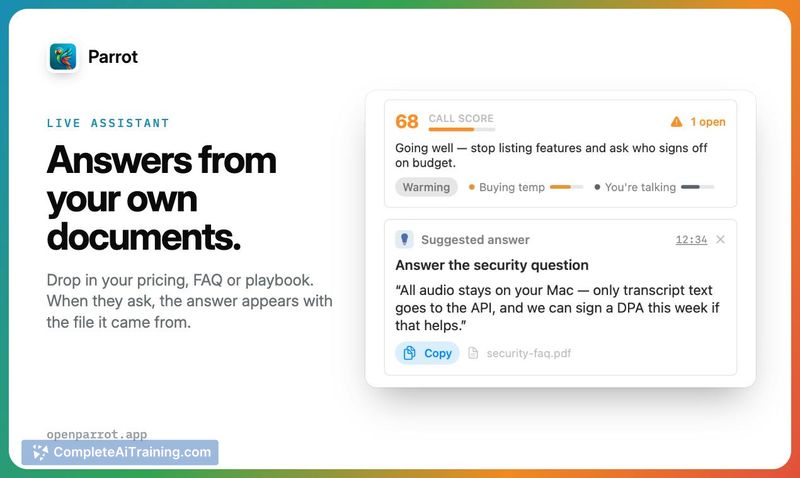
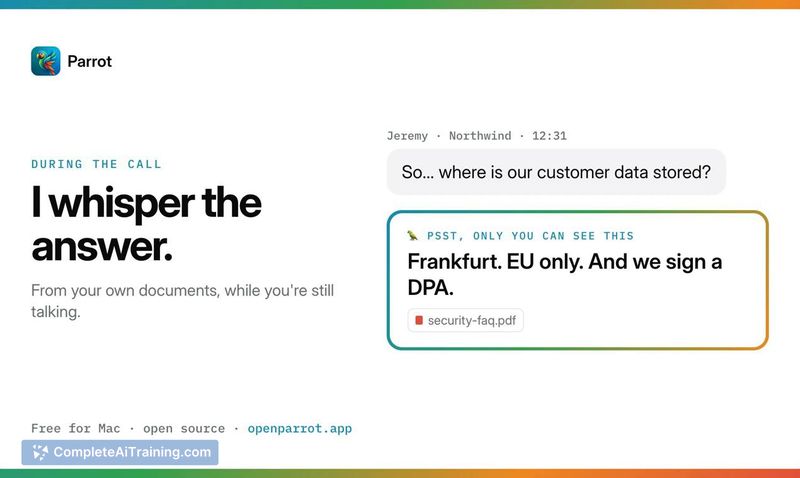
- Live Assistant with source citations. When a client asks something covered by your pricing sheet or FAQ, Parrot displays the answer along with the filename it came from, while the conversation is still happening.
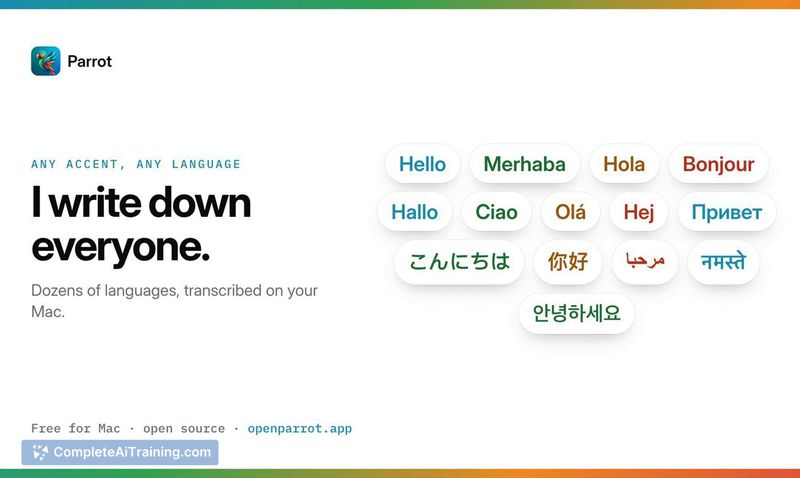
- On-device transcription and speaker separation. The app transcribes audio and tells speakers apart directly on your Mac. A cloud mode using Deepgram is available for word-by-word live captions if you're fine with audio leaving the machine.
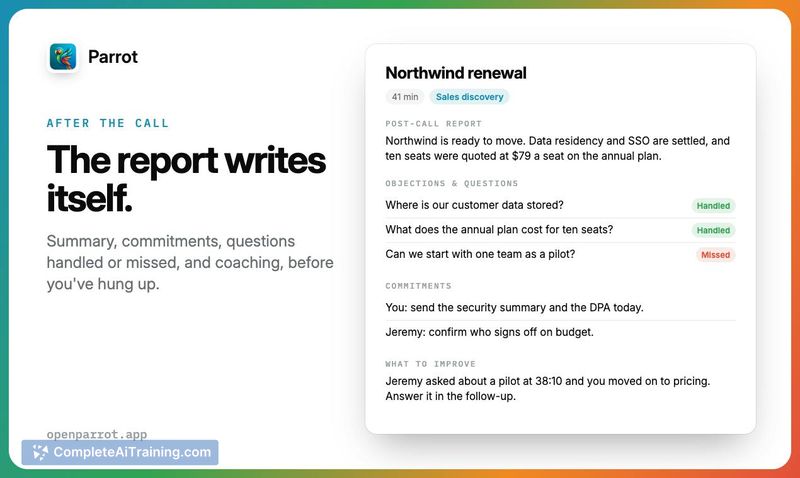
- Post-call reports. After you hang up, Parrot compiles a report outlining what was promised and which questions were handled or missed during the call.
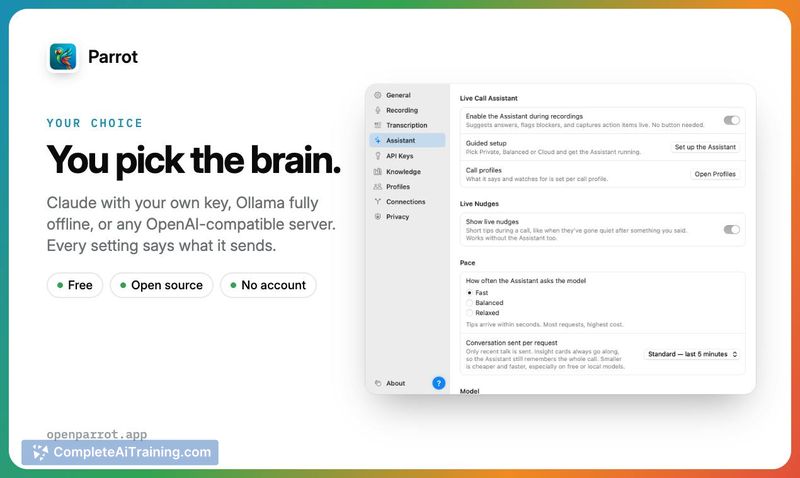
- Flexible AI backend. You can use Claude with your own API key, a free local model through Ollama (works with Wi-Fi off), or your own server. A general-knowledge fallback toggle lets you decide whether answers stay strictly grounded in your documents or can draw from broader knowledge.
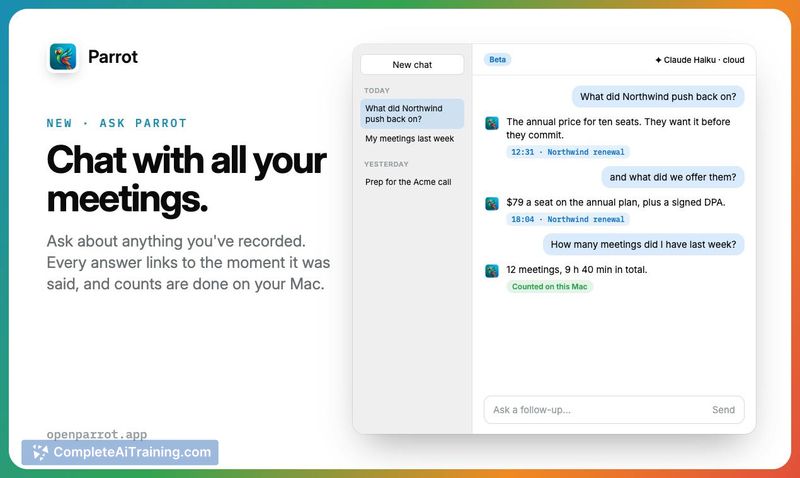
- Meeting chat and external tool integration. You can query past calls inside Parrot or use your meeting data in Claude, Cursor, and Codex.
Pricing and Value
Parrot is free and open source. There is no account and no subscription. Cloud transcription through Deepgram or Groq incurs usage costs from those providers at their standard rates-Groq's Whisper transcription is described as costing a fraction of a cent per call. Running entirely locally with Ollama costs nothing and keeps all audio on the Mac.
Pros
- No bot joins calls; the app captures system and mic audio directly, so it works across any conferencing app without plugins.
- Live answers cite the specific source file, making it clear whether information comes from your documents or general knowledge.
- Runs fully offline with local models via Ollama, which matters for calls that can't be sent to any cloud service.
- Code is open source (GPL-3.0) and inspectable on GitHub, so users can verify the privacy claims themselves.
- Post-call reports focus on actionable items-promises and missed questions-rather than a generic summary.
Cons
- Mac only, with no Windows or mobile versions available at this stage.
- Live answer quality depends heavily on how well your uploaded documents cover the topics that come up; gaps in your files mean gaps in assistance unless the fallback toggle is enabled.
- Not well suited for teams that need a centralized meeting library with shared access, since there's no account system or collaboration features.
Parrot fits solo operators and small business owners who take client calls on a Mac and want assistance during the conversation, not just a summary afterward. The local-only mode makes it viable for people handling sensitive discussions where sending audio to a third-party cloud isn't an option. Teams expecting multi-user dashboards or cross-platform support won't find those here, and the tool's utility scales with the quality of the reference documents you feed it.