
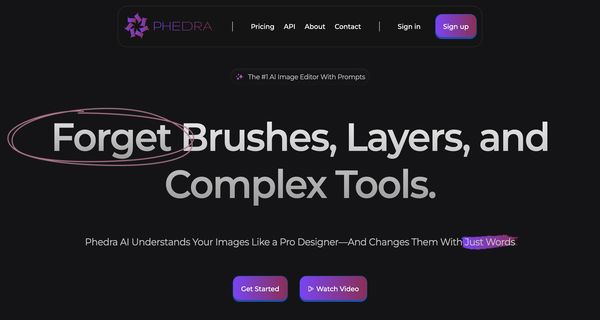
About: Phedra AI
Phedra AI is a sophisticated image editing and creation platform that leverages advanced artificial intelligence to streamline the design process for users of any expertise level. This innovative tool enables individuals to effortlessly edit and create images using intuitive text or voice commands, eliminating the need for extensive graphic design knowledge. Among its standout features are background removal, 4K image upscaling, and precise object manipulation, empowering users to achieve professional-grade results with ease. Additionally, Phedra AI boasts an extensive library of pre-designed templates and assets, allowing for rapid, high-quality visual production. It is particularly beneficial for marketers, entrepreneurs, content creators, and freelancers who require consistent visual content that meets their branding needs. By enhancing efficiency and enabling creative expression, Phedra AI stands out as a valuable resource for anyone looking to elevate their visual content without the typical time and resource constraints associated with traditional design methods.
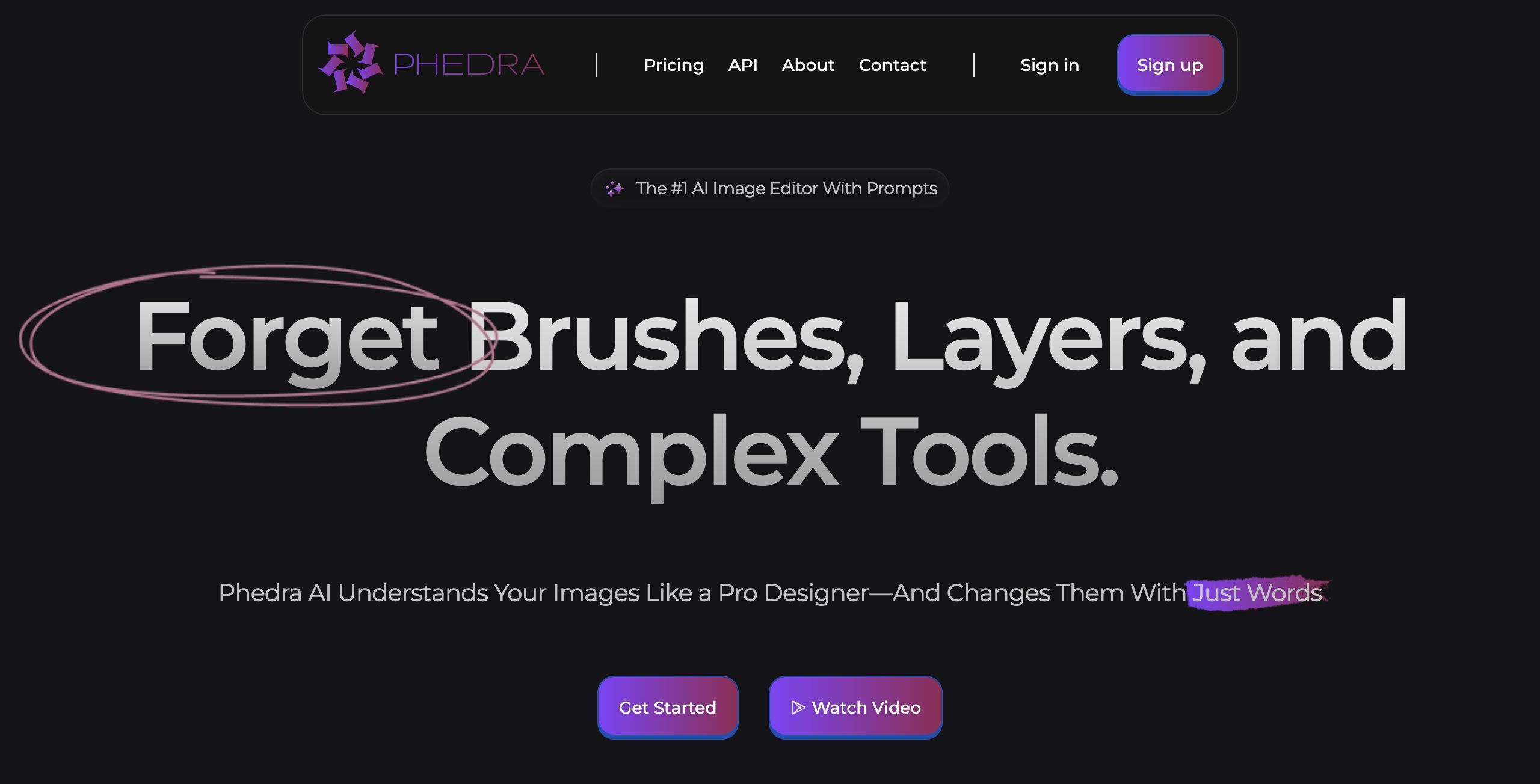
Review: Phedra AI
Introduction
Phedra AI is an advanced, AI-powered image editing and creation tool engineered to simplify the visual design process. Designed for users of all skill levels—from marketers and business owners to content creators and freelancers—Phedra AI allows even those with minimal design experience to effortlessly modify images using text or voice commands. In a world where time and creative resources are at a premium, this tool provides an innovative solution to quickly produce high-quality visuals without the traditional complexities of brushes, layers, and intricate design software.
Key Features
Phedra AI stands out with a robust suite of functionalities aimed at transforming the image editing experience. Some of its core features include:
- Text and Voice Command Editing: Modify images effortlessly simply by describing the changes, eliminating the need for manual adjustments.
- Background Removal and Object Manipulation: Precisely extract or reposition elements within your images.
- 4K Upscaling: Enhance the quality of images to 4K resolution, ensuring visuals remain crisp and clear.
- Style Mastery: Experiment with various prebuilt styles, including pop art, oil painting, comics, and more, to tailor the aesthetic of your creation.
- Smart Sizing: Automatically resize images to fit the most commonly used dimensions in just a click.
- Version Control: Easily revert to previous iterations, giving you confidence to experiment creatively without the fear of irreversible changes.
The tool’s deep image analysis, which meticulously examines every element and color in an image, coupled with its precision in executing commands, makes it stand out among competitors.
Pricing and Value
Phedra AI emphasizes accessibility with options such as the "Get Started For Free" initiative, suggesting that users can explore its features without an upfront financial commitment. While detailed pricing tiers or subscription models are not explicitly outlined in the provided content, the free access point signals a commitment to democratizing high-quality image editing. The value proposition is compelling, especially for users who require fast, intuitive design without the cost and learning curve associated with traditional, complex software.
Pros and Cons
- Pros:
- Intuitive, user-friendly interface that leverages text and voice commands.
- Robust feature set including background removal, 4K upscaling, and dynamic style options.
- Accessible to a wide range of users, from beginners to professionals looking for speed.
- Integration with both web-based and Chrome extension platforms enhances workflow flexibility.
- Cons:
- The heavy reliance on AI may sometimes lead to results that require manual fine-tuning for perfection.
- Users who prefer traditional, granular control over design elements might miss the conventional tools.
Final Verdict
Overall, Phedra AI is a forward-thinking solution for anyone looking to streamline their image editing process without sacrificing quality. Its ease of use, combined with a rich set of features and a free entry point, makes it ideal for content creators, marketers, business owners, and freelancers who need to produce high-quality visuals quickly and efficiently. However, professionals who require in-depth, manual design control might find some limitations in its automated approach. For those seeking creative freedom with simplicity, Phedra AI is definitely worth considering.
Open 'Phedra AI' Website
Your membership also unlocks:


















