AI tool
Pine Computer
Pine Computer is a cloud computer built for AI agents, giving them structured screen data and instant change detection instead of raw pixels. It is for developers who want to run browser-based tasks faster and at lower API cost while letting users...
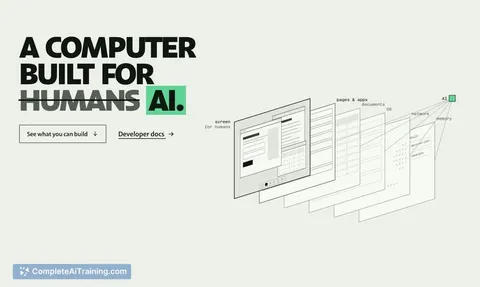
About Pine Computer
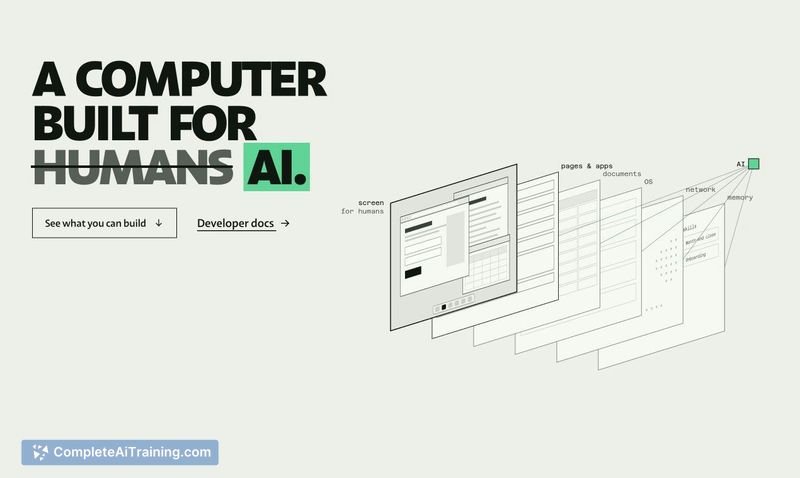
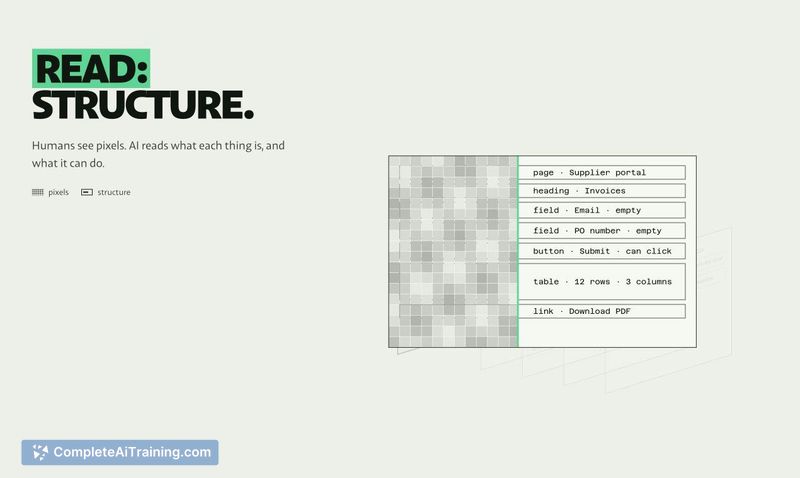
Pine Computer is a cloud computer built for AI to use, launched by the team at Pine AI. It hands AI a job-research, forms, spreadsheets, portals with no API-and returns finished work. The system reads each app's structure instead of pixels, senses changes immediately, and renders virtual screens in memory only when needed.
Review
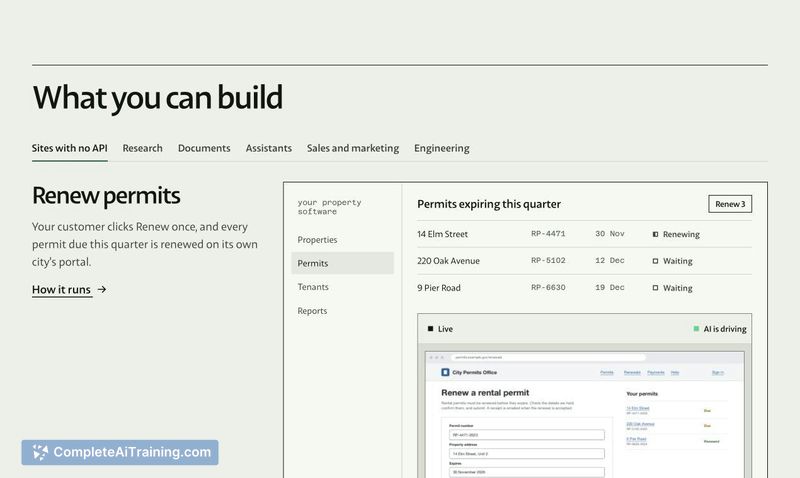

Pine Computer takes a different approach to AI-driven automation. Rather than training models to navigate software designed for humans, it rebuilds the computer environment around what AI actually needs. The invite-only beta launched this week, and the team is actively looking for feedback on real-world tasks.
Key Features
- Structure-based reading: AI reads what each on-screen element is and what it can do, instead of guessing from pixels.
- Change sensing: The system notifies AI the moment something changes, so it never sits polling a page.
- On-demand virtual screens: Many virtual screens are available, rendered in memory only when the AI needs to look.
- Human handoff: A person can take over for sign-ins or approvals, then hand control back to the AI.
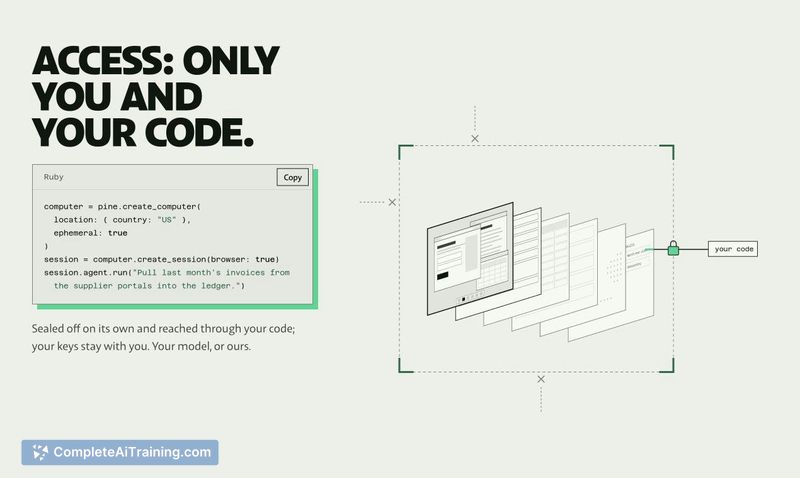
- Per-customer isolation: Each computer is sealed off and reached only through the developer's code; API keys stay with the user.
Pricing and Value
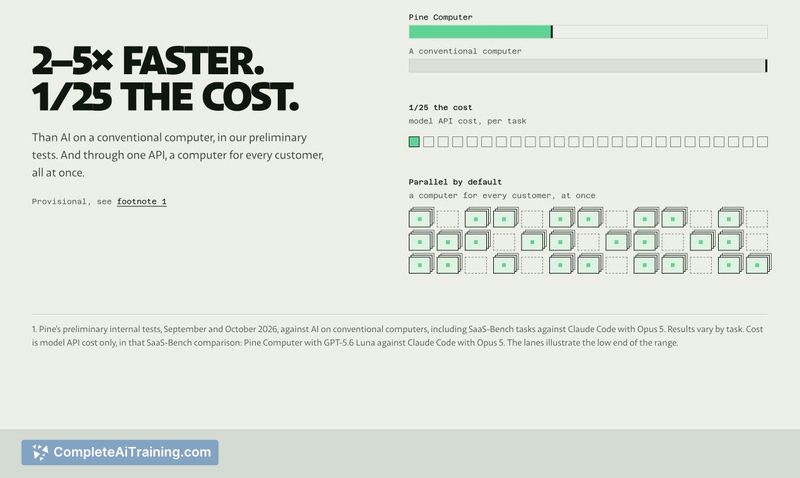
Pricing details have not yet been defined publicly. Pine Computer is currently in invite-only beta, and access is requested through pinecomputer.io. The team reports that in preliminary internal tests, tasks finished 2-5× faster than AI on a conventional computer, at roughly 1/25 of the model API cost. Actual results vary by task.
Pros
- Spins up a separate cloud computer per customer through a single SDK.
- Renders virtual screens only when needed, which avoids unnecessary resource consumption.
- Lets developers bring their own model or use the one provided by Pine.
- Pauses when idle, so you're not paying for unused compute time.
- Works across portals and apps that lack APIs, expanding what can be automated.
Cons
- The human handoff for sign-ins or approvals hasn't been publicly demonstrated-it's unclear how much context a person receives about what the agent was doing before the interruption.
- Being in invite-only beta means there's no self-serve access, no public documentation, and no independent benchmarks yet.
- Pine Computer is not well suited for tasks that require direct control over a local desktop environment, such as installing Xcode, accessing macOS Keychain, or running UI tests on physical devices.
Pine Computer targets developers who need to automate work across portals, forms, and apps that don't offer APIs. The 26 use cases listed on the site-permit renewals, market research, insurance forms, marketplace listing updates, QA test runs-suggest it fits repetitive, multi-step browser tasks where human intervention is only occasionally needed. If the handoff mechanics prove solid and the beta expands to self-serve access, it could become a practical tool for teams running AI agents at scale.