AI tool
Pinery Prose
Pinery Prose generates text from existing Markdown pages, serving as an AI co-author for Mac self-publishers. It provides edits as diffs to accept or reject, helping writers design and export ePub or PDF files.
About Pinery Prose
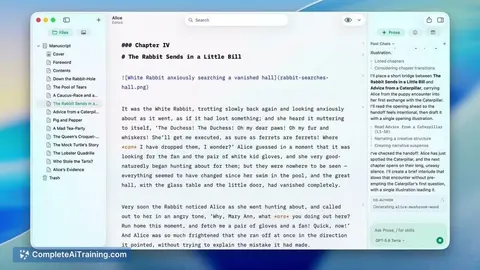
Pinery Prose is an AI co-author built into the Pinery self-publishing studio for Mac. It works from the pages a writer has already written, delivering edits as labeled diffs that the user accepts or rejects individually. The tool keeps files in plain Markdown on the local machine or iCloud, and supports export to ePub 3 and PDF.
Review
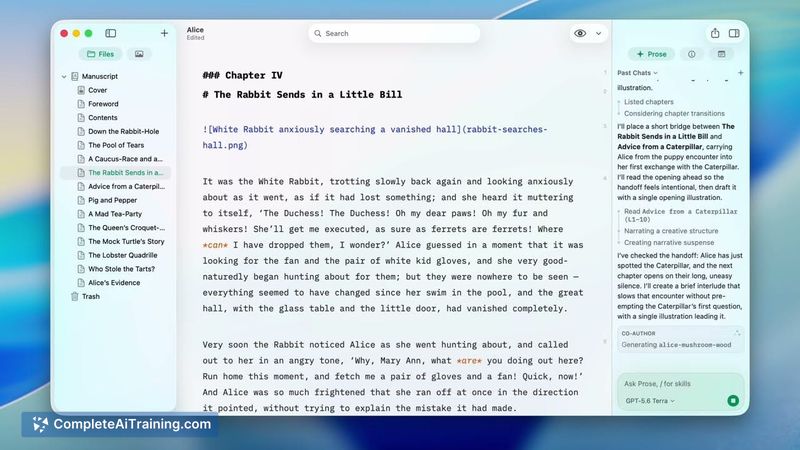
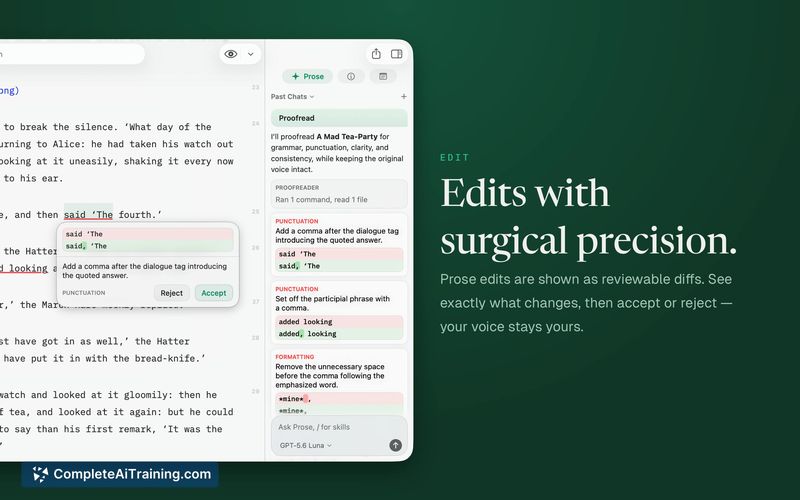
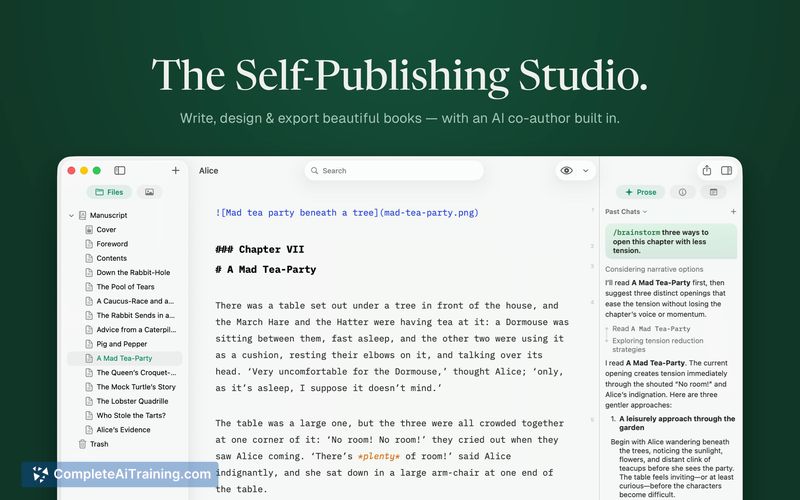

Pinery Prose positions itself as an editing companion that sits beside a manuscript rather than in a separate browser tab. The AI generates suggestions based on existing text, and the interface shows exactly what changed-grammar, word choice, or formatting. Data stays local, and the app only sends the necessary context for each request.
Key Features
- Diff-based editing: Each AI suggestion appears as a labeled, accept-or-reject change inside the manuscript. No copy-paste between tools is required.
- Multi-model selection: Users can leave the AI on Auto or choose a specific model from Anthropic, OpenAI, or Google for a given task, depending on speed and quality needs.
- Structured skills: Commands like /beta-reader, /line-edit, /developmental-edit, and /drafting-partner address common writing sticking points. A /create-skill command lets writers teach the AI custom behaviors.
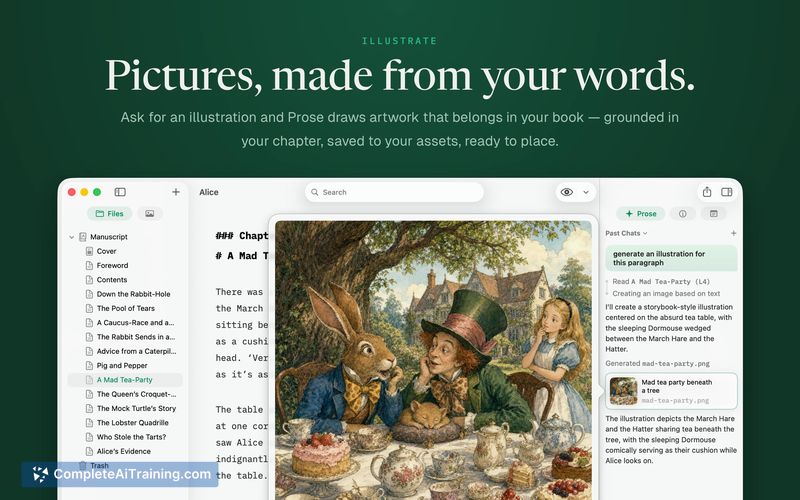
- Illustration from context: The tool reads the scene before generating an image, tying the visual to the narrative.
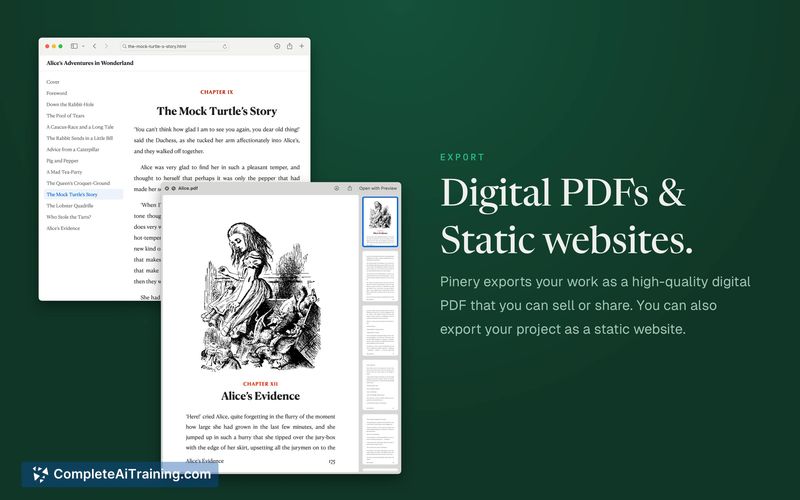
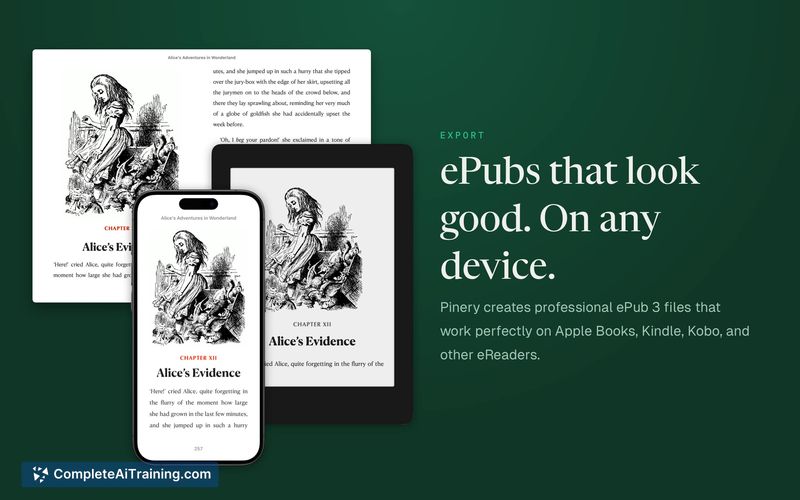
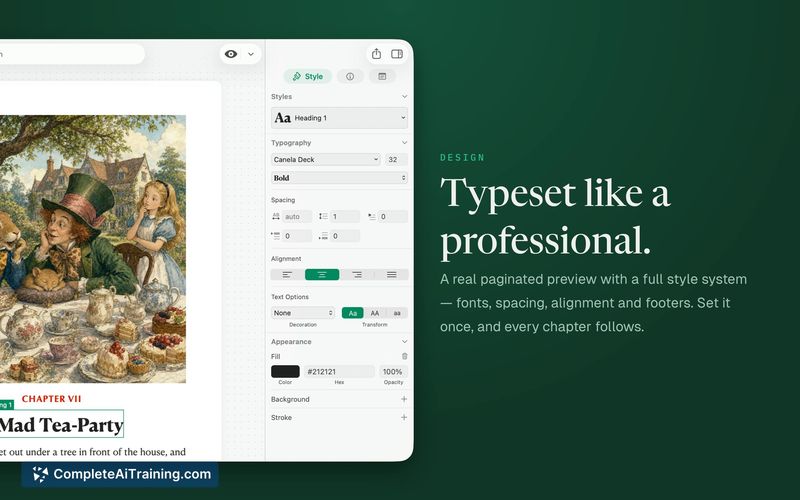
- Export and preview options: Output includes ePub 3 and PDF, plus a Kindle e-ink preview. Chapter notes and typography controls are available.
Pricing and Value
The launch page mentions a "PRO 40% off" tag and "Free Options," but specific pricing tiers or subscription costs are not yet defined in the available materials. As of the review, the exact pricing model remains unclear.
Pros
- Edits are presented as diffs, so the writer always sees what changed and retains full control over manuscript revisions.
- The AI's output is based on the writer's existing pages, aiming to match pacing and vocabulary rather than producing generic prose.
- Files remain in plain Markdown on the Mac or iCloud; the author can open them with any editor even without the app.
- Only the relevant text-a paragraph for a line edit or the full manuscript for a structural critique-is sent to the AI model.
- Version history is accessible via File > Revert To > Browse all Versions, allowing older drafts to be recovered.
Cons
- The AI does not currently learn from user rejections. Suggestion patterns may repeat across chapters because the tool doesn't adapt based on what was previously declined.
- The manual diff approval process, while giving the author final say, adds a step that can slow down those who prefer batch acceptance of changes.
- Writers who need a Windows or web-based writing environment won't find support here; the app is macOS-only.
Pinery Prose suits writers who want to keep their manuscript in a local Markdown workflow and iterate with AI assistance that respects their existing text. It's less natural for those who work on other platforms or who want a fully automated editing process. The diff model and privacy-conscious design make it a tool for authors who prioritize control over the final text.
Jobs Pinery Prose suits
We checked Pinery Prose against 500+ jobs; these get the most out of it.