
Learning path
Learning AI as an Author
This path helps authors use AI for brainstorming, outlining, research, drafting, revising, and querying. You set up your tools, learn prompts for each writing stage, and watch short courses made for writers.

Your path
Everything in the Author AI kit, in the order that makes sense. Members tick off each step and see their progress.
Set up your AI
We guide you through each click.
Let skills do your everyday tasks
Connect your apps and pick your AI apps
Hand whole tasks to AI agents
Build your own tools
Everything for authors
All the courses, certifications, AI tools, MCP servers and apps for authors, most relevant first. Open any list to see more.
Take the prompt courses
A short framework course to learn how to ask, then 9 lessons with ready-to-use prompts for authors.
Start with this framework: how to talk to AI
This framework helps authors structure long-form prompts, like when you draft a chapter by defining character, setting, conflict, and resolution.
Then your prompt course for authorsWatch the video courses or add them to your Favorites for later
96 video courses our AI picked for authors, most useful first. Save the ones you want to watch later with the heart.
Favorites are saved to your account: sign in or get your AI kit first.
Show all 96 video courses
Get certified, or add certifications to your Favorites
Every course ends in an exam and a certificate you can add to LinkedIn. Save the certifications you are aiming for with the heart.
Favorites are saved to your account: sign in or get your AI kit first.
More certifications for authorsShow all 24 certifications
Try the AI tools for authors
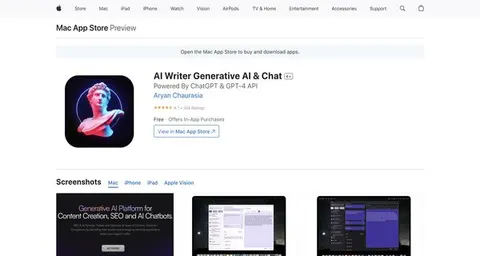
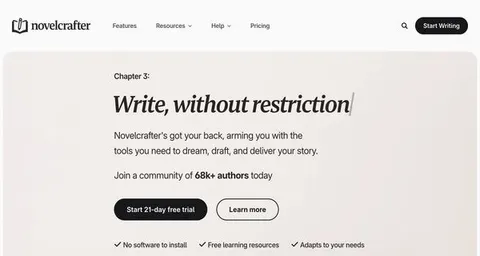
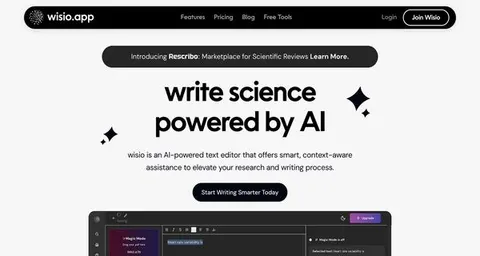
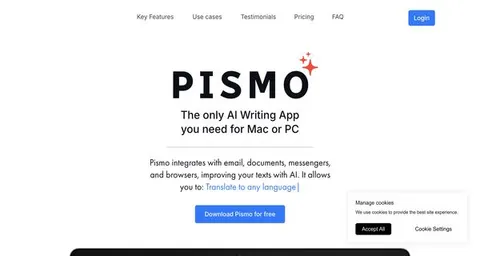
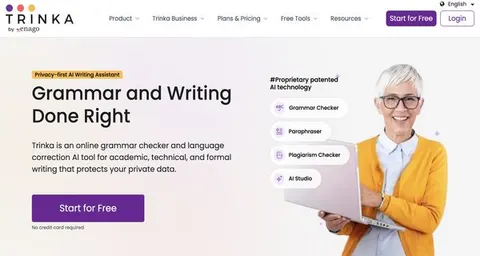
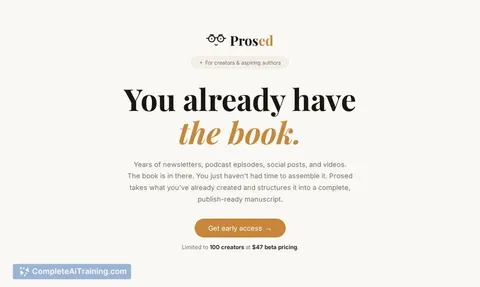
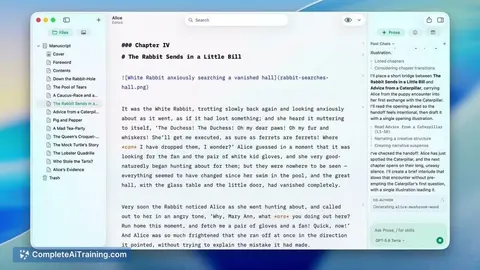
24 AI tools our AI matched to the work of authors, best fit first. Each review shows what it does, its alternatives and the jobs it suits.
Favorites are saved to your account: sign in or get your AI kit first.
Show all 24 AI tools
Connect your AI to the apps authors use
MCP servers let ChatGPT, Claude or Copilot look things up and get work done in other apps, like your email, calendar or bookkeeping software. These 12 fit the work of authors best, well-known apps first.

KitchenSink4Word MCP server
by nometalalchemistLet your AI edit real Word documents: text, tables, tracked changes, citations and more.

Scrivener MCP server
by writerslogicLet your AI open, read, edit, and search your Scrivener writing projects directly.

Google Docs MCP server
by A1-x-TechLet your AI read, summarize, edit and comment on your Google Docs without leaving the chat.

OfficeAgent MCP server
by ilia-sokolovLet your AI edit Word, PowerPoint and Excel files, with changes you can review before saving.
Productivity Official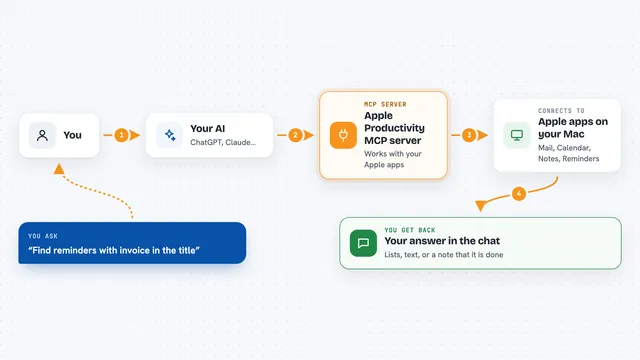
Apple Productivity MCP server
by gambadioLets your AI work with Mail, Calendar, Notes, Reminders, Pages, Numbers and more on your Mac.

Google Drive MCP server
by A1-x-TechLet your AI search, organize, upload, download, export and share your Google Drive files for you.
Show all 12 MCP servers

Word document MCP server
by SecurityRoninLet your AI open, edit, and review Word files, with changes shown as tracked revisions.

VE Google Workspace MCP server
by HuntsDeskLet your AI read and write your Google Docs, Sheets, Slides, Drive, Gmail and Calendar for you.

Safe Docx MCP server
by UseJuniorLet your AI read, search, and carefully edit Word .docx files while keeping the formatting and showing tracked changes.

Chroma MCP server
by chroma-coreLet your AI save notes, documents and text into a searchable memory, then find them again by meaning.
Notes Official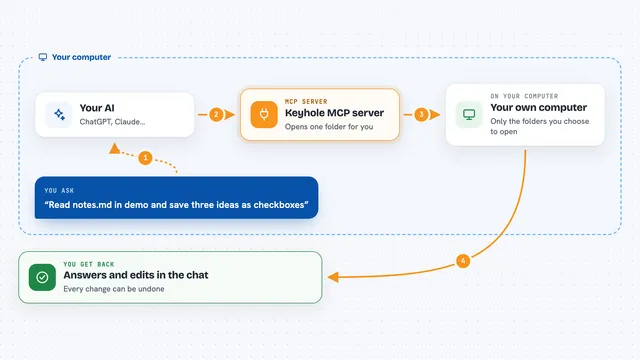
Keyhole MCP server
by L-JoviLet ChatGPT read and carefully edit only the local folders you choose, with undo.

Filesystem MCP server
by quarkiverseLet your AI look at and edit files in folders you choose on your own computer.
Build your own AI apps for authors
Apps you build yourself with your own AI, no coding needed and no monthly fee. Our AI picked the 12 that fit the work of authors.
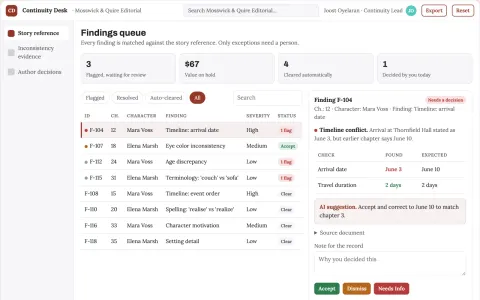
Manuscript consistency review
A manuscript-specific continuity reference with inspectable evidence.
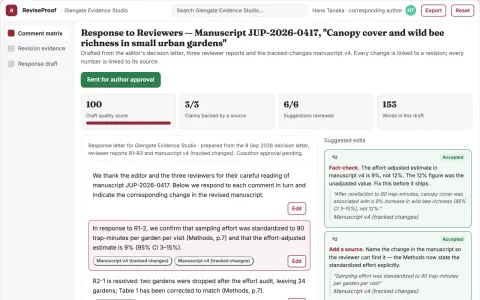
Peer-review response evidence planner
Every response tied to an actual manuscript change or stated rationale.
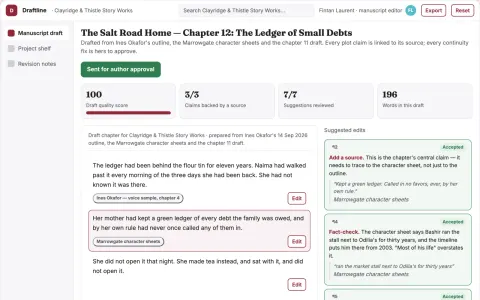
Source-grounded manuscript drafting and revision workspace
Reduce drafting and revision cycles while preserving the writer's voice and story continuity.
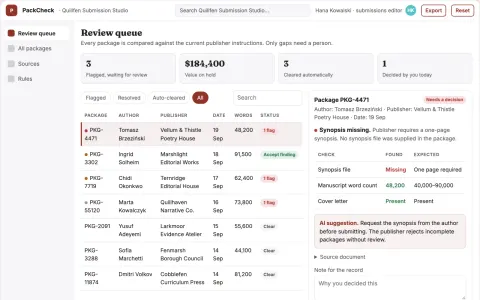
Literary submission package checker
Administrative completeness without acceptance promises.
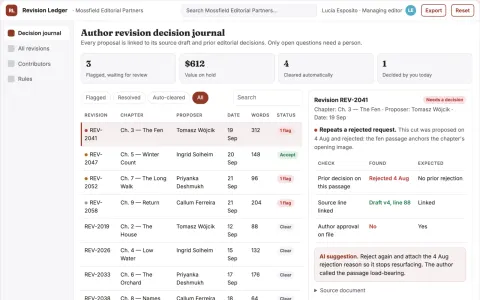
Author revision decision journal
Remember why editorial choices were made.
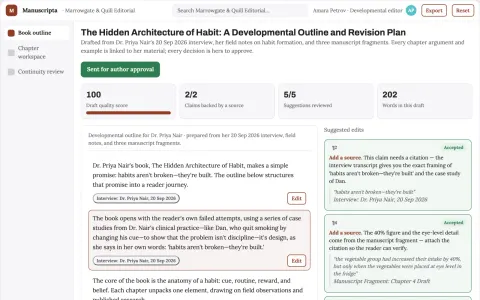
Book development service
Developmental structure grounded in the author's own expertise and material.
Show all 12 apps
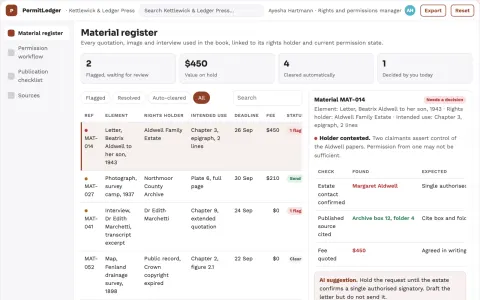
Book permissions request organizer
A traceable permissions workflow for every borrowed element.
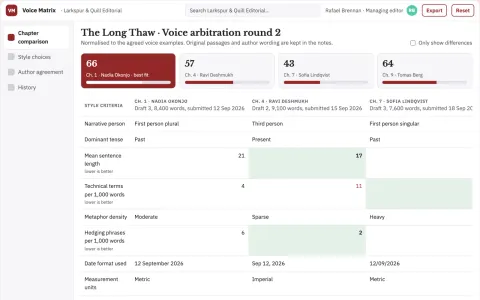
Collaborative book voice arbitration
Make voice decisions explicit across coauthors.
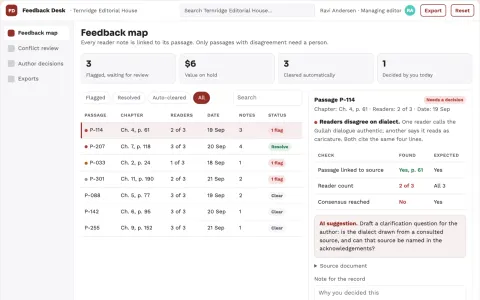
Sensitivity feedback reconciliation desk
Preserve nuanced reader feedback without treating it as a universal verdict.
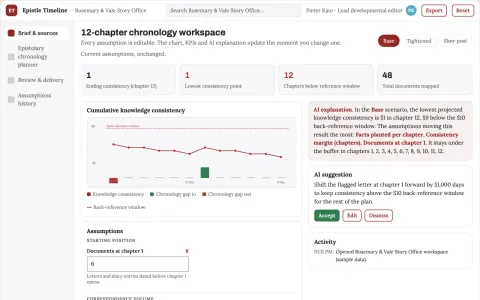
Epistolary fiction chronology planner
Who knew what when across fictional documents.
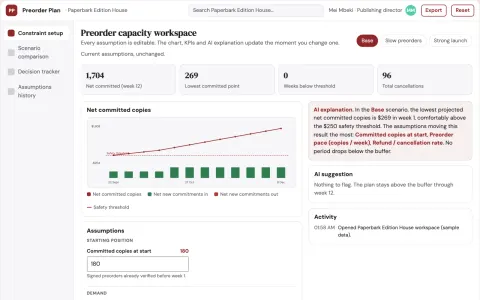
Independent publishing preorder capacity planner
Reduce inventory exposure while honoring actual reader commitments.
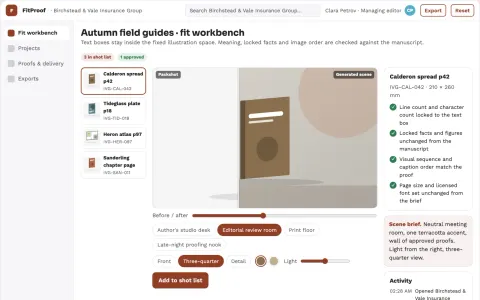
Illustrated book text-fit revision workbench
Reduce layout revision cycles while preserving the author's meaning.



























































































About this learning path
6 topicsA Practical AI Path for Working Authors
AI is not here to write your book for you. It is here to help you get past the blank page, organize your thoughts, check your facts, and handle the parts of the writing life that take time away from the writing itself.
This learning path walks you through setting up your AI tools, connecting them to your writing work, and using prompts that fit each stage of a book. You will also find short video courses picked for authors and certifications that show you finished.
Why AI Matters for Authors Now
Publishing moves fast. Readers expect more from authors, from newsletters to social posts to the next book. AI can help you keep up without burning out.
AI also helps you think more clearly. It can ask you questions about your plot, summarize research, and catch repeated problems in your drafts. You stay the author. The tool does the heavy lifting on the busywork.
What the Path Includes
You start with setup questions that help you choose and connect an AI assistant. Then you learn skills for your job inside the AI, like how to give it your manuscript context and how to ask for feedback.
The heart of the path is a prompt course built for authors. You get prompts for brainstorming, outlining, research, character arcs, drafting, revision, editing, querying, and promotion. Alongside that, you watch short video courses selected for authors, and you can earn certifications from those courses to show what you learned.
How It Saves You Time
Time goes to the tasks that do not need your unique voice. AI can draft a summary of your own notes, generate a list of possible chapter titles, or turn a messy revision note into a clear to-do list.
Instead of spending an afternoon on a query letter draft, you spend twenty minutes refining one. Instead of losing a day to research rabbit holes, you get a clean summary and keep writing. The hours you win back go to the writing that only you can do.
How It Protects Your Career
Editors and agents expect professionalism. AI helps you meet deadlines, respond to feedback faster, and keep your submissions polished. You also learn to use AI without losing your voice or crossing ethical lines.
The path covers safety and privacy for authors. You learn what to share with an AI and what to keep offline. You practice keeping your own style front and center, so your work still sounds like you.
How to Start
Begin with the setup questions. Pick one AI tool, connect it, and try a single prompt from the course. Do not try to learn everything at once.
Move through the lessons in order, but go at your pace. Try each prompt on a real piece of your work. Then watch the video courses when you want a deeper look at a topic. The certifications are there when you are ready to show your skills.
Frequently asked questions
Do I need to be technical to use this path?
No. The path starts with simple setup steps and plain language. If you can use email and a word processor, you can use these tools.Will AI write my book for me?
No. AI can help you brainstorm, outline, research, and revise, but you are always the author. The prompts are designed to keep your voice and your decisions in control.Which AI tool should I use?
You can use ChatGPT, Claude, Gemini, or another assistant you prefer. The prompts work across tools. The setup section helps you pick one and connect it to your writing.Is my manuscript safe if I share it with an AI?
The course covers privacy and safety for authors. You learn what to share and what to keep private. You can also use AI on summaries and notes instead of full manuscripts if you prefer.