AI tool
Prism AI
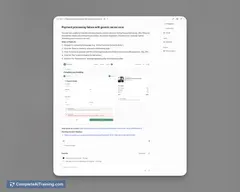
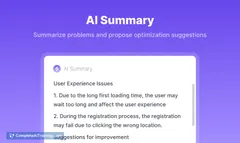
Prism AI analyzes session replays automatically, identifying issues developers need to fix without any setup or event tagging—delivering clear, actionable insights to improve user experience efficiently.
About Prism AI
Prism AI is an intelligent tool that analyzes session replays and identifies issues within user flows without requiring any manual setup or event tagging. It helps developers and product teams quickly pinpoint and address friction points by observing real user interactions automatically.
Review
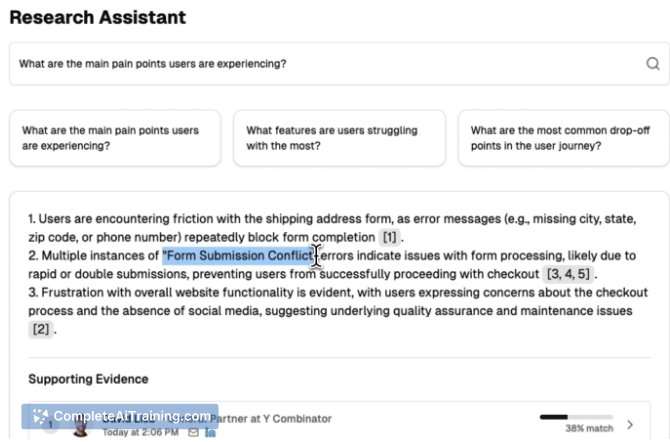

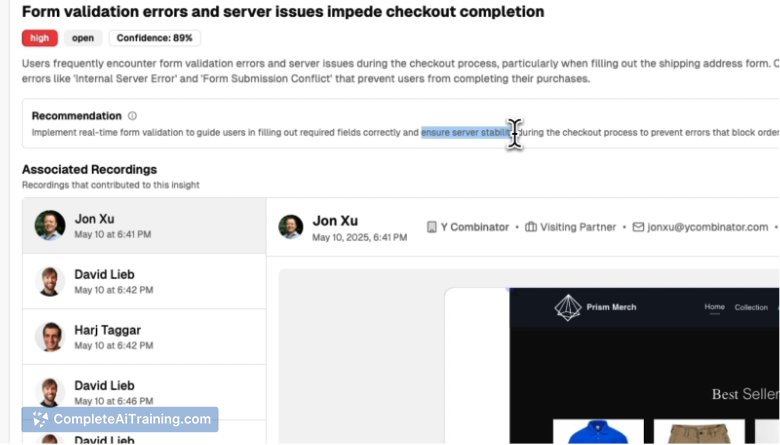
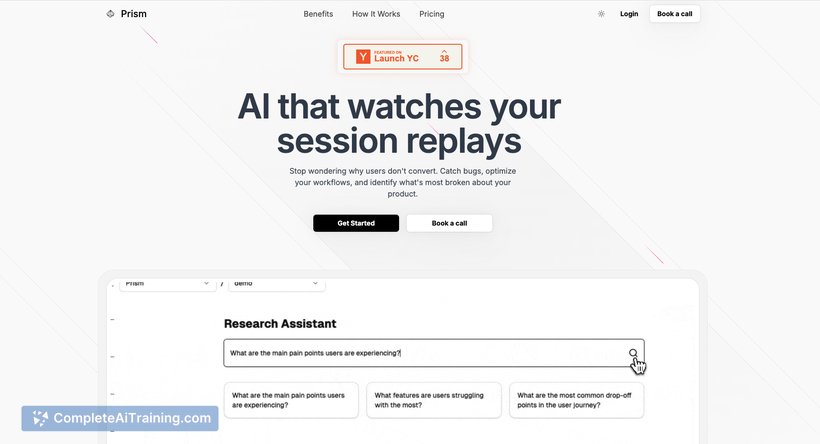
Prism AI offers a straightforward approach to understanding user behavior by observing session replays and highlighting areas that need attention. Its ability to flag problems without prior instrumentation makes it appealing for teams looking to improve their product experience efficiently. The tool is particularly useful for product managers, developers, and engineers aiming to resolve user friction swiftly.
Key Features
- Automatic analysis of user session replays with no setup or event tagging required
- Detection of broken flows and user pain points through AI-powered insights
- Clustering of similar sessions to identify common patterns and issues
- Use of headless Chrome to replay and monitor DOM changes and user interactions
- Easy-to-understand feedback that helps prioritize fixes without sifting through excessive data
Pricing and Value
Prism AI offers a free tier that includes up to 500 session replays, making it accessible for early-stage teams and startups. This allows users to evaluate the tool’s effectiveness before committing to higher usage plans. The value lies in reducing the time spent on manual event tracking and accelerating the identification of UX issues, which can translate into faster product improvements and better user satisfaction.
Pros
- No need for complex instrumentation or event tagging
- Quickly surfaces actionable insights from real user sessions
- Helps teams detect issues early, avoiding long delays in problem discovery
- Clusters similar user sessions to reveal trends and recurring problems
- Supports developers and PMs with clear, prioritized feedback
Cons
- Currently focused on session replay analysis, so may need complementary tools for deeper analytics
- Limited to the number of free sessions; higher usage requires paid plans
- May require some learning curve to interpret AI-driven signals effectively
Overall, Prism AI is ideal for product teams seeking a low-maintenance way to identify user experience issues early without investing heavily in event tracking infrastructure. It fits well for startups and growing companies that want fast feedback on onboarding flows and other critical user interactions. Teams looking for quick, actionable insights from real session data will find this tool particularly helpful.
Jobs Prism AI suits
We checked Prism AI against 500+ jobs; these get the most out of it.
Alternatives to Prism AI
Other tools that do the same main job. Our AI compared Prism AI with similar tools and kept the ones you could use instead.