
Learning path
Learning AI as a Frontend Developer
This path helps frontend developers use AI to write cleaner HTML, CSS, and JavaScript, fix bugs faster, and keep design handoffs moving. It starts with setup, connects your AI, then walks through prompts and short video courses built for frontend work.

Your path
Everything in the Frontend Developer AI kit, in the order that makes sense. Members tick off each step and see their progress.
Set up your AI
We guide you through each click.
Let skills do your everyday tasks
Connect your apps and pick your AI apps
Hand whole tasks to AI agents
Build your own tools
Keep growing
Everything for frontend developers
All the courses, certifications, AI tools, MCP servers and apps for frontend developers, most relevant first. Open any list to see more.
Take the prompt courses
A short framework course to learn how to ask, then 8 lessons with ready-to-use prompts for frontend developers.
Start with this framework: how to talk to AI
RACE fits frontend work because you can request a responsive React navbar with role, action, context, and expected accessibility for production quality.
Then your prompt course for frontend developersWatch the video courses or add them to your Favorites for later
107 video courses our AI picked for frontend developers, most useful first. Save the ones you want to watch later with the heart.
Favorites are saved to your account: sign in or get your AI kit first.
Show all 107 video courses
Get certified, or add certifications to your Favorites
Every course ends in an exam and a certificate you can add to LinkedIn. Save the certifications you are aiming for with the heart.
Favorites are saved to your account: sign in or get your AI kit first.
More certifications for frontend developersShow all 24 certifications
Try the AI tools for frontend developers
24 AI tools our AI matched to the work of frontend developers, best fit first. Each review shows what it does, its alternatives and the jobs it suits.
Favorites are saved to your account: sign in or get your AI kit first.
Show all 24 AI tools
Connect your AI to the apps frontend developers use
MCP servers let ChatGPT, Claude or Copilot look things up and get work done in other apps, like your email, calendar or bookkeeping software. These 12 fit the work of frontend developers best, well-known apps first.
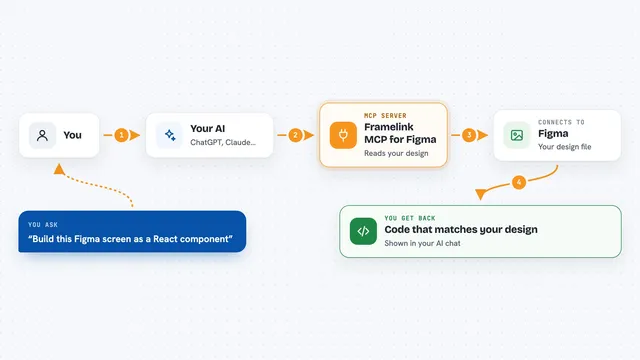
Framelink MCP for Figma
by GLipsLet your AI read your Figma designs and turn them into working code.

Chrome Dev MCP server
by congzhou09Lets your AI peek inside a live Chrome tab to find bugs, read errors, and check what the page is really doing.

shadcn/ui MCP server
by JpisniceLets your AI look up shadcn/ui components, blocks and demos and pull their code into your project.
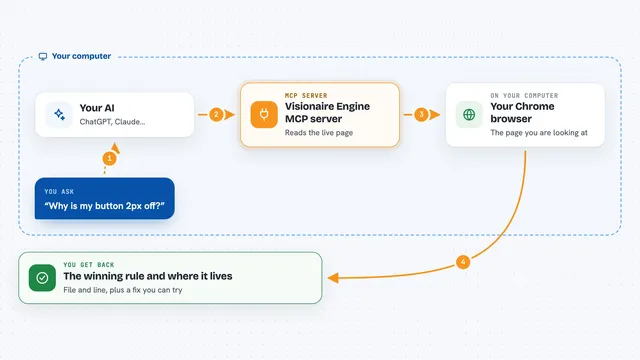
Visionaire Engine MCP server
by mi60devLets your AI inspect a live web page and tell you exactly which CSS rule wins, from which file and line.

VS Code MCP server
by juehangLets your AI read, search, edit and check files inside your open VS Code workspace for you.
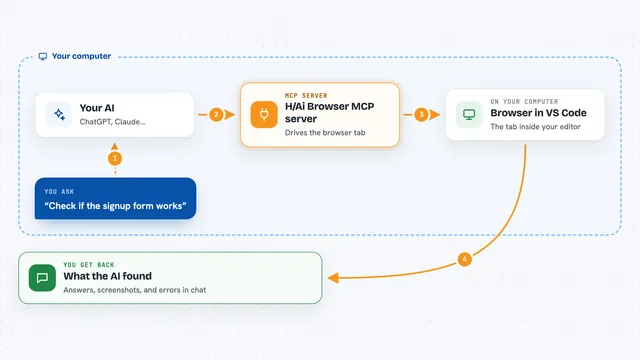
H/Ai Browser MCP server
by SnapBlockLet your AI drive the browser tab inside VS Code while you watch and take over.
Show all 12 MCP servers
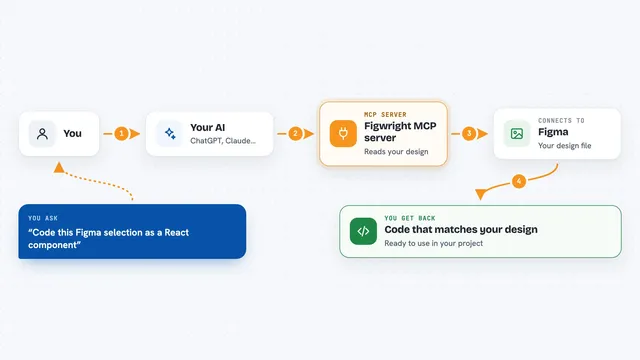
Figwright MCP server
by awdr74100Lets your AI read your Figma designs and turn them into code, or build new Figma designs for you.

Storybook MCP server
by storybookjsLets your AI write and check Storybook stories for your UI components.

iOS Safari Debug MCP server
by nnemirovskyLets your AI look at and control Safari on a real iPhone or iPad connected to your computer.

PageSpeed Insights MCP server
by ruslanlapAsk your AI to check how fast any web page loads, on phone or desktop, and what to fix first.

Augments MCP server
by augmntLets your AI look up fresh documentation and examples for popular coding frameworks while you work.

Bestax MCP server
by allxsmithLets your AI look up Bestax React components, their props, examples and CSS variables while it writes code.
Developer toolsCoding OfficialBuild your own AI apps for frontend developers
Apps you build yourself with your own AI, no coding needed and no monthly fee. Our AI picked the 12 that fit the work of frontend developers.
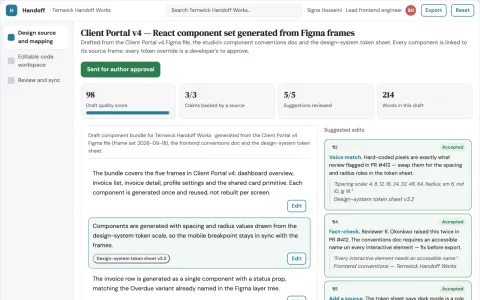
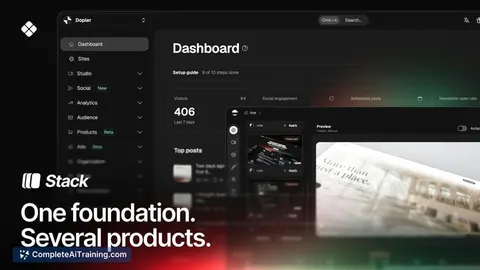
Design-to-code delivery workspace
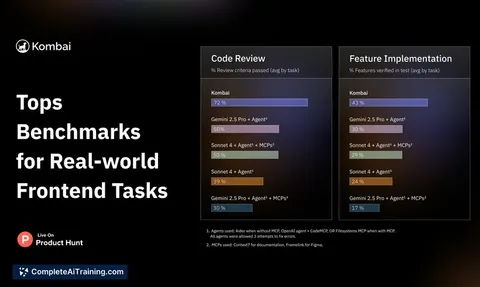
Reduce manual frontend rebuild work while keeping generated code inside the team's own standards.
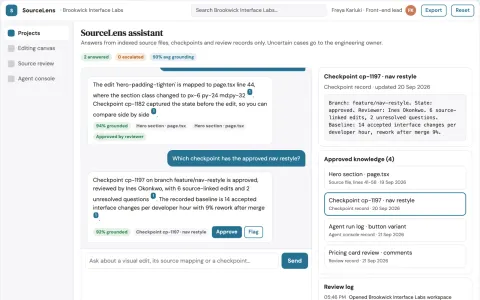
Source-linked visual interface editing console
Reduce the gap between visual interface changes and the committed source.
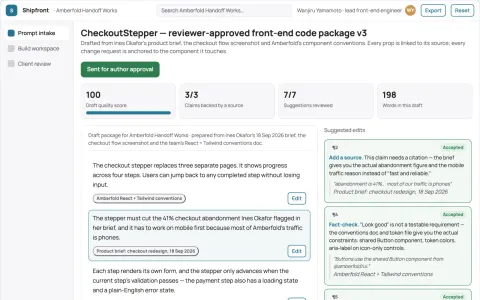
Prompt-to-front-end code delivery workspace
Reduce tool sprawl and manual reconciliation while keeping generated front-end code reviewable and deployable.
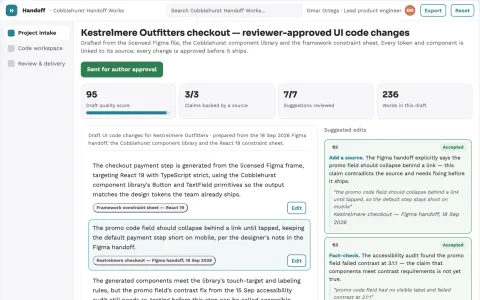
Design-to-code delivery workspace with managed implementation
Reduce handoffs between design and working code while keeping the team's own components and review rules.
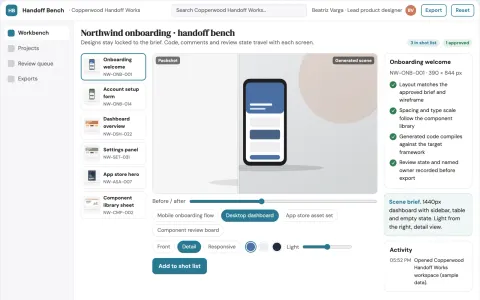
Design-to-code production workbench
Reduce handoff cycles between design and frontend while keeping a reviewable record from input to shipped code.
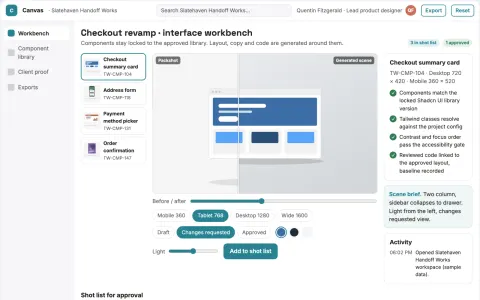
Visual interface design to code workbench
Reduce handoff rework while keeping the approved interface as the source of truth.
Show all 12 apps
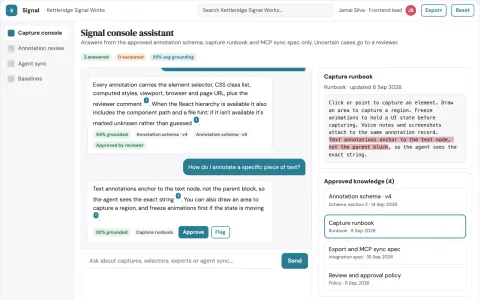
Source-linked UI feedback capture console
Reduce clarification cycles between reviewers and AI coding agents while preserving the reviewer's intent.
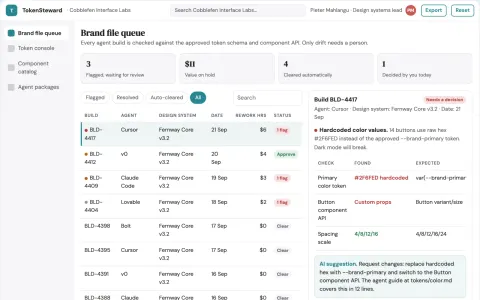
Agent-readable design system library and brand stewardship console
Reduce interface rework while keeping one consistent brand across agent-assisted builds.
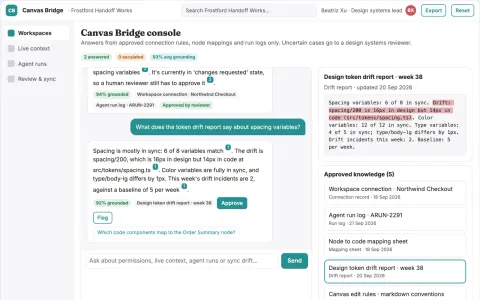
Live design file agent access console
Reduce manual design-to-code copying while keeping design files and code aligned.
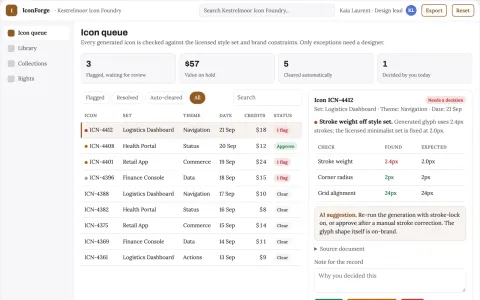
Icon library and AI customization console
Reduce icon sourcing time while keeping one consistent, licensed set.
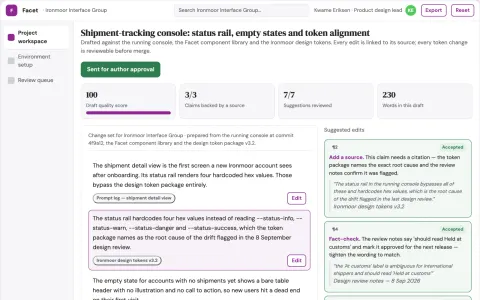
Live interface change review workbench
Reduce hand-coded interface work while keeping every change reviewable and reversible.
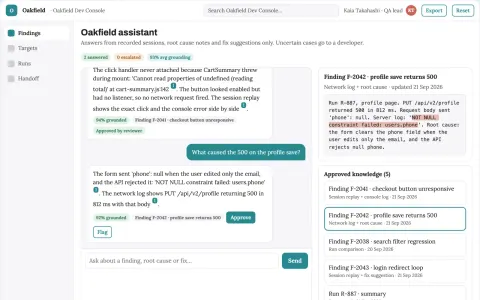
Source-linked autonomous web app bug testing console
Reduce debugging time while keeping developers in control of every fix.




























































































About this learning path
5 topicsAI Skills for Frontend Developers at Work
Frontend work rewards careful details: clean markup, steady layouts, and JavaScript that behaves. AI can help you move through those details faster, but only if you ask in a way that fits the job.
This path shows you how to set up your AI tools, connect them to your frontend habits, and practice prompts for the tasks you already do. You will also find short video courses chosen for frontend developers and the certifications that come with them.
Why AI Matters Now
Frontend work changes quickly, and teams still expect clean, accessible pages on every screen. AI can help you draft, explain, and check code, but it works best when you know what to ask and what to verify yourself.
What the Path Includes
You begin with setup questions, then connect your AI to the tools and habits you already use. The path includes skills for the job inside your AI, this prompt course, and short video courses picked for frontend developers, along with the certifications those courses offer.
How It Saves Time
Prompts can turn a blank file into a first draft, explain a confusing CSS bug, or outline a responsive plan before you touch the code. That means less time searching and more time making decisions that need your judgment.
How It Protects Your Career
Developers who can direct AI tools, review their output, and explain their choices become more valuable to a team. This path helps you build those habits so AI supports your work instead of replacing your role.
How to Start
Start with the setup questions and connect one AI assistant you already trust. Then take the prompt course in order, try each prompt on a real component, and pick one video course that matches your current project.