
AI tool
Qencode MCP
Qencode MCP lets AI assistants transcode, analyze, edit, optimize, and deliver video using natural language. It connects AI models to a cloud video processing platform, enabling automated workflows for developers and teams building video applicati...
About Qencode MCP
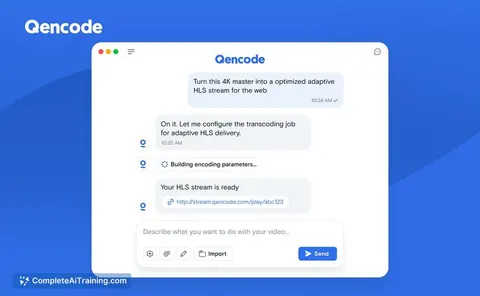
Qencode MCP is a Model Context Protocol server that lets AI assistants like Claude transcode and process video using natural language. It sits on top of Qencode's cloud video processing platform, which provides transcoding, live streaming, media storage, and content delivery APIs. With Qencode MCP, you can ask an AI agent to perform tasks like "Upscale this video to 4K" or "Convert this video to HLS," and the agent handles the workflow through Qencode.
Review
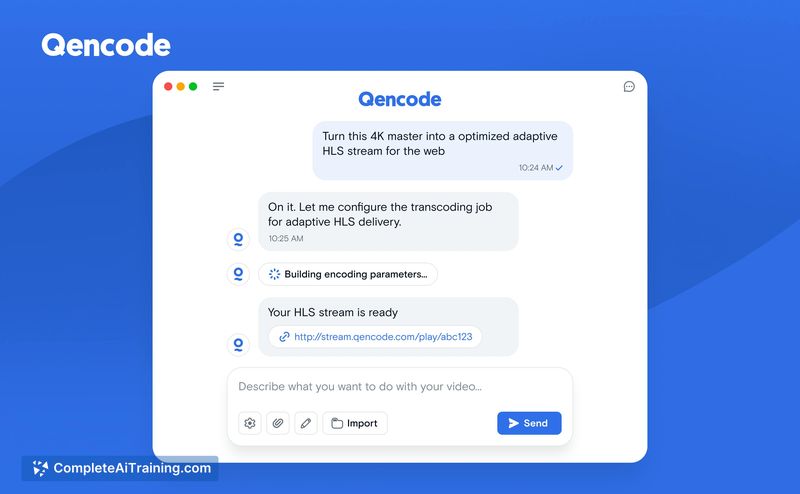

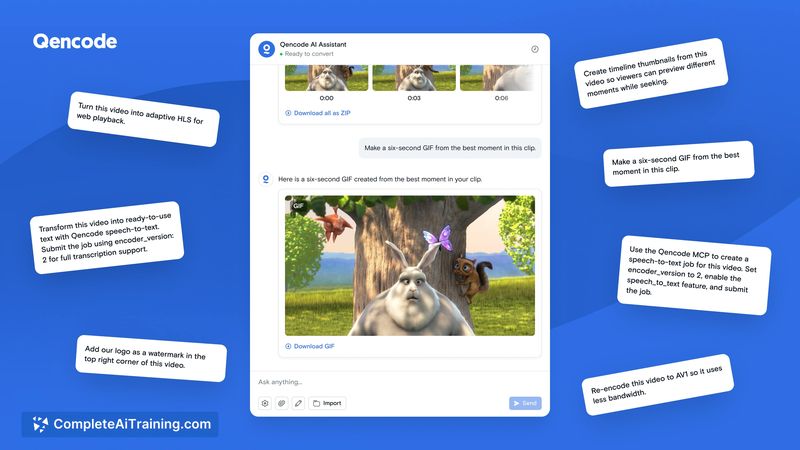
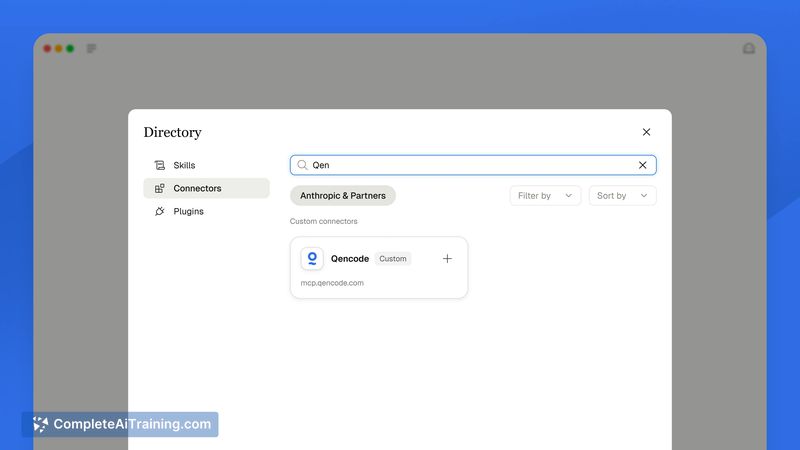
Qencode MCP targets developers who want to delegate video workflows to AI agents. The tool launched this week as the fifth product release from Qencode, following recent launches like VR Mode, AI Upscaling, and Video Intelligence. The MCP acts as a bridge between natural language interfaces and Qencode's existing video processing infrastructure.
Key Features
- Natural language video processing: Ask an AI agent to transcode or process video using plain language prompts, e.g., "Upscale this video to 4K" or "Convert this video to HLS."
- One-shot conversions: Perform a straightforward conversion with a single command, suitable for quick processing tasks.
- Workflow chaining: Link multiple processing steps together as a workflow evolves, allowing iterative changes to a video over time.
- Based on the Qencode video platform: Uses the underlying cloud APIs for transcoding, live streaming, storage, and content delivery.
- CLI access: Works via simple prompts in Claude CLI.
Pricing and Value
The Qencode MCP page does not state specific pricing for the MCP itself. Qencode operates as a cloud video services provider with API-based usage pricing, and the MCP appears to work as an interface layer onto those existing APIs rather than a separate product with its own price structure. No pricing details for the MCP are available in current launch materials.
Pros
- Simplifies video processing by eliminating the need for customized coding against Qencode's REST API
- Supports both single commands and iterative job chains, so you can adapt the workflow as your needs change
- Uses the underlying platform's existing infrastructure for transcoding, live streaming, and delivery
- Integrates directly with Claude CLI, a tool many AI developers already use
Cons
- Pricing and rate limits are not clearly defined for the MCP itself
- The server only works with Qencode's own video processing backbone, so you cannot use it with other cloud providers
- Not suited for teams without existing video processing workflows and API knowledge, since it focuses on agent-driven automation rather than manual console usage
Qencode MCP works best for developers and distributed teams already operating with Qencode APIs who want to automate video pipelines through conversational AI. It also suits AI researchers exploring agent-based media workflows. If you work with video at scale while still prototyping ideas, this MCP could reduce the overhead between idea and final output.
Jobs Qencode MCP suits
We checked Qencode MCP against 500+ jobs; these get the most out of it.



