AI tool
Qwen Chat for Desktop
Qwen Chat for Desktop enables faster, smarter communication with MCP server support, boosting agent efficiency and giving you full control over workflows for improved productivity.
About Qwen Chat for Desktop
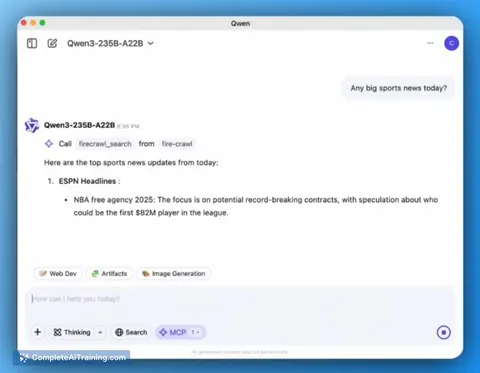
Qwen Chat for Desktop is a macOS application that brings the capabilities of the Qwen Chat AI directly to your computer. It supports MCP (Multi-Channel Processing) for smarter and faster local agent interactions, aiming to boost productivity while giving users control over their environment.
Review
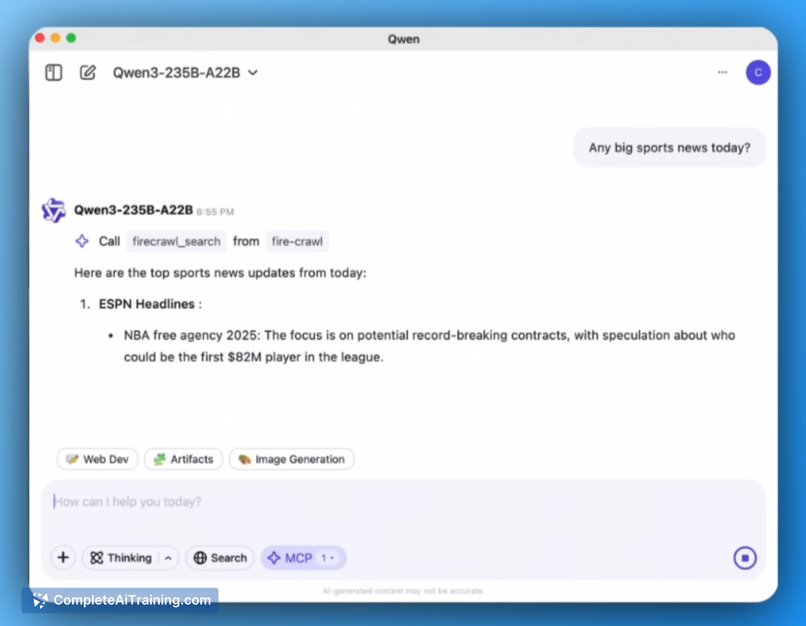
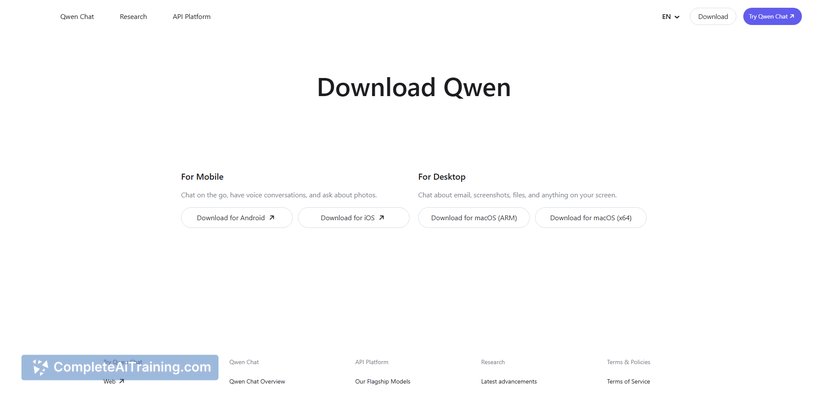
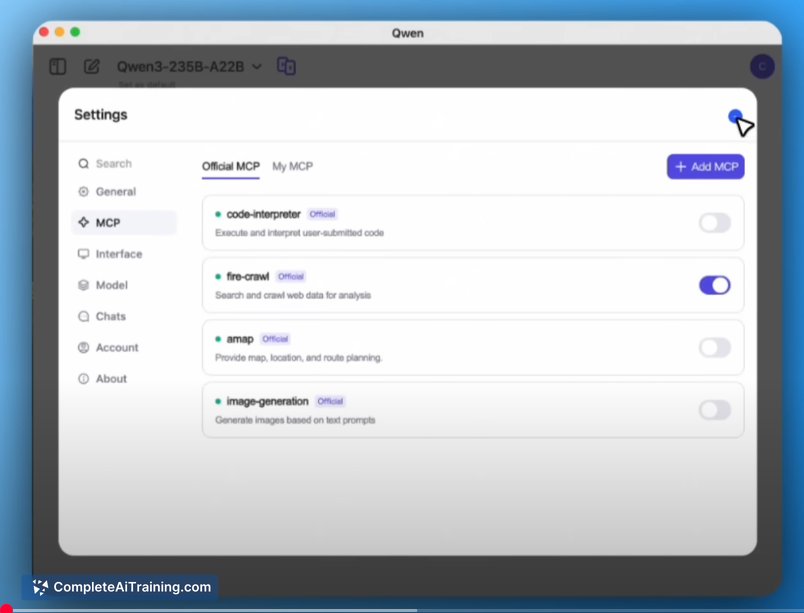
This desktop version of Qwen Chat extends the AI chat experience beyond the browser by integrating advanced local agent functionality. With MCP support, it offers improved responsiveness and multitasking abilities, making it particularly appealing for developers, researchers, and power users looking for a versatile AI assistant on their macOS devices.
Key Features
- Native macOS application for seamless desktop integration
- Support for MCP Server enabling smarter, faster local agents
- Enhanced productivity through multitasking and parallel processing
- Full user control over the local environment and workflows
- Free to use with potential for open-source development in the future
Pricing and Value
Qwen Chat for Desktop is currently available with free options, making it accessible for users who want to explore AI-assisted workflows without upfront costs. The combination of free usage and powerful features like MCP support delivers strong value, especially for professionals who require efficient local AI capabilities without relying solely on cloud services.
Pros
- Runs natively on macOS, offering smooth desktop integration
- Supports multiple concurrent agent processes via MCP, enhancing efficiency
- Empowers users to maintain control over their data and environment
- Suitable for a variety of users including developers and researchers
- Free to start, lowering the barrier to entry
Cons
- Currently limited to macOS, excluding Windows and Linux users
- Some users may experience sign-up or verification issues
- Lacks detailed information about plugin or custom prompt syncing features
Qwen Chat for Desktop is an excellent choice for macOS users who want a capable AI assistant integrated into their workflow. Its support for local agents and multitasking makes it ideal for developers and researchers who prioritize control and productivity. Users looking for cross-platform support or extensive customization options might find some limitations, but overall it offers a compelling desktop AI experience.
Jobs Qwen Chat for Desktop suits
Useful in almost any job. We checked Qwen Chat for Desktop against 500+ jobs; these get the most out of it.
Alternatives to Qwen Chat for Desktop
Other tools that do the same main job. Our AI compared Qwen Chat for Desktop with similar tools and kept the ones you could use instead.