AI tool
Reefy
Reefy converts spare PCs, mini‑PCs and GPU boxes into private AI servers. Flash a USB, boot, click Adopt in reefy.ai, then run local AI workloads with GPU autodetect, encrypted backups, A/B upgrades and remote access.
About Reefy
Reefy converts spare PCs, mini PCs, laptops, and GPU boxes into private AI servers with minimal setup. Flash a USB image, boot the machine, and adopt it in a central dashboard to start running local AI workloads quickly.
Review
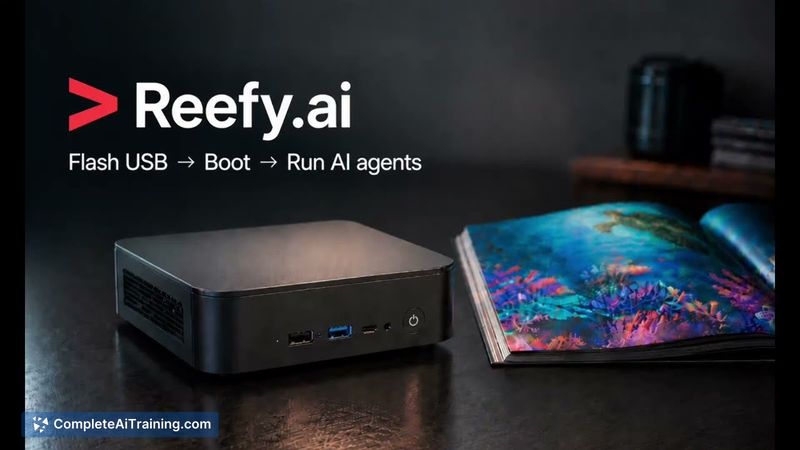
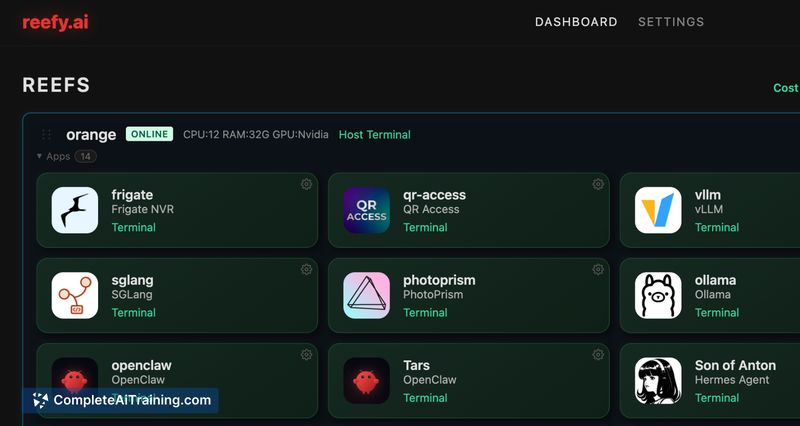
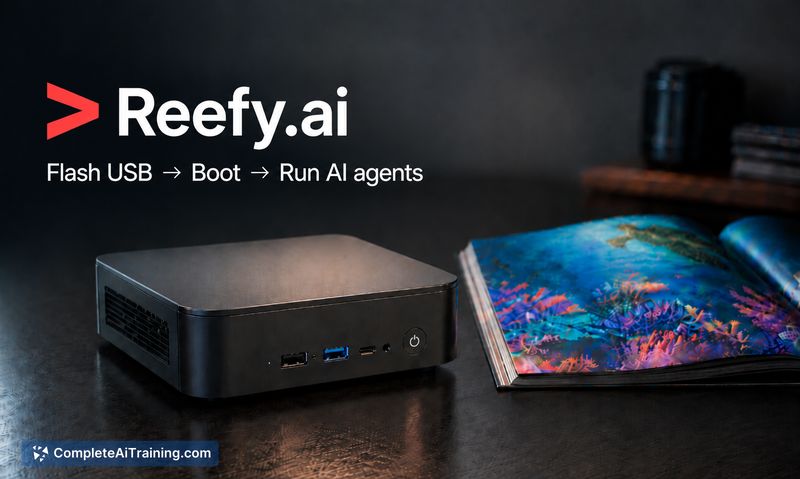
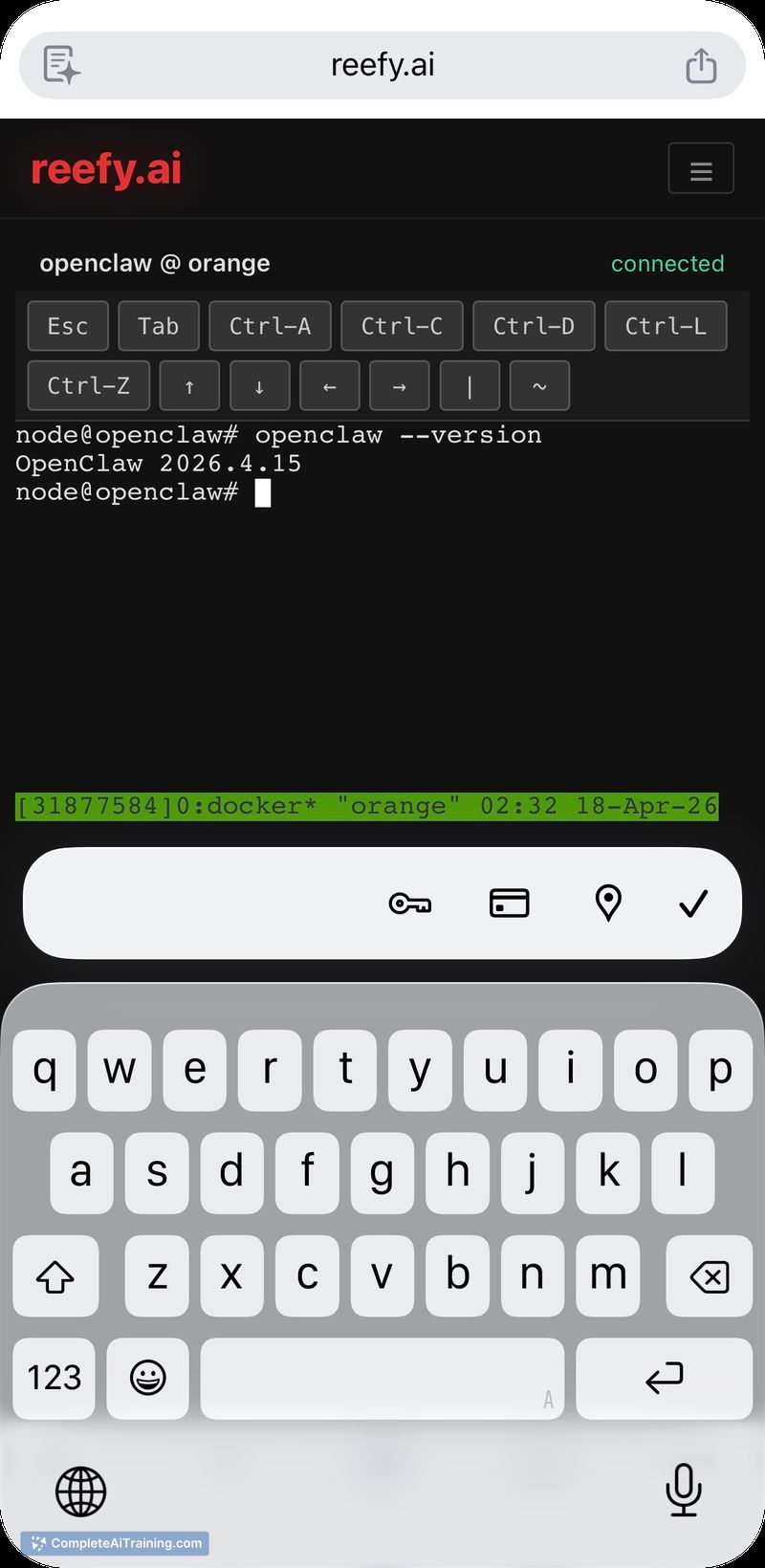
Reefy focuses on making local AI infrastructure accessible by packaging an OS image with key runtime components and management features. It uses Buildroot for fast boot, includes NVIDIA GPU autodetection and drivers, and provides encrypted backups, A/B upgrades, and remote access from a single dashboard.
Key Features
- One-step deployment: flash a USB image, boot the device, and adopt it to the Reefy dashboard.
- NVIDIA GPU support with autodetection and drivers preinstalled; GPU access is exposed to containers via CDI.
- A/B OS upgrades with automatic rollback and encrypted app backups for safer updates and recovery.
- Remote access and dashboard management for multiple devices and isolated agent instances.
- Preintegrated AI apps (examples include OpenClaw, Hermes, Ollama, vLLM, SGLang, and Frigate) and an estimated cloud-cost-saved metric.
Pricing and Value
Reefy is listed as free and has a public presence on GitHub. Its main value proposition is repurposing existing hardware to run local AI workloads and reduce reliance on paid cloud instances; the dashboard includes an estimate of monthly cloud savings based on device specs and uptime. Actual savings will depend on electricity costs, hardware efficiency, and how intensively the device is used.
Pros
- Very low barrier to entry: flash-and-boot approach avoids a lengthy manual Linux and driver setup.
- Works out of the box with many NVIDIA GPUs thanks to built-in driver and CDI support.
- Safety-focused update model (A/B upgrades) reduces the risk of bricking devices during updates.
- Encrypted backups and remote access simplify management of multiple machines and experiments.
- Includes ready-to-run AI apps and a simple way to run isolated agents for different use cases.
Cons
- Requires spare hardware and continuous power; electricity and wear are ongoing costs that reduce net savings.
- Compatibility is not guaranteed for every device or exotic GPU; older or uncommon hardware may need troubleshooting.
- Running local infrastructure shifts maintenance and security responsibility to the operator rather than a managed provider.
Reefy is a strong fit for homelab users, privacy-focused individuals, small teams, or educators who want to run AI workloads on their own hardware with minimal setup. It is less convenient for users without spare devices or those who prefer a fully managed cloud service over local operation.
Jobs Reefy suits
We checked Reefy against 500+ jobs; these get the most out of it.