AI tool
Scumble
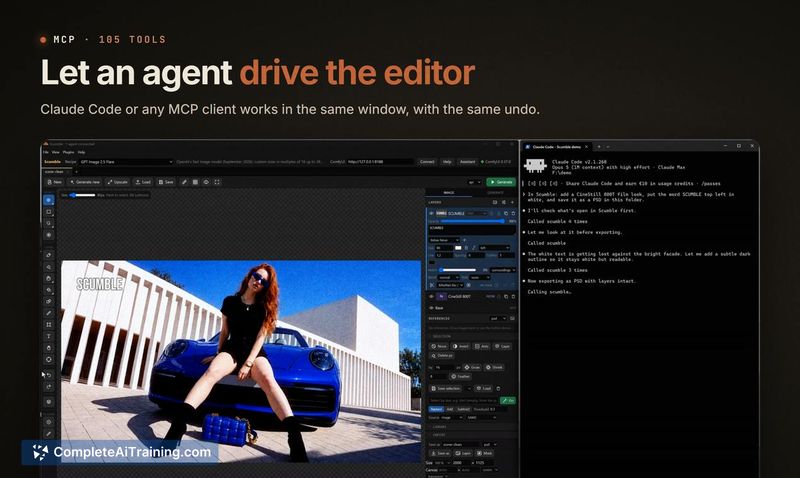
Scumble is an open-source image editor for inpainting that lets you select objects by painting, pointing, or typing. It returns edits as color-matched layers and can be driven through an MCP server with 105 tools. The tool is for anyone who iterat...
About Scumble
Scumble is a free, open-source desktop editor built specifically for AI inpainting. You select an area of an image, describe what should appear there, and the tool generates the result as a separate, colour-matched layer without altering the original. It runs on your own ComfyUI setup or your own API keys for models like FLUX 3, GPT Image, and Nano Banana.
Review
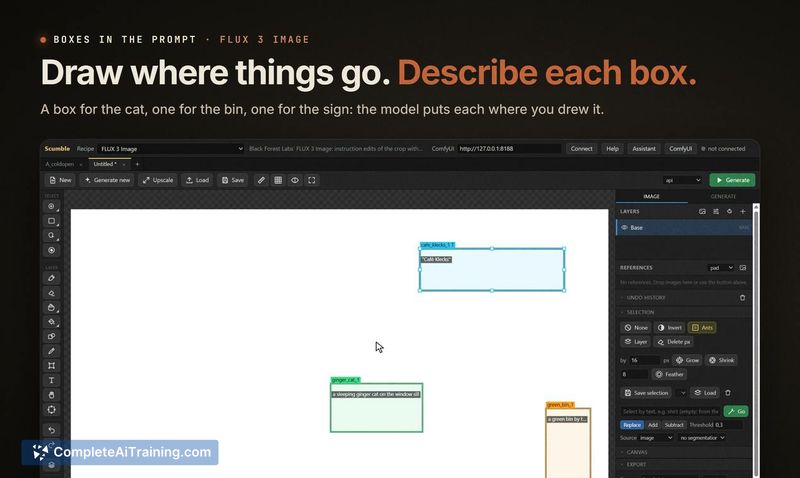
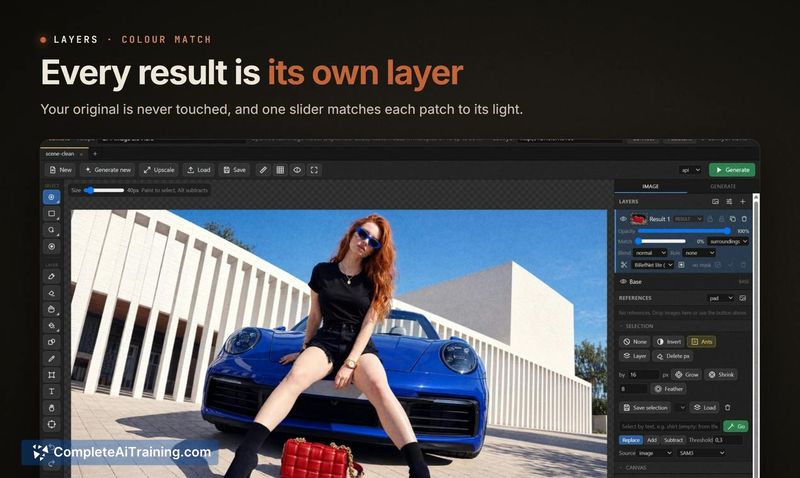
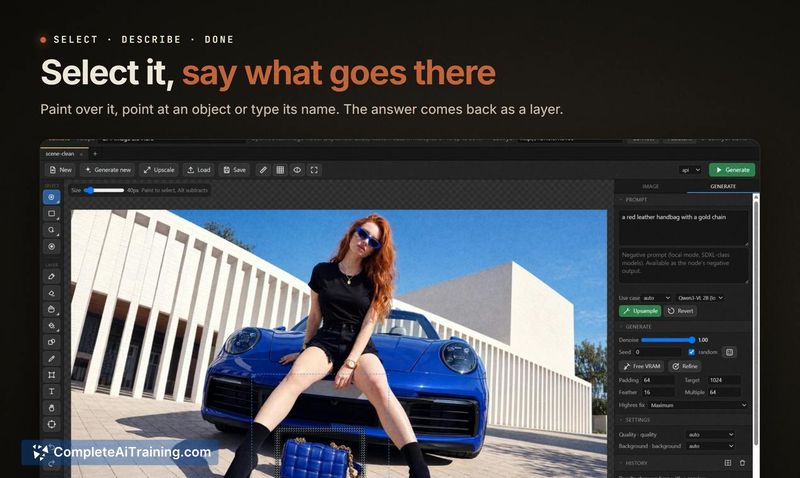
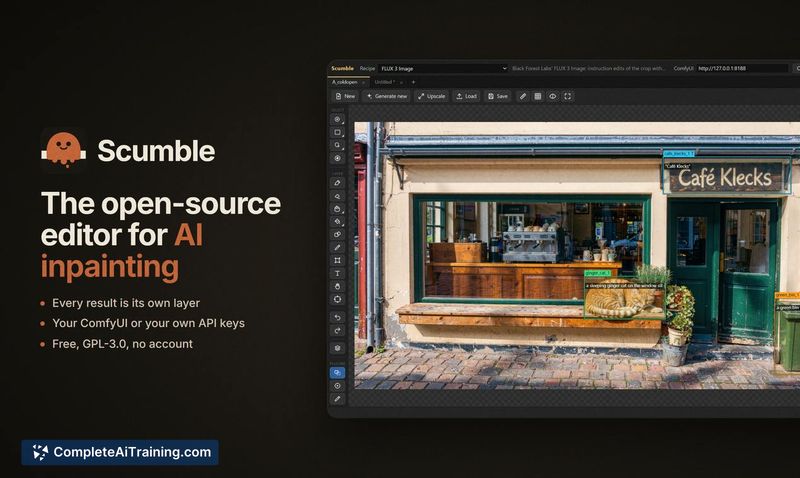
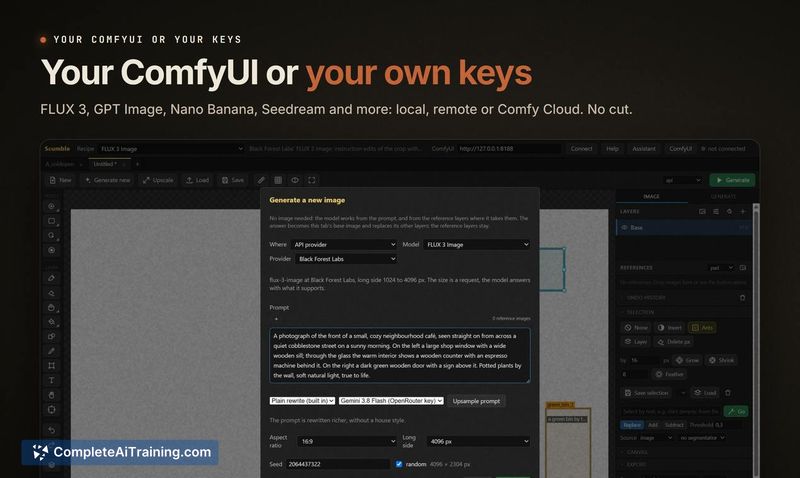
Scumble approaches inpainting as a layer-based editing task rather than a pure generation exercise. The editor keeps your original image intact and places every AI-generated result on its own layer with automatic colour matching to the surrounding area. It's currently at version 0.1.x, with Windows as the primary platform and Linux/Mac support still in development.
Key Features
- Layer-based inpainting with colour matching. Generated results land as independent layers, automatically matched to the surrounding colours so the original stays untouched.
- Multiple selection methods. You can paint a mask, point at an object, or type a description of what to select.
- Box-guided generation and image references. Draw boxes in the prompt to position elements, or reference other images by name (e.g., "@img1") to reuse objects across edits.
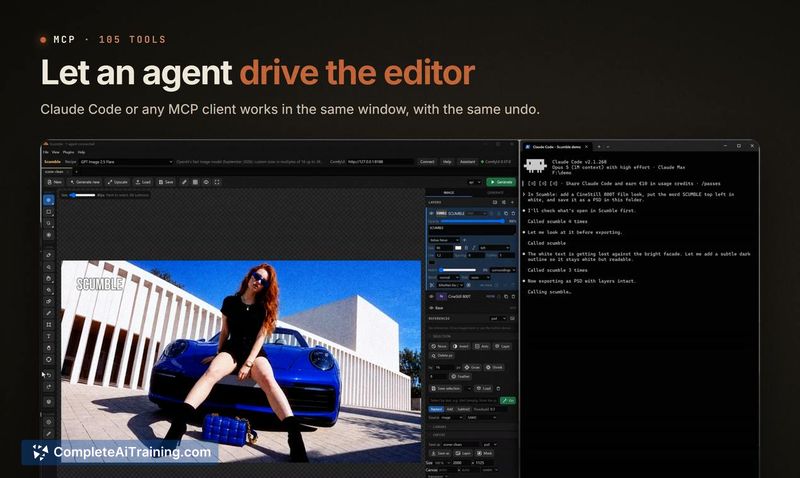
- MCP server with 105 tools. An MCP server lets Claude Code or other MCP clients control the editor programmatically.
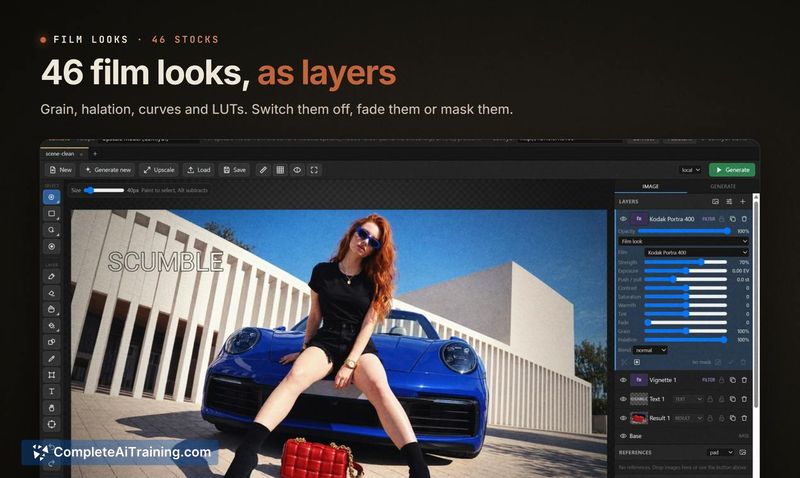
- Export flexibility and film looks. Supports PSD, ORA, and TIFF export, includes 46 film look layers, retouch tools, and handles images of 15,000 pixels and larger.
Pricing and Value
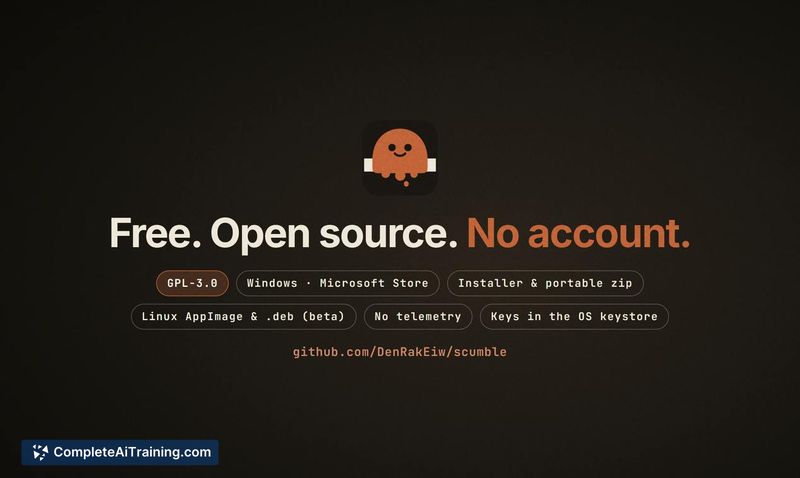
Scumble is free and open-source under the GPL-3.0 license. It requires no account and collects no telemetry. You pay model providers directly through your own API keys-Scumble takes no cut. API keys remain in your system's credential store. There is no subscription or usage fee for the editor itself.
Pros
- Non-destructive workflow: every inpainted result sits on its own layer, preserving the original image.
- No account, no telemetry, and API keys stay local to your machine.
- Works with your own ComfyUI instance or direct API keys, giving you control over which models process your data.
- MCP server enables automation through external tools like Claude Code.
- PSD and TIFF export makes it straightforward to continue editing in other applications.
Cons
- Windows is the only thoroughly tested platform; Linux builds exist but haven't been run by the developer, and Mac support is still planned.
- Not all listed API providers have been tested live, so compatibility with some services may be inconsistent.
- This tool is not well suited for users who need a polished, production-stable editor-version 0.1.x is moving fast and rough edges should be expected.
Scumble fits photographers and designers who already work with ComfyUI or hold API keys for generative models and want to fold inpainting directly into a layered editing workflow. The open-source license and local credential handling make it relevant for anyone cautious about sending full images to third-party services. It's less appropriate for Mac users or those who prefer a fully managed, cloud-based editing experience without configuring their own model access.