
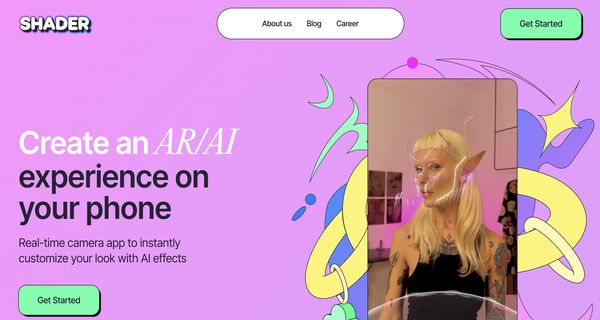
About: Shader App
Shader is an innovative no-code AR creation tool designed to empower users to effortlessly customize their appearances using advanced AI technology. With its intuitive interface, users can create personalized looks in real-time through simple text prompts, swipe gestures, or voice commands, making the process quick and accessible for everyone.
Key features include the ability to record captivating videos integrated with AR effects, fostering greater engagement and creativity. Users can easily share their creations on social media platforms, enhancing interaction with their audience. Furthermore, Shader encourages collaboration by allowing friends to join in the creation process, enabling a shared experience in building unique AR effects.
The primary applications of Shader span from personal expression and social media content creation to interactive marketing campaigns. Its user-friendly design and collaborative features set it apart, making it a valuable asset for individuals and businesses seeking to explore the dynamic world of augmented reality without the need for extensive technical skills.
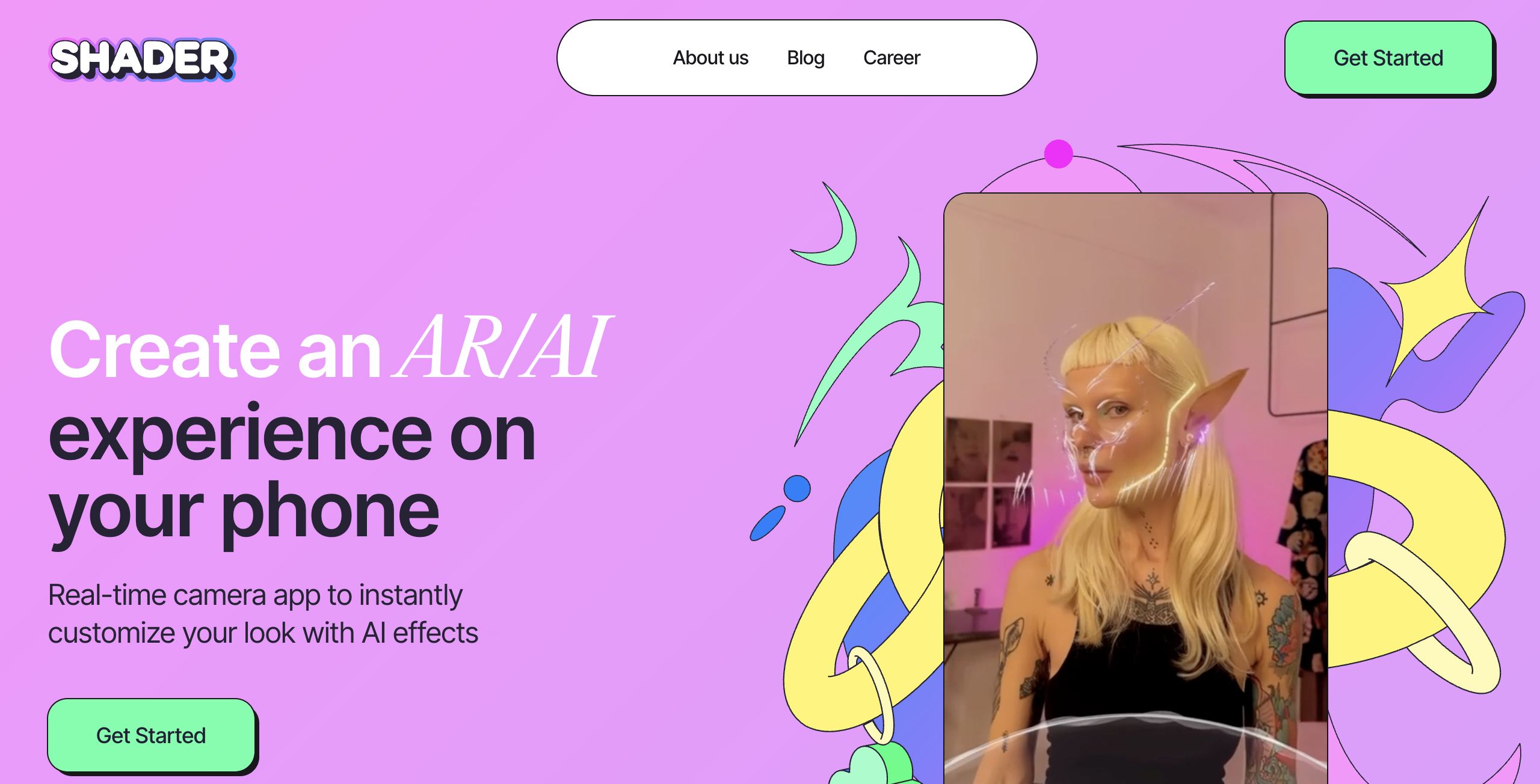
Review: Shader App
Introduction
Shader App is an innovative, no-code AR creation tool designed to empower users to instantly customize and share unique looks using AI. Targeted at a broad audience—from casual users and social media enthusiasts to creative professionals—Shader simplifies augmented reality creation by enabling users to apply a variety of effects without requiring specialized technical skills. The relevance of this tool stems from the growing popularity of AR experiences in content creation, as evidenced by its impressive community adoption and over 40,000 downloads.
Key Features
Shader App offers a multitude of functionalities that set it apart in the AR space. Its core features include:
- No-Code AR Creation: Easily create custom AR effects without any coding skills.
- Intuitive Commands: Generate effects effortlessly using type, swipe, and voice commands.
- Real-Time Camera Integration: Customize your look instantly using your phone’s camera and a dedicated selfie mode that tracks emotions in real time.
- Dynamic Effects: Create text-to-AR filters, image-to-image transformations, personalized avatar generation, and AI-driven relighting effects for a vivid augmented experience.
- Video Recording and Sharing: Record videos featuring your AR masks and filters to engage and entertain your audience.
- Collaborative Opportunities: Build and refine effects with friends, promoting a creative and engaging community experience.
Pros and Cons
- Pros:
- Intuitive and user-friendly interface that appeals to both beginners and creative professionals.
- Wide range of innovative AR effects and customization options.
- No coding required, making advanced AR techniques accessible to everyone.
- Real-time emotion tracking and dynamic image processing enhance user engagement.
- Ability to easily create, record, and share content across social media platforms.
- Cons:
- The abundance of features may be overwhelming for users who prefer simpler tools.
- Advanced users looking for in-depth customization or manual control might find some limitations in the no-code approach.
Final Verdict
Shader App is a compelling solution for anyone looking to explore AR without the steep learning curve typically associated with digital content creation tools. Its seamless integration of AI-enabled effects, real-time camera functionality, and user-friendly commands make it a fun and powerful option for social media influencers, casual users, and creative professionals alike. However, those in pursuit of highly advanced or customizable tools might find the no-code structure somewhat limiting. Overall, Shader App is highly recommended for users who want to experiment and engage with augmented reality in a quick, creative, and accessible manner.
Open 'Shader App' Website
Your membership also unlocks:

















