About Shape
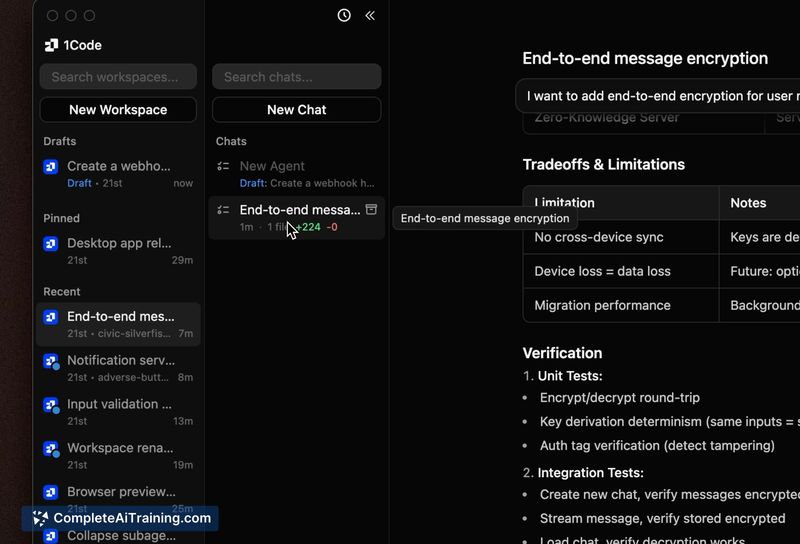
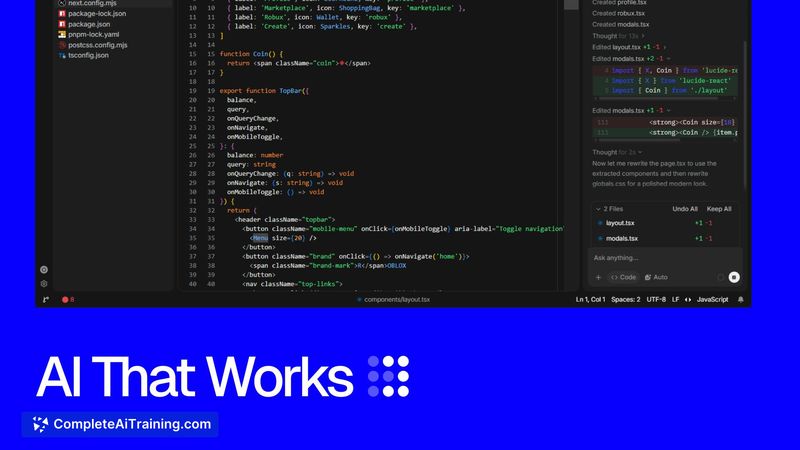
Shape is an agentic IDE built for designers and programmers, combining a code editor, AI agent, Git integration, and live previews in a single desktop application. It targets Windows first, which the maker states was a deliberate decision. The tool is still in early development and is currently free to download.
Review
Shape attempts to collapse the typical workflow of jumping between an editor, a design tool, GitHub, a terminal, and separate AI chat applications into one workspace. The core loop the maker describes is making a change visually, letting the AI agent pick up from there, and managing Git without leaving the editor. The product is positioned as an alternative to the current setup that requires juggling multiple applications.
Key Features
- Agentic IDE: An AI agent works directly in the repository, can read and edit files, and shows diffs from the session in chat.
- Visual editor: Changes made to the running application are kept pending until you click Apply, which writes the source code as a normal Git diff.
- Git integration: Manage repositories without leaving the editor; committed changes from visual edits become ordinary code history.
- Live previews with Tailwind support: See the running app and make edits directly, with the preview reflecting pending visual changes.
- Edit approval mode: A toggle that makes the agent wait before writing files when unsaved typing is present on the target file.
Pricing and Value
Shape is currently free to download for Windows. The maker notes Stripe was integrated for subscriptions and billing, but no paid tier or pricing model has been announced. The roadmap appears focused on gathering feedback during this early stage rather than establishing a pricing structure.
Pros
- Single workspace reduces switching between tools for design, coding, and Git tasks.
- Windows-first release gives that platform access to a type of agentic IDE that usually ships for Mac first.
- Pending visual edits keep source control clean until you explicitly Apply them.
- AI agent session diffs remain accessible in chat after committing, preserving context on which changes were agent-authored.
Cons
- Last save wins can replace unsaved typing when the agent is writing the file you're actively editing, so you might lose momentary changes without edit approval enabled.
- No Mac or Linux version exists yet, and no timeline has been shared for the second platform.
- Shape does not suit teams needing a mature, stable IDE: the maker consistently calls it early, and core workflow seams like visual-to-Git diff attribution remain unproven in your hands.
Shape fits solo developers and small teams who spend their day inside a single operating system, prefer Windows, and want a controlled point of connection between visual design and an AI coding agent. If you already rely on established Mac-based IDEs and strictly separated tools, the early Windows-only build offers little reason to switch now. The free stage is an opportunity to test the visual editor and agent interplay, though the expected stability gap should be weighed for production work.
Open 'Shape' Website
Your membership also unlocks: