AI tool
ShioriCode
ShioriCode: a desktop UI for coding-agent CLIs that keeps each run as a project-aware thread tied to branch/workspace, streams activity into a timeline, and previews generated diffs without leaving the app. Supports any authed CLI or Shiori host.
About ShioriCode
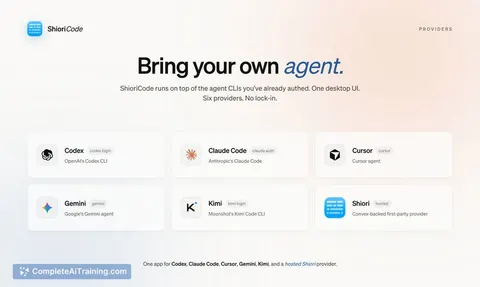
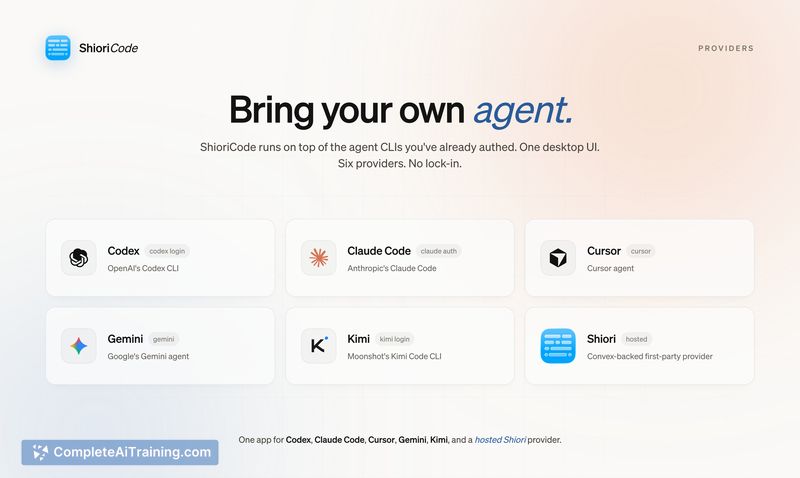
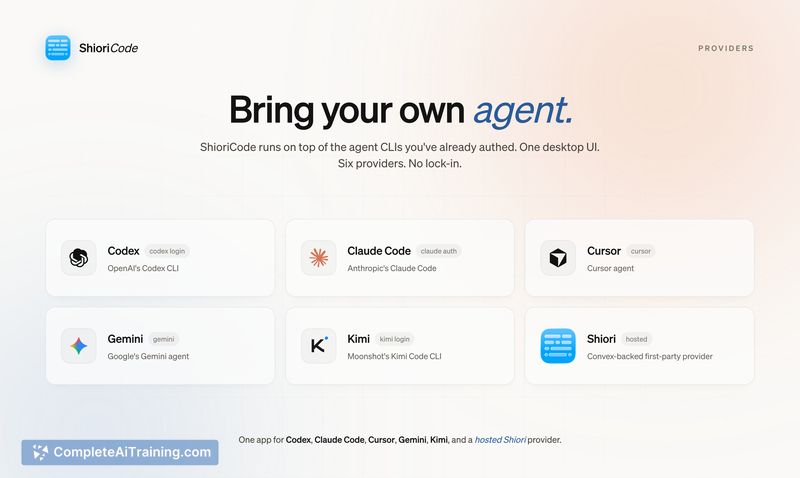
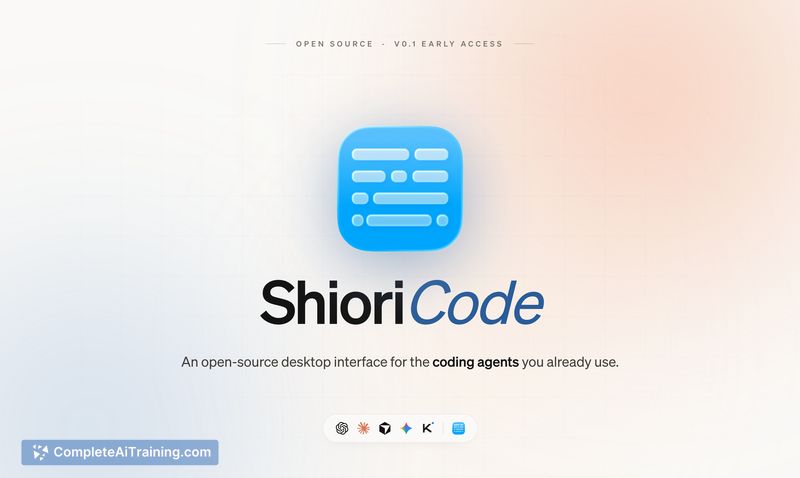
ShioriCode is a desktop interface that sits on top of existing coding-agent CLIs, providing a project-aware workspace for multi-session development. It aggregates runs from providers like Codex, Claude Code, Cursor, Gemini, and others, streams agent activity into a readable timeline, and surfaces generated diffs without leaving the app.
Review
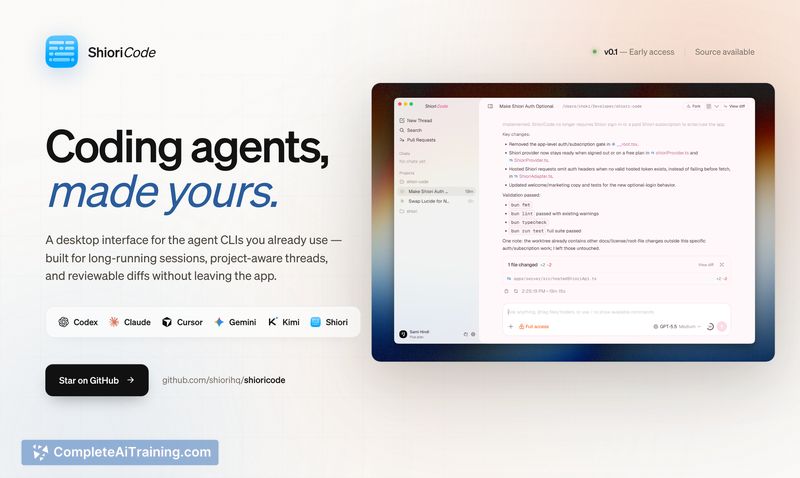
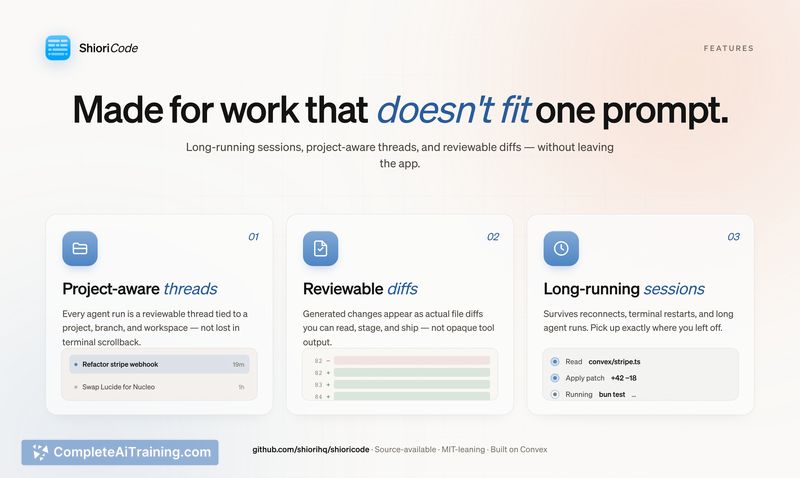
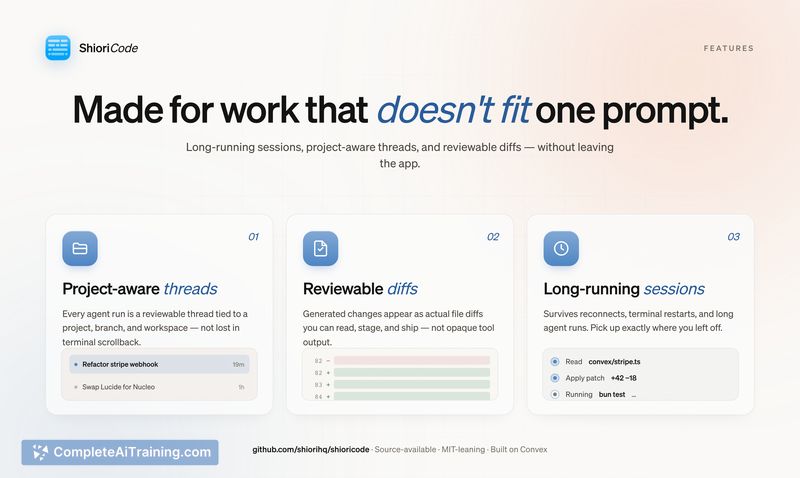
ShioriCode addresses a common pain point: agent CLIs work well for single prompts but lose context and diffs when a task spans multiple sessions. The app keeps each agent run as a thread tied to a branch and workspace, which makes long-running work easier to follow and review.
Key Features
- Project-aware threads that tie agent runs to branches and workspaces for persistent context.
- Readable timeline streaming of agent activity so outputs and decisions are easier to scan.
- Inline diff review that shows generated changes without switching tools or parsing terminal scrollback.
- Multi-provider support so you can run the CLIs you already use or opt for a hosted provider in the same UI.
- Source-available codebase, allowing inspection and contribution to the project.
Pricing and Value
ShioriCode is offered as a free, source-available project. The value proposition is centered on saving developer time and friction when work spans multiple prompts and files: persistent threads, streamed logs, and diffs reduce manual context management. Note that API usage for third-party providers (Codex, Claude Code, Gemini, etc.) may incur separate costs from those providers; check the repository and provider documentation for license and billing details.
Pros
- Makes long-running agent sessions manageable by preserving context and tying runs to branches.
- Merges terminal-style CLIs into a single desktop UI with a readable activity timeline.
- Diff surfacing reduces the need to hunt through terminal scrollback for generated changes.
- Open/source-available approach lets technical users inspect and adapt the tool to their workflow.
Cons
- Early-stage: setup, packaging, and provider-integration still have rough edges and may require technical effort to configure.
- Behavior across multiple providers can be unclear (for example, what state is shared when switching providers inside a thread), so teams should verify multi-provider semantics for their use cases.
- Desktop-first model may not suit teams that need a fully hosted or server-accessible deployment out of the box.
ShioriCode is best for developers who already use multiple agent CLIs and need better session continuity, diff review, and project-level organization. It fits well for contributors who are comfortable with source-available tools and can tolerate some early-stage polish work; teams seeking a polished hosted product may want to evaluate deployment and provider integration needs before committing.
Jobs ShioriCode suits
We checked ShioriCode against 500+ jobs; these get the most out of it.
Alternatives to ShioriCode
Other tools that do the same main job. Our AI compared ShioriCode with similar tools and kept the ones you could use instead.