AI tool
SimCam
SimCam lets you use your Mac camera or inject images/videos as the iOS Simulator camera, control front and back feeds, generate and inject QR codes, and automate sources via CLI-test camera features without app changes or extra dependencies.
About SimCam
SimCam is a utility that lets developers test camera functionality directly in the iOS simulator without needing a physical device. It can stream from a Mac's built-in or external camera, inject images or video, and generate QR codes to feed into the simulator.
Review
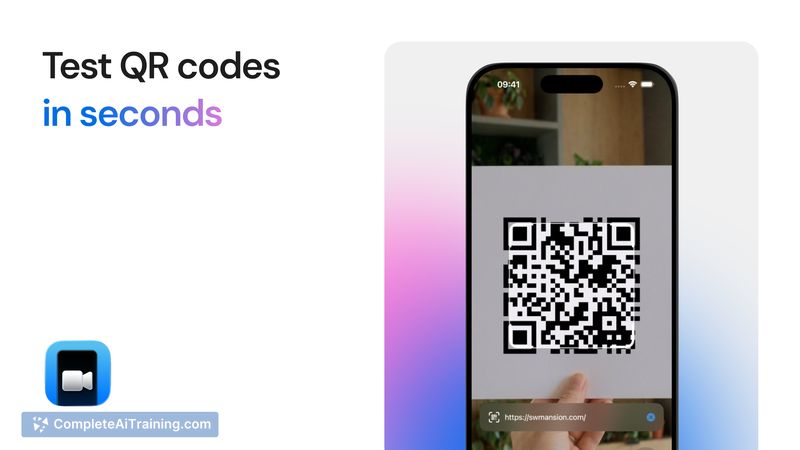

SimCam addresses a common pain point for iOS developers by enabling camera testing inside the simulator environment. Setup is straightforward and the tool operates without requiring changes to the app or additional dependencies, making it quick to adopt for development and QA workflows.
Key Features
- Use a Mac's camera as the simulator's iPhone camera (front and back control).
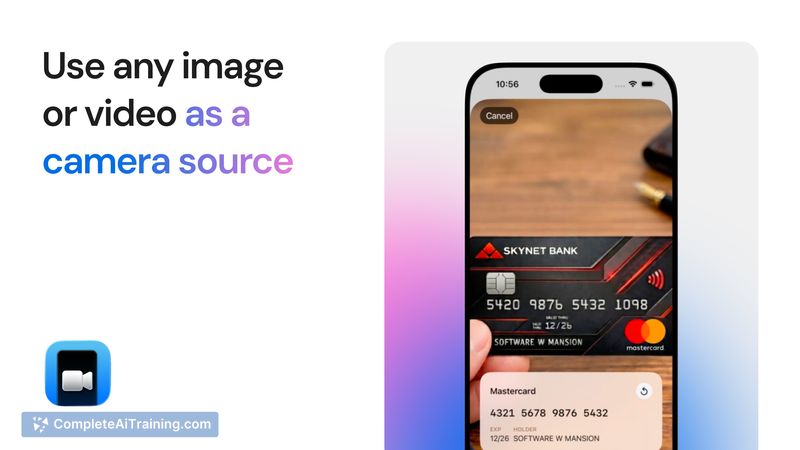
- Inject static images or video streams as the simulator camera feed.
- Generate and inject QR codes directly into the camera stream.
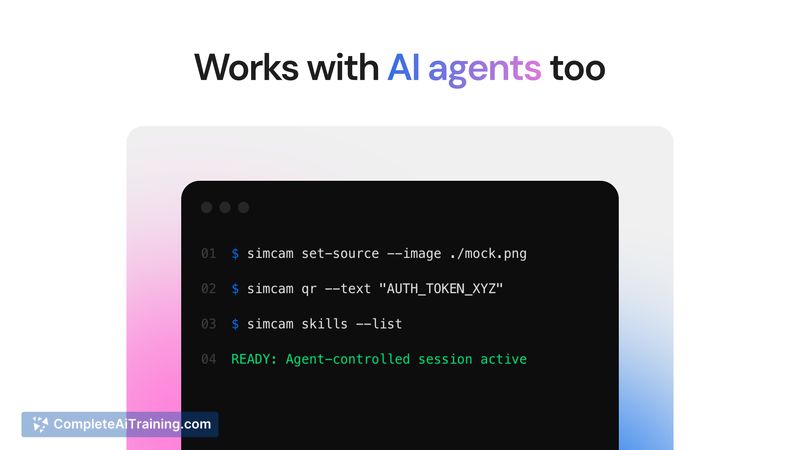
- Command-line interface (CLI) for programmatic control and automation.
- Works without modifying app code or adding external dependencies.
Pricing and Value
SimCam is offered as a one-time purchase with a lifetime license, and there are free options available to try the basic functionality. For developers and small teams who frequently test camera-related features, the one-time license can be cost-effective compared with the overhead of repeated device testing. The included CLI and injection features add practical value for automated testing and rapid iteration.
Pros
- Eliminates the need to use physical devices for most camera tests.
- Supports varied input types (live camera, images, video, QR codes).
- CLI enables scripting and integration into automated test setups.
- No changes required in your app to start using it.
- Lifetime license avoids ongoing subscription fees for individual users.
Cons
- Mac-only: requires macOS and the iOS simulator to function.
- As a recent launch, documentation and third-party integrations may be limited at first.
- One-time licensing may not cover team seat management or enterprise billing needs out of the box.
SimCam is best suited for iOS developers, QA engineers, and small teams that need reliable camera testing and automation without constant device access. It is particularly useful for apps that depend on image input, QR scanning, or camera-based user flows and for workflows that benefit from CLI-driven test automation.
Jobs SimCam suits
We checked SimCam against 500+ jobs; these get the most out of it.