
AI tool
Skreno
Skreno is a browser-based video tool for recording, editing, and sharing screen and camera captures. It provides one link with a transcript, AI summary, and timestamped comments. It serves professionals creating walkthroughs, demos, feedback, or b...
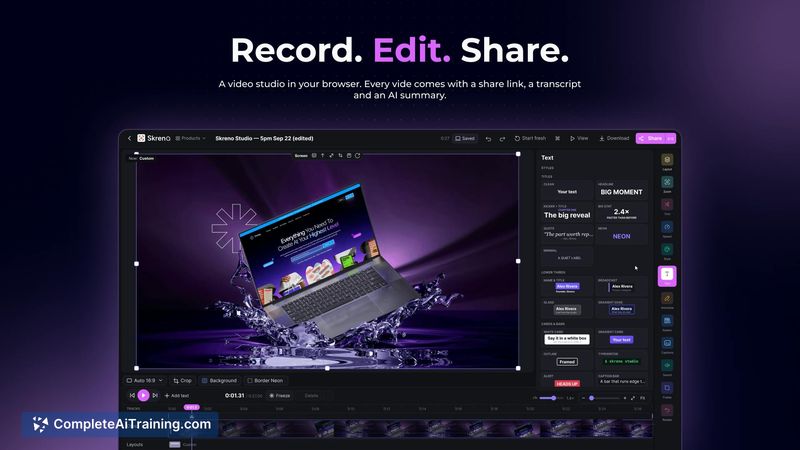
About Skreno
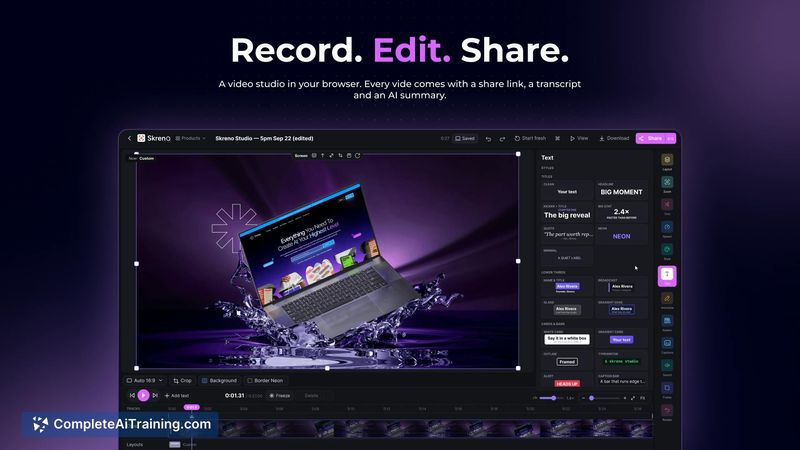
Skreno is a browser-based video studio that combines recording, editing, and sharing into a single tool. It captures screen and camera as separate tracks and includes a Studio editor for adjusting layouts, cutting silences, and adding captions. Shared videos come with a transcript, an AI summary, and timestamped comments.
Review
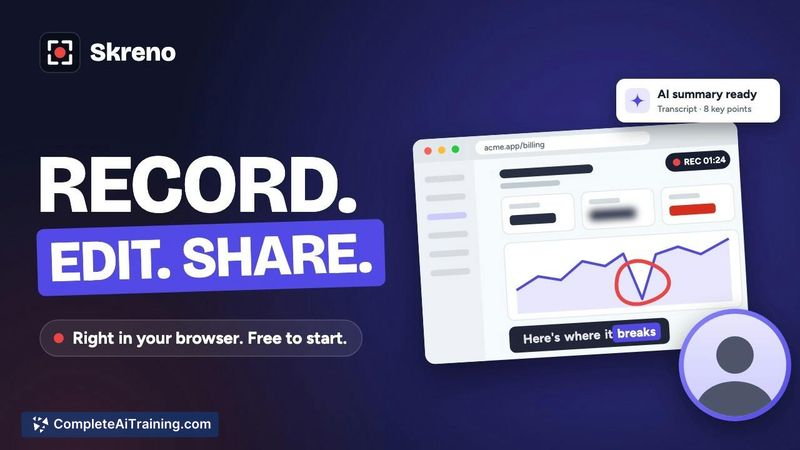
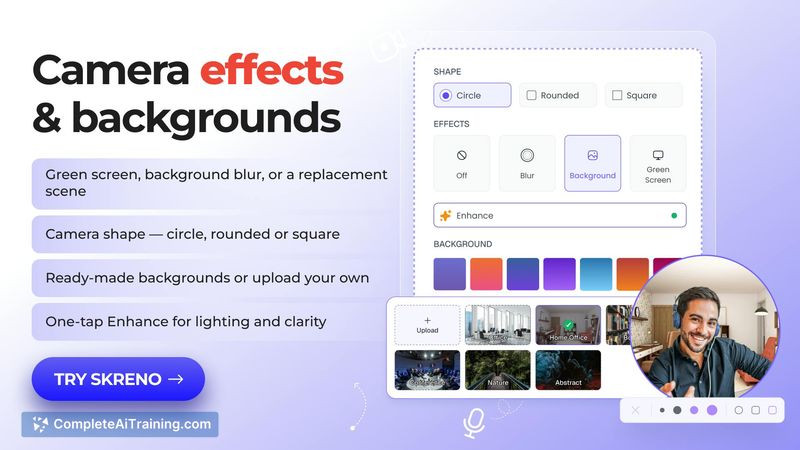
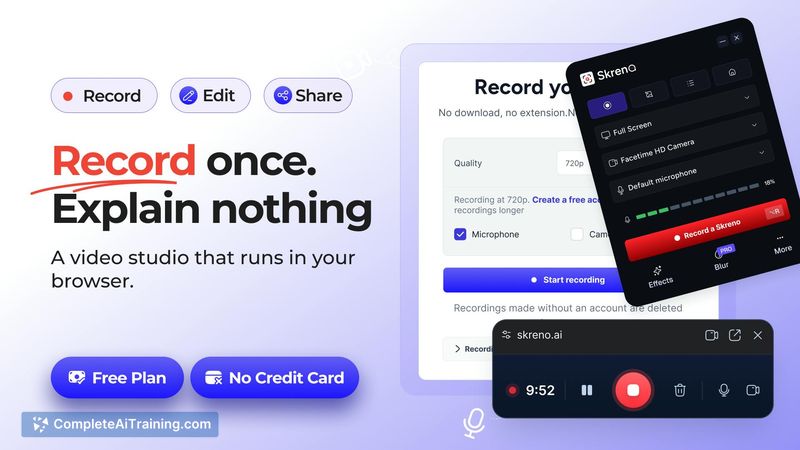
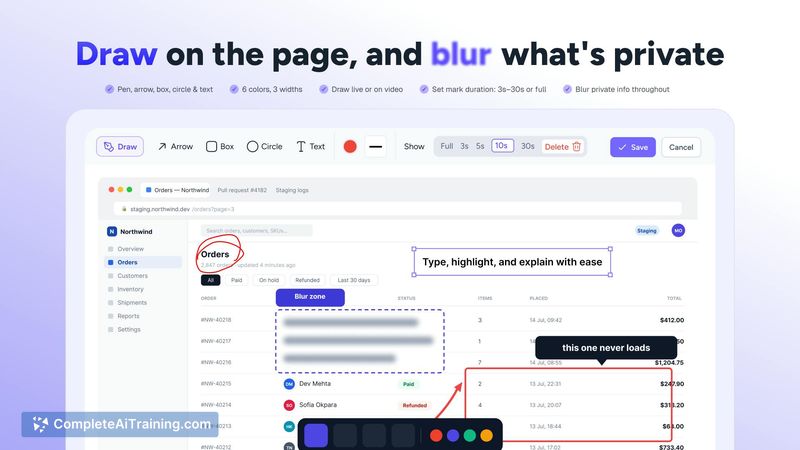
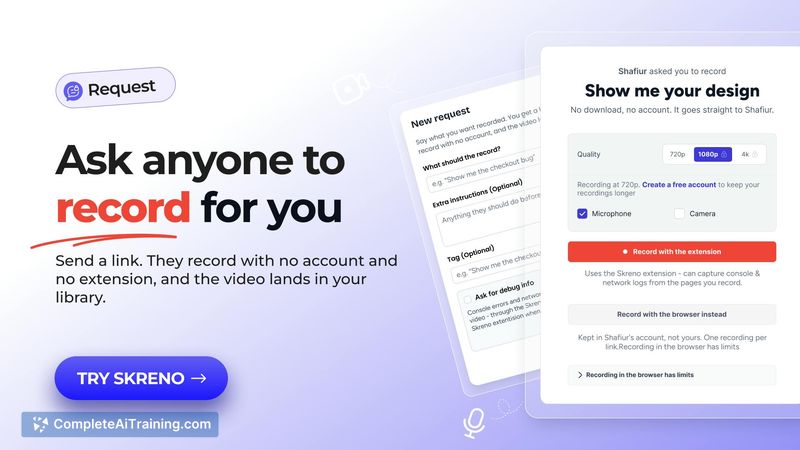
Skreno tackles the friction of jumping between separate apps for recording, editing, and hosting video. The tool runs entirely in the browser - no installation required - and structures recordings as independent screen and camera tracks. For teams that send bug reports or async updates, the request link feature lets external contributors record without creating an account.
Key Features
- Dual-track recording captures screen and camera separately, letting you choose the layout (screen only, camera only, side-by-side, or presenter) after recording.
- Studio editor cuts silences and filler words, adds animated captions and titles, and supports manual caption editing when the AI transcription gets words wrong.
- Shareable link includes a transcript, an AI-generated summary, and the ability to leave comments tied to specific timestamps.
- Request links allow anyone to record a video for you without signing up for an account.
- Bug report recordings automatically attach the browser console log to the video file.
Pricing and Value
A free plan is available. Paid plans unlock recording at up to 4K resolution. The maker has also announced a one-time lifetime deal during the launch period. Exact pricing tiers for ongoing paid plans are not yet defined in the available information.
Pros
- No installation - everything runs in the browser, which lowers the barrier for quick recordings.
- Separate screen and camera tracks give flexibility to change the visual layout during editing rather than committing during recording.
- Recipients of request links don't need an account, reducing friction when collecting feedback or demos from clients.
- Console log attachment for bug reports adds technical context that a video alone wouldn't capture.
- Direct YouTube publishing with AI-generated metadata is being rolled out at the time of review.
Cons
- The tool is newly launched, so the feature set is still evolving and some capabilities - like direct YouTube publishing - are just now being published.
- Skreno is not well suited for users who need advanced timeline editing, multi-track audio mixing, or complex post-production effects beyond captioning and layout changes.
- Pricing details beyond the free tier and the launch lifetime deal remain unspecified, which makes long-term cost evaluation difficult.
Skreno fits teams and individuals who record frequent walkthroughs, product demos, async updates, or bug reports and want to skip the multi-tool workflow. The browser-only approach and account-free recording requests make it practical for collecting quick video input from clients or external collaborators. Users who need a full non-linear editor with extensive effects will find the Studio too limited for those workflows.



