
AI tool
Sorted
Sorted arranges and adjusts the schedule of every event in a calendar using drag-and-drop. It is for anyone who manages a busy calendar and needs to reorganize their time quickly.
About Sorted
Sorted is a desktop application for macOS that reorganizes files using local machine learning models. It reads PDFs and images via OCR, detects duplicate files, and applies AI-generated tags while keeping all processing on the user's own Mac. The tool can also route files based on custom rules and supports natural language search across the resulting library.
Review

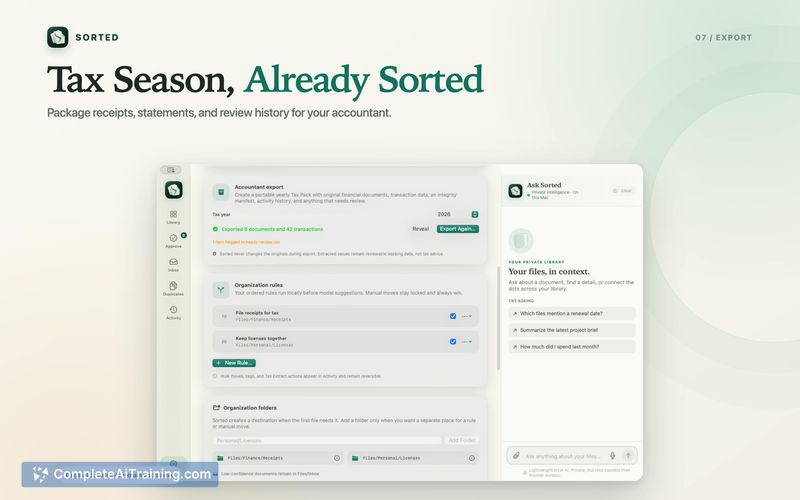

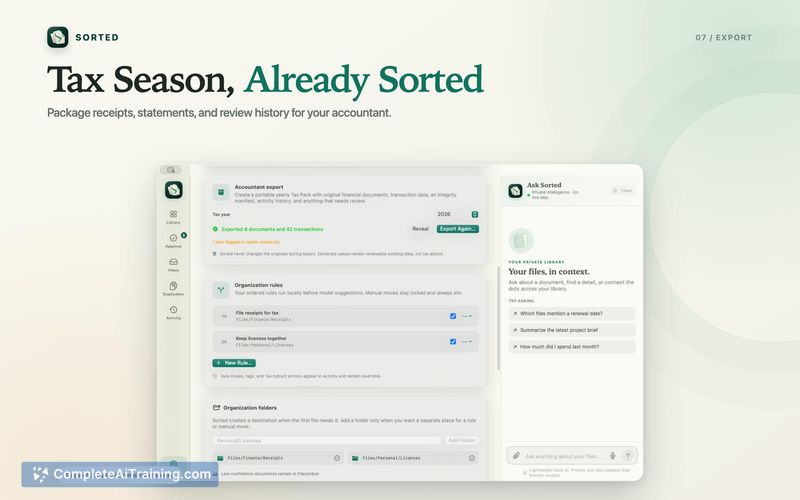

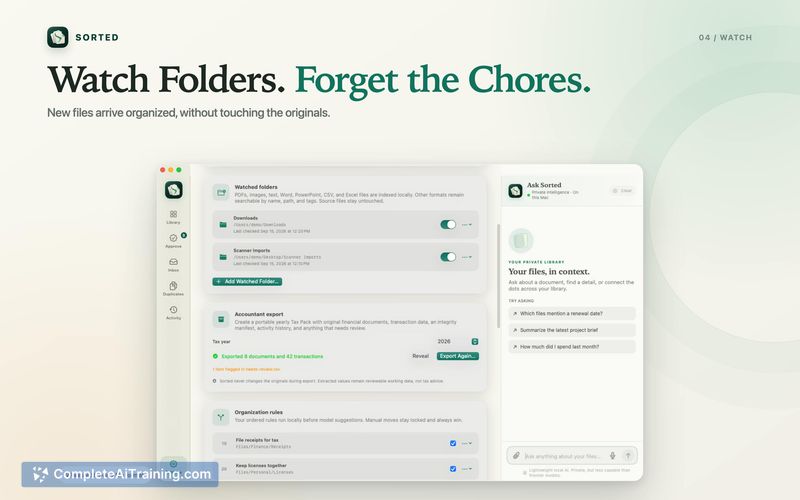
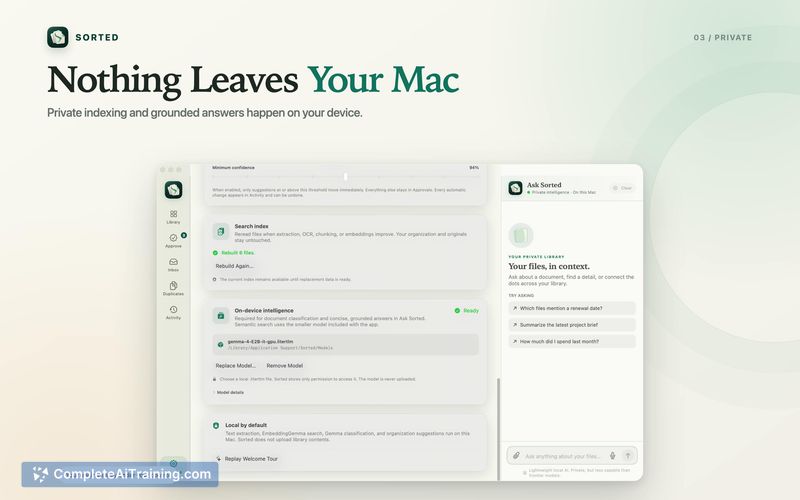

Sorted tackles a specific problem: the accumulation of unstructured documents, receipts, and images that build up in folders over time. Because all processing stays on-device, the contents of your files never leave your computer. The app is sold as a one-time purchase rather than a subscription, which is unusual for AI-powered tools in 2025.
Key Features
- On-device AI tagging: The app scans files and assigns tags using local models. No cloud connection is required for analysis.
- OCR for PDFs and images: Optical character recognition extracts text from scanned documents and photos, making them searchable by content.
- Duplicate detection: Sorted identifies duplicate files and surfaces them for review.
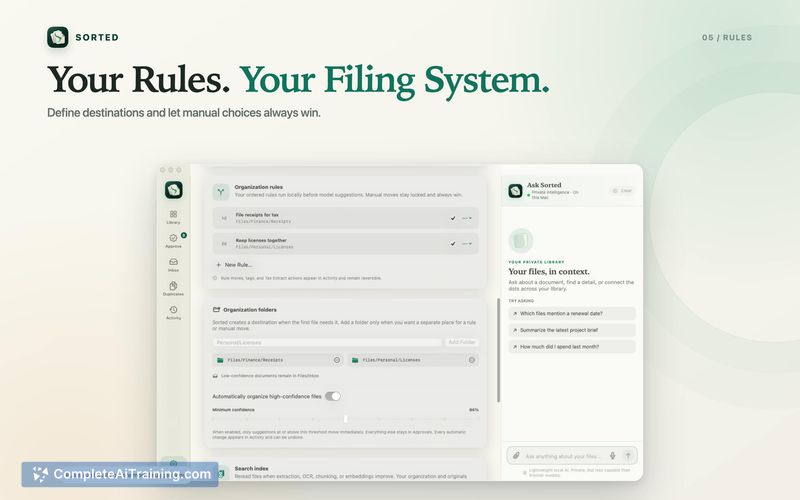
- Custom rules and auto-routing: Users can define rules that automatically move high-confidence matches to designated folders.
- Semantic search and document chat: Search by meaning rather than exact keywords, and ask questions against documents. The chat feature returns cited answers referencing the source files.
Pricing and Value
Sorted is available as a one-time purchase for $9.99. There are no recurring fees or subscription tiers mentioned on the product page. The pricing model covers the current macOS application as shipped, though future major updates and their cost structure have not been defined.
Pros
- Runs entirely on-device, so sensitive documents stay private by default.
- One-time $9.99 purchase avoids ongoing subscription costs.
- Semantic search lets you find files by describing their content rather than remembering exact names.
- Cited answers in the chat feature show which document a response came from.
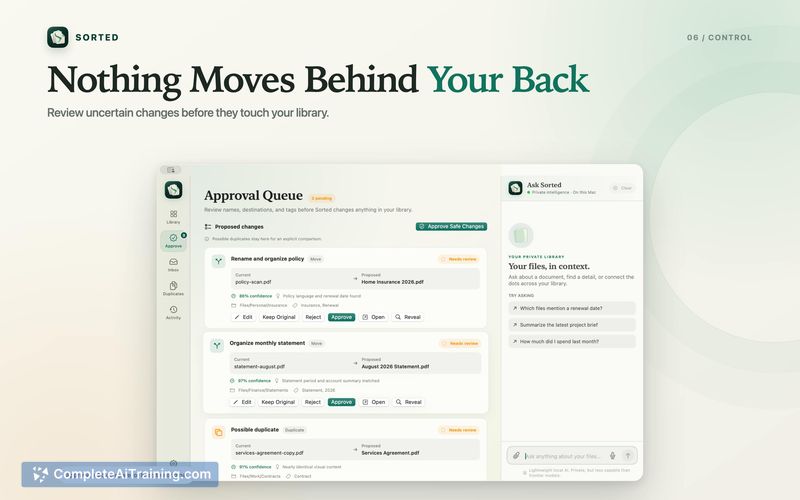
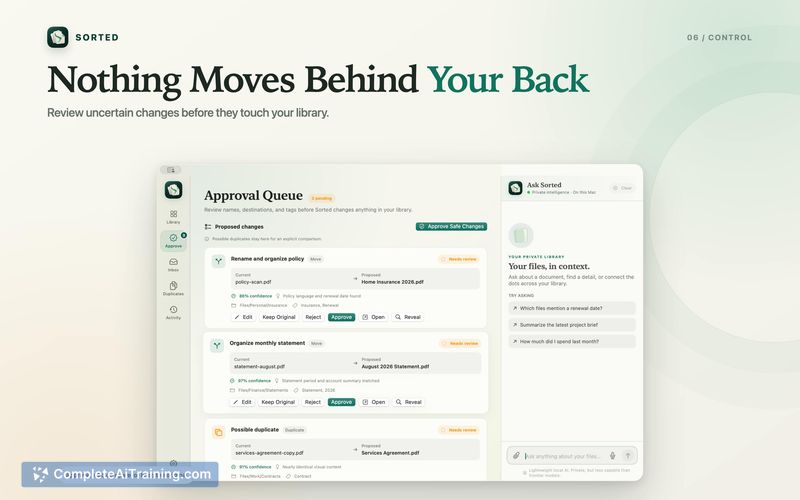
- Includes an undo function and an "uncertain changes" review step before anything gets moved.
Cons
- Only available for macOS - Windows and Linux users cannot use it.
- Auto-routing works best with high-confidence matches; low-confidence files still require manual sorting.
- Not well suited for users who need collaborative or team-based file organization, since everything is local to one machine.
Sorted fits individual Mac users who handle a volume of PDFs, receipts, and images and want to organize them without sending data to a cloud service. The tool's local-first design and one-time price make it a practical option for privacy-conscious professionals managing personal or sole-proprietor documents. Teams and cross-platform environments will need to look elsewhere.



