AI tool
SpaceO
SpaceO gives AI agents their own virtual displays so they can read, click, type, and take screenshots in real Mac apps while you keep using your screen. It is built for developers who want agents to work through native and Chromium apps with an op...
About SpaceO
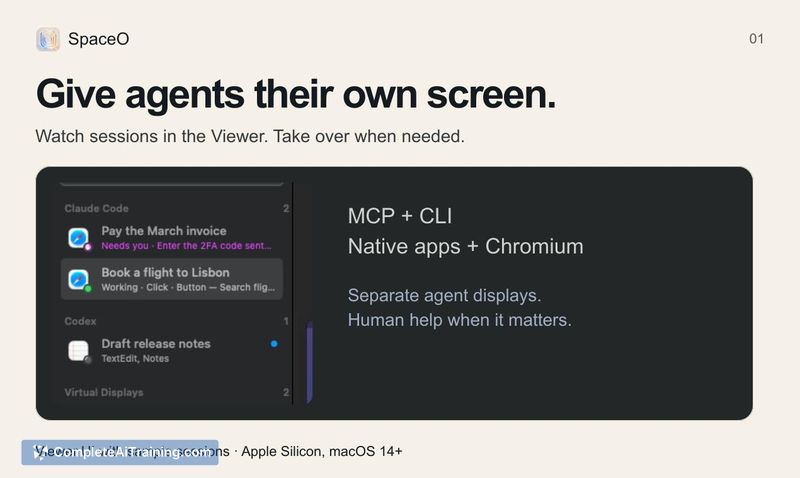
SpaceO is a free, MIT-licensed macOS tool that gives AI agents their own virtual display, separate from the user's main workspace. It lets agents read, click, type, and take screenshots in real Mac applications while the user continues working on their own screen. The tool connects through MCP or the CLI, supports native apps and Chromium, and includes a Viewer for watching agent sessions.
Review
SpaceO tackles a specific friction point: when an AI agent needs to interact with a desktop app, it typically fights the user for screen focus. By routing agent actions to a separate virtual display, SpaceO keeps both the human and the agent productive in parallel. The tool is still early-stage, with incomplete release qualification and a known WindowServer freeze bug, so expectations should be calibrated accordingly.
Key Features
- Virtual display allocation that isolates agent sessions from the user's primary screen, letting both work simultaneously without focus conflicts.
- MCP and CLI connectivity for agents to read screen content, click elements, type text, and capture screenshots on the virtual display.
- Session Viewer that displays what the agent is doing in supported native-app and Chromium sessions in real time.
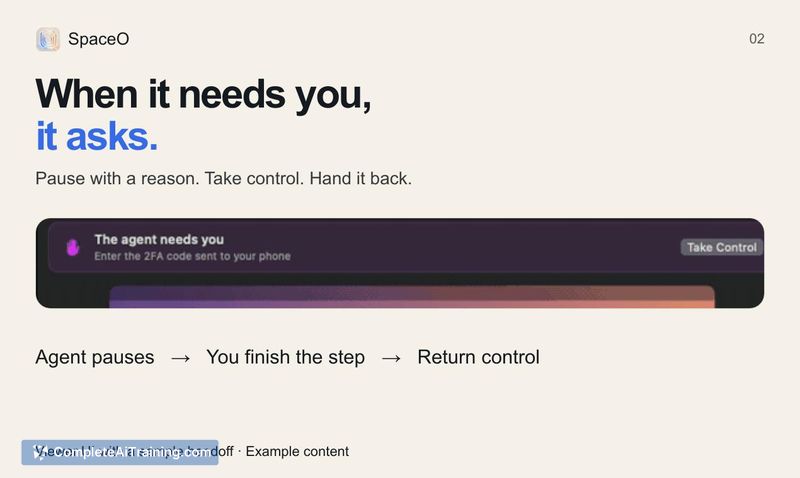
- Pause-and-take-over flow that lets the user interrupt an agent session and assume direct control when human intervention is needed.
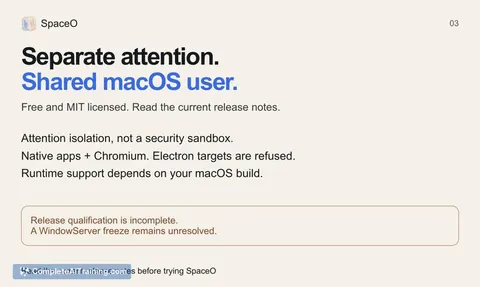
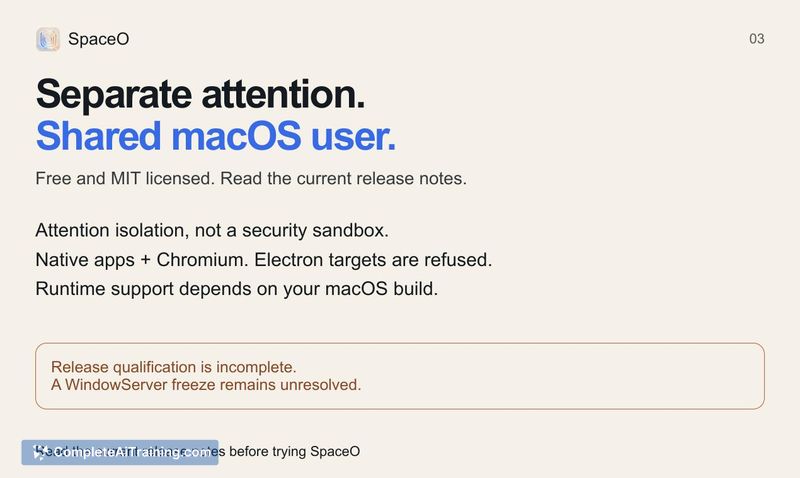
- Explicit attention isolation model - apps run under the user's macOS account, and the tool does not function as a security sandbox.
Pricing and Value
SpaceO is free and MIT licensed. There are no paid tiers, subscriptions, or usage limits. The source code is available for anyone to inspect, modify, or redistribute under the terms of the MIT license.
Pros
- Doesn't cost anything - free to use with an MIT license that permits broad reuse and modification.
- Keeps agent activity off the user's main display, so work continues uninterrupted while an agent operates separately.
- Connects through standard interfaces (MCP and CLI) that fit into existing agent workflows without custom integrations.
- Lets the user pause an agent session and take over directly, which is practical when an agent gets stuck or needs credentials.
- Transparent about limitations - the project openly documents that it provides attention isolation, not sandboxing, and flags unresolved issues in release notes.
Cons
- Not a security sandbox; apps execute with the user's own macOS permissions, so it's unsuitable for running untrusted agent code in sensitive environments.
- Release qualification is incomplete and a WindowServer freeze bug remains unresolved, which may cause system instability on affected builds.
- Electron-based apps are explicitly refused, limiting the range of applications an agent can drive through the tool.
SpaceO fits developers and technical users who already run AI agents on macOS and want to decouple agent-driven app interactions from their own screen. It's less suited for anyone who needs strong process isolation or a production-hardened runtime, given the current stability caveats and the absence of sandboxing. Those comfortable reading release notes and tolerating early-stage bugs will find a focused utility that solves a real coordination problem between humans and desktop agents.