AI tool
Speechka
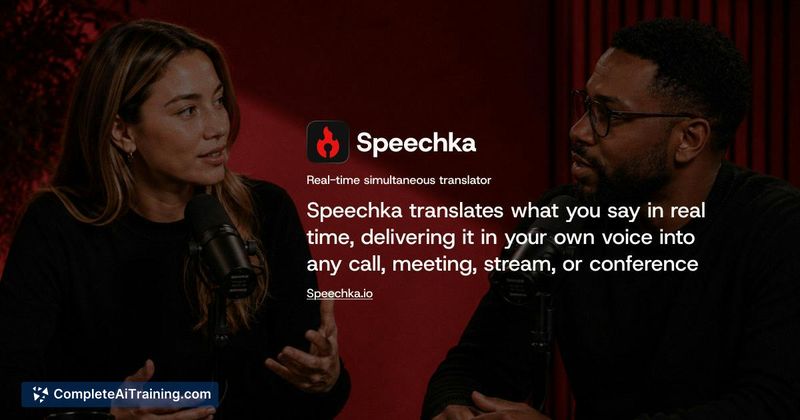
Speechka translates your spoken words into another language in real time and voices them in your own tone. It is for people who want to hold natural, spoken conversations across different languages on desktop or in a browser.
About Speechka
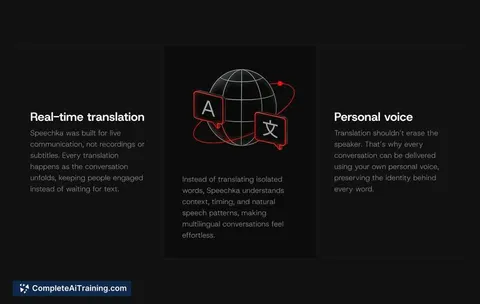
Speechka is a real-time voice translation tool for macOS, Windows, and browsers. It translates spoken language into 44 target languages and outputs the result in a synthesized version of the user's own voice. The tool is built for live scenarios including meetings, calls, livestreams, presentations, and conferences.
Review
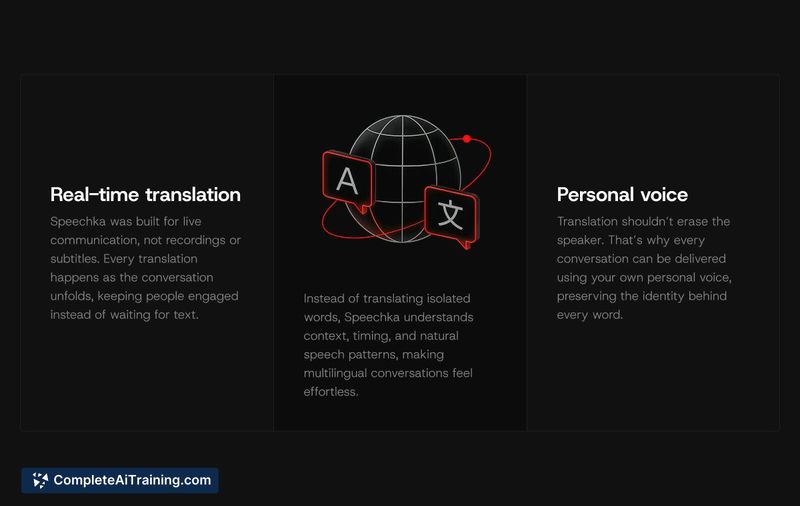
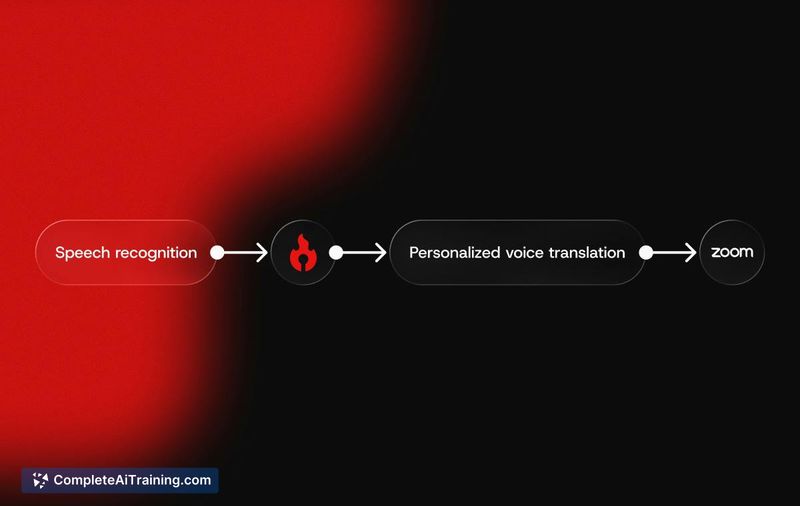
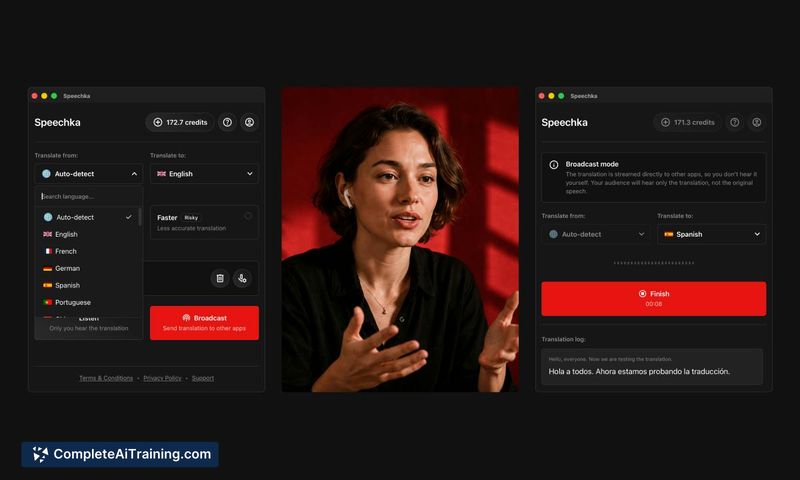
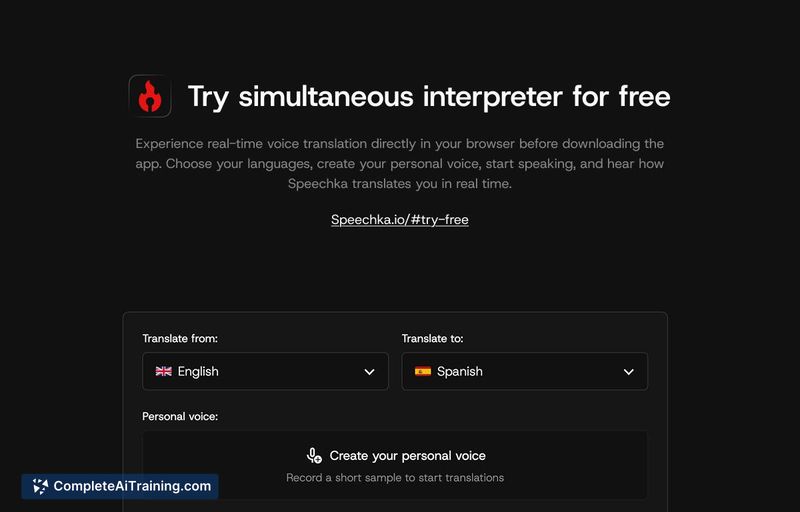
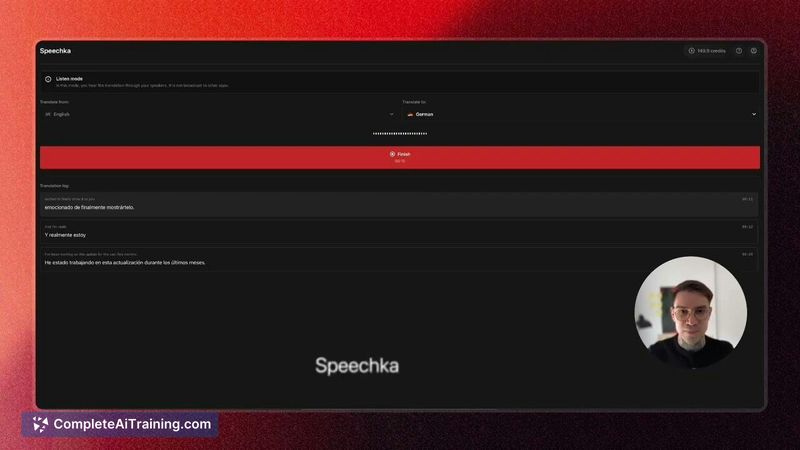
Speechka approaches real-time translation by keeping the speaker's voice in the output instead of a generic synthesized voice. The maker reports an average translation delivery time of around 1.5 seconds. It's available as a native desktop app and a browser version that requires no installation.
Key Features
- Real-time speech translation across 44 languages while preserving the speaker's voice characteristics.
- Streaming translation that begins before a speaker finishes, using semantic clarity to trigger output rather than waiting for end-of-utterance silence.
- Browser-based version with no installation required for immediate testing.
- Desktop applications for macOS and Windows.
- Credit-based usage where 1 credit equals 1 minute of translation mode runtime.
Pricing and Value
Speechka uses a credit system tied to active translation time-one credit covers one minute of translation mode. A free trial is available. Users can purchase additional credits beyond what's included in a subscription. Exact subscription tiers and credit package prices are not yet defined in the available information.
Pros
- Translation output retains the speaker's voice, which may reduce the cognitive disconnect of hearing a separate voice.
- Latency averages around 1.5 seconds, with near-zero gaps between translated segments once streaming begins.
- Works directly in a browser for quick trials without installing software.
- Supports 44 languages, including some less commonly covered languages like Punjabi.
- Handles continuous speech by starting translation when a thought becomes semantically clear, rather than waiting for pauses.
Cons
- Overlapping speech and mid-sentence interruptions have not been demonstrated; the tool's behavior during barge-in scenarios on real calls is unverified.
- The credit system ties cost directly to minutes of use, which could become expensive during long meetings or all-day conference use.
- Not well suited for users who need offline translation-Speechka requires an active internet connection and processes speech through cloud-based AI.
Speechka fits situations where a speaker wants their translated speech to sound like them rather than a third party, especially in one-to-one or small-group live settings. It's worth testing for users who run frequent multilingual meetings and can tolerate a brief delay before translation output. Those working in environments with frequent interruptions or overlapping dialogue should verify how the tool handles those conditions before committing to a subscription.
Jobs Speechka suits
We checked Speechka against 500+ jobs; these get the most out of it.
Alternatives to Speechka
Other tools that do the same main job. Our AI compared Speechka with similar tools and kept the ones you could use instead.