AI tool
SubtitleGenerator
SubtitleGenerator is a browser-based editor that turns AI transcripts into finished subtitles, letting users fix text and timing, choose from 30 styles, translate tracks, and export video or subtitle files. It targets video creators and editors wh...
About SubtitleGenerator
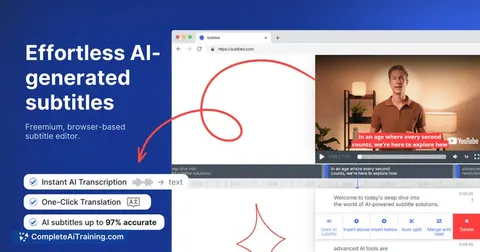
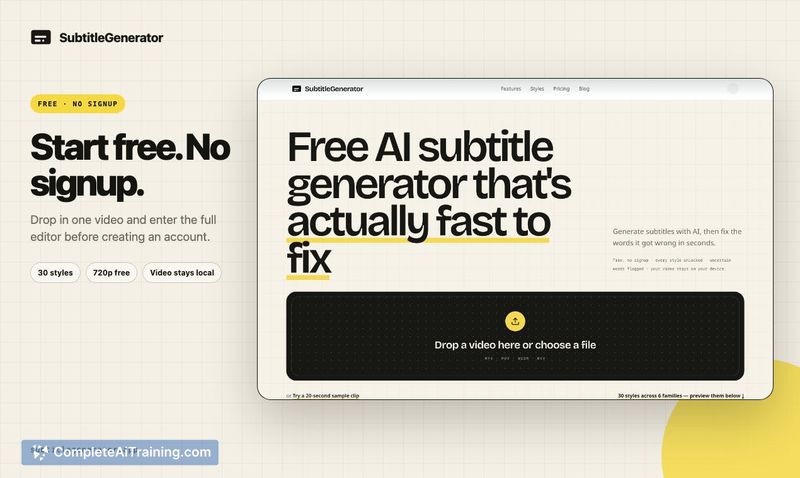
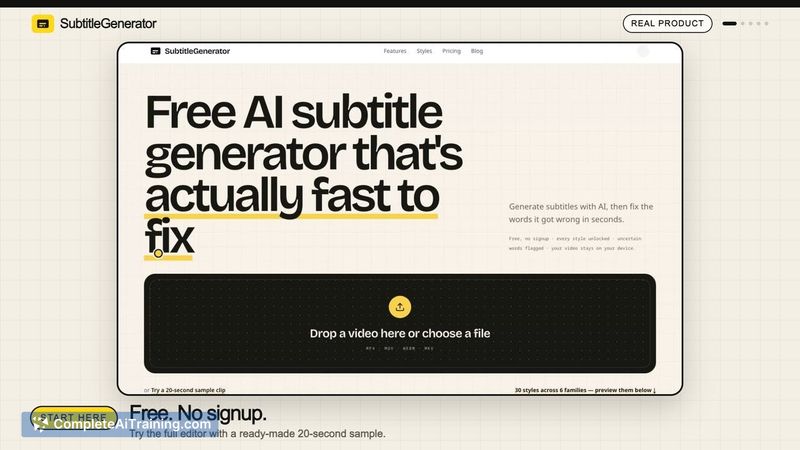
SubtitleGenerator is a browser-based tool that takes a video from AI transcription to a publish-ready subtitle file or video export without leaving one editor. It launched this week and targets creators who work with subtitles directly from their browser. The free tier allows 60 one-minute videos per month with no signup required.
Review
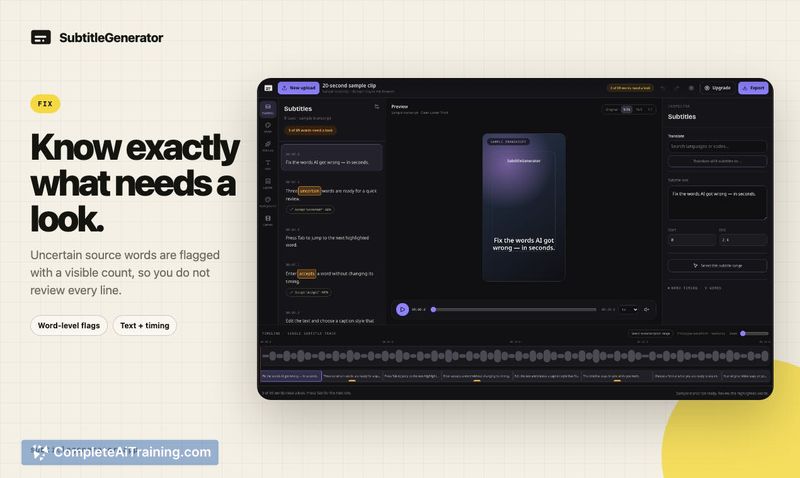
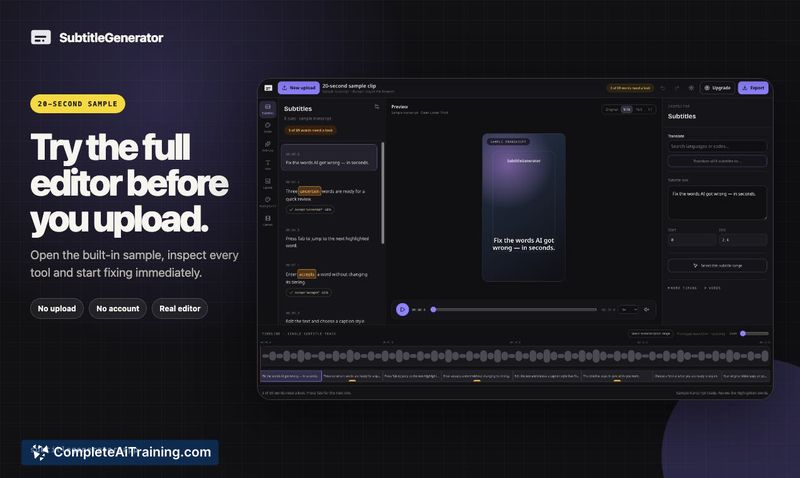
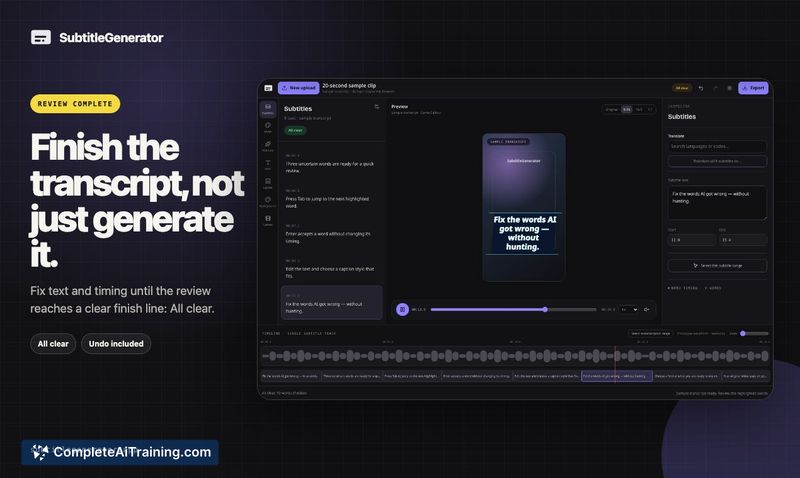
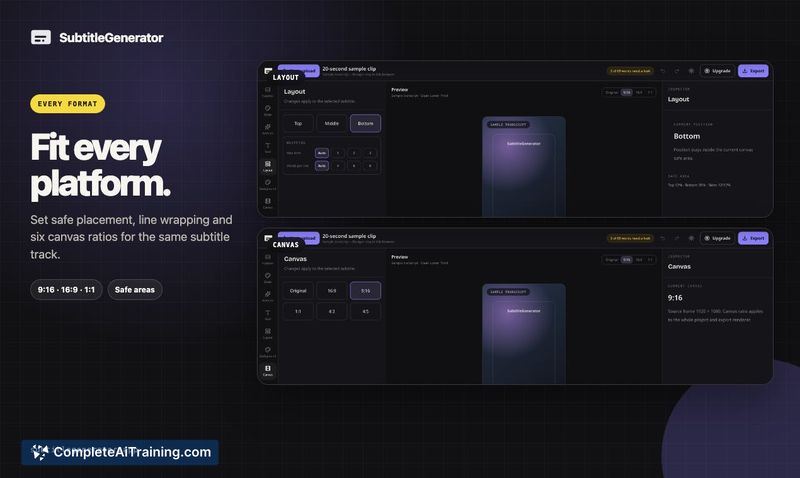
SubtitleGenerator combines transcription, editing, translation, and export into one workflow. The tool flags uncertain words for review and shows a running count until the transcript hits "All clear," which gives editors a defined endpoint. It's aimed at solo creators and small teams who want to avoid jumping between separate transcription and editing tools.
Key Features
- Fix flow: flags uncertain source words, shows remaining review count, and displays "All clear" when the transcript is finished
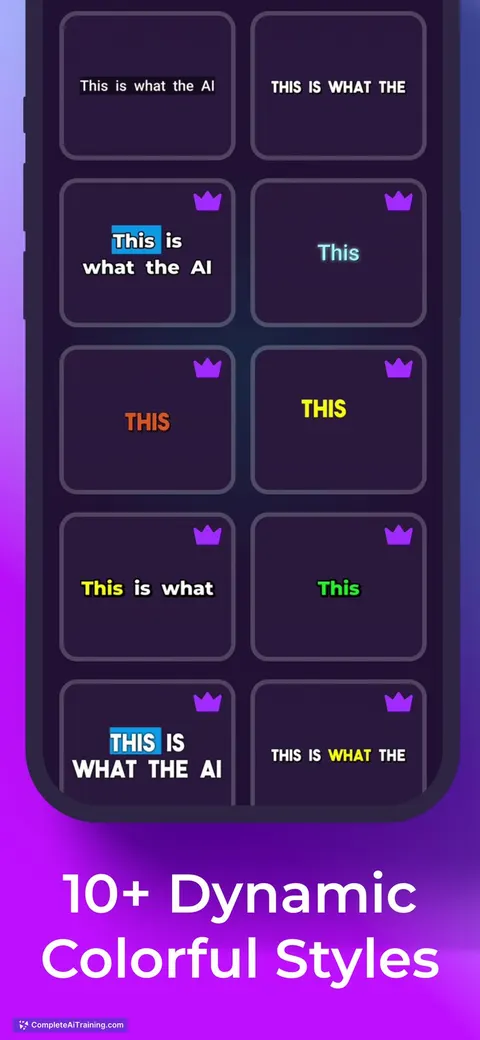
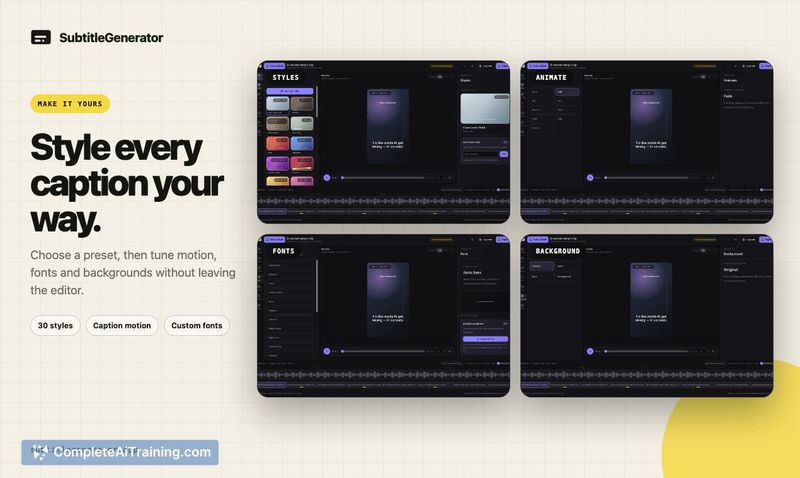
- 30 subtitle styles included across all plans
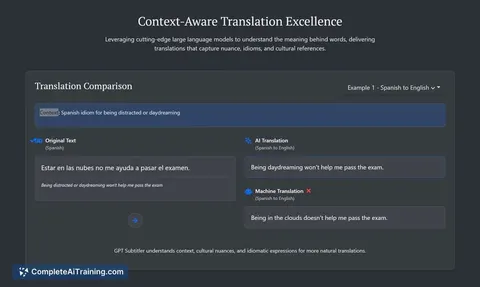
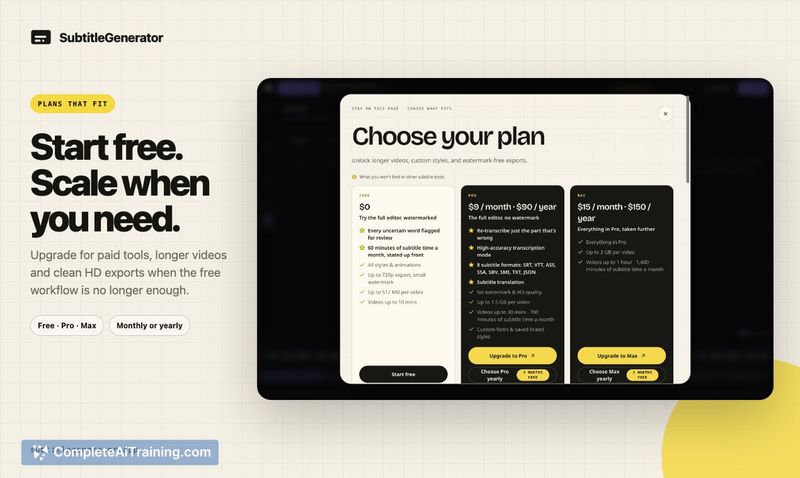
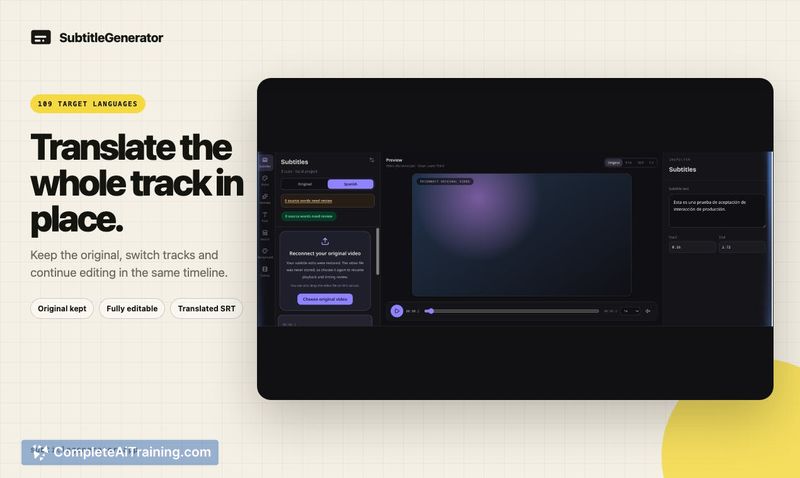
- Full-track translation on Pro and Max plans, keeping the original language subtitles intact
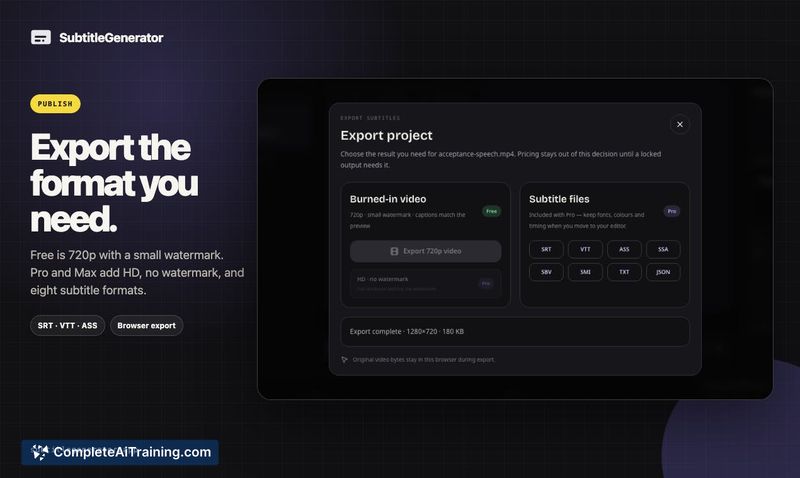
- Eight subtitle formats available for export on paid tiers
- Browser-based processing: the original video stays in the browser; only extracted audio is sent for transcription and deleted afterward
Pricing and Value
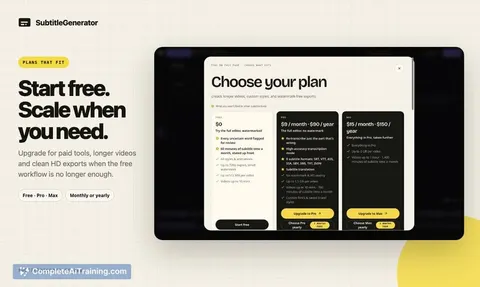
The Free plan includes 60 one-minute videos per month, 720p export with a small watermark, and all 30 styles. Pro and Max add high-accuracy transcription, full-track translation, HD export without watermark, eight subtitle formats, custom fonts, and saved brand styles. A pay-as-you-go option exists for users who need more subtitle time without a subscription. Speaker labels and manual corrections are planned for v2 but are not available yet.
Pros
- Free tier is unusually generous: 60 one-minute videos monthly with no signup
- Fix flow gives a clear finish line instead of leaving uncertain words scattered through the transcript
- Translation keeps the original language track intact
- Privacy design keeps the source video in the browser; only audio is transmitted
- All styling options are available on the free plan
Cons
- No speaker labels yet; overlapping speech in interviews or podcasts requires manual work
- HD export and custom fonts require paid plans
- Not well suited for editors who need multi-speaker transcription with labels today, since that feature is still in development
SubtitleGenerator fits best for solo creators producing tutorials, voiceovers, or short social clips in one language, where the free tier covers a regular output schedule. Teams needing speaker-separated transcripts for podcast or interview edits should wait for v2 labeling, or use a separate transcription tool alongside it. The pay-as-you-go option makes it practical for occasional bursts of work without committing to a subscription.
Jobs SubtitleGenerator suits
We checked SubtitleGenerator against 500+ jobs; these get the most out of it.
Alternatives to SubtitleGenerator
Other tools that do the same main job. Our AI compared SubtitleGenerator with similar tools and kept the ones you could use instead.