AI tool
Linguo Translate
Linguo Translate is a minimalist macOS translation tool for users who want fast, accurate results without unnecessary complexity. It is built for people who rely on translation daily and prefer a clean, focused interface.

About Linguo Translate
Linguo Translate is a macOS menu bar application for text translation. It combines offline translation across 22 languages with AI-based translation via Apple Intelligence, Gemini, OpenAI, or Anthropic. The tool sits in the menu bar and lets users switch between native and AI translation modes.
Review


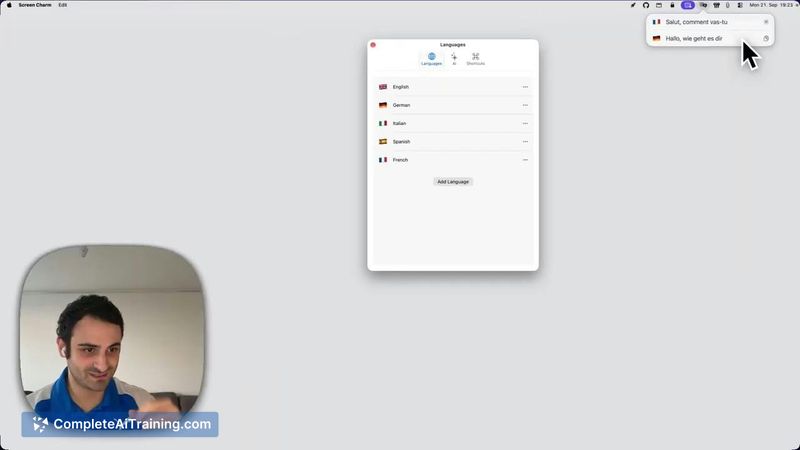
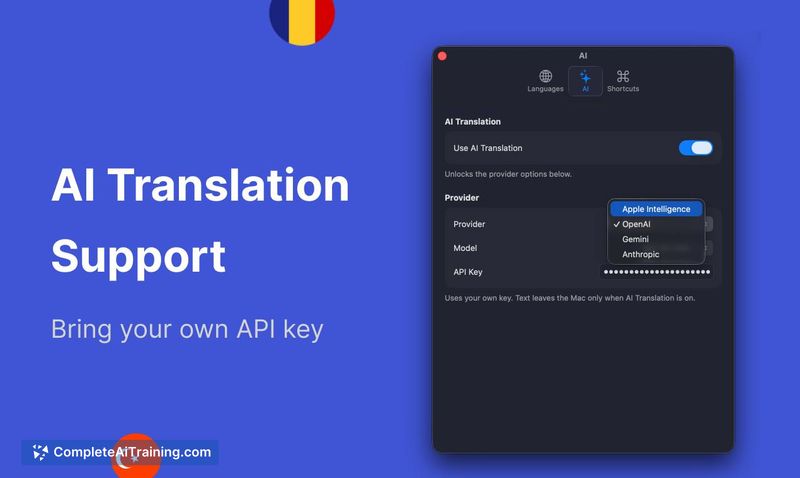
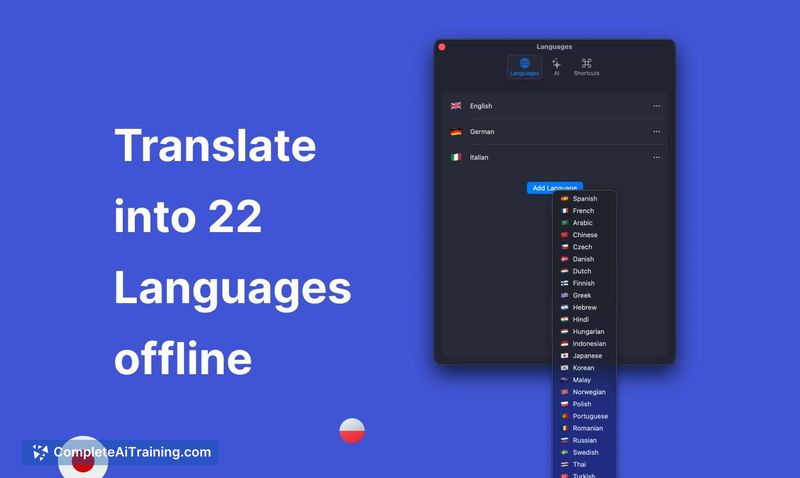
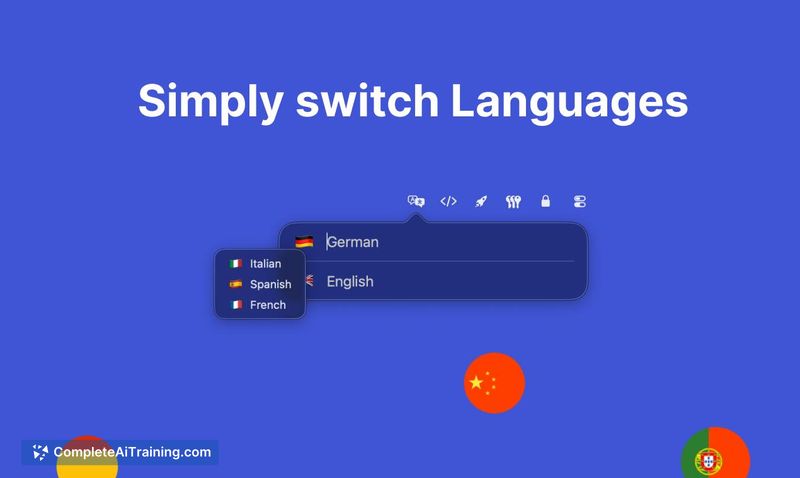

Linguo Translate takes a stripped-down approach, living entirely in the macOS menu bar rather than as a standalone window. The developer built it after finding existing tools either over-engineered or unreliable. It handles two core scenarios - quick offline lookups and more nuanced AI translations - without bundling extra features beyond that.
Key Features
- Menu bar integration that expands from a single line to accommodate longer text as needed
- Offline translation for 22 languages after downloading individual language packs
- AI translation support through Apple Intelligence, Gemini, OpenAI, or Anthropic
- Tab key switching between source and target languages
- One-time language pack download - once installed, offline translation works without further setup
Pricing and Value
Linguo Translate requires payment, though the specific pricing model is not yet defined on the product page. The tool does not operate on a free tier. Users who need offline and AI translation in a single menu bar utility will need to evaluate the cost against their usage frequency once pricing details are published.
Pros
- Minimal interface that stays out of the way until needed
- Offline capability means translations work without an internet connection, provided language packs are downloaded
- Direct integration with multiple AI providers gives flexibility in translation quality and style
- Language switching via the Tab key reduces friction during back-and-forth translation tasks
- Single-purpose design avoids the feature creep common in larger translation suites
Cons
- Language packs must be downloaded one at a time - bulk downloads are not supported
- AI translation requires an active internet connection, which limits its usefulness in fully offline environments
- Not well suited for users who need document translation, website translation, or batch processing - the tool handles only text entered directly into the menu bar interface
Linguo Translate fits professionals who frequently translate short text snippets throughout the day and want to avoid opening a browser or dedicated app. It's a practical option for bilingual workers who bounce between two languages and value having translation accessible from the menu bar. Those who need to translate files, webpages, or large blocks of text will find the scope too narrow for their workflow.
Jobs Linguo Translate suits
We checked Linguo Translate against 500+ jobs; these get the most out of it.
Alternatives to Linguo Translate
Other tools that do the same main job. Our AI compared Linguo Translate with similar tools and kept the ones you could use instead.