
AI tool
SpeechShield
SpeechShield is a Mac-native interview and meeting copilot that transcribes spoken questions and displays talking points drawn only from your own uploaded documents. It is for job seekers and professionals who want AI assistance that does not fabr...
About SpeechShield
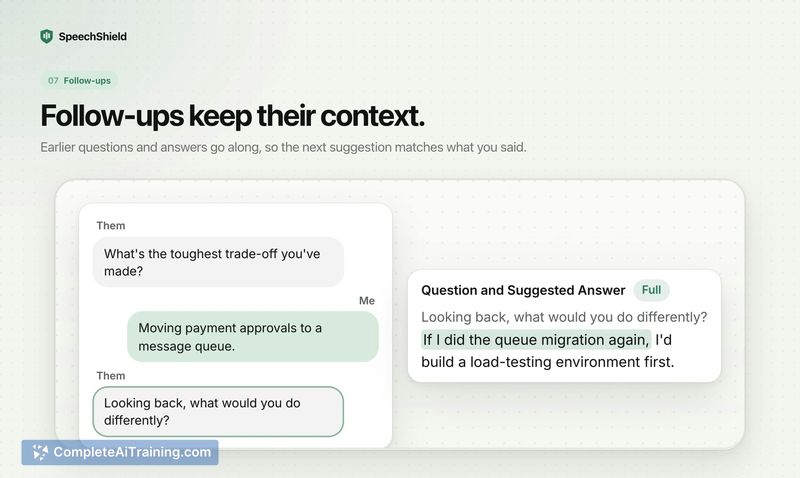
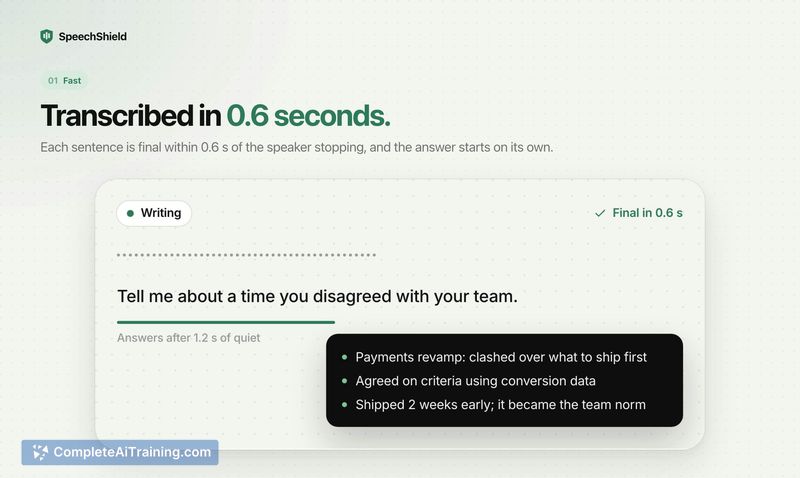
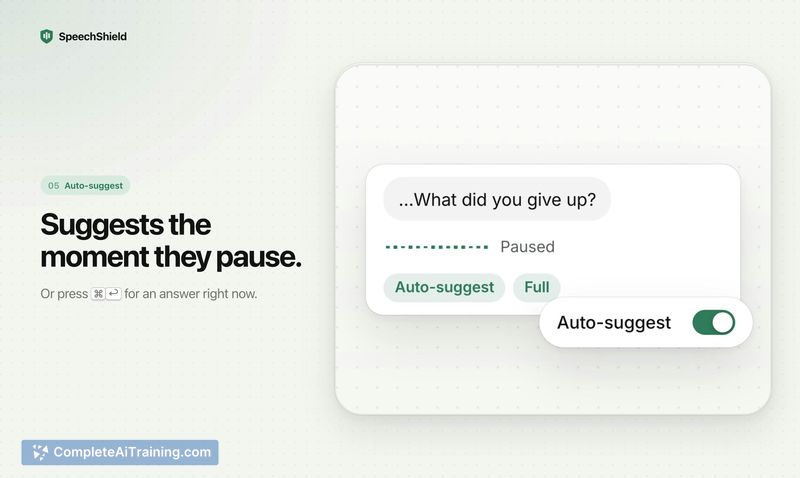
SpeechShield is a native Mac application that acts as a live interview and meeting copilot. It captures audio from platforms like Zoom, Meet, or Teams on the device itself, without a bot joining the call, and transcribes questions in real time. When a speaker pauses, the tool displays talking points sourced from the user's own resume, job posting, or uploaded business documents, and it indicates when information isn't available instead of generating speculative content.
Review
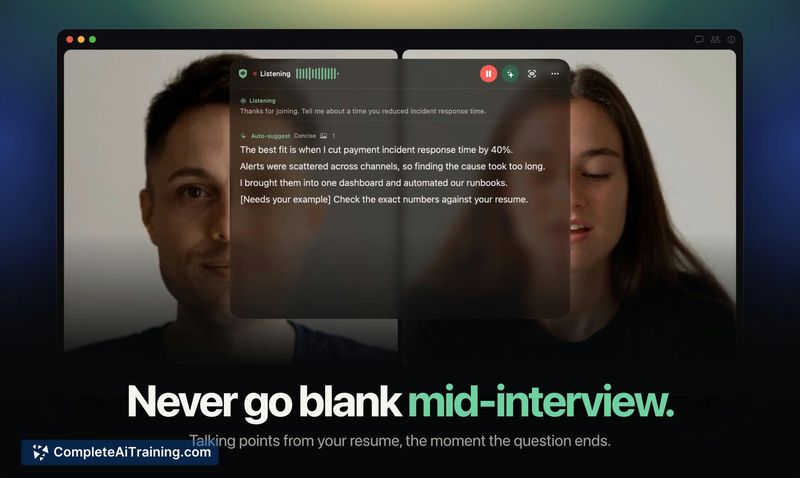
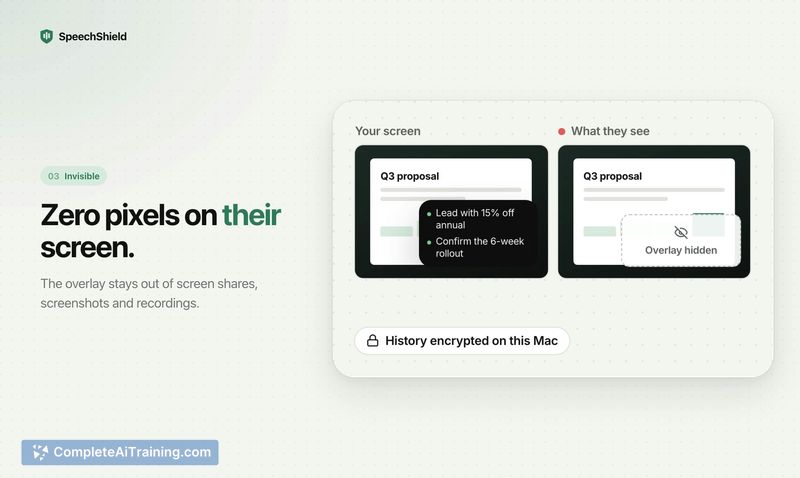
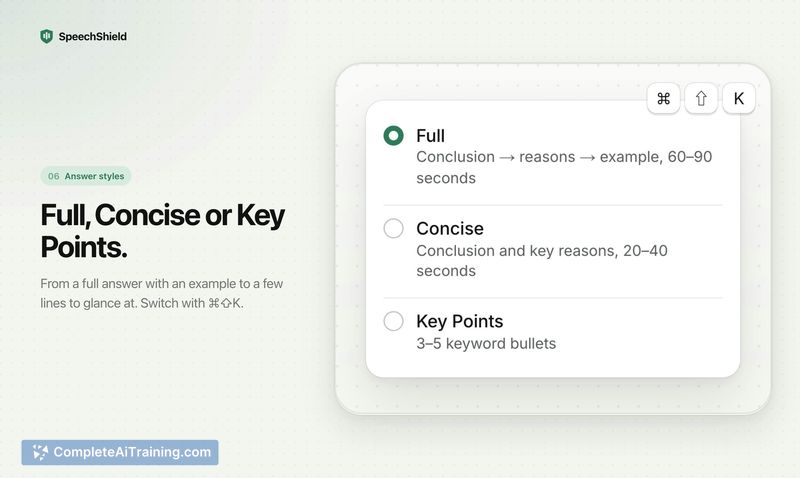
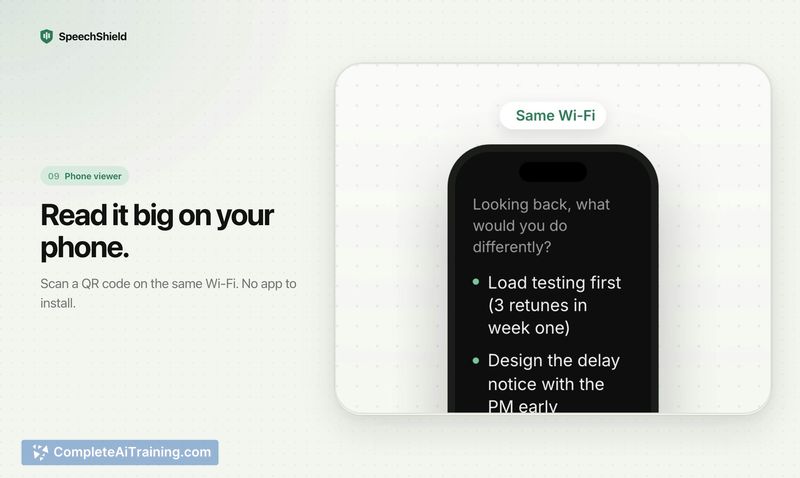
SpeechShield approaches the AI notetaker category with a specific constraint: it only suggests responses based on documents the user has explicitly provided. The tool runs locally on Apple silicon Macs and uses system audio capture to follow conversations. Its design centers on interview and client meeting scenarios where referencing pre-loaded materials is the primary goal.
Key Features
- Live transcription of questions from any audio source playing on the Mac, with words appearing as they are spoken.
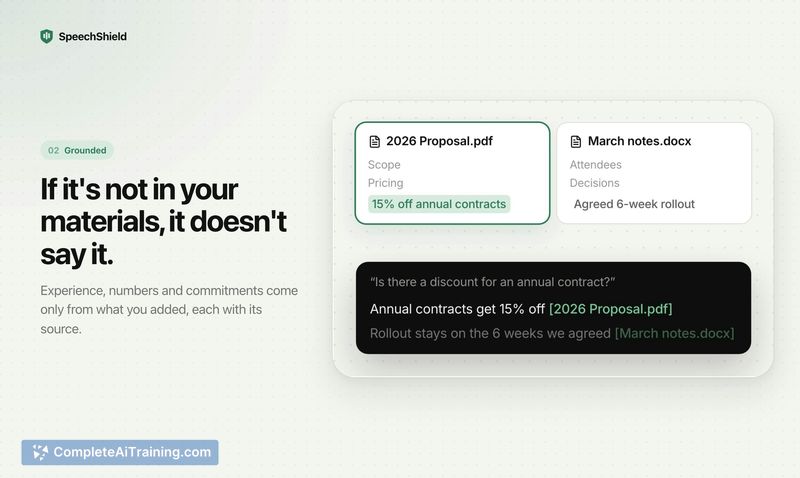
- Talking points generated exclusively from user-supplied documents-resumes, job postings, proposals, or price lists-with a note when source material lacks relevant information.
- An overlay that stays hidden from screen shares, plus a phone viewer accessible via QR code pairing without a separate app.
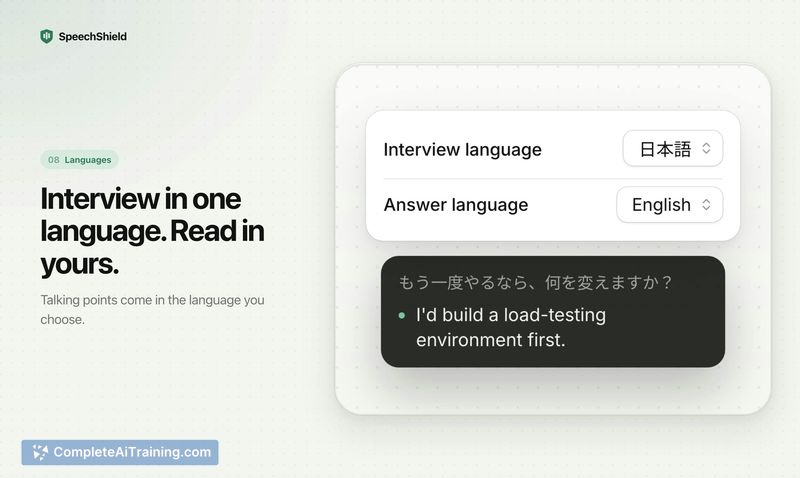
- Live translated captions in 13 languages, with an auto-detect mode that follows mid-call language switches.
- On-device processing mode that keeps all audio local, though it requires pre-selecting a single language and handles mixed-language speech less reliably.
Pricing and Value
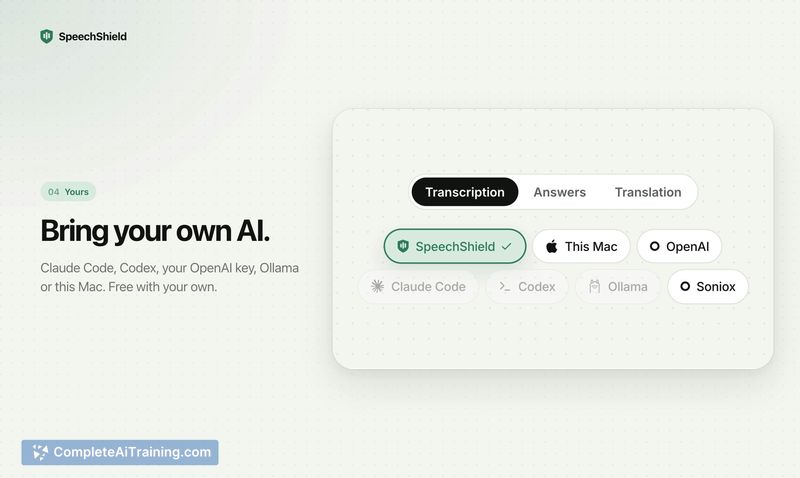
The tool is free for unlimited use when paired with the user's own API key from Claude Code, Codex, or OpenAI, or with a local model such as Ollama. A one-time trial of the hosted AI is included, providing 60 minutes and 50 answers. Two paid tiers exist for those who prefer not to manage their own AI keys: Pro at $19 per month and Max at $49 per month. No credit card is required for the free plan.
Pros
- Answers are grounded in user-provided documents only, and the tool explicitly states when a source doesn't contain an answer.
- No bot joins the call-audio capture happens on-device through system audio, which avoids meeting platform permissions issues.
- Transcription handles fast and overlapping speech by running continuously, not waiting for pauses before writing.
- The phone viewer pairs with a QR code, removing the need to install a companion app.
- Multiple speech-to-text models sit behind a routing layer, allowing the system to switch to better-performing models as they become available.
Cons
- The tool is not well suited for users on Intel-based Macs or macOS versions older than macOS 26, as it requires Apple silicon and the latest operating system.
- On-device mode limits language detection to one pre-selected language, which reduces transcription accuracy for multilingual meetings.
- Transcription accuracy depends on the underlying speech models, and heavy accents or crosstalk can still produce recognition errors that may affect suggestion quality.
SpeechShield fits scenarios where a user needs quick reference to structured personal or business documents during live conversations-mock interviews, practice sessions, and client calls where AI assistance is permitted. Users who frequently switch between languages on calls or who rely on older Mac hardware will encounter its current technical boundaries. The free tier with a personal API key makes it accessible for testing with one's own meeting conditions.
Jobs SpeechShield suits
We checked SpeechShield against 500+ jobs; these get the most out of it.



