AI tool
Superhands
Superhands turns design files into reusable guidance that AI agents follow across all your team's tools. It is for design and product teams who want to manage systems instead of correcting individual outputs.
About Superhands
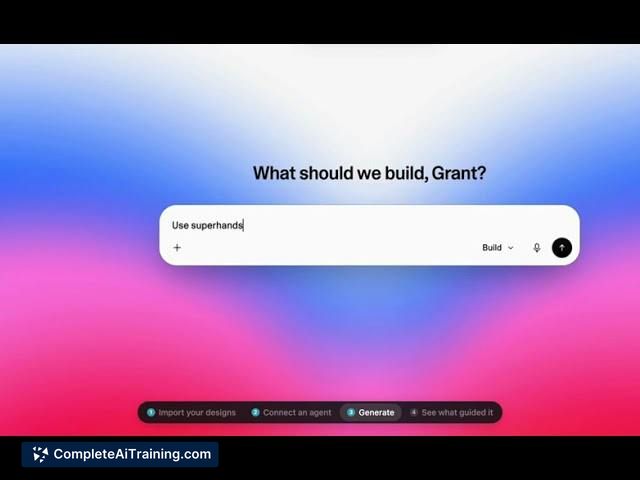
Superhands is an AI workflow automation tool that converts existing designs into reusable guidance for AI agents. Instead of correcting individual AI-generated outputs, teams define design rules once and the tool applies them across every AI tool in their workflow. It's built around the idea that the designer's deliverable shifts from static screens to the system of decisions behind those screens.
Review
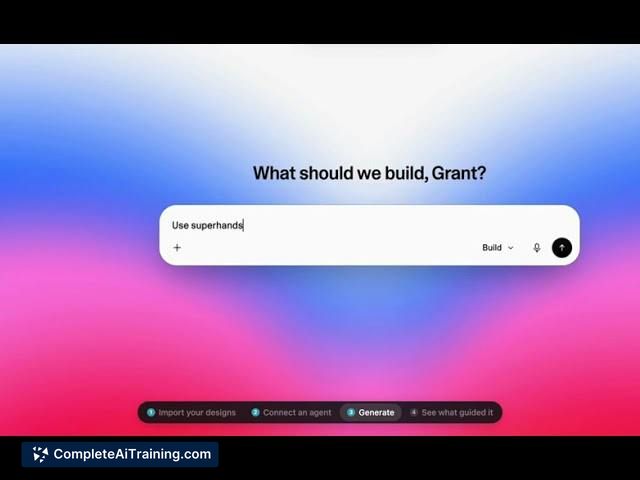
Superhands addresses a specific friction point: teams generating outputs with AI tools often fix the same spacing, hierarchy, or styling issues repeatedly. The tool extracts design decisions from your existing work and turns them into instructions that AI agents follow. The maker's agency background shows in the focus on repeat corrections-turning a one-time fix into guidance that persists across future outputs.
Key Features
- Points at existing designs and extracts decision logic into agent-ready guidance
- Applies the same design system rules across multiple AI tools a team uses
- Corrects a design issue once at the system level, and subsequent outputs reflect the fix
- Includes a component copying capability (via the earlier Stencil launch) that captures webpage components for use in tools like Lovable, Bolt, or V0
- Operates on a free-to-start model
Pricing and Value
Superhands is listed as free to start. The maker's launch post states "free to start," but detailed pricing tiers or future paid plans are not yet defined in the available reference content. The earlier Stencil launch by the same maker operated on a free model as well.
Pros
- Reduces repetitive manual corrections by centralizing design rules
- Works with a team's existing designs rather than requiring a new design system from scratch
- Designer retains control over the system while AI handles execution
- Free entry point lowers the barrier to testing the approach
- Component copying from the Stencil feature handles full components, not just full screens
Cons
- Handling of subjective design attributes like tone of voice remains unclear-whether the agent receives only rules or also examples of bad output hasn't been detailed
- Input requirements are ambiguous: it's not specified if the tool needs a Figma file, a formal design system, or can work from live app screens alone
- Not well suited for teams without existing designs to point it at-the tool extracts from what you already have, so teams starting from scratch won't find immediate use
Superhands fits teams that already produce design work and want AI agents to follow their established patterns rather than generating inconsistent output. Solo developers with existing apps and small teams tired of re-explaining spacing and hierarchy decisions will likely find the system-level correction approach practical. It's less relevant for teams that haven't yet built a body of design work to extract guidance from.