
AI tool
The Skinny Extension
The Skinny Extension simplifies online tasks by extracting clean recipe details, summarizing important emails, finding valid coupon codes, and providing detailed product insights and comparisons—all to save time and enhance your browsing experience.
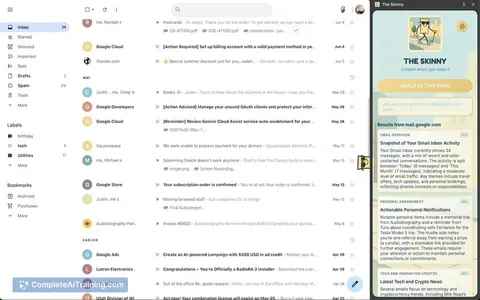
About The Skinny Extension
The Skinny Extension is a browser tool that provides instant insights based on the content of your active tab. It leverages advanced AI to analyze pages, offering detailed information such as company data, social exposure, and specific page elements like product details or recipes.
Review
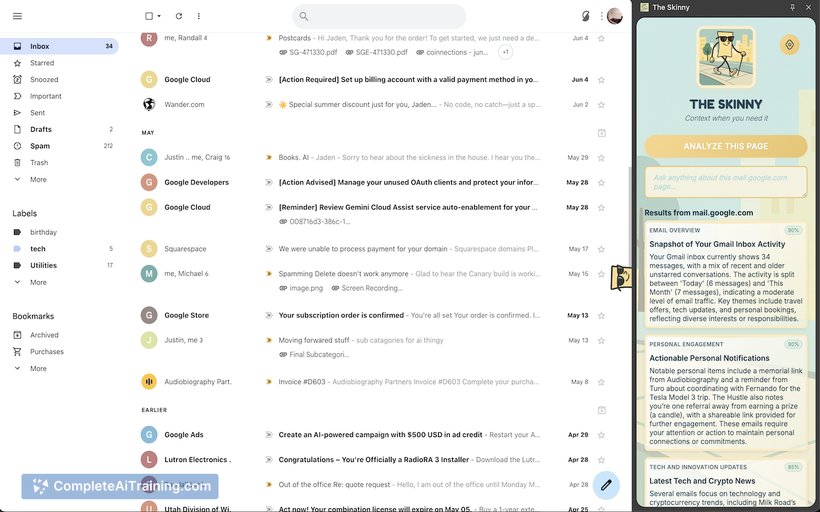
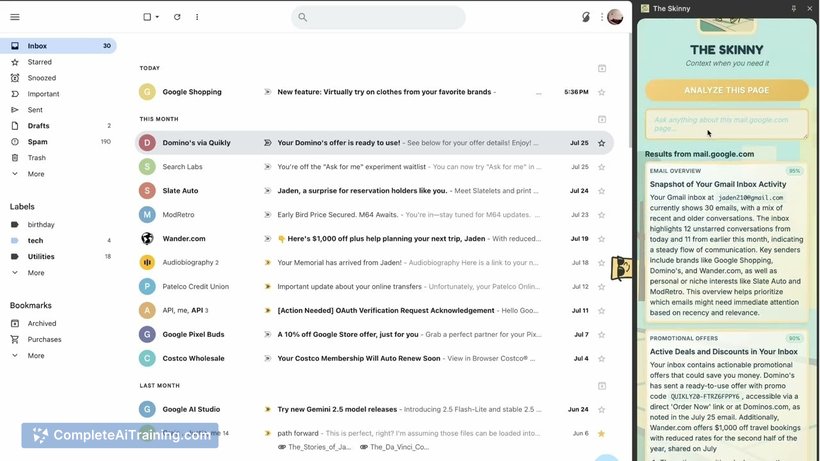
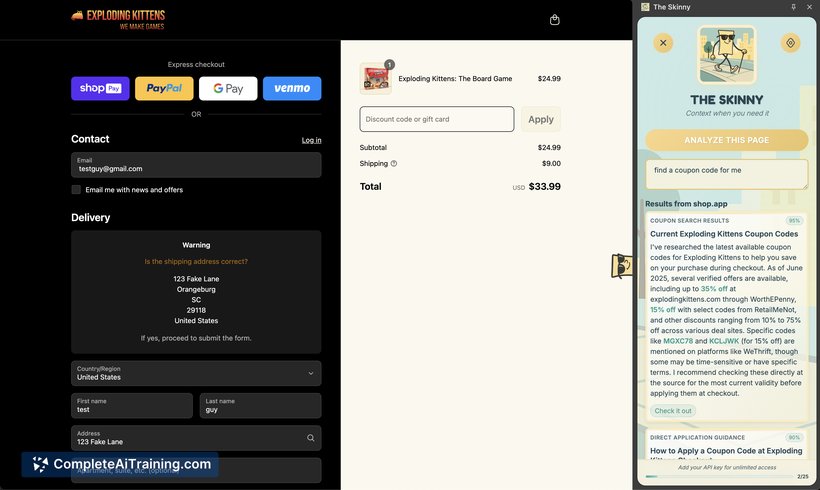
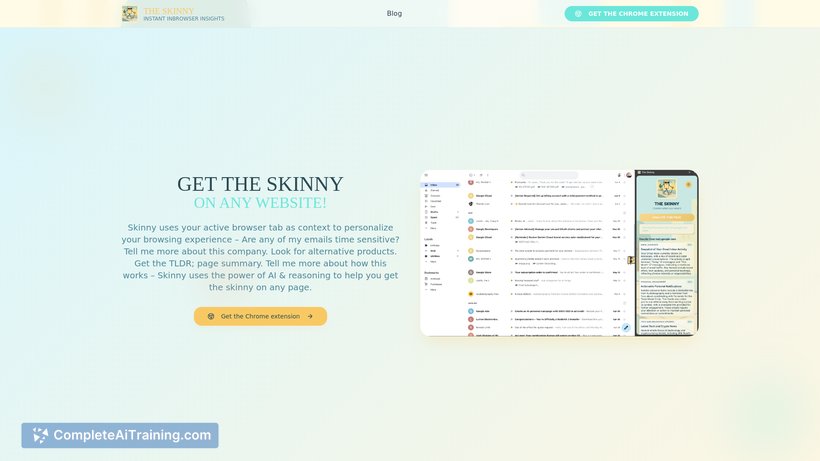
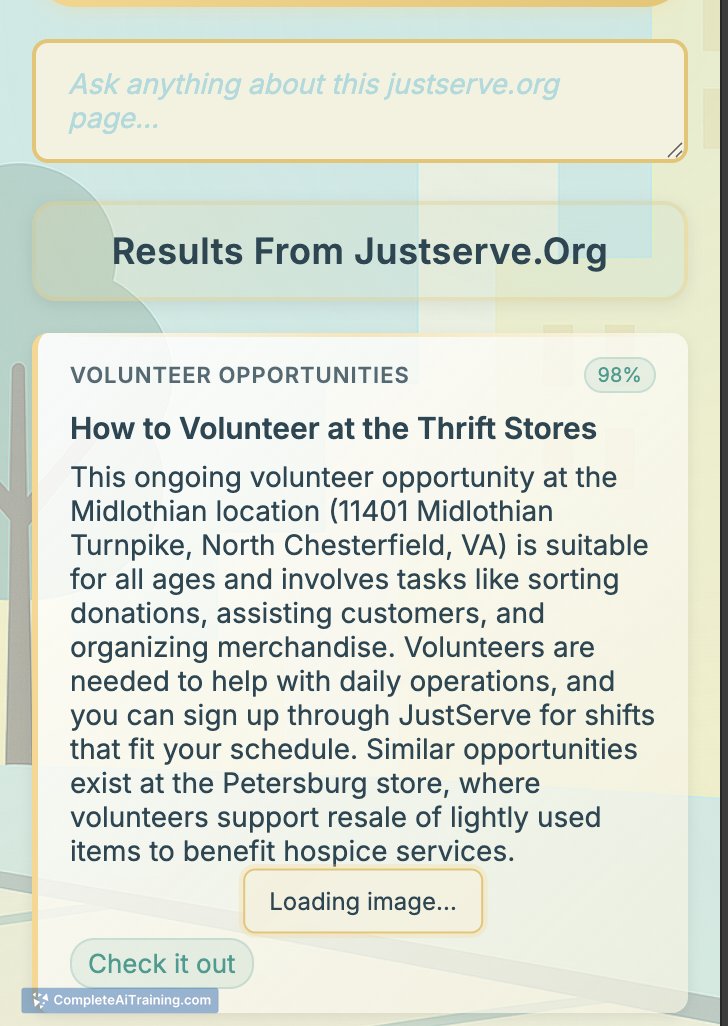
The Skinny Extension offers a unique approach to browsing by delivering context-aware summaries and additional information without requiring extensive user input. It integrates smoothly into the Chrome browser’s SidePanel, making it easy to access relevant data while browsing various websites.
Key Features
- Contextual research using content from the active browser tab
- Recipe simplification with options to adjust for dietary needs and serving sizes
- Enhanced Gmail interaction by highlighting important emails and relevant updates
- Coupon code discovery through multiple sources, including social media and coupon sites
- Product insights including user reviews, price comparisons, and alternative recommendations
- Step-by-step navigation help for websites and forums
- Ability to summarize paywalled articles if content is visible in the browser DOM
Pricing and Value
The Skinny Extension is available for free, providing a broad range of features without requiring payment. This makes it an excellent value for users looking to boost productivity and gain quick insights while browsing. The free access allows users to explore its capabilities without commitment, making it accessible to a wide audience.
Pros
- Easy to use with no complicated setup or login required initially
- Delivers concise, actionable information based on active browsing content
- Supports a variety of use cases from recipes to email management and shopping
- Does not require deep integration or access to private accounts by default
- Enhances online shopping experience by aggregating reviews and price options
Cons
- Some advanced features may require additional permissions or API keys
- Functionality depends on the content being accessible in the browser's DOM
- Currently focused on Chrome, limiting use on other browsers
Overall, The Skinny Extension is well suited for users who want quick, contextual information while browsing without the hassle of heavy configuration. It works particularly well for online shoppers, recipe enthusiasts, and those managing emails or looking for coupon savings. Its free availability makes it an attractive option for anyone seeking to streamline browsing tasks with AI assistance.



