
AI tool
TrackMCP
TrackMCP is an analytics tool for developers who build MCP servers. It shows who connects, which AI clients they use, what tools they call, and where workflows succeed or fail.
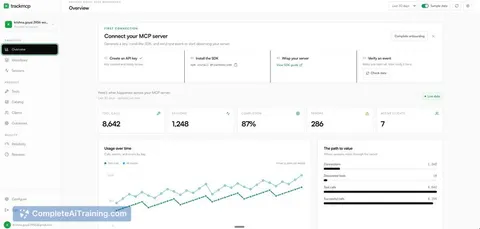
About TrackMCP
TrackMCP is an observability tool for MCP servers that shows who is using a server, what they are trying to do, and whether the work gets done. It wraps an existing MCP server and sends minimized telemetry from the server boundary - including client connections, tool calls, errors, latency, retries, and workflow outcomes. The tool works across Claude, Cursor, ChatGPT, and custom MCP clients, and requires adding one line of code to the server.
Review
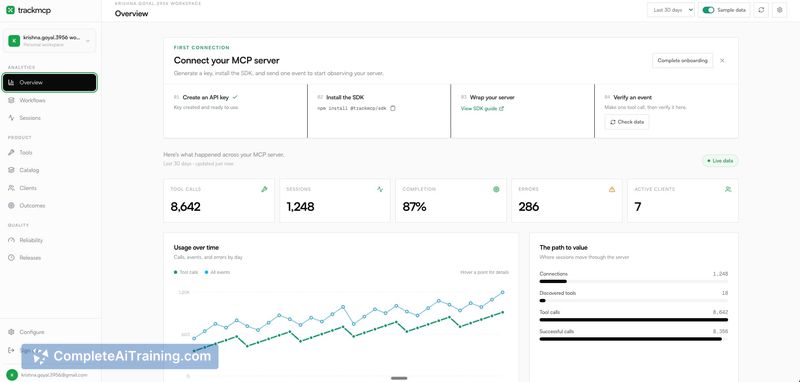
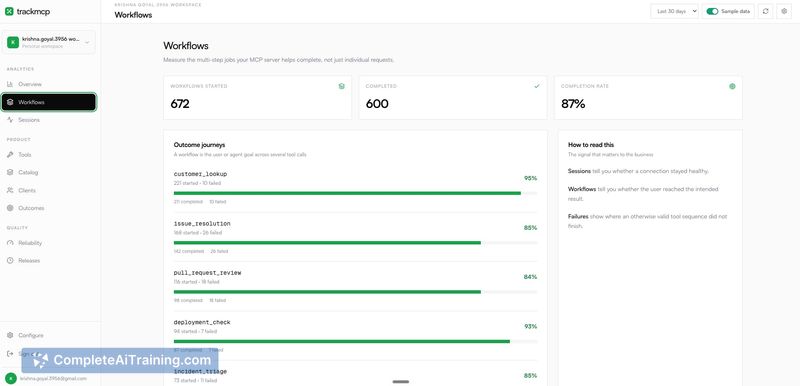
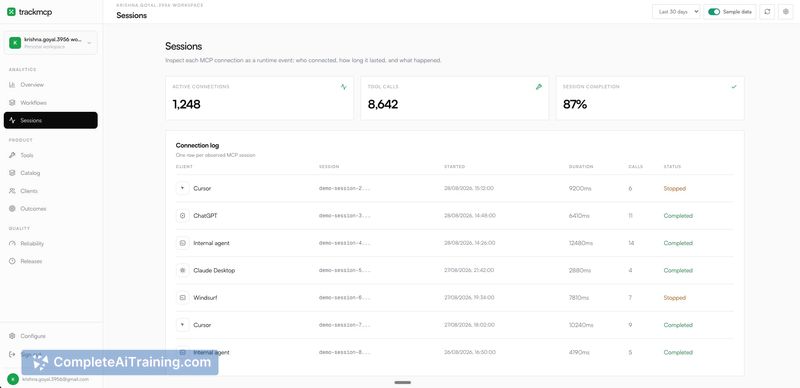
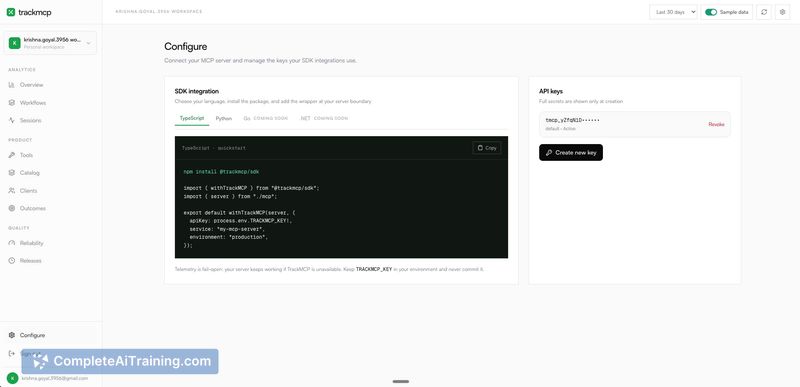
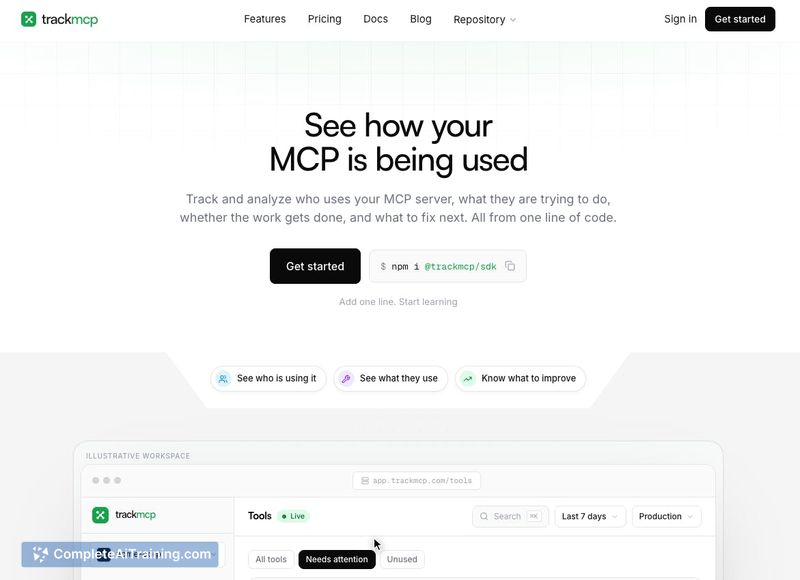
TrackMCP enters a space where MCP server builders often ship without any visibility into how their servers perform in the wild. The tool captures usage patterns, client behavior, and failure points that are otherwise invisible once a server goes live. It positions itself as a telemetry layer rather than a proxy, which means the server owner retains control over what data gets collected.
Key Features
- Client tracking that identifies which AI clients connect and distinguishes new users from returning ones
- Tool call monitoring that records which tools get used and in what order
- Workflow outcome detection that flags where a job stops or whether it completes
- One-line SDK integration that wraps the MCP server at the code boundary
- An MCP repository where builders can list their servers for free
Pricing and Value
The tool launched with free options, and the MCP repository listing is free. Specific pricing tiers or paid plans have not been defined publicly at this stage. The value lies in surfacing telemetry data - client connections, tool call sequences, errors, latency, retries - that helps server builders understand actual usage and debug behavior across different AI clients.
Pros
- Integrates with a single line of code, keeping setup minimal
- Works across multiple AI clients including Claude, Cursor, and ChatGPT
- Server owners control what telemetry data gets collected
- Distinguishes new versus returning clients, which helps track adoption patterns
- Captures workflow outcomes - showing not just individual tool calls but whether the full interaction succeeded
Cons
- Tool argument logging with privacy controls (redaction, filtering, configurable retention) is planned but not yet available - currently, tool names alone may not reveal why a call failed
- Cannot instrument MCP servers hosted entirely by a third party unless TrackMCP sits in front as a proxy or gateway, which is a roadmap concept, not a shipped feature
- Not well suited for teams that don't control their MCP server's code boundary, such as those relying solely on externally managed MCP endpoints
TrackMCP fits MCP server builders who control their server's code and want to see how AI clients actually interact with it after deployment. It's particularly relevant for product teams trying to compare MCP-based usage against traditional UI-based usage of the same underlying service. Teams running third-party-hosted MCP servers without code access won't get the same value from the current SDK-based integration.
Jobs TrackMCP suits
We checked TrackMCP against 500+ jobs; these get the most out of it.



